


Is your business phone system stuck in the past? You’re still paying for clunky desk phones that tie you to one spot. It’s time to break free with the Ooma Office download that turns your computer into a powerful business line.
No more missed calls when you step away from your desk. The Ooma Office app gives you a full phone system right on your PC or Mac. And if you’re on the go, the mobile app keeps your business number in your pocket.
Get the Ooma Office Desktop App for Windows or Mac
The Ooma Office desktop download works on Windows 10 or newer and macOS 10.10 and above. Your computer needs a 64-bit system and at least 4GB of RAM to run smoothly. Once installed, you get all the features of a desk phone: call hold, transfer, and extension dialing.
This app comes free with your Ooma Office Pro or Pro Plus plan. No extra charges, just a smarter way to work. You can even download Ooma Office for Chrome to click-to-call from your browser and manage voicemails without leaving your tabs.
Ooma Office: Your Business Communication Hub for 2026

Ooma Office provides downloadable tools to upgrade your business calls. These apps work on computers and phones. They help you stay connected and professional.
| Application | Platform | Plan Requirement | Cost |
| Ooma Office Desktop App | Windows, macOS | Pro, Pro Plus | Included |
| Ooma Office Mobile App | iOS, Android | All Plans | Included |
| Ooma Office for Chrome | Chrome Browser | All Plans | Included |
| Ooma Enterprise App | Desktop, Mobile | Enterprise Plans | Included |
Get the Ooma Desktop App
Turn your computer into a powerful office phone. The Ooma Office desktop app download is simple. It works on Windows 10 and newer. It also works on macOS 10.10 and newer.
This app gives you full desk phone features. You can hold calls and transfer them easily. Dialing extensions is also straightforward. This makes your computer a complete business phone.
This application is included with Ooma Office Pro and Pro Plus plans. This offers great value for enhanced features.
Mac Users, We’ve Got You Covered
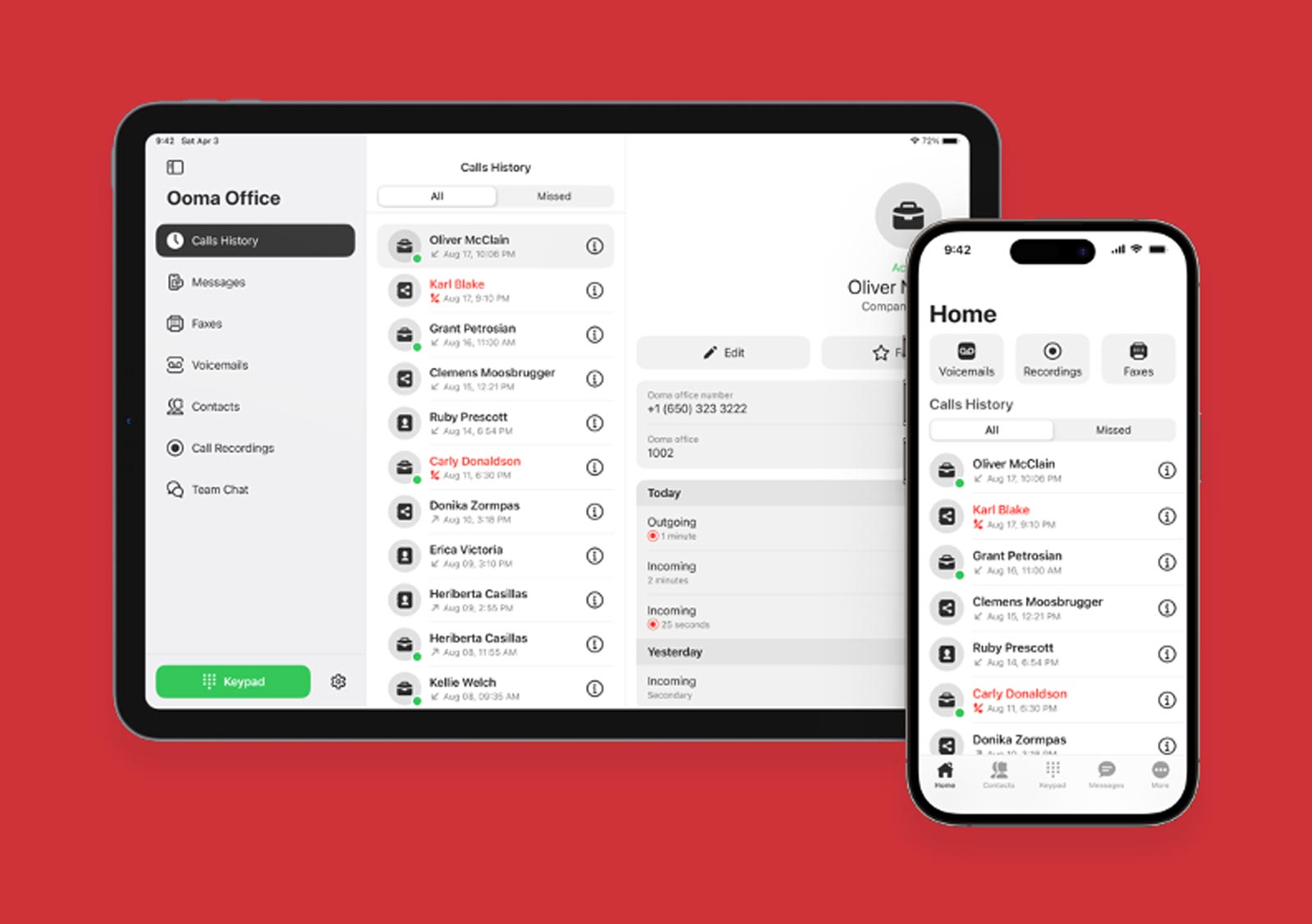
Ooma Office download for Mac is ready. It supports macOS 10.10 and later versions. Ensure your Mac is 64-bit. It needs at least 4GB of RAM to run smoothly.
Having this app means you can manage calls anywhere. You do not need a separate desk phone.
This desktop application is key for productivity. Learn more about the Ooma desktop app download on their support site.
Your Office in Your Pocket
Take your business calls on the go. The Ooma Office mobile app download is available for iOS and Android. It connects you wherever you are.
This app lets you make and receive business calls. You can also manage voicemails directly. Call flipping lets you move calls between devices.
Business texting is also built-in. This keeps your work and personal messages separate. It is a vital tool for modern communication.
Install the Ooma Office iOS App
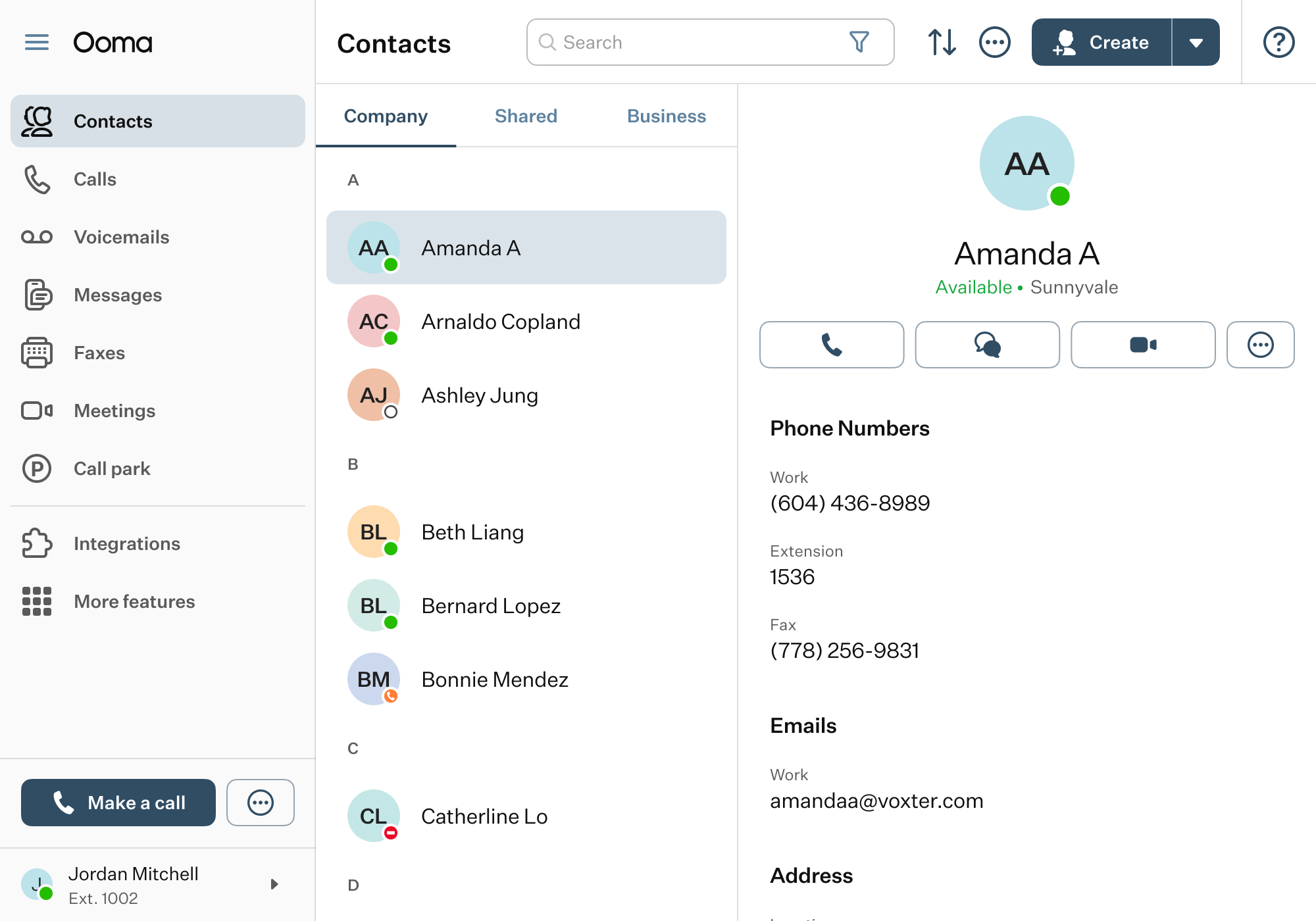
Get the Ooma Office iOS app from the Apple App Store. It is designed for iPhones and iPads. Installation is quick and easy.
This app ensures you never miss a business call. It provides a seamless experience on your Apple device.
You can find the Ooma Office iOS app by searching the store. It’s a direct download for convenience.
Set Up Your Ooma Office Android App
The Ooma Office Android app is in the Google Play Store. Download it to your Android phone or tablet. Setup is straightforward.
This app brings your office phone system to your Android device. Manage calls and messages efficiently.
Search for Ooma Office Android app for easy installation. It is designed for maximum usability.
Know Your Ooma Office System Requirements
To use the Ooma Office desktop app, your system needs to be 64-bit. For Windows, it’s Windows 10 or newer. For Mac, it’s macOS 10.10 or newer.
You will also need at least 4GB of RAM. This ensures the application runs without issues. Meeting these Ooma Office system requirements is crucial.
Proper system resources prevent slowdowns. This keeps your communication flowing smoothly.
Your Guide to Ooma Office Pro Download
The Ooma Office Pro download includes advanced features. This plan offers the full desktop and mobile applications. It is designed for businesses needing more power.
With Ooma Office Pro, you get enhanced call management. Video conferencing and advanced analytics are often included.
This plan is a smart choice for growing businesses. Check the Ooma support site for the latest Ooma Office Pro download details.
Add Ooma Office for Chrome
Boost your browser productivity. Install the Ooma Office for Chrome extension. It works directly within your Chrome browser.
This extension allows click-to-call. You can access voicemails and call logs fast. It streamlines your workflow.
It makes managing communications simple. Find it in the Chrome Web Store for easy Ooma Office Chrome extension install.
The Future of Business Calls is Here
Ooma Office downloads provide essential tools. They make business communication flexible and efficient. These apps are vital for any modern business.
Using the desktop and mobile apps together is smart. It ensures you are always reachable. This boosts customer service significantly.
Make sure to keep your apps updated. Visit Ooma Support for the latest versions. Staying current means you get new features and security updates. Download Ooma business phone tools today.
Your 3-Step Action Plan
Step 1: Check Your System
Before downloading, ensure your computer runs Windows 10+ or macOS 10.10+ with a 64-bit system and at least 4GB of RAM. This avoids installation errors and ensures smooth performance.
Step 2: Download the Right App
Visit the official Ooma support site or your device’s app store. For desktop, get the Ooma Office Desktop App; for mobile, grab the Ooma Office Mobile App from Apple Store or Google Play.
Step 3: Set Up and Test
Log in with your Ooma Office credentials and allow necessary permissions. Make a test call to verify audio and call flipping between devices.
What to Avoid
- Don’t skip system requirements – using older OS versions may cause crashes.
- Avoid third-party download sites – always use official sources to prevent malware.
- Don’t ignore app permissions – granting microphone and notification access is essential for full functionality.
Frequently Asked Questions
Can I use Ooma Office Desktop App without a Pro plan?
The desktop app is included with Ooma Office Pro and Pro Plus plans only. Basic plans do not support desktop app features.
How do I update the Ooma Office Desktop App?
Updates can be triggered from within the app’s settings menu or by downloading the latest version from the Ooma support portal. The app will notify you when an update is available.
Does the mobile app work over Wi-Fi and cellular?
Yes, the mobile app works over both Wi-Fi and cellular data, but call quality depends on your network strength. For best results, use a stable Wi-Fi connection.
Choosing Ooma Office means modernizing your business communication with a reliable, all-in-one VoIP solution. The desktop and mobile apps work together seamlessly to keep you connected anywhere.
Next, explore the Ooma Office for Chrome extension to add click-to-call directly from your browser. This small step can save you time on every call.
Imagine a future where your office phone system is as flexible as your team. With Ooma, you’re building a communication hub that grows with your business.
