


You want a free Microsoft Office download, but most offers online are either scams or trials that expire. The truth is, you can use Word, Excel, and PowerPoint at no cost if you know the right official channels. Stop wasting time on shady sites and get the real deal today.
Microsoft Office is the gold standard for documents, but a full desktop license costs money. However, Microsoft provides free web versions that work in any browser, plus free mobile apps for phones and tablets. There are also legal free alternatives that open Office files perfectly.
How to Get a Free Microsoft Office Download Legally in 2026
Your best bet is Microsoft 365 for the Web. Just go to office.com, sign in with a free Microsoft account, and you can use Word, Excel, and PowerPoint right in your browser. No installation needed, and you get 5 GB of free OneDrive storage to save your files. It works on any device with internet.
If you are a student or teacher with a school email address (.edu), you can get the full desktop suite for free through Microsoft 365 Education. This gives you the actual installed programs on your PC or Mac. Check with your school if you qualify.
Office Software in 2026: Free Access Explained
Getting Microsoft Office for free in 2026 has options.
| Service | Cost | Features |
| Microsoft 365 for Web | Free | Browser-based Word, Excel, PowerPoint |
| Microsoft 365 Education | Free (Eligible) | Full desktop apps |
| Microsoft 365 Mobile Apps | Free | View/Edit on iOS/Android |
| Microsoft 365 Trial | Free (1 Month) | Full desktop suite (requires payment method) |
| LibreOffice | Free | Full desktop suite (open-source) |
| WPS Office | Free | Full desktop suite (familiar interface) |
Start with Word Free
You can download Microsoft Word free for basic use.
Microsoft 365 for the Web offers Word online. This means you use it in your browser. It is perfect for everyday writing tasks. You just need a free Microsoft account.
Read also: OneDrive business download: how to sync your work files in minutes
This is the easiest way to get a free Microsoft Word download.
Get Excel for Free
Excel is available without a purchase. Get Microsoft Excel for free through online tools.
Like Word, Excel is part of Microsoft 365 for the Web. You can create and edit spreadsheets online. This is ideal for personal budgets or simple tracking.
This ensures you can manage data without cost.
Read also: Microsoft 365 Free Trial: How to Get 30 Days Without Paying
Free PowerPoint Download Options
Presentations are also accessible. Find free PowerPoint download options easily.
Microsoft 365 for the Web includes PowerPoint. Build and present slides directly in your browser. It connects to your OneDrive for saving files.
This makes creating presentations simple and free.
Office 365 Free Trial Access
Need the full desktop suite temporarily? Use the Office 365 free trial.
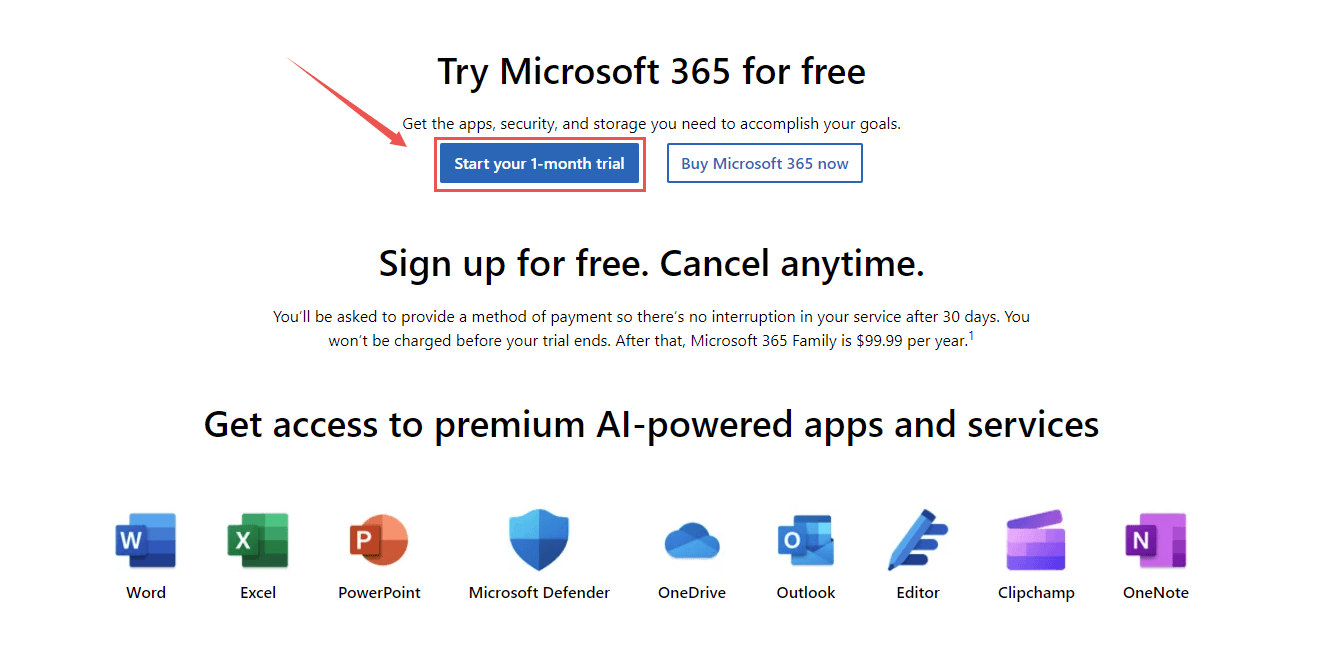
Microsoft offers a one-month trial. It gives you access to the complete desktop applications. You must provide a payment method. Remember to cancel before the month ends to avoid charges.
This is a good way to test the full software.
Legal Free Office Suite Downloads
Look for legal free office suite downloads. These are legitimate and safe.
Microsoft 365 for the Web is one. You can also use the free mobile apps. These are official and reliable sources.
Always use official channels for downloads.
Best Free Office Alternatives
Consider the best free office alternatives. They offer full functionality.
LibreOffice is a powerful open-source suite. It works on Windows, Mac, and Linux. WPS Office is another strong choice with a familiar layout.
Both are excellent for users needing installed software without a subscription.
Download Office Online Free
Accessing office tools online is simple. Download Office online free from Microsoft.
Microsoft 365 for the Web requires no installation. You just need an internet connection and a browser. It includes Word, Excel, and PowerPoint.
This is a convenient option for frequent users.
Free Office Apps for Mobile
Your phone can be a powerful tool. Use free office apps for mobile devices.
Microsoft offers free apps for iOS and Android. You can view and edit documents on the go. The unified Microsoft 365 app is useful.
This keeps you productive anywhere.
The Future of Free Office Software
Free access to office tools is here to stay.
Microsoft 365 for the Web and mobile apps are excellent. They meet most daily needs. For full offline power, LibreOffice and WPS Office are top choices. Always verify eligibility for academic programs.
Hands-on advice: For everyday tasks, the web versions are perfect. If you need advanced features offline, try LibreOffice. It’s robust and completely free.
Read also: Customer Contact Management Download: 5 Free Tools That Work in 2026
Your 3-Step Action Plan for Free Office Access
Step 1: Choose Your Free Option
Decide which free path fits your needs. If you edit documents online, use Microsoft 365 for the Web. If you need offline software, download LibreOffice or WPS Office.
Step 2: Set Up Your Account or Download
For the web version, sign up for a free Microsoft account. For desktop alternatives, visit the official website and download the installer.
Step 3: Start Creating and Saving
Open the app and begin working on your documents. Save your files to your computer or cloud storage for easy access.
Frequently Asked Questions
Can I get Microsoft Office for free forever?
No, the full desktop version requires a subscription or one-time purchase. However, Microsoft 365 for the Web is free as long as you have an internet connection.
Will free alternatives open my .docx files correctly?
Yes, LibreOffice and WPS Office handle standard Microsoft formats well. Complex formatting may shift slightly, but basic editing works reliably.
Is the one-month free trial safe to use?
Yes, but you must cancel before the month ends to avoid charges. Set a reminder on your phone to cancel after three weeks.
You now have clear, legitimate ways to access Office tools without spending a dime. Stick with the official web version or a trusted alternative like LibreOffice for reliable results.
Next, download one of these options today and open a test document. Experience the interface and see how it fits your workflow.
Imagine editing spreadsheets on your lunch break or writing reports from your couch. Free access puts professional productivity in your hands anywhere.
