


Tired of losing client info in sticky notes and random spreadsheets? You’re not alone. Managing contacts is the #1 time-waster for small business owners, costing you sales every day. But finding a free, reliable download to organize it all feels like searching for a needle in a haystack.
The truth is, most ‘free’ contact software is either too limited or too complicated. You need a tool that works right out of the box, without a tech degree. Let’s cut through the noise and find the best customer contact management download for your real-world needs.
Top Free Contact Management Software Downloads for 2026
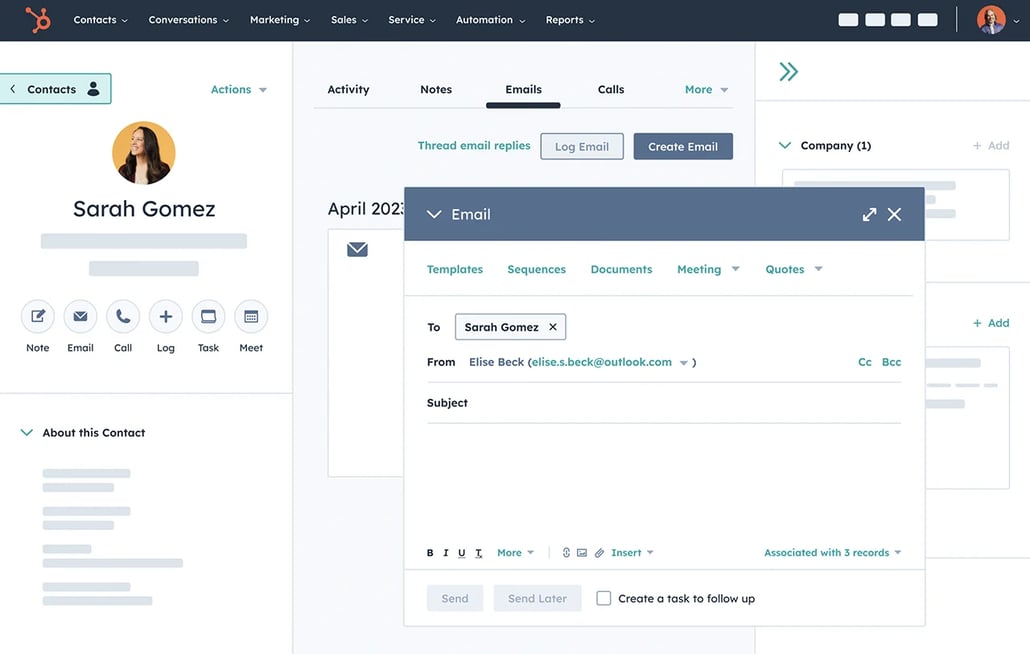
In 2026, the best options for downloading customer contact management software balance power with simplicity. HubSpot CRM leads the pack with a genuinely free tier that handles unlimited contacts and even enriches data automatically. It works on your phone and computer, so you never miss a beat.
For Windows users, COM-CRM is a solid choice because it plugs right into Microsoft Office. You can download it from the Microsoft Store and start managing clients within minutes. If you need a mobile-first app for on-the-go access, Pocket CRM lets you handle contacts, invoicing, and scheduling from your phone.
2026: Your Contact Management Download Guide
Finding the right customer contact management software is key. Many options are available today. They help you organize client details. This keeps your business running smoothly. We look at downloads and online tools. Focus is on ease of use and cost.
| Software | Cost Model | Platform | Key Feature |
| HubSpot CRM | Free Tier | Web, Mobile | Unlimited Contacts, Auto-enrichment |
| COM-CRM | Paid | Windows | Microsoft Office Integration |
| Bitrix24 | Free Unlimited Users | Desktop, Mobile | CRM + Project Management |
| Pocket CRM | Paid | Mobile | On-the-go Access, Invoicing |
| Streak | Free Tier | Gmail Integrated | Email Workflow Streamlining |
| Less Annoying CRM | Paid | Web | Simple Interface, Fast Setup |
| Zoho CRM | Paid | Cloud, Mobile | Advanced Automation, Scalable |
| Pipedrive | Paid | Cloud, Mobile | Visual Pipeline, Sales Focus |
Get Started Free
Many platforms offer a free contact management software download. This is perfect for small businesses. You can try powerful tools without spending money. HubSpot CRM is a top choice. Its free tier offers a lot. You get unlimited contacts. Data enrichment is automatic. This helps you understand clients better.
This approach lets you test features. You see what works for your needs. It’s a smart way to begin.
Windows Download Options
If you prefer desktop software, download CRM for Windows. COM-CRM is built for this. It works well with Microsoft Office. You can get it from the Microsoft Store. This keeps your data local. It integrates with your daily tools.
This is good if you like a dedicated desktop app. It offers a familiar environment.
The Best Free Contact Database
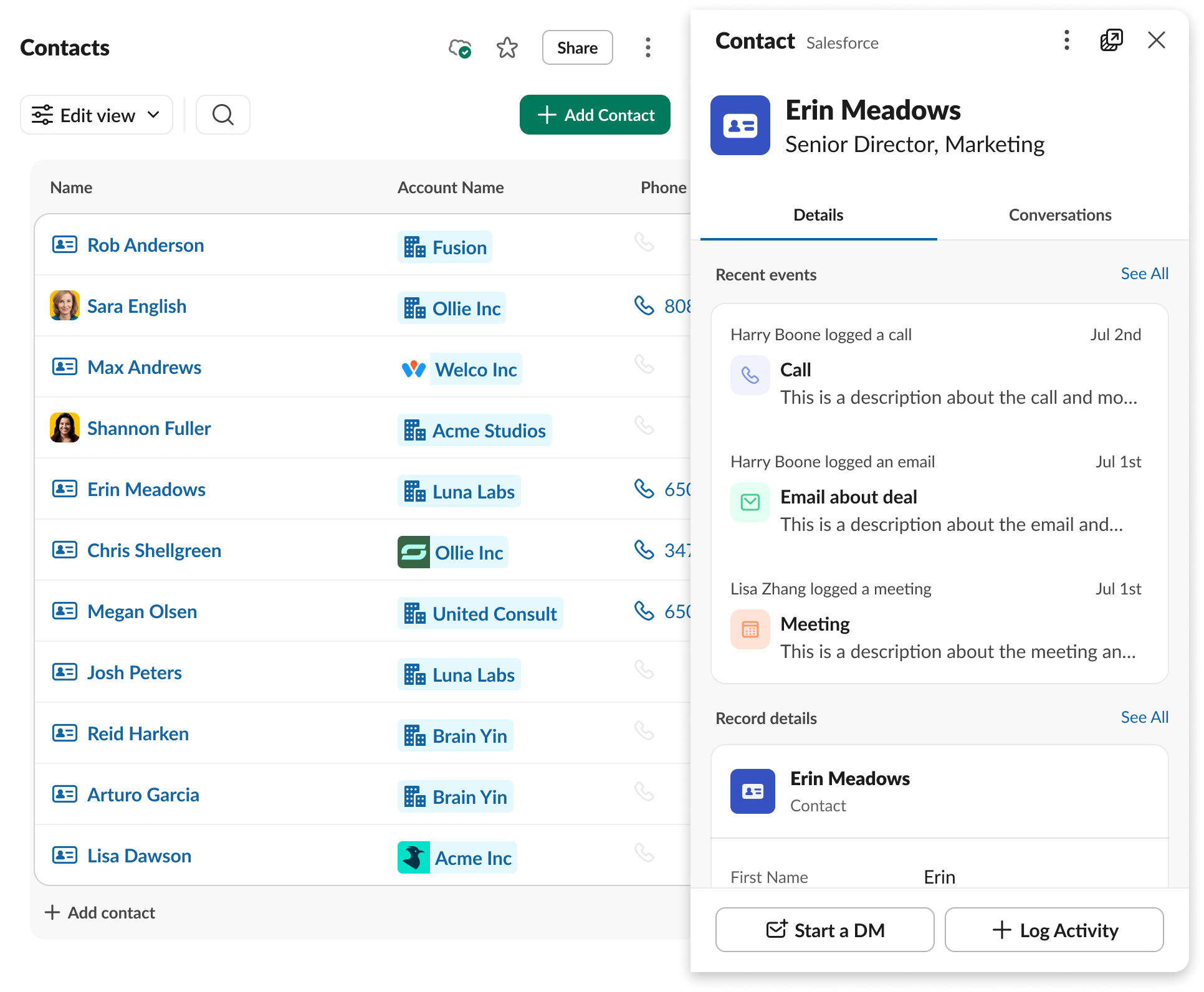
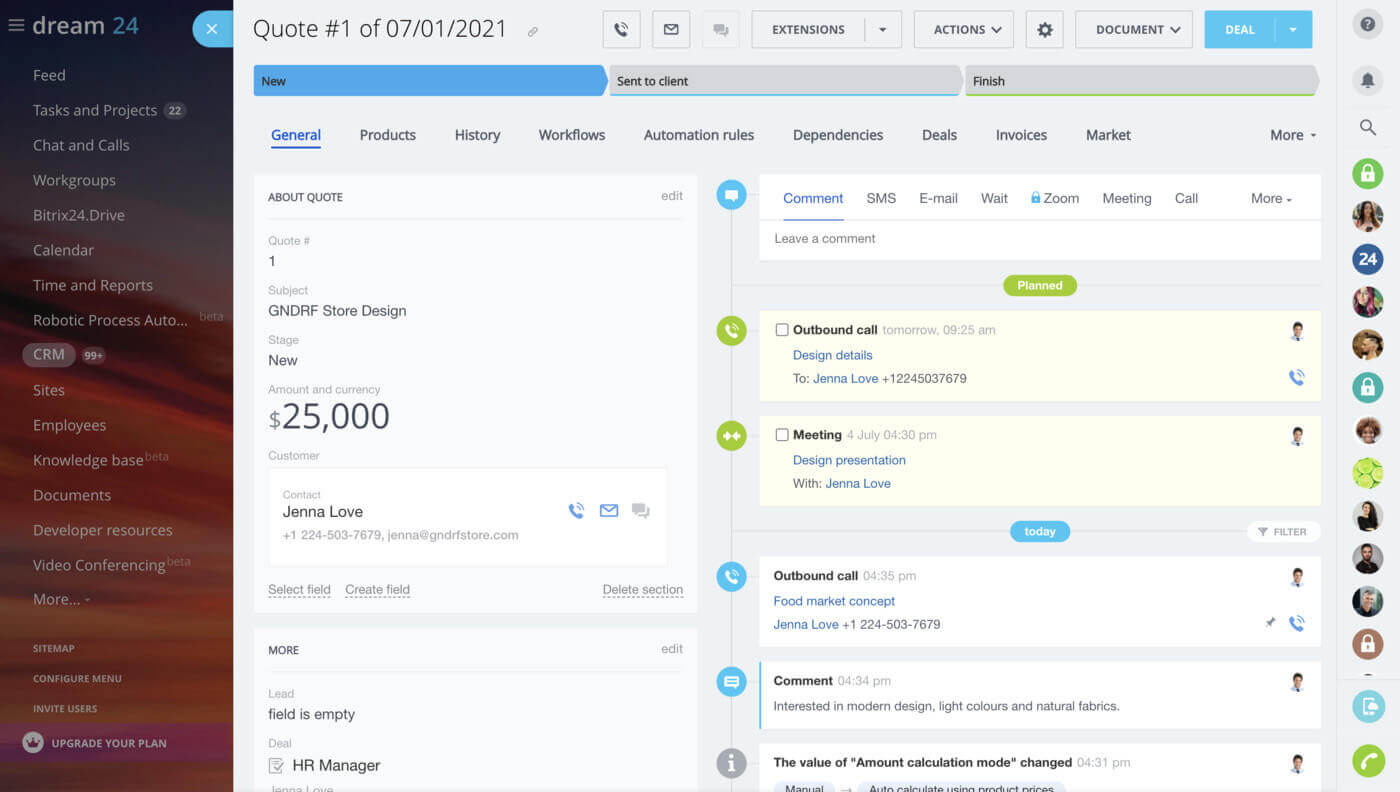
Looking for the best free contact database software? Bitrix24 stands out. They allow unlimited free users. This is rare and valuable. It combines CRM with other tools. You get project management too. It works on computers and phones.
This makes it great for teams. Collaboration becomes easier. You manage contacts and tasks together.
Essential Client Contact Tools
Effective client contact management tools are vital. Pocket CRM is designed for mobile users. You can manage clients on the go. It handles invoicing and scheduling. This is ideal for busy entrepreneurs. Access your data anywhere, anytime.
This ensures you never miss an opportunity. Your business stays connected.
Small Business CRM Downloads
For small businesses, a CRM software for small business free download is a great start. Less Annoying CRM focuses on simplicity. Its interface is easy to learn. You can start using it right away. This saves valuable setup time. It’s designed for immediate use.
This tool removes complexity. It lets you focus on customers.
Your Contact Management App
A good contact management app download is essential. Streak integrates directly into Gmail. If you use Gmail a lot, this is for you. It keeps your contacts within your email. This streamlines your communication. Workflows become much smoother.
It brings CRM power to your inbox. Everything is in one place.
Online Contact Management Solutions
Many businesses prefer online contact management solutions. Zoho CRM and Pipedrive are leaders here. They offer advanced features. Automation helps with repetitive tasks. Their visual pipelines show sales progress. These are scalable for growing businesses. Both have strong cloud and mobile apps.
These platforms grow with your company. They offer powerful insights.
Downloadable Contact Organizers
Sometimes you need a simple downloadable contact organizer. These tools focus on basic contact storage. They are straightforward to use. Many free options exist. They help keep names, numbers, and emails tidy. This is a foundational step for organization.
This ensures your core data is safe.
The Future of Contact Management
In 2026, cloud and mobile access are standard. AI helps enrich contact data automatically. Seamless integration with other tools is crucial. Look for platforms with APIs. This allows custom connections. It makes your data flow better. Many solutions offer free trials. Test them before committing.
Hands-on advice: Start with a free tool like HubSpot CRM. It offers great features without cost. If you need Windows integration, explore COM-CRM. For team collaboration, Bitrix24 is strong. Always check reviews. Ensure the software fits your workflow. Your customer relationships depend on it.
Your 3-Step Action Plan for Contact Management Mastery
Step 1: Choose Your Entry Point
Start with a free tier from HubSpot or Bitrix24 to test the waters. These platforms offer robust features with zero upfront cost.
Step 2: Import and Clean Your Contacts
Upload your existing contact list and use built-in deduplication tools to remove duplicates. This ensures your data is accurate from day one.
Step 3: Automate One Key Workflow
Set up an automated email follow-up for new leads or a task reminder for follow-ups. This small step saves hours each week.
What to Avoid
- Don’t choose a platform without checking its mobile app ratings. A clunky mobile experience kills productivity on the go.
- Don’t ignore integration capabilities. Your CRM must sync with your email and calendar to be truly useful.
Frequently Asked Questions
Can I switch CRMs without losing my data?
Yes, most platforms offer data export and import features in CSV format. Always backup your data before migrating.
Is a free CRM really enough for a small business?
For most solopreneurs and small teams, free tiers like HubSpot’s are sufficient. They limit advanced automation but cover core contact management needs.
Do I need a separate app for mobile access?
Not necessarily. Top CRMs like Zoho and Pipedrive have dedicated mobile apps that sync seamlessly. Check the app store reviews before committing.
Choosing the right contact management software is a strategic decision that pays off daily. The platforms highlighted here offer proven reliability and scalability.
Start your free trial today and experience the difference organized contacts make. Your future self will thank you for the clarity and efficiency.
Imagine a workspace where every client interaction is logged and accessible in seconds. That level of control is now within reach, transforming how you build relationships.
