


Tired of losing sales because your payment system is too complicated or expensive? You are not alone. Many small business owners struggle with signing up for a point-of-sale system that actually works for them. Clover offers a straightforward solution, but the sign-up process can feel overwhelming if you don’t know the steps.
This guide breaks down exactly how to sign up for Clover in 2026, whether you need a virtual terminal for online payments or a full POS system with hardware. You will learn the specific plans, costs, and requirements so you can get started without confusion or hidden fees.
How to Sign Up for Clover: Step-by-Step Account Creation and Setup
Signing up for Clover starts with choosing the right path for your business. If you only need to accept payments online or over the phone, the ‘Clover Account Only’ option lets you use a Virtual Terminal on any web-connected device. This plan has no hardware costs and is perfect for remote businesses. For in-person sales, you will need to buy a Clover device like the Flex or Station Duo from the Clover Shop.
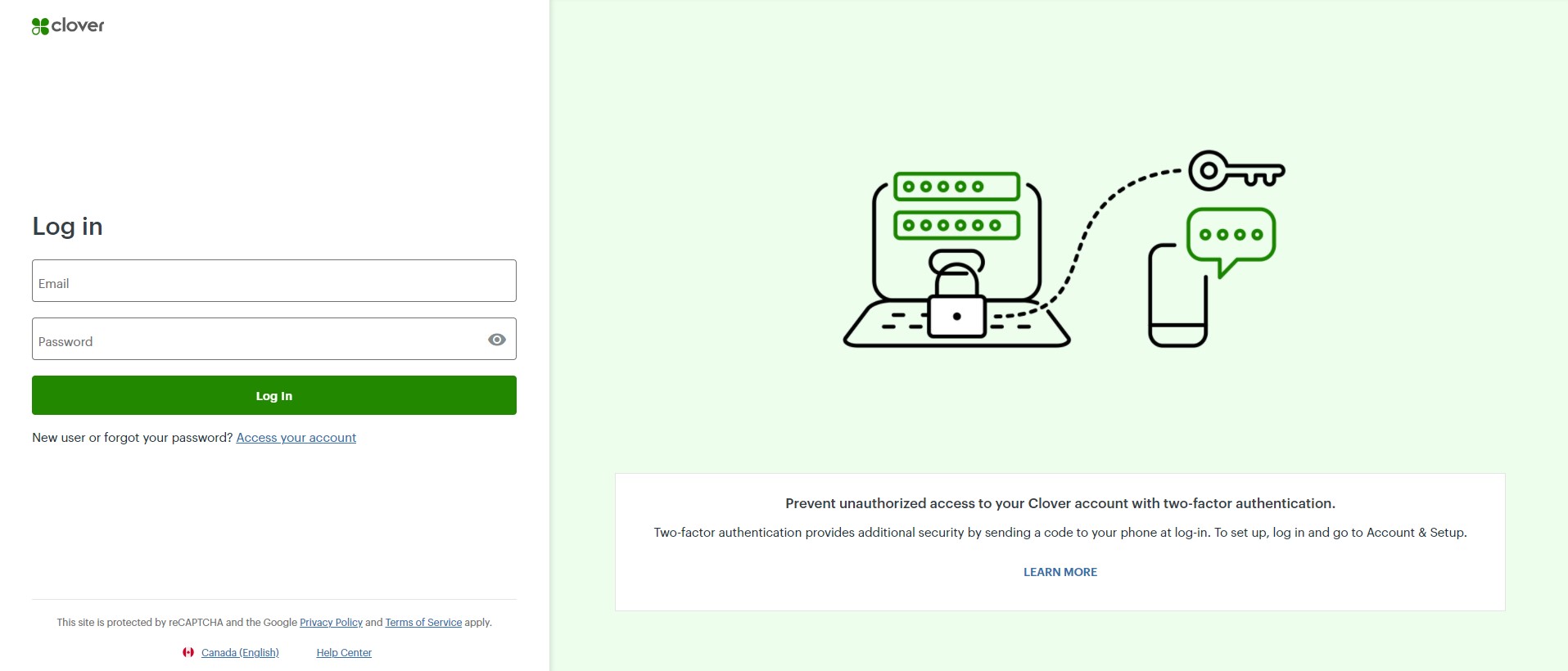
During the hardware purchase, you must complete a merchant account application. This step is required to process payments. You can apply online or call Clover sales at (833) 722-0793. After approval, you will receive a welcome email to activate your account. Then log into the Clover Web Dashboard to finish setup, add your business details, and start listing products or services.
Clover offers three software plans: Register Lite at $9.95/month, Standard, and Advanced. Processing fees vary: virtual transactions cost about 2.9% + 30¢, while in-person rates are lower, typically 2.3% + 10¢. Developers can also create a sandbox account on the Clover developer platform to test apps and integrations before going live.
Clover Sign Up in 2026: Your Business Path
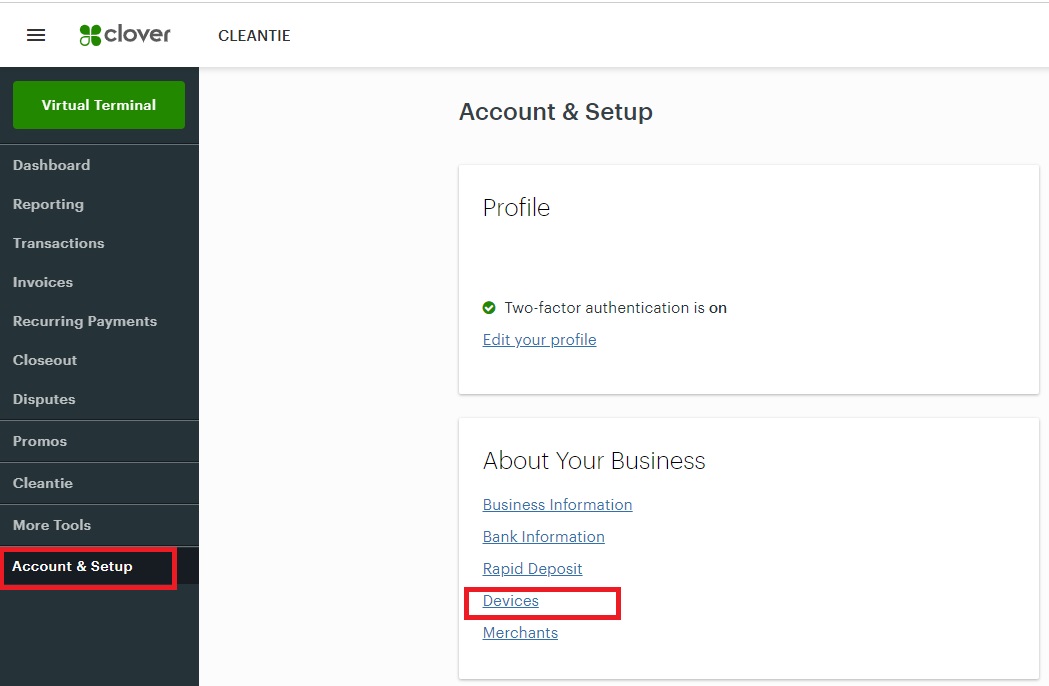
| Feature | Description | Approx. Cost |
| Clover Account Only | Virtual Terminal for online payments. No hardware needed. | N/A (Software plan applies) |
| Clover POS Systems | Includes hardware for in-person sales. | Varies by device (e.g., Flex, Station Duo) |
| Merchant Account | Required for processing payments. | Processing rates apply |
| Developer Sandbox | Test apps and integrations. | Free |
| Register Lite Plan | Basic software plan. | Starting at $9.95/month |
| Virtual/Keyed Rate | Online or manually entered payments. | Approx. 2.9% + 30¢ |
| In-Person Rate | Using Clover hardware. | Approx. 2.3% + 10¢ |
Get Started with Clover
Signing up for Clover depends on your business needs in 2026. You can choose a path for online sales or in-person transactions. This choice impacts the setup process. Understand your options before you begin. This helps you select the right tools.
Next, we will detail the specific Clover account creation steps.
Your Clover Account Creation Steps
Creating a Clover account involves a few key stages. First, decide if you need hardware. Then, select your software plan. Finally, complete the merchant processing application. This ensures you can accept payments legally. It also sets up your business profile.
Let’s look at how to get your Clover POS setup smoothly.
Your Clover POS Setup Guide
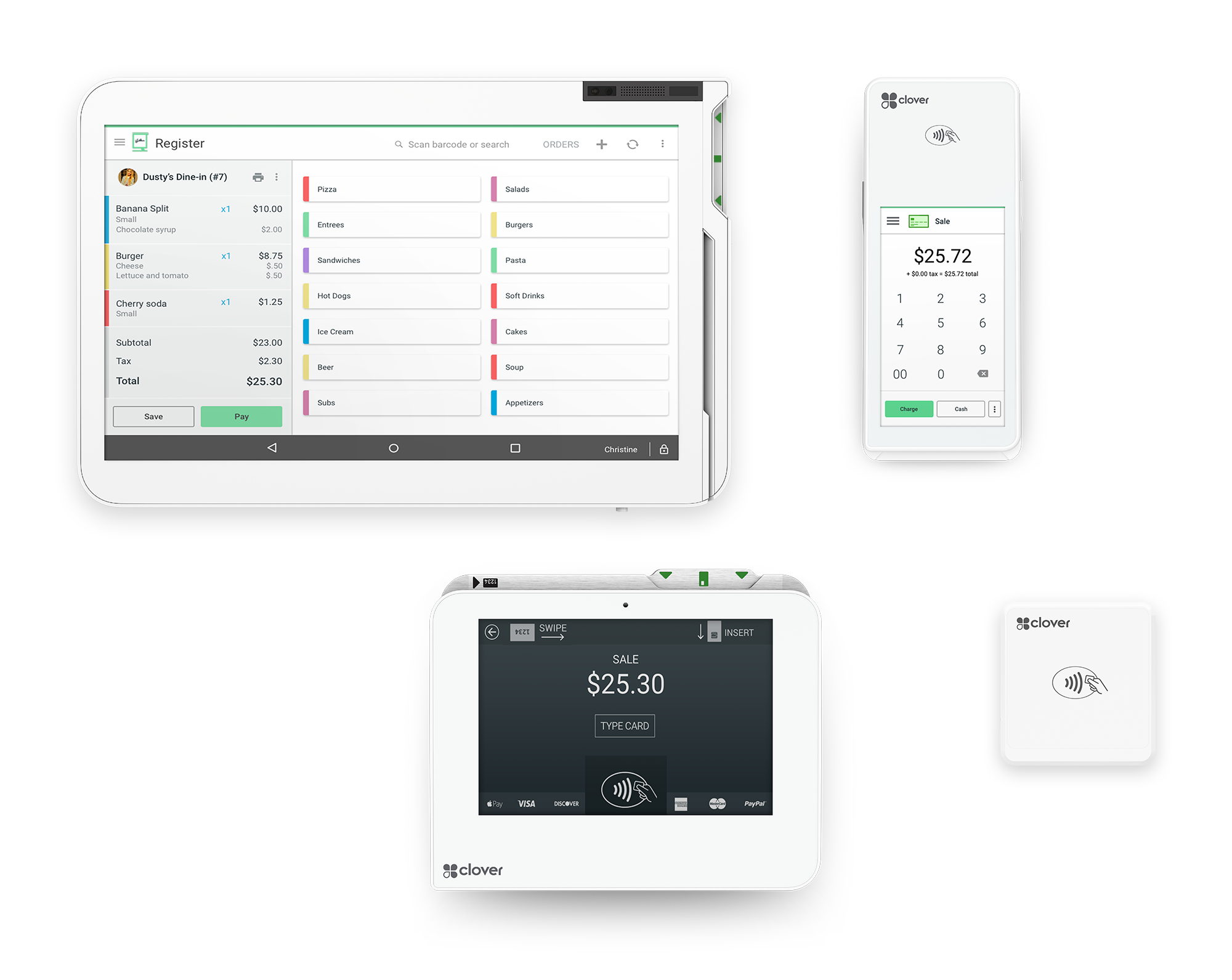
Setting up your Clover POS system is straightforward. For businesses needing hardware, visit the Clover Shop online. Browse devices like the Clover Flex or Station Duo. During checkout, you will apply for a merchant processing account. This is a crucial step for payment processing. It connects your business to financial networks.
We will now cover the Clover merchant account application process.
Your Clover Merchant Account Application
Applying for a merchant account is mandatory for processing payments. You will submit an online application. This process verifies your business details. It ensures compliance with financial regulations. A successful application allows you to accept credit and debit cards. This is vital for revenue generation.
Consider the Clover virtual terminal sign up if you are online-only.
Your Clover Virtual Terminal Sign Up
If your business operates purely online, the ‘Clover Account Only’ is for you. This option lets you accept payments using a Virtual Terminal. You can do this from any web-connected device. No physical hardware is required. This is efficient for remote or digital businesses. It keeps overhead low.
For those needing hardware, let’s discuss the Clover hardware purchase and setup.
Your Clover Hardware Purchase and Setup
Purchasing Clover hardware involves selecting a device from the Clover Shop. Popular choices include the Clover Flex and Station Duo. After selecting your hardware, you must complete the merchant account application during checkout. This integrates payment processing with your chosen device. Proper setup ensures reliable transactions.
Developers have a special path for testing. Learn about Clover developer account creation.
Your Clover Developer Account Creation
Developers can create a ‘sandbox account’ via the Clover global developer platform. This simulated environment is for testing applications and integrations. It allows you to build and refine without affecting live transactions. This is essential for creating custom solutions. It ensures your apps work perfectly.
Let’s examine the details of the Clover Register Lite plan.
Your Clover Register Lite Plan Details
The Clover Register Lite plan is a cost-effective option. It starts around $9.95 per month. This plan offers essential features for small businesses. It includes basic sales tracking and payment acceptance. This plan is ideal for those starting out. It provides core functionality at a low price.
You can learn more about Clover POS solutions here: Clover POS Solutions.
For those prioritizing no hardware, explore this option: Clover No Hardware.
Clover Sign Up: The Verdict for 2026
Signing up for Clover in 2026 offers flexible paths. Whether you need hardware or a virtual setup, there is an option. The key is understanding your business needs first. This ensures you choose the most efficient and cost-effective solution. Always review the processing rates carefully. They directly impact your profit margins. For instance, in-person rates are typically lower than virtual rates. This is because of reduced fraud risk. Make informed decisions based on your sales model. The Clover Web Dashboard is your central hub post-setup. Use it to manage everything from products to sales reports. This makes running your business much simpler.
Your 3-Step Action Plan for Clover Sign Up
Step 1: Define Your Business Needs
Decide if you need a full POS system with hardware or just a virtual terminal for online payments. This choice determines your sign-up path.
Step 2: Choose Your Plan and Apply
Select a software plan like Register Lite at $9.95/month. Submit your online application or call (833) 722-0793 to get started.
Step 3: Activate and Configure
Watch for the welcome email to activate your account. Log into the Clover Web Dashboard to set up your business details and products.
Frequently Asked Questions
Can I sign up for Clover without buying hardware?
Yes, you can choose the ‘Clover Account Only’ option for virtual transactions. This allows you to accept payments via a Virtual Terminal on any web-connected device.
How long does it take to get approved for a merchant account?
Approval typically takes a few business days after submitting your application. You will receive a welcome email with activation instructions once approved.
What are the processing rates for Clover?
Virtual and keyed-in transactions are around 2.9% + 30¢. In-person rates with hardware are lower, approximately 2.3% + 10¢.
Choosing Clover gives you a reliable and scalable payment solution tailored to your business model. With clear sign-up paths and transparent pricing, you can start accepting payments quickly.
Now it’s time to take the next step: visit the Clover website or call their sales team to begin your application. Your business deserves a modern payment system that works as hard as you do.
Imagine managing all your transactions from a sleek dashboard, whether you’re at a pop-up market or working from home. Clover makes that seamless, efficient, and professional.
