


Stop wasting money on a CRM that collects dust. Most software fails because it’s too complex or too expensive. You need a system that pays for itself from day one.
The right CRM for sale in 2026 isn’t just a database. It’s an AI-powered assistant that automates follow-ups, predicts your best leads, and integrates with your email. Choose wrong, and you’re stuck with a tool your team hates.
Find the Best CRM Software for Sale: From Lifetime Deals to AI-Powered Systems
The CRM market in 2026 offers everything from one-time purchases to monthly subscriptions. For small businesses, HubSpot’s free CRM remains a top starter, while Zoho CRM and Pipedrive provide affordable plans around $14/user/month with solid sales pipeline management. If you prefer a single payment, Paddle CRM offers a lifetime deal at $297 with AI live chat and unlimited pipelines.
Enterprise buyers should consider Salesforce with its Einstein GPT generative AI, or Microsoft Business Solutions CRM at $171.99 per user, which integrates seamlessly with Outlook. Non-profits can leverage iMIS CRM on Azure for around $7,200 annually. For tech-savvy teams, self-hosted options like Perfex CRM give full control without monthly fees.
| Product | Average Price ($) | Highlight |
|---|---|---|
| Paddle CRM | ‘297’ | ‘Lifetime deal with AI chat’ |
| Microsoft Dynamics 365 Sales Professional | ‘171.99’ | ‘Integrates with Outlook’ |
| iMIS CRM | ‘~7,200’ | ‘For non-profits, donor data’ |
| Perfex CRM | ‘Varies (Self-hosted license)’ | ‘Open-source, self-hosted’ |
| Nutshell | ’49 – 69 per user/month’ | ‘User-friendly, customizable’ |
| Zoho CRM | ‘Starts around 14/user/month’ | ‘Sales pipeline, AI insights’ |
| Pipedrive | ‘Starts around 14/user/month’ | ‘Sales automation focus’ |
| HubSpot CRM | ‘Free plan available, Paid plans vary’ | ‘Robust free option, AI tools’ |
| Salesforce Sales Cloud | ‘Varies (Subscription-based)’ | ‘Enterprise-level, AI features’ |
| Freshsales (part of Freshworks CRM) | ’99’ | ‘AI-powered sales assistant’ |
WHAT REALLY WORKS
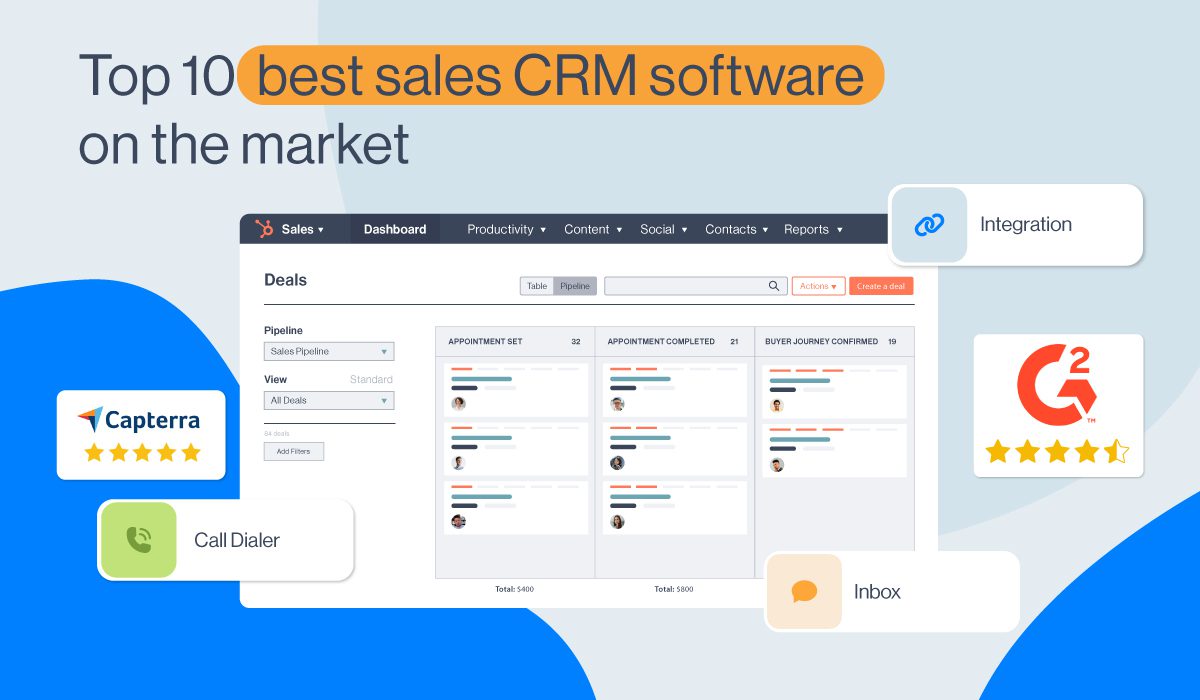
Choosing a CRM involves looking at your specific needs. Think about how many people will use it and what tasks are most important. For example, sales automation software needs to track leads effectively.
Many CRMs now use AI to help. This can mean better predictions about sales or automated customer service. Always check if the CRM fits your budget and can grow with your business.
Affordable CRM Solutions for Small Business
For small businesses, an affordable CRM is key. Look for systems that offer a free plan or low starting costs. Consider ‘Customer Relationship Management systems’ that are easy to learn. Avoid systems that require a lot of technical skill if you don’t have it.
Read also: Bitrix24 Download: Skip the Wrong Installer
1. Paddle CRM
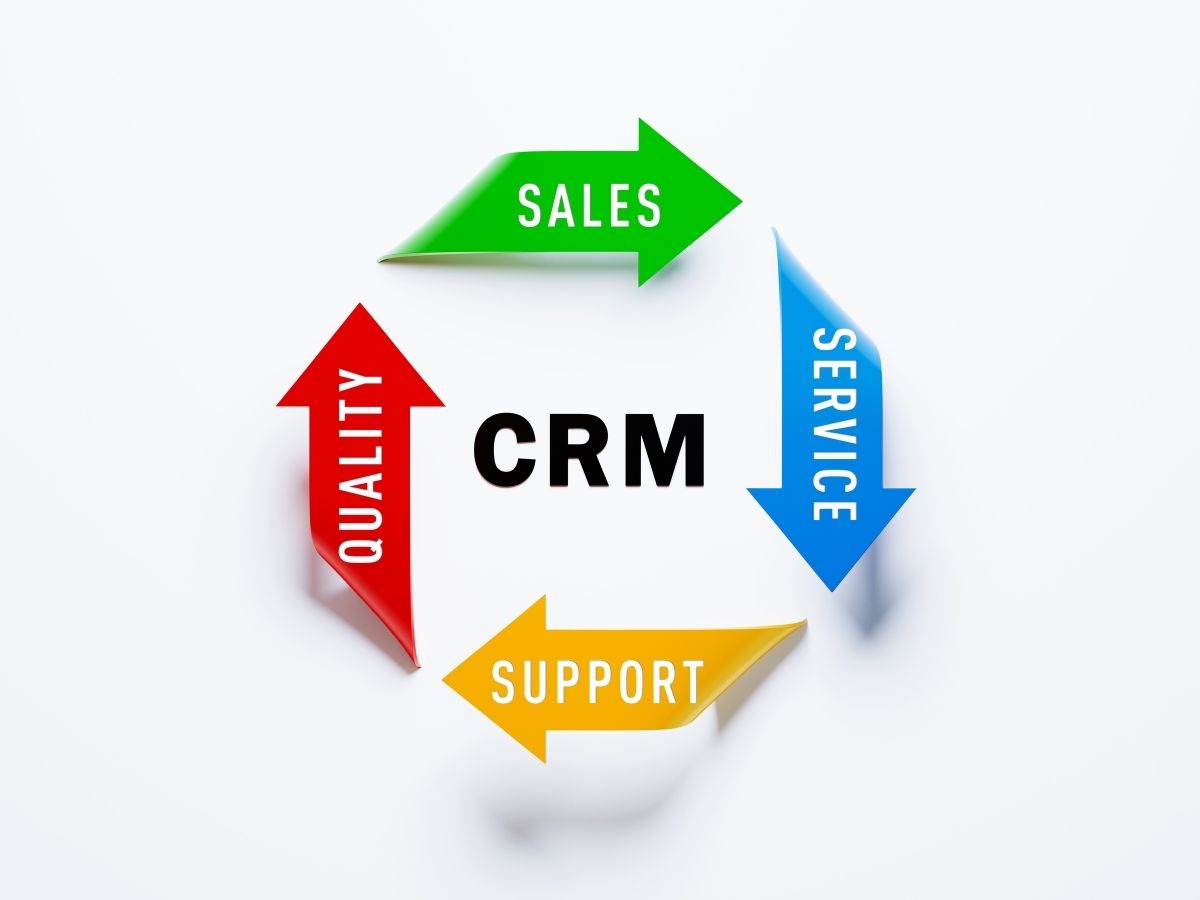
This CRM offers a one-time purchase, which can be very cost-effective. It includes AI-powered live chat and unlimited sales pipelines. It’s a solid choice for businesses wanting a lifetime CRM deal.
Average Price: ‘$297’
Practical Tip: Use the AI chat to handle initial customer questions, freeing up your team.
2. Microsoft Dynamics 365 Sales Professional
This is a good option if your team already uses Microsoft products. It connects well with Outlook and other Office tools. It’s designed for mid-market businesses needing strong integration.
Read also: Stop Paying for Support: Free Live Chat Sign Up Options
Average Price: ‘$171.99’
Practical Tip: Leverage its integration with Outlook for seamless contact and activity tracking.
3. iMIS CRM
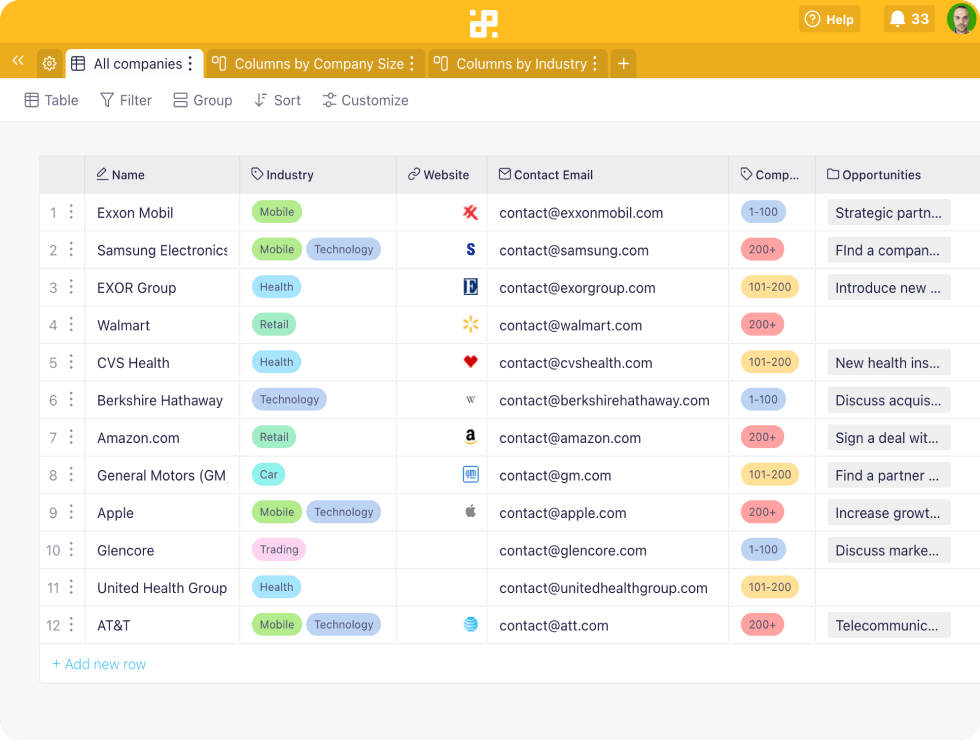
This system is specifically built for non-profit organizations. It helps manage donor data and fundraising efforts effectively. It’s a comprehensive solution for managing relationships in the non-profit sector.
Average Price: ‘~$7,200’
Practical Tip: Use its donor management features to track engagement and giving history.
4. Perfex CRM
If you prefer to host your own software, this is a great open-source choice. You buy a license and manage it on your own servers. This gives you full control over your data.
Average Price: ‘Varies (Self-hosted license)’
Practical Tip: Ensure you have the technical ability to manage self-hosted software.
5. Nutshell
Nutshell is known for its simple design and ease of use. It’s great for small teams that need a straightforward way to manage contacts and deals. Customization options help tailor it to your workflow.
Average Price: ‘$49 – $69 per user/month’
Practical Tip: Customize the sales pipeline stages to match your exact sales process.
6. Zoho CRM
Zoho offers a wide range of features at a competitive price. It’s excellent for managing sales pipelines and provides AI-driven insights. Many small and medium businesses find it a great value.
Average Price: ‘Starts around $14/user/month’
Practical Tip: Explore its automation features to reduce manual data entry for your sales team.
7. Pipedrive
Pipedrive focuses heavily on visual sales pipeline management. It helps sales teams track leads and deals effectively. It’s designed to make selling simpler and more efficient.
Average Price: ‘Starts around $14/user/month’
Practical Tip: Use the visual pipeline to quickly see where each deal stands.
8. HubSpot CRM
HubSpot is famous for its powerful free CRM offering. It’s perfect for small businesses starting out. Paid plans add more advanced sales and marketing tools, including AI features.
Average Price: ‘Free plan available, Paid plans vary’
Practical Tip: Start with the free version to manage contacts and then upgrade as needed.
9. Salesforce Sales Cloud
Salesforce is a leader in enterprise CRM. It offers advanced AI capabilities, like generative AI. This platform is powerful but can be complex and costly for smaller operations.
Average Price: ‘Varies (Subscription-based)’
Practical Tip: Utilize their extensive app marketplace for added functionality specific to your industry.
10. Freshsales (part of Freshworks CRM)
Freshsales includes an AI-powered assistant that helps with sales tasks. It offers a clean interface and good automation features. It’s a strong contender for businesses looking for smart sales tools.
Average Price: ‘$99’
Practical Tip: Let the AI assistant handle routine tasks like scheduling follow-ups.
WHICH ONE TO BUY TODAY?
For the best value, consider HubSpot CRM or Zoho CRM. HubSpot’s free plan is unbeatable for starting out. Zoho CRM provides a lot of features for its price, especially for growing businesses.
The best investment depends on your scale. For small businesses, a lifetime deal like Paddle CRM or a feature-rich but affordable subscription like Zoho or Pipedrive makes sense. For larger enterprises, Salesforce offers unmatched power, but comes at a higher cost.
Read also: SaaS Black Friday Deals 2025: Save Up to 90% on Tools You Actually Use
After You Buy: CRM Setup Checklist
What to Check Immediately
As soon as you get access, verify data import accuracy. Run a test import with 10 contacts to catch formatting errors.
Check user permissions and roles. Set up admin controls before inviting your team.
Common Mistakes to Avoid
Don’t enable all integrations at once. Start with email sync and add tools one by one.
Avoid over-customizing fields in the first week. Stick to default settings until your team gets comfortable.
First Steps for Smooth Operation
Schedule a 30-minute training session for your team. Use the vendor’s free onboarding resources.
Set up automated email templates for common replies. This saves hours each week.
Frequently Asked Questions
Can I switch from a monthly subscription to a lifetime deal later?
Most vendors allow upgrades but not downgrades. Check the refund policy before purchasing a lifetime license.
How long does it take to migrate data from my old CRM?
For small businesses, expect 1-3 days with CSV exports. Larger datasets may require a paid migration service.
What if the CRM doesn’t work with my current email provider?
Test the email integration during the free trial. Most CRMs support Gmail, Outlook, and custom SMTP.
You now have the knowledge to choose a CRM that fits your budget and workflow. Trust the data and your specific needs over hype.
Your next move is to sign up for a free trial of your top two picks. Spend one hour testing each with real tasks.
Imagine your sales team closing deals faster with automated follow-ups. That efficiency is within reach starting today.
