


You need a Windows environment for your business apps, but buying a dedicated server is expensive and complicated. Renting a Windows VPS gives you full admin control without the hardware headache. It’s a simple monthly subscription that puts a virtual Windows machine at your fingertips.
Many people think Windows VPS hosting is too costly or hard to manage, but that’s an old myth. In 2026, entry-level plans from providers like OVHcloud and Contabo start around $9.99 per month, with the Windows license included. You get remote desktop access, the ability to install any software, and the freedom to scale up when you grow.
Why Rent a Windows VPS Instead of Using Shared Hosting or a Dedicated Server?
Windows VPS hosting sits perfectly between cheap shared hosting and pricey dedicated servers. You get dedicated resources like CPU, RAM, and SSD storage that aren’t shared with noisy neighbors. This means your applications run faster and more reliably, especially for Windows-specific software like ASP.NET, SQL Server, or custom business tools.
Managed Windows VPS plans take the stress out of server upkeep. The provider handles security patches, updates, and monitoring so you can focus on your work. Self-managed options give you full RDP admin access for complete control, but you’ll need to manage updates and security yourself. Most businesses prefer managed plans to save time and avoid mistakes.
When choosing a provider, look for NVMe SSD storage and at least 2GB of RAM for a smooth Remote Desktop experience. Providers like Database Mart and Time4VPS bundle the Windows Server license in the monthly price, so there are no surprise fees. Always check the data center location to keep latency low for your users.
Unlock Your Digital Potential with a Windows VPS
In 2026, a Windows VPS is your key to a flexible and powerful online presence. It’s a virtual server running Windows, giving you a dedicated environment for your specific needs. This is essential for many business applications and custom software.
Think of it as your own computer, but online and accessible from anywhere. You get full control without the cost of a physical server. Many businesses rely on this for smooth operations and advanced tasks.
| Provider | Starting Price (Approx.) | Key Feature |
| OVHcloud | $9.99/mo | Windows Server License Included |
| Contabo | $17.99/mo | High Performance Options |
| GoDaddy | $12.99/mo | Easy Setup |
| InterServer | $10.00/mo | Flexible Plans |
| Database Mart | $15.00/mo | Desktop Windows Options |
Windows VPS for Remote Desktop Access
Accessing your server remotely is a primary benefit of a Windows VPS. You connect using Remote Desktop Protocol (RDP), just like logging into your home computer. This allows you to run applications and manage files from any location.
A stable RDP connection requires solid resources. We recommend at least 1-2 vCPUs and 2GB-4GB of RAM for a smooth experience. This ensures your remote sessions are fast and responsive, not laggy.
Managed Windows VPS Hosting Benefits

Opting for a Managed Windows VPS means the provider handles the technical heavy lifting. This includes security updates, system maintenance, and proactive monitoring. It frees you to focus on your business, not server upkeep.
This service is ideal if you lack IT staff or time for server administration. Providers like Hostwinds offer robust managed plans. You get peace of mind knowing your server is in expert hands, running optimally.
The cost of a managed service is higher, but it saves significant time and prevents costly mistakes.
Cheap Windows VPS vs Dedicated Server
A cheap Windows VPS offers a cost-effective way to get a Windows environment. It’s much more affordable than a physical dedicated server. You get dedicated resources, but they are virtualized.
A dedicated server is a physical machine entirely for your use. It’s more expensive and requires more technical knowledge. For most users needing a Windows Server VPS, a VPS provides the best balance of cost and performance.
Self-Managed Windows VPS Control
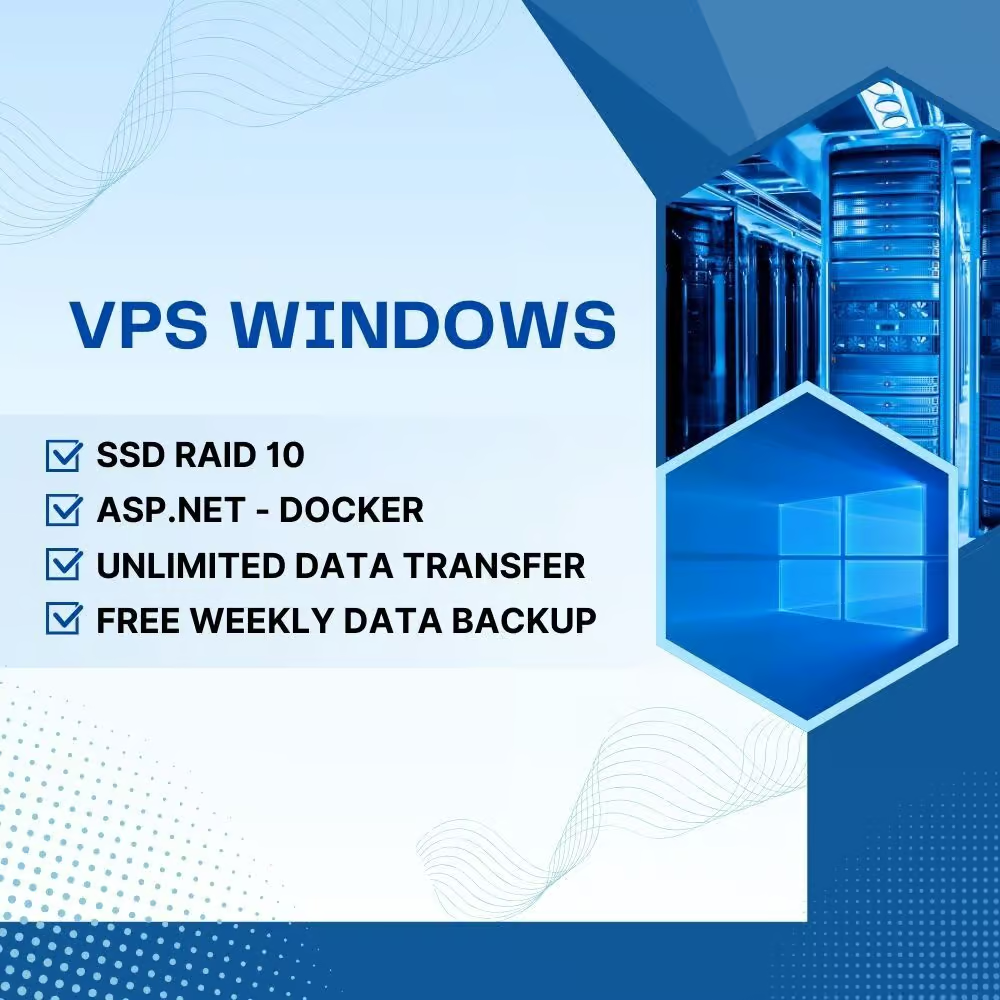
With a Self-Managed Windows VPS, you have complete administrator access. This means you are responsible for all system updates, security patches, and software installations. It offers maximum flexibility for advanced users.
This option is best for those with strong technical skills. You can customize everything to your exact needs. However, it requires constant vigilance to maintain security and performance.
Be aware that neglecting updates on a self-managed server is a major security risk.
Windows Cloud Server Scalability
A Windows Cloud Server offers excellent scalability. As your business grows, you can easily upgrade your resources. This means adding more RAM, CPU power, or storage as needed.
This flexibility is crucial for adapting to changing demands. You avoid overpaying for resources you don’t need initially. Providers like OVHcloud make scaling simple and fast.
Virtual Private Server Windows Performance
Performance on a Virtual Private Server Windows depends heavily on the hardware. Using NVMe or SSD storage is vital for speed. These drives offer much faster data access than traditional hard drives.
Good performance means your applications run quickly and efficiently. It reduces waiting times for file operations. This is especially important for disk-intensive workloads.
Dedicated Windows Server for Business
While a VPS is great, some businesses still need a full Dedicated Windows Server. This is for very demanding applications or strict compliance requirements. It offers the highest level of performance and isolation.
However, the cost and management overhead are significantly higher. For most business needs in 2026, a powerful Windows VPS provides sufficient resources and flexibility.
Windows VPS Hosting for Applications
Many applications are built specifically for the Windows environment. Renting a Windows VPS ensures compatibility and optimal performance for these apps. This includes custom business software, databases, and development tools.
Having a dedicated Windows environment means no conflicts with other users’ software. It guarantees the resources your applications need to run smoothly. Providers like Zap-Hosting offer quick deployment for this purpose.
The Future of Windows VPS in 2026
The Windows VPS market in 2026 continues to offer robust solutions. Expect providers to focus on enhanced security, faster storage like NVMe, and more user-friendly management options. Cost-effectiveness remains a key driver, with many providers offering competitive entry-level plans.
For businesses and individuals, choosing the right Windows VPS means balancing cost, performance, and management needs. Whether you need a simple Remote Desktop VPS or a powerful Windows Cloud Server, there’s a plan to fit. Always check for included Windows licenses and understand the management level offered.
Your 3-Step Action Plan for Renting a Windows VPS
Start by defining your workload and budget. List the applications you need to run and check their system requirements.
Step 1: Choose the Right Provider
Compare at least three providers based on included Windows license, management level, and resource allocation. Look for NVMe storage and a virtualization technology like Hyper-V.
Step 2: Select Your Plan
Pick a plan with at least 2GB RAM and 1-2 vCPUs for a smooth RDP experience. Ensure the monthly price includes the Microsoft SPLA license fee to avoid hidden costs.
Step 3: Deploy and Test
Opt for a provider with fast deployment, like Zap-Hosting’s 60-second setup. Log in via RDP, run your core applications, and monitor performance for the first 48 hours.
What to Avoid: Avoid providers that charge extra for a Windows license or offer less than 2GB RAM. Also skip unmanaged plans if you lack server administration skills.
Frequently Asked Questions
Can I upgrade my Windows VPS plan later?
Yes, most providers allow seamless scaling of CPU, RAM, and storage. Check if upgrades require a reboot to avoid downtime.
Is Windows 10 or 11 available on a VPS?
Some providers offer desktop Windows versions for specific use cases like testing or remote work. Confirm licensing terms, as they may differ from Server editions.
What is the difference between managed and unmanaged VPS?
Managed VPS includes proactive monitoring, security updates, and system maintenance by the provider. Unmanaged VPS gives you full RDP admin access but requires you to handle all updates and security yourself.
Choosing the right Windows VPS in 2026 means balancing performance, cost, and support. You now have the tools to evaluate providers like OVHcloud, Contabo, and InterServer with confidence.
Take the next step by comparing three plans using the criteria above. Start with a low-cost tier to test performance before committing to a higher plan.
Imagine your applications running smoothly on a dedicated Windows environment accessible from anywhere. That efficiency is within reach with the right VPS choice.
