


You want to collect more responses without paying a dime, but Typeform’s ‘free trial’ isn’t what you think. Many people assume there’s a 14-day test drive for the paid plan, but that’s a myth. The truth is simpler and more practical than you imagine.
Typeform offers a generous Free Plan that lets you build unlimited forms with up to 10 questions each, and you can collect up to 10 responses per month. If you need more, you can try premium features in a ‘trial mode’ that keeps your form private until you upgrade. This approach saves you from a hard sales pitch and lets you test before you commit.
What You Actually Get with a Typeform Free Account
The Typeform free account is not a time-limited trial; it’s a permanent free tier with real limits. You can create as many forms as you want, but each form can only have 10 questions. You also get 10 responses per month total across all your forms, which is fine for small projects or testing.
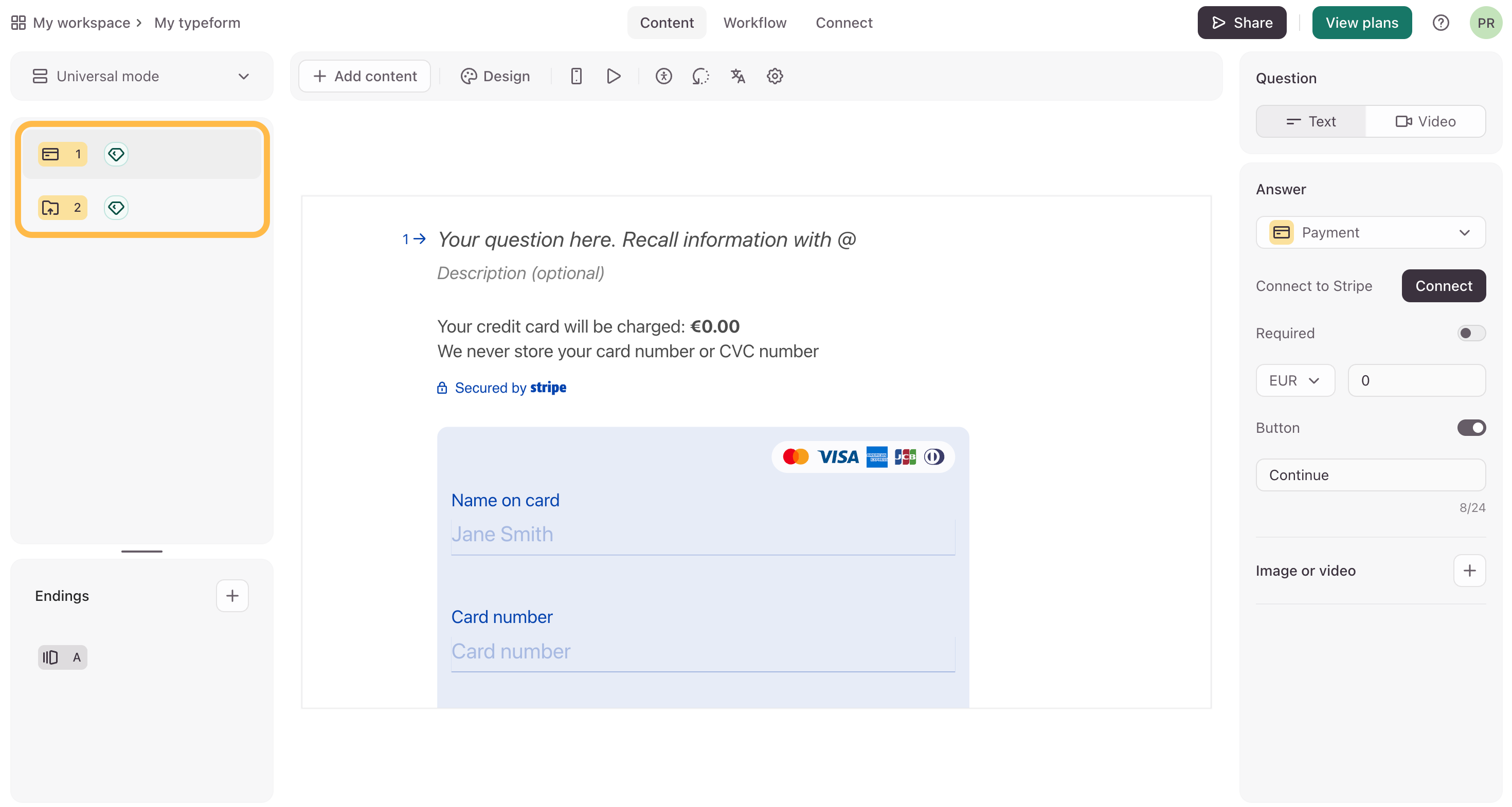
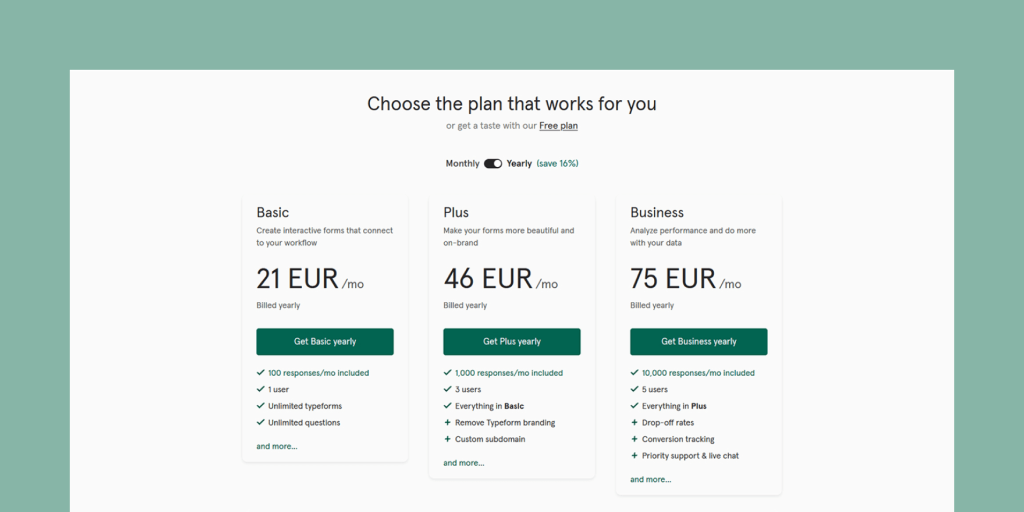
To test paid features like file uploads, unlimited questions, or advanced logic, you can add them to your free form. However, once you add a premium feature, the form goes into ‘trial mode’ and becomes private. This means no one can fill it out until you either remove the premium features or upgrade to a paid plan. Typeform’s paid plans start at $25 per month for the Basic plan, which gives you unlimited responses and more features. If that’s too steep, alternatives like Google Forms or JotForm offer free plans with higher response limits.
Typeform Free Access in 2026: What You Get
Typeform offers a smart way to try its tools. It is not a traditional free trial. You can use a solid Free Plan. There is also a ‘Trial Mode’ for paid features. This approach lets you test advanced options. It helps you decide if you need to upgrade.
| Feature | Free Plan | Paid Tiers (Starting) |
| Forms | Unlimited | Unlimited |
| Questions per Form | 10 Max | Unlimited |
| Responses per Month | 10 Max | Starts at 100 |
| Basic Templates | Yes | Yes |
| Premium Templates | No | Yes |
| Paid Feature Testing | Yes (Trial Mode) | Yes |
| Integrations | Basic | Advanced |
Free Account Limits
The Typeform Free Plan is quite generous. You can create as many forms as you need. Each form has a limit of 10 questions. This keeps the forms focused. You get up to 10 responses each month. This is perfect for small projects. It helps you understand the platform.
Trial Period Duration
Typeform does not have a set trial period. You can use the Free Plan indefinitely. Paid features can be tested using ‘Trial Mode’. This mode shows you how premium tools work. There is no time limit on this testing. You can explore features at your own pace.
Typeform Pricing vs Free Plan
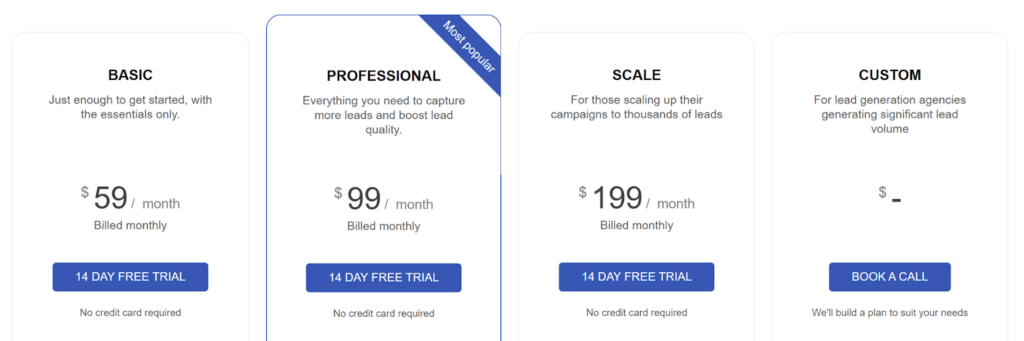
The Free Plan is truly free. It has limitations on responses and questions. Paid plans start at a reasonable cost. Some competitors offer paid plans for as low as $9 per month. This makes Typeform competitive. You pay for more responses and advanced features.
Typeform Alternatives for Free Surveys
If you need more responses on a free plan, look at alternatives. Many other online form builders exist. Some offer higher response limits for free. You can compare options to find the best fit. This ensures you get the tools you need.
Free Online Form Builder Comparison
When comparing free online form builders, check response limits. Also, look at the number of questions allowed. Consider the available templates and integrations. Typeform’s Free Plan offers 10 responses and 10 questions. This is a key point in any comparison.
Typeform Sign Up for Free
Signing up for Typeform is easy. Go to the Typeform sign-up page. You can create a free account quickly. This lets you start building forms immediately. It is a straightforward process. You will be creating forms in minutes.
Key Typeform Features in Free Tier
The Free Plan includes essential features. You get unlimited form creation. Basic templates are available. Standard embedding options work well. You can test paid features in ‘Trial Mode’. This gives you a good preview of what’s possible.
Typeform Paid Features Worth Upgrading
Upgrading unlocks powerful features. File uploads are a big plus. You can have unlimited questions per form. Premium themes make your forms look great. Advanced logic branching guides users. Integrations connect Typeform to other tools. Enhanced security protects your data. These are crucial for growing businesses.
Testing Paid Features in Trial Mode
To test paid features, add them to your form. The form will then enter ‘Trial Mode’. It becomes private and cannot collect public responses. This prevents accidental use of paid features. You must upgrade or remove them to go live. This system ensures you understand your plan.
Your Typeform Journey: Expert Advice for 2026
Typeform’s approach is smart. It lets you try before you buy. The Free Plan is a strong starting point. Use ‘Trial Mode’ to explore paid features. This helps you avoid unexpected costs. If you need more responses, consider alternatives. But for testing advanced tools, Typeform’s method works. Start by signing up for the free account. See what you can build today.
Your 3-Step Action Plan for Typeform’s Free Trial
Step 1: Sign Up and Start with the Free Plan
Go to the Typeform sign-up page and create a free account. This gives you unlimited forms with up to 10 questions each.
Step 2: Test Premium Features with Trial Mode
While building your form, toggle on any paid feature like file uploads or logic branching. The form enters trial mode, so it stays private—only you can see it.
Step 3: Decide to Upgrade or Simplify
If you need the form to go live, either upgrade to a paid plan or remove the premium features. This way you never pay for what you don’t use.
What to Avoid
- Don’t expect a time-limited free trial; Typeform doesn’t offer one.
- Avoid building a public form with premium features without upgrading—it will stay hidden.
Frequently Asked Questions
Can I get a free trial of Typeform’s paid plans?
No, Typeform does not offer a time-limited free trial for its paid subscriptions. Instead, you can use the Free Plan and test premium features in private trial mode.
How many responses can I get on the free plan?
The free plan allows up to 10 responses per month. For more responses, you need to upgrade to a paid plan starting around $25 per month.
What happens if I add a premium feature to my free form?
The form automatically goes into trial mode and becomes private. To make it public and collect responses, you must upgrade or remove the premium feature.
Typeform’s approach to free trials is unique but practical for testing. You get to explore premium features without risk before committing.
Next, compare Typeform’s paid plans to see which fits your needs. Then start building your first form with confidence.
Imagine creating beautiful, interactive forms that feel like a conversation. That future is just a few clicks away.
