


Tired of switching between your phone and browser to make calls? RingCentral for Chrome turns your computer into a full business phone system. No more typing numbers from web pages into your desk phone.
This extension works right inside your browser. You can call, text, and see who’s available without leaving the page you’re on. It’s a simple fix for a common workplace hassle.
How RingCentral Chrome Integration Boosts Your Workday
The RingCentral for Google extension, updated in April 2026 to version 26.1.22, takes up about 72MB on your computer. It works with Chrome 69 or newer on Windows 7, macOS 10.8, and ChromeOS. You need an active RingCentral subscription like RingEX or Video Pro to use it.
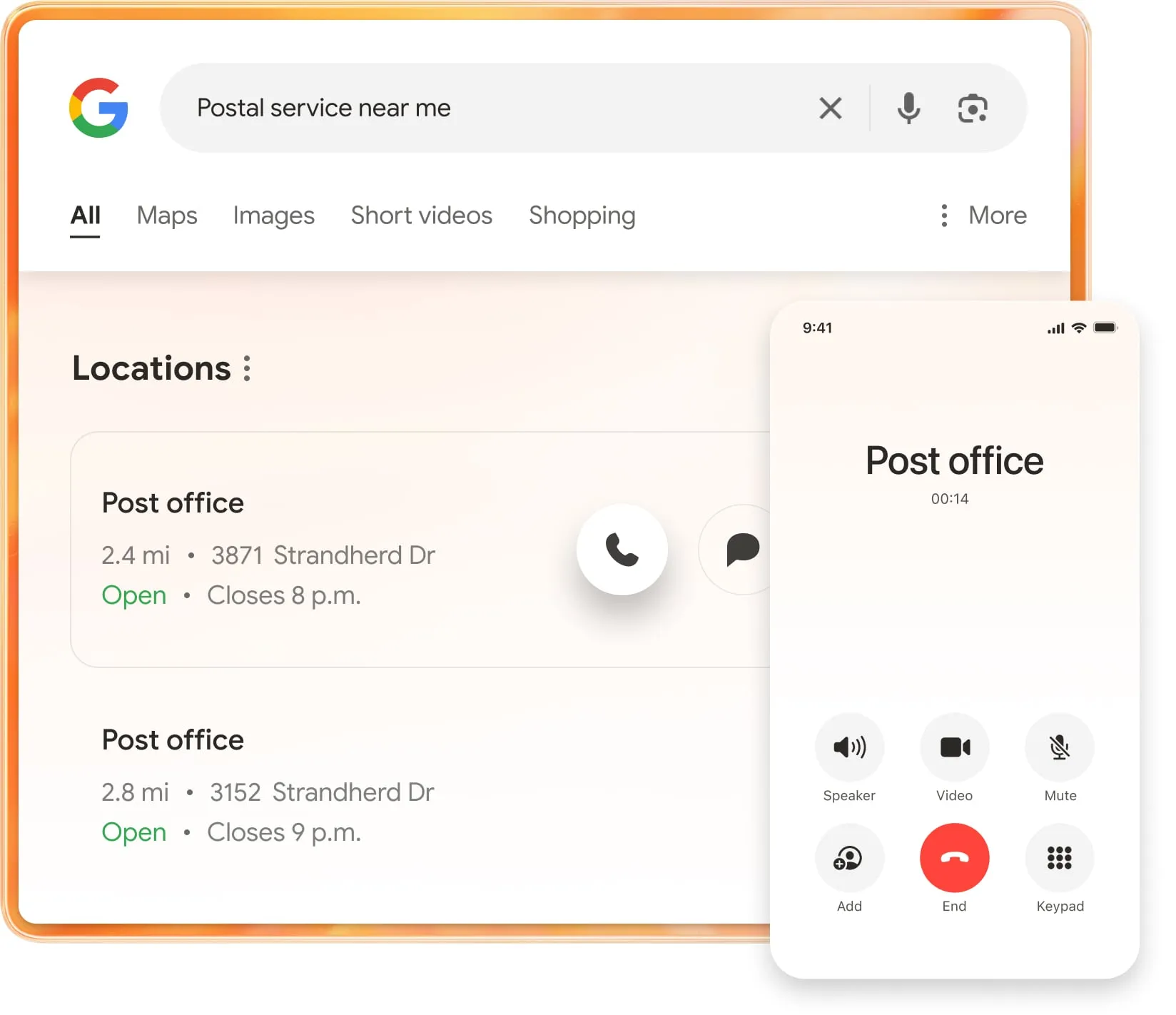
With the click-to-call feature, you can highlight any phone number on a webpage and dial it instantly. The softphone inside the extension gives you clear voice calls and SMS. Presence indicators show you when coworkers are free, so you avoid interrupting them.
RingCentral for Chrome: Your 2026 Browser Power-Up
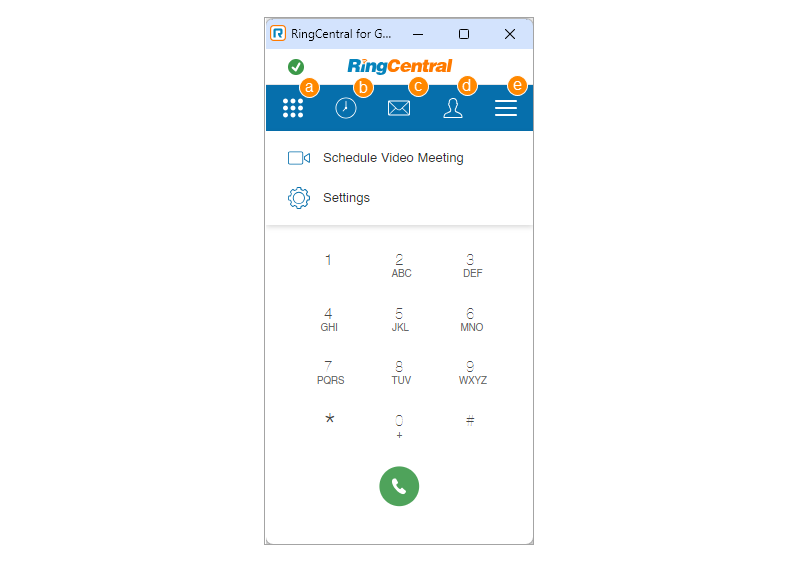
In 2026, the RingCentral for Chrome extension is key for unified communications. It turns your browser into a command center. You get calling, messaging, and meetings. This is enterprise-grade power. It works directly with Google Workspace. Actions happen inside Gmail and Google Calendar.
| Feature | Details | Cost (Est. 2026) |
| RingCentral for Google Extension | Version 26.1.22, 71.84MiB | Included with RingEX, Video Pro, Video Pro+ subscriptions |
| RingCentral RingCX Chrome Extension | Version 26.1.1.20, 3.6MiB | Included with RingCX Contact Center plans |
| RingCentral App Connect Chrome | CRM Integration | Varies by CRM and RingCentral plan |
| Softphone | HD Voice, SMS | Included |
| Click-to-Call/SMS | Parses numbers on web pages | Included |
| Presence Indicators | RingCentral & Google Contacts | Included |
Get Started with RingCentral Chrome Integration
Setting up the RingCentral Chrome integration is straightforward. It connects your RingCentral account to your browser. This allows seamless communication. You can manage calls and messages easily. This integration is vital for productivity.
Find RingCentral for Chrome on the Web Store
The RingCentral for Chrome Web Store is your source. You can find the main extension there. It requires Chrome version 69 or newer. This ensures compatibility. Always check for the latest version. This is where you download the app.
Read also: Xerox C7120 Review: Why This A3 Color MFP Saves Your Office Time
Explore RingCentral Browser Extension Features
The RingCentral browser extension offers many features. It has an integrated softphone. You get high-definition voice calls. You can also send SMS messages. A key feature is click-to-call. It finds phone numbers on any webpage. This saves you time.
Understand the RingCentral Google Chrome App
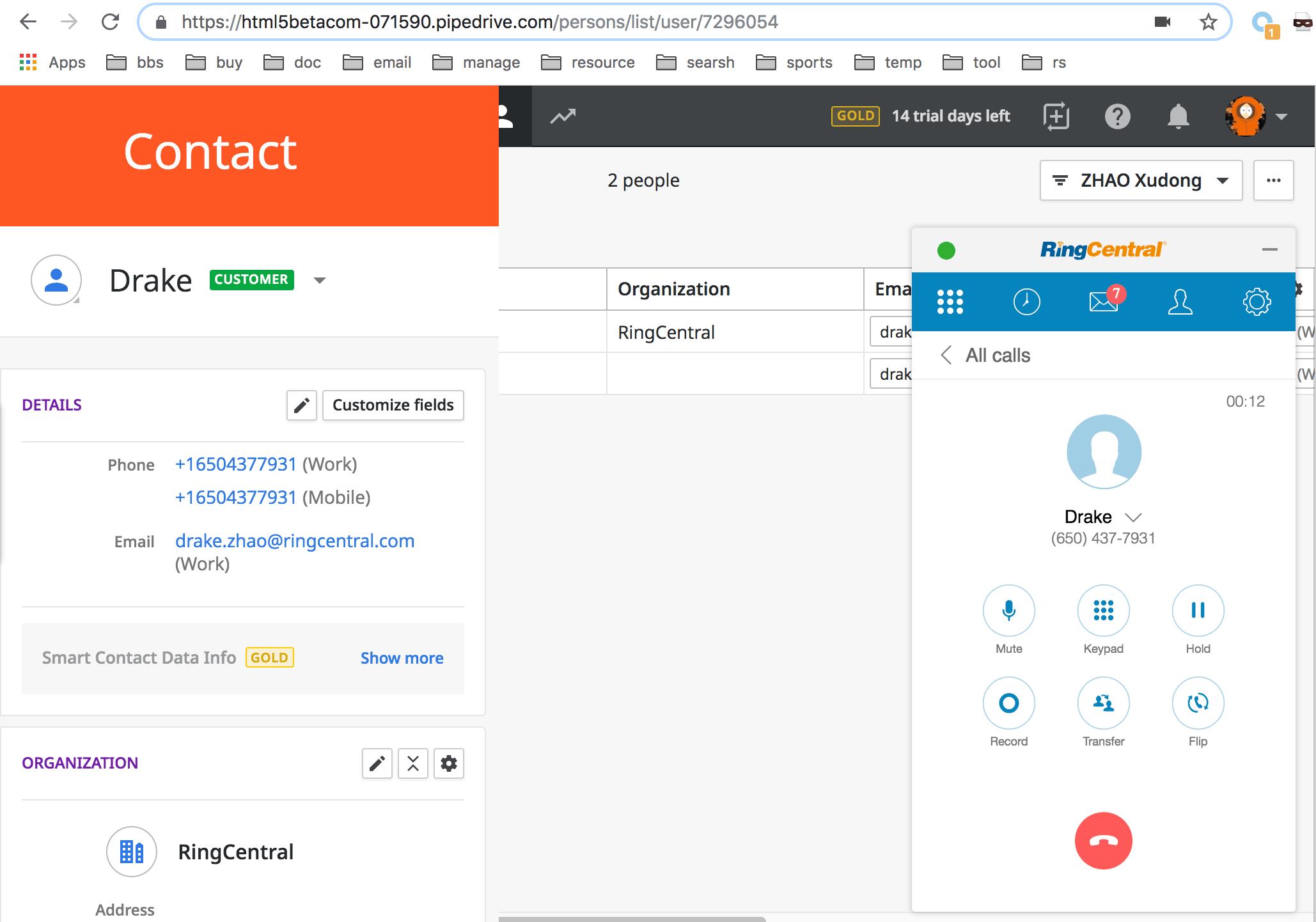
The RingCentral Google Chrome app centralizes your work. It works best with Google Workspace. You can see contact presence. This tells you if someone is available. It works for both RingCentral and Google contacts. This helps you communicate better.
RingCentral Unified Communications in Chrome
Unified communications in Chrome means everything is in one place. RingCentral brings calling, messaging, and video together. You do not need to switch apps. This reduces confusion. It makes your workflow smoother.
RingCentral RingEX Chrome Integration
The RingCentral RingEX Chrome integration is powerful. It is for users of RingEX, Video Pro, or Video Pro+. This extension unlocks full browser functionality. You get enterprise-grade calling and meetings. It is designed for business users.
Read also: Tired of dental lab delays? Atlantis WebOrder cuts ordering time
RingCentral RingCX Chrome for Contact Centers
For contact center agents, the RingCentral RingCX Chrome extension is specific. Version 26.1.1.20 was updated January 10, 2026. It is 3.6MiB in size. This tool is built for high-volume customer interactions. It streamlines agent workflows.
RingCentral App Connect Chrome Benefits
RingCentral App Connect Chrome offers CRM integration. It syncs with platforms like Bullhorn and NetSuite. You can also connect to Google Sheets. This automates communication tasks. It keeps your customer data updated.
Essential Requirements for Installation
You need Chrome version 69 or later. Your operating system must be compatible. This includes ChromeOS, Windows 7+, or macOS 10.8+. You also need an active RingCentral subscription. A Google account is necessary too. These are the basic needs.
RingCentral, Inc. develops these tools. They focus on secure and reliable communication. The goal is to boost your productivity. Minimizing app switching is key.
The RingCentral for Google Chrome extension is essential. It is version 26.1.22 as of April 29, 2026. It takes up 71.84MiB. This extension is a must-have for efficiency.
The Future is Integrated: Your RingCentral Chrome Verdict
The RingCentral for Chrome integration is not just an add-on. It is a fundamental shift. In 2026, browser-based communication is standard. These extensions make your work easier. They save you valuable time. You can make calls directly from your browser. Sending messages is just as simple. For contact centers, the RingCX extension is vital. It handles complex interactions efficiently. The App Connect extension links your communications to your CRM. This keeps everything organized. My advice: install the extension that fits your needs. Start with the main RingCentral for Google extension. See how it improves your day. For more details, visit RingCentral’s official page. You can also learn more about specific contact center solutions at RingCX for Chrome. This technology is here to stay. Embrace it to stay ahead.
Read also: Can’t Log Into Your Supplier Portal? Here’s How to Fix It Fast
Your 3-Step Action Plan
Step 1: Install and Authenticate
Open the Chrome Web Store and search for ‘RingCentral for Google’. Click ‘Add to Chrome’ and sign in with your RingCentral credentials and Google account.
Step 2: Configure Your Workspace
Right-click the extension icon and select ‘Options’ to set your default dialing rules and notification preferences. Enable the Gmail and Calendar integrations for seamless call and meeting initiation.
Step 3: Master Click-to-Call
Highlight any phone number on a webpage, right-click, and choose ‘Call with RingCentral’. You can also hover over numbers in Gmail to see a pop-up dialer.
Frequently Asked Questions
Can I use this extension without a RingCentral subscription?
No, the extension requires an active RingCentral subscription (RingEX, Video Pro, or Video Pro+). It won’t function without one.
Does it work with Microsoft Outlook?
No, this extension is designed specifically for Google Workspace. For Outlook, use the RingCentral desktop app or Outlook add-in.
Will it slow down my browser?
The extension uses minimal resources, but if you notice lag, disable it when not needed. It’s optimized for Chrome 69 and later.
RingCentral for Chrome is a powerful tool that centralizes your communications right in your browser. It eliminates app switching and boosts your productivity.
Go ahead and install it today from the Chrome Web Store. Then explore the settings to tailor it to your workflow.
Imagine a future where your browser becomes your command center for all business calls and messages. That future is here, and it’s just a click away.
