


Nothing slows down your business like a supplier portal login that just won’t work. You’ve got invoices due, orders to place, and you’re stuck staring at a blank page or a forgotten password screen. It’s frustrating, and it costs you time and money.
But here’s the truth: most login problems are simple to fix once you know what to look for. In 2026, supplier portals are more secure and streamlined than ever, but they still trip up busy professionals. Let’s cut through the confusion and get you logged in fast.
How to Log In to Supplier Portal: Corporate, Third-Party, and Vendor Access
Whether you’re accessing a corporate portal like TE Connectivity’s or a third-party network like SAP Business Network (formerly Ariba), the process starts with the right URL and credentials. Many large companies now require a Corporate Web Security Identity (CWS ID) or integrate with Microsoft Azure B2B for single sign-on. For example, RTX demands Chrome or Edge, and Sysco needs JavaScript enabled.
Security is tighter than ever. Multi-Factor Authentication (MFA) is standard for portals like Intel’s, so expect a text or app code after your password. If you’re stuck on a vendor portal login page, check your browser’s compatibility and clear your cache. A quick call to the supplier support team can save you hours.
Supplier Portals in 2026: Your Digital Gateway
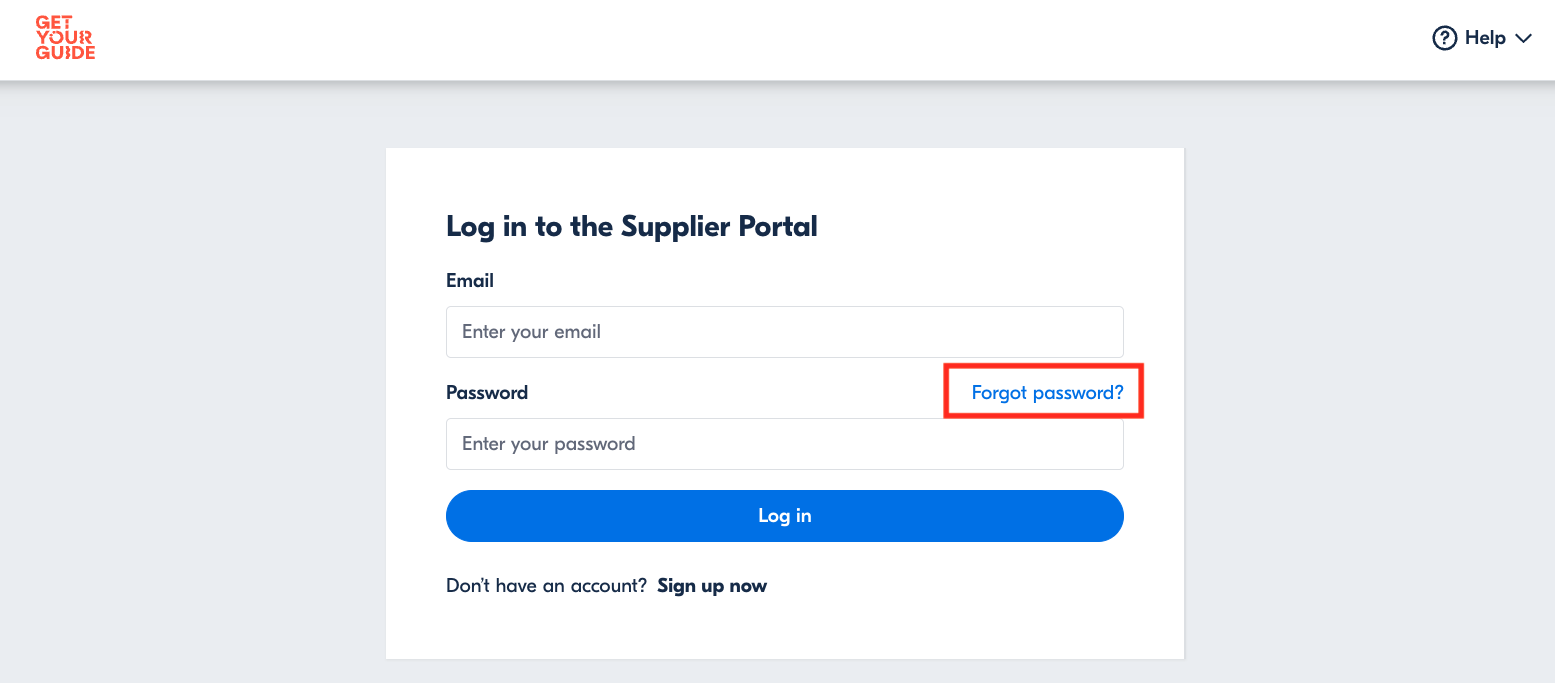
Accessing supplier portals is essential for business today. It keeps your supply chain running smoothly. Many companies use custom portals. Others use big, shared platforms. This guide helps you navigate them all.
| Platform Type | Example | Typical Use | Average Cost (Annual) |
| Proprietary | TE Connectivity, BP, Intel | Direct company dealings | $0 – $500 (Setup/Maintenance) |
| Third-Party Networks | SAP Business Network, Coupa | Order, invoice, contract management | $1,000 – $10,000+ (Subscription) |
| Supplier Diversity | SupplierOne (Supplier.io) | Tracking diverse suppliers | $500 – $5,000 (Subscription) |
| Public Sector | Penn (Jaggaer), NJSTART | Government vendor management | $0 – $1,000 (Registration/Fees) |
| E-commerce Giants | Amazon Vendor Central | Selling on Amazon | Varies by sales volume |
Getting In: How to Log In to Supplier Portal
Logging into a supplier portal starts with your credentials. You usually need a username and password. Always keep these secure. This is the first step for any supplier network login. Many portals require JavaScript to function correctly. Ensure your browser is up-to-date, like Chrome or Edge.
This process ensures only authorized users access sensitive company data.
Your Company’s Door: Corporate Supplier Login Steps
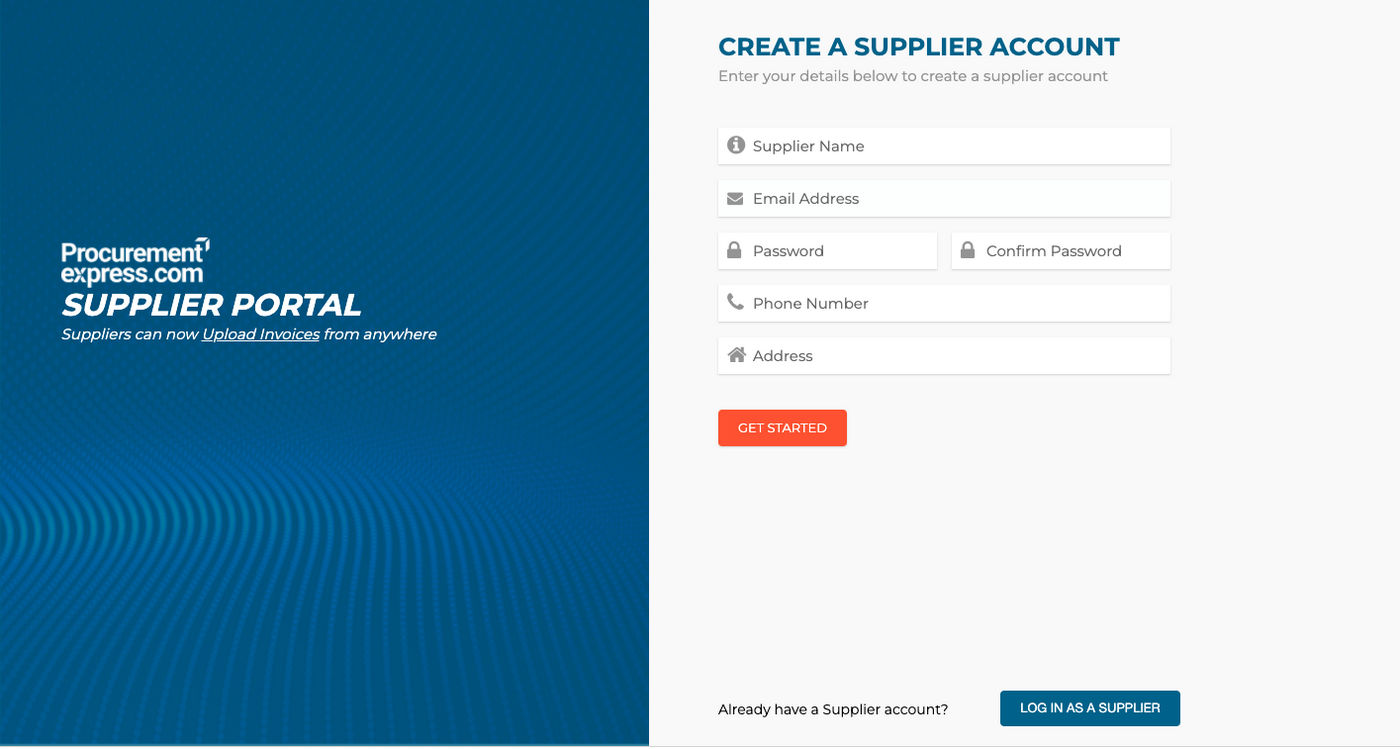
For corporate supplier login, you might need specific IDs. Companies like Intel use a CWS ID. Others link to systems like Microsoft Azure. These systems verify your identity. This is crucial for maintaining secure B2B supplier login. Always follow the exact instructions provided by the company.
This layered security prevents unauthorized access to company accounts.
The Big Networks: Third Party Supplier Portal Access
Accessing third party supplier portal platforms is common. SAP Ariba and Coupa are popular examples. You’ll register on their network. Then, you use their login page. These platforms manage many business relationships. This simplifies procurement portal login for large organizations.
These networks streamline communication and transactions across many businesses.
Setting Up Shop: Vendor Portal Login Page Setup
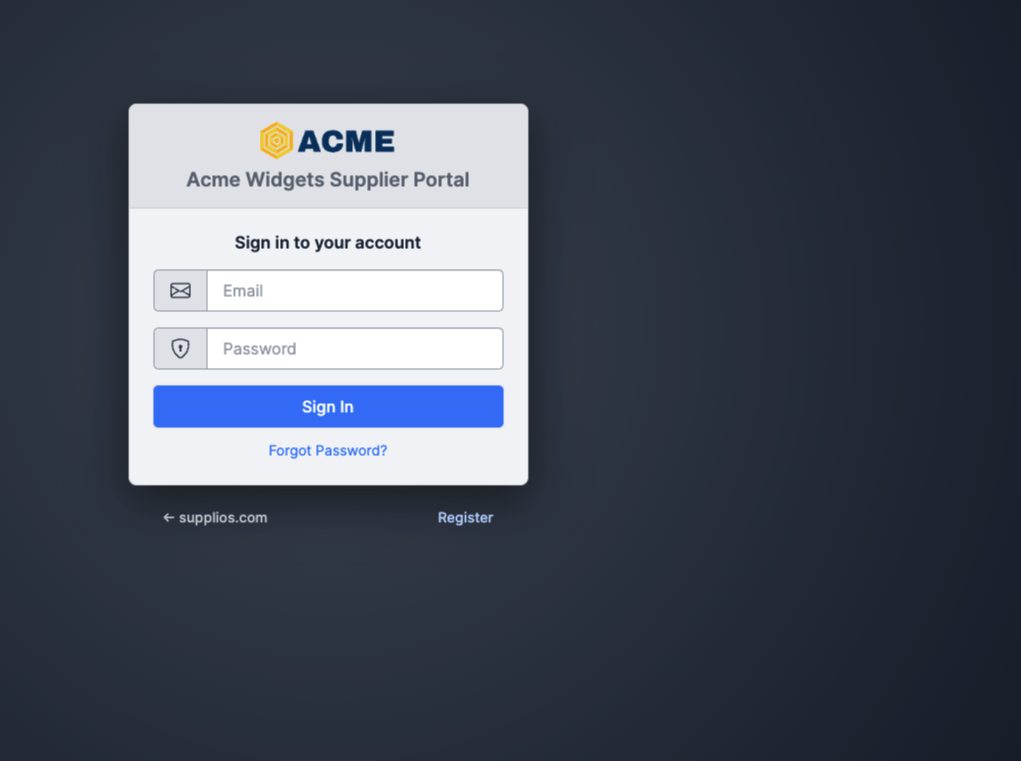
If you’re setting up a vendor portal login page, clarity is key. Make the login fields obvious. Include a ‘Forgot Password’ link. Clear instructions help your vendors. This improves their experience and reduces support calls. A good setup is vital for efficient supplier onboarding portal use.
A well-designed login page makes it easy for vendors to connect and do business.
Connecting to Many: Supplier Network Login Guide
A supplier network login connects you to multiple buyers. Platforms like SAP Business Network are examples. You create one profile. Then, you can interact with many companies. This is efficient for managing multiple client relationships. It centralizes your business dealings.
Networks simplify how you manage relationships with numerous business partners.
Streamlining Deals: Procurement Portal Login Instructions
Procurement portal login is for managing purchases. Businesses use these to find and buy from suppliers. As a supplier, you log in to receive orders. Or you might submit invoices. This digital process speeds up transactions. It ensures accurate record-keeping for all parties involved.
These portals are central to modern, efficient buying and selling processes.
Safe Connections: B2B Supplier Login Best Practices
For B2B supplier login, security is paramount. Always use strong, unique passwords. Enable Multi-Factor Authentication (MFA) when offered. Intel, for example, makes MFA standard. Never share your login details. This protects both your business and your clients.
Strong security practices prevent data breaches and protect sensitive information.
Digital Transactions: E-Procurement Login for Businesses
An e-procurement login allows digital purchasing. Businesses use these systems to manage spending. Suppliers log in to see purchase orders. They can also send invoices electronically. This makes the entire buying process faster and more transparent. It reduces paperwork significantly.
Digital systems make business transactions quicker and easier to track.
Crucial Access: Managing Your Supplier Account
Your supplier account is your business identity online. Keep your contact information updated. Regularly check for new messages or orders. If you face issues, contact the portal support. Understanding your supplier portal login is key to smooth operations. For resources, check out the Penn Supplier Portal. Also, explore the TE Connectivity Supplier Portal.
Proactive management ensures you never miss an opportunity.
The Future is Connected: Your Expert Verdict
Supplier portals are becoming more integrated. Expect more automation in 2026. Security features like MFA will be standard. Focus on keeping your access secure and your information current. This ensures you remain a valued partner in any supply chain. Always verify portal requirements before logging in.
Staying updated on these digital tools keeps your business competitive.
Your Quick Guide to Supplier Portal Access
3-Step Action Plan
- Step 1: Gather Your Credentials. For most portals you need a username and password. If your company uses a Corporate Web Security Identity (CWS ID) or a single sign-on provider like Microsoft Azure B2B, have that info ready.
- Step 2: Check Browser Compatibility. Portals like RTX often require Chrome or Edge. Disable ad blockers and enable JavaScript for sites like Sysco to avoid login failures.
- Step 3: Enable Multi-Factor Authentication (MFA). Many secure portals, including Intel’s, now demand a second verification step. Set up your phone or authenticator app before your first login attempt.
Common Mistakes to Avoid
- Ignoring Password Reset Windows. If you wait too long, your temporary password may expire. Reset immediately upon receiving the email.
- Using the Wrong Portal URL. Always double-check the exact web address. A slight typo can lead to a phishing site.
- Skipping Browser Updates. Outdated browsers often cause compatibility errors. Keep your browser up to date for smooth access.
Frequently Asked Questions
What if I forgot my password?
Click the ‘Forgot Password’ link on the login page. Follow the email instructions to reset it within the given time frame.
Why does the portal say ‘JavaScript Required’?
Many portals like Sysco require JavaScript to load interactive features. Enable it in your browser settings and refresh the page.
Can I access a supplier portal on my phone?
Yes, most portals offer mobile-friendly versions or dedicated apps. Use your regular credentials and ensure MFA is set up on your device.
By following these steps, you can access any supplier portal with confidence and security. This approach saves you time and prevents costly login errors.
Now is the moment to apply this knowledge to your own vendor accounts. Open your browser, gather your credentials, and log in today.
Supplier portals are becoming more integrated and secure every year. Mastering them now positions you for a smoother digital procurement future.
