

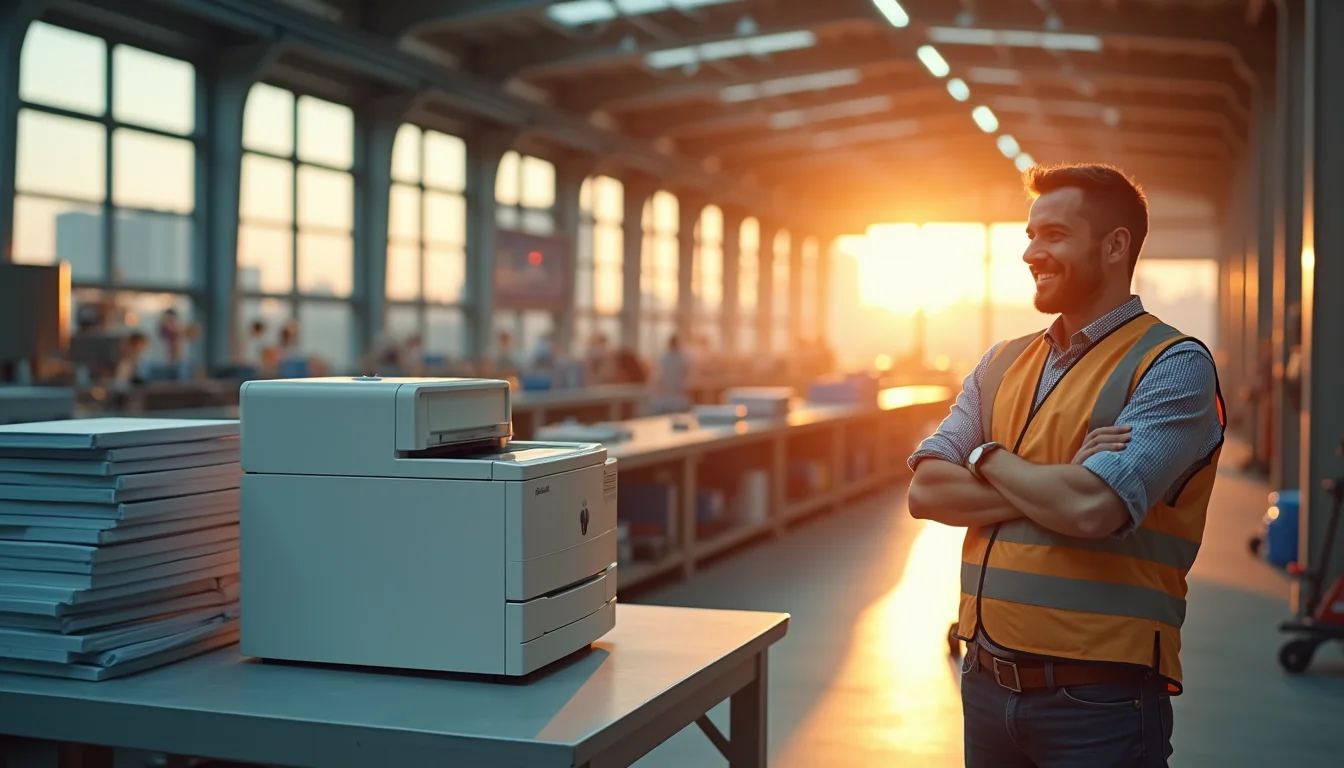
Think color printing for your office means sky-high ink bills? That’s a myth from the past. Today’s business inkjet printers deliver vibrant color at a cost that can actually beat laser printers.
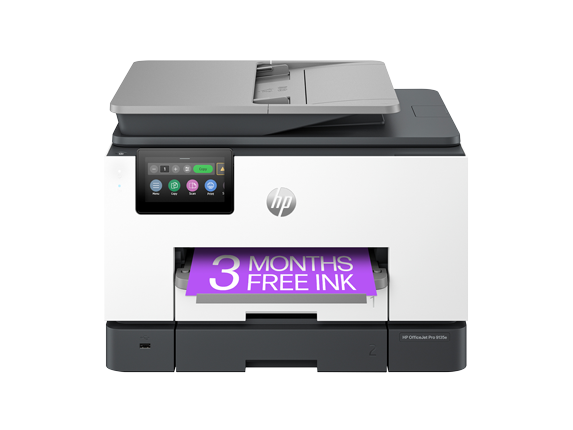
You don’t have to choose between quality and affordability. Modern models like the Epson EcoTank Pro ET-5850 and HP OfficeJet Pro 9135e use high-capacity ink systems that slash per-page costs. They’re built for busy offices that need sharp marketing materials and reliable document printing.
Why Business Inkjet Printers Are a Smart Choice for Your Office in 2026
Business inkjet printers have come a long way. Models like the Epson WorkForce Enterprise MFP and HP OfficeJet Pro 9730e offer print speeds of 20 to 35 pages per minute, rivaling many laser printers. They also excel at color depth and photo reproduction, making them ideal for creating brochures and presentations.
Supertank ink systems, such as those in the Epson EcoTank Pro ET-5850, can print thousands of pages before needing a refill. This drastically lowers your total cost of ownership. Plus, advanced features like AI-enabled workflow optimization and wide-format printing are now available, giving you more flexibility.
Security is also a priority. Many business inkjets include encryption and secure print release to protect sensitive data. When comparing printers, consider the cost per page and paper handling capacity. For example, the Epson WorkForce Pro WF-C5890 offers a high-yield ink pack that reduces waste and downtime.
Business Inkjets in 2026: Your Smart Office Upgrade
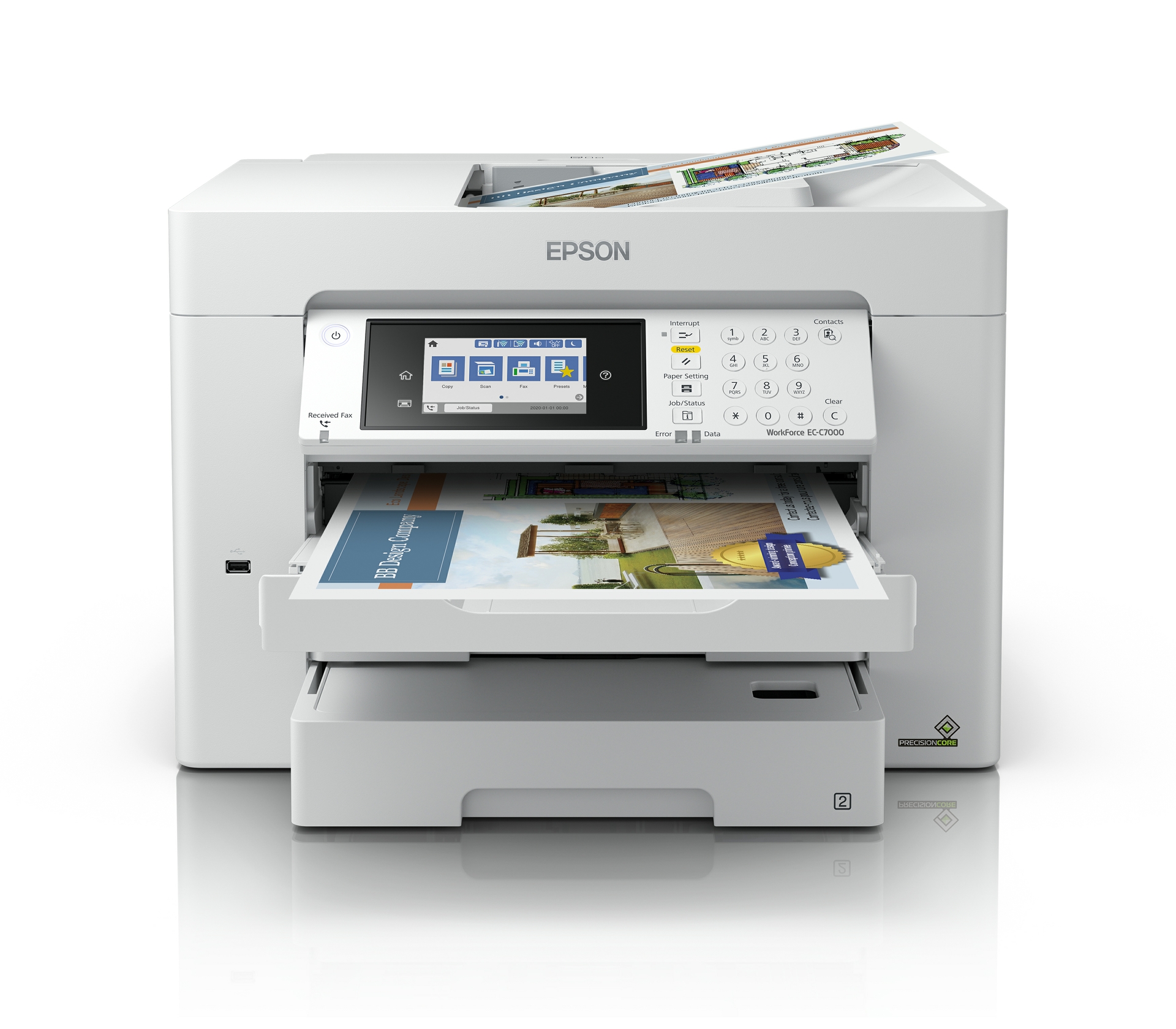
In 2026, business inkjet printers offer vibrant color and lower upfront costs than laser. They are a smart choice for many offices. Modern inkjets with supertank systems cut long-term costs. This makes them very competitive for lots of printing. Consider total cost, print speed, paper handling, and security. Laser printers are faster for black and white. Inkjets win on color depth and marketing materials. Models like the Epson EcoTank Pro ET-5850 and HP OfficeJet Pro 9135e balance speed, reliability, and cost. New AI features and wide-format printing are also appearing.
| Feature | Average Cost (USD) | Speed (ppm) | TCO Factor |
| Business Inkjet (Supertank) | $500 – $1,500 | 20-35 | Low |
| High-Capacity Ink Packs | $30 – $60 per pack | N/A | Very Low |
| ADF Capacity | Standard on most MFPs | N/A | High Efficiency |
| Security Features | Included | N/A | Essential |
Money Matters with Supertank Ink
Supertank ink systems mean you buy ink less often. This drastically lowers your printing costs over time. You get more pages for your dollar. It is a big win for high-volume offices.
Epson WorkForce Enterprise MFP for Heavy Workloads
When your office prints a lot, you need a tough machine. The Epson WorkForce Enterprise MFP is built for serious duty. It handles large print jobs reliably. This saves you from frequent breakdowns.
Read also: Stop Wasting Money: How to Business Card Make Your Own for Pennies
HP OfficeJet Pro 9135e: AI-Enabled Efficiency
The HP OfficeJet Pro 9135e uses AI to help your workflow. It learns your printing habits. This can automate tasks and save time. It makes printing smarter, not harder.
Wide-Format All-in-One for Large Documents
Need to print posters or blueprints? A wide-format all-in-one handles these jobs. It expands your printing capabilities beyond standard paper sizes. This is useful for creative or technical fields.
PrecisionCore Chip: Speed and Quality
The Epson PrecisionCore chip is key to fast, sharp prints. It ensures consistent ink delivery. This means high-quality documents and graphics every time. Speed and quality go hand-in-hand here.
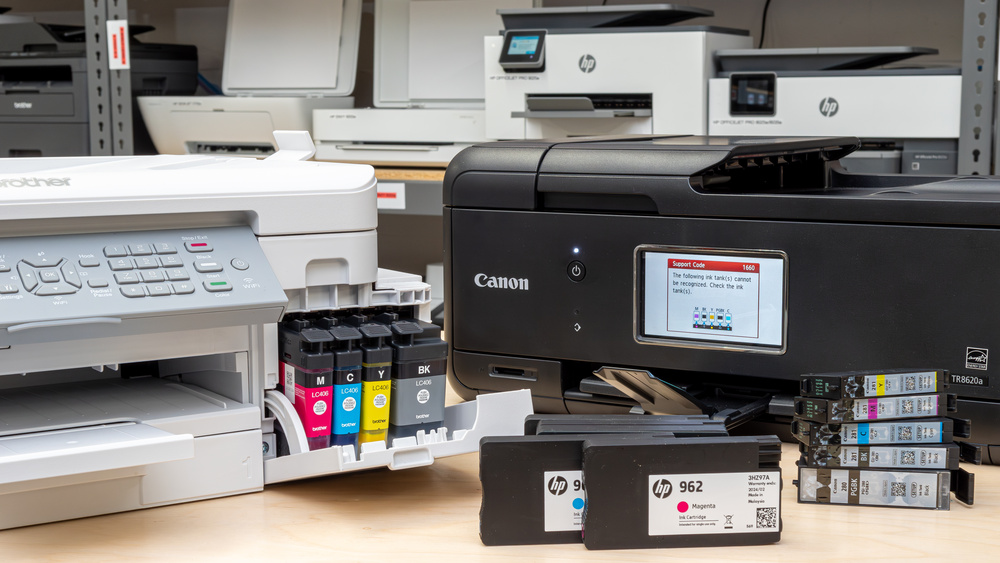
High-Capacity Cartridges for Cost Savings
Even without a supertank, high-capacity cartridges help. They hold more ink than standard ones. You replace them less often. This reduces both cost and downtime.
Read also: The Only Payroll Check Printer That Banks Won’t Reject
EcoTank Pro ET-5850: Low-Cost Printing
The Epson EcoTank Pro ET-5850 is designed for low running costs. Its large ink tanks mean fewer refills. You save money on ink year after year. It is a smart investment for budget-conscious businesses.
HP OfficeJet Pro 9730e: Reliable Color Printing
For vibrant marketing materials, the HP OfficeJet Pro 9730e delivers. It produces excellent color output. Your brochures and presentations will look professional. Reliability is built into this model.
The Next Step: Choosing Your Printer
Choosing the right printer depends on your specific needs. Think about your print volume and color requirements. Security is also a critical factor for any business. Learn more about printer choices at Lenovo’s guide. Consider the total cost, not just the purchase price. This ensures you get the best value for your office.
The Future is Colorful and Efficient
Business inkjets are no longer just for basic documents. They now offer speed, efficiency, and cost savings. The integration of AI and wide-format options shows their evolution. They are a strong contender for modern offices. For more insights on inkjet vs. laser, check out PlotterPro’s 2026 comparison. When buying, feel the weight of the machine. Ask about the ink yield per cartridge. These hands-on checks tell you a lot about durability. Choose a printer that fits your workflow and budget. This is the key to a productive office.
Read also: Avoid These 3 Mistakes When Buying an Envelope Printing Machine
Your 3-Step Action Plan for Choosing a Business Inkjet Printer in 2026
Step 1: Calculate Your True Cost Per Page
Don’t just look at the purchase price. The real cost is the ink or toner you’ll buy over time.
For high-volume offices, supertank models like the Epson EcoTank Pro can cut ink costs by up to 80% compared to standard cartridge printers.
Step 2: Match Speed and Volume to Your Workflow
If you print mostly text documents, a speed of 20-25 ppm is fine. But for color marketing materials, look for 25-35 ppm and high DPI.
Common mistake: buying a fast printer that can’t handle the paper size or weight you need. Always check the paper path specs.
Step 3: Prioritize Security and Connectivity
In 2026, a business printer is a network device. It needs encryption, secure print release, and automatic firmware updates.
Look for models with PIN printing and user authentication to prevent unauthorized access. This is non-negotiable for data privacy.
Frequently Asked Questions
Are business inkjet printers reliable for heavy daily use?
Yes, modern business inkjets are built for high duty cycles, with some models rated for 50,000 pages per month. The key is choosing a model designed for business, not home, with robust paper handling and long-life printheads.
How long does a supertank ink refill last?
With a supertank system, a full ink refill can last up to 6,000 black pages or 7,700 color pages, depending on coverage. This dramatically reduces the frequency of cartridge changes and lowers overall cost.
Can I print borderless photos on a business inkjet?
Many business inkjets support borderless printing on photo paper up to 13×19 inches, especially wide-format models like the HP OfficeJet Pro 9730e. Check the specs for maximum paper size and borderless capability before buying.
Choosing a business inkjet printer in 2026 is a smart move for offices that need vibrant color and low operating costs. Supertank models have closed the reliability gap with lasers, making them a legitimate choice for high-volume environments.
Now, take your top two or three candidates and read real user reviews on business sites like PCMag or TechRadar. Look for feedback on print quality, software, and long-term durability.
Imagine your office running full-color reports and marketing materials at a fraction of the cost, with no compromise on speed. That’s the promise of today’s business inkjets—and it’s well within reach.
