

Nothing slows down payday like checks that get rejected by the bank. If your printer can’t print the magnetic ink line correctly, you’re looking at extra fees and angry employees. The right payroll check printer saves you time, money, and a whole lot of headaches.
Most small businesses don’t realize that a regular office printer just won’t cut it. Banks use magnetic readers to scan the numbers at the bottom of your check, and standard ink can cause those readers to fail. A dedicated MICR printer or compatible toner is the only way to guarantee your checks clear without a hitch.
Why Your Payroll Check Printer Needs MICR Technology
MICR stands for Magnetic Ink Character Recognition, and it’s the standard banks use to process checks. The ink contains iron oxide that creates a unique magnetic signal, which automated sorting machines read to route funds correctly. Without MICR toner or ink, your checks are likely to be rejected, causing delays and fees.
For high-volume printing, dedicated laser MICR printers like those from TROY Group offer built-in security features like encryption and audit trails. They cost more upfront but can handle thousands of checks per month. For lower volumes, a multifunction desktop MICR printer or even a compatible inkjet bundle like the VersaCheck HP DeskJet 4255 MXQ works well and keeps costs down.
Check stock also matters. You can buy pre-printed checks with your bank details already on them, or use blank stock and print everything yourself. Blank stock is cheaper but requires a MICR printer to print the entire check, including the magnetic line. Pair your hardware with payroll software such as VersaCheck, Checkeeper, or ezPaycheck to format checks and handle deductions automatically.
Payroll Check Printing in 2026: What You Need to Know
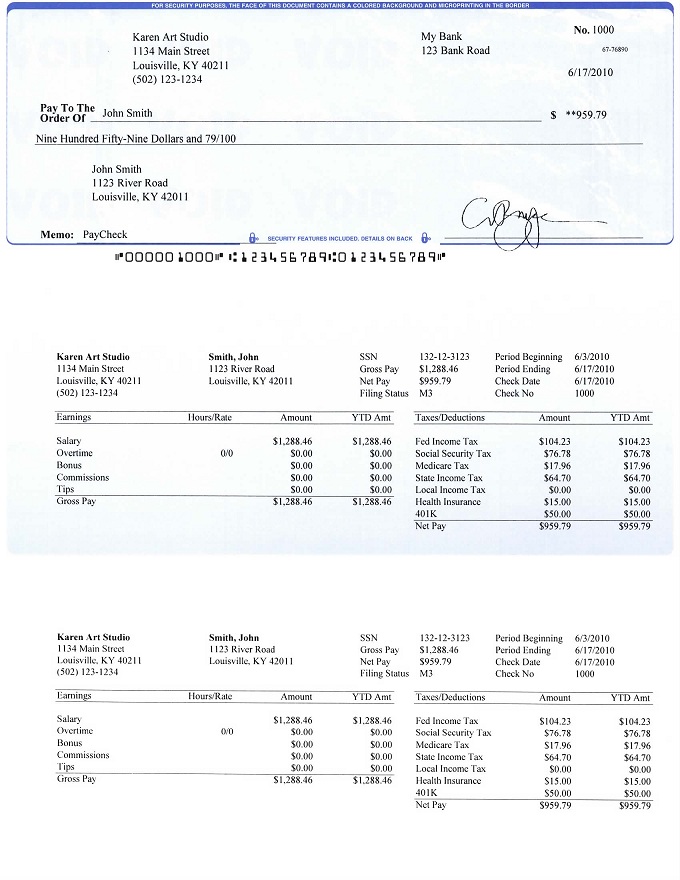
Printing payroll checks in 2026 requires specific tools. Banks need special formatting to read them correctly. This ensures your payments are processed smoothly.
| Item | Average Cost (2026 USD) | Notes |
| Dedicated MICR Printer | $300 – $1,500+ | For higher volumes and security. |
| MICR Toner/Ink Cartridge | $50 – $150 | Essential for magnetic ink. |
| Blank Check Stock (per box) | $30 – $70 | Requires full MICR line printing. |
| Pre-Printed Checks (per box) | $50 – $100 | Includes bank details, less printing needed. |
| Payroll Software | $20 – $100/month | Automates calculations and printing. |
Get the Right MICR Printer
A MICR printer is key for payroll. Banks use magnetic readers for the numbers at the bottom. Standard ink can cause rejections and extra fees. Dedicated printers meet banking standards for clarity. This prevents processing delays.
Consider brands like TROY Group for high-volume needs. They offer strong security features. This helps prevent fraud. For smaller businesses, desktop MICR printers work well. Some inkjet printers can use MICR toner cartridges.
Read also: Order Checks for Business: Save 50% Online in 2026
The VersaCheck HP DeskJet 4255 MXQ bundle is a budget option. It’s good for very small businesses. Choosing the right printer impacts efficiency. It also affects compliance with bank rules. This leads us to the ink itself.
Choose Your MICR Toner Wisely
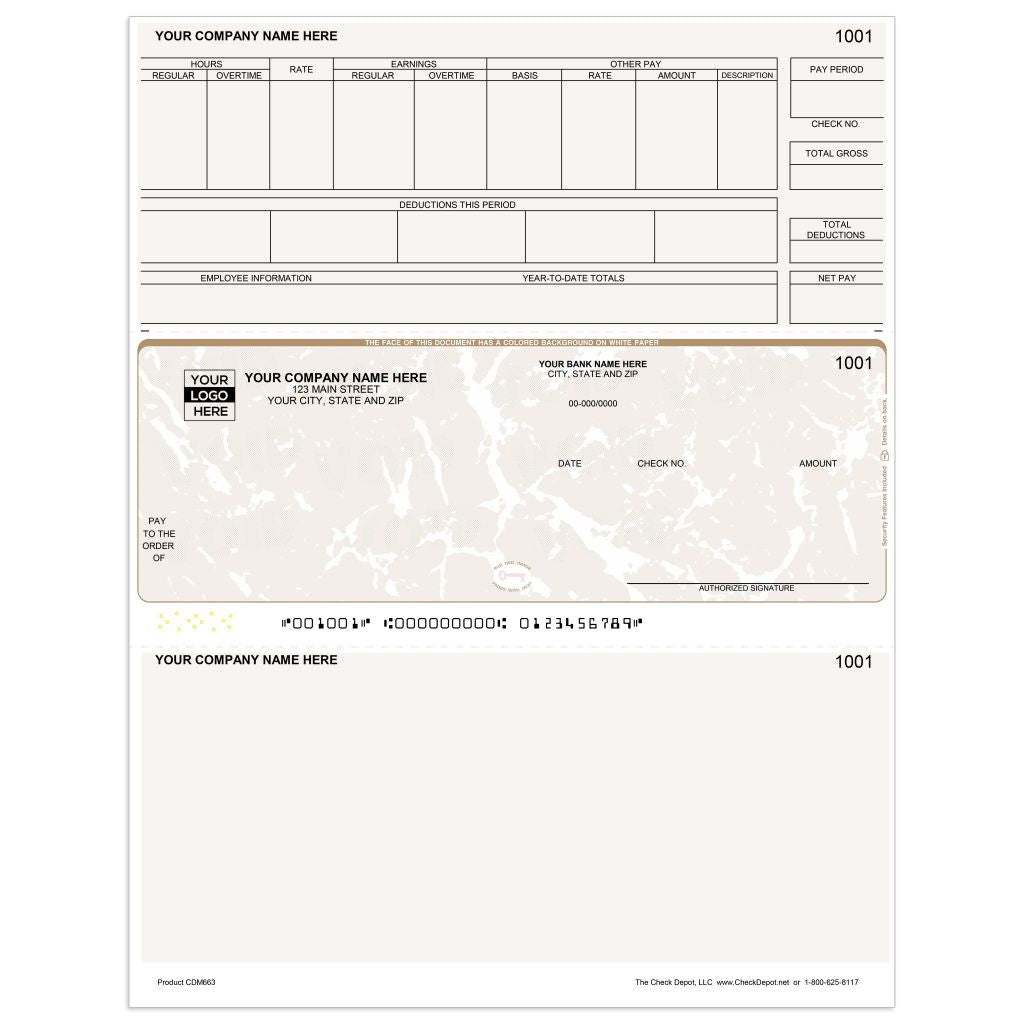
MICR toner or ink is not like regular ink. It contains magnetic particles. These particles allow bank scanners to read the numbers. Using standard ink will cause your checks to be rejected. This means more work and potential delays for your employees.
Ensure your chosen toner is specifically for MICR printing. Always check printer compatibility. This is vital for clear, scannable output. The next step is deciding on the paper.
Blank Stock vs. Pre-Printed Checks
You have two main paper choices. Blank check stock is cheaper upfront. You print everything, including the MICR line. This requires a reliable MICR printer. It offers more control over the design.
Read also: Why Your Sage Checks Keep Misaligning and How to Fix It
Pre-printed checks come with your bank details already on them. This means less printing for you. It can be simpler for low-volume users. However, the initial setup with your bank might take longer. Both options need careful handling to avoid errors.
Payroll Software Simplifies Printing
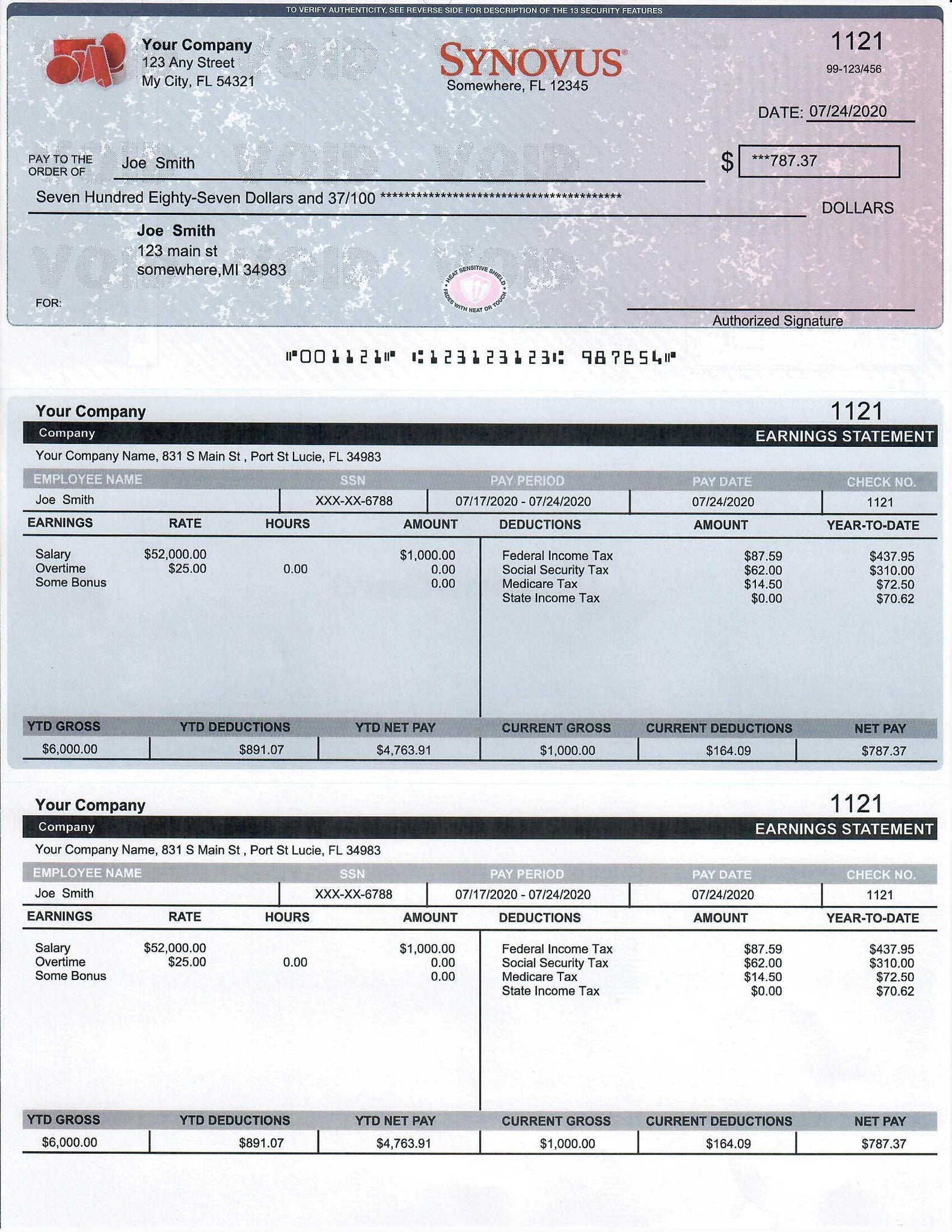
Payroll software is essential. It formats checks correctly. It also calculates deductions and taxes. This ensures legal compliance. Software like VersaCheck or ezPaycheck automates much of the process.
Many programs connect with your accounting systems. This saves time and reduces manual entry. Look for software that supports secure check printing. This is a critical step for protecting your business.
Check out payroll software options on Amazon. This can help you find the right fit. Software integration is key for efficiency.
High-Volume Check Printing Solutions
If you have many employees, you need speed and reliability. High-volume check printing requires robust laser MICR printers. These machines are built for continuous use. They offer better security features. This is important for larger businesses.
Look for printers with high page-per-minute (PPM) ratings. Also, consider printers with large paper capacities. This minimizes interruptions. TROY Group printers are a good example. They are designed for demanding environments. Investing in the right hardware prevents bottlenecks.
Low-Volume Check Printing Options
For small businesses, costs are a major concern. Low-volume check printing can use simpler methods. A good quality desktop MICR printer might suffice. Some multifunction printers can also handle MICR toner.
The VersaCheck HP DeskJet 4255 MXQ bundle is an affordable choice. It offers basic MICR printing capabilities. Ensure the printer can handle the MICR toner properly. This keeps costs down without sacrificing compliance. It’s about finding the right balance.
Secure Check Printing for Fraud Prevention
Secure check printing is vital. Fraud is a constant threat. Look for printers with built-in security. Features like watermarks or void pantographs help. Encryption can protect sensitive data.
Your payroll software should also offer security. Use strong passwords. Limit access to printing functions. Audit trails track who printed checks. This deters unauthorized printing. Protecting your finances is paramount.
Bank Compliance for Check Printers
Banks have strict rules for checks. Bank compliance ensures your checks are accepted. The MICR line must be clear and accurate. The ink must be magnetic. Incorrect formatting leads to rejections. This can incur fees.
Always follow the specifications provided by your bank. Use software that generates compliant checks. Regular checks of your printed output are wise. This ensures continued acceptance by financial institutions. Visit Patriot Software’s guide for more details. Adhering to these standards saves time and money.
The Future of Payroll Checks
Integrated systems are the trend for 2026. Secure MICR printers combined with smart payroll software offer maximum efficiency. This reduces errors and fraud risks. For hands-on advice: always test print a few checks. Verify the MICR line is perfectly readable. Then, run a small batch before printing all payroll. This simple step prevents costly mistakes.
Your 3-Step Action Plan for Payroll Check Printing
Step one: Evaluate your check volume and budget. If you print over 50 checks per month, invest in a dedicated MICR laser printer like those from TROY Group.
Step two: Choose the right check stock. For maximum security and cost savings, use blank check stock and print the entire check with your MICR printer.
Step three: Select payroll software that integrates with your printer and accounting system. VersaCheck and ezPaycheck are popular choices that automate deductions and compliance.
Common Mistakes to Avoid
- Using standard ink or toner on checks – banks will reject them, causing delays and fees.
- Buying pre-printed checks with bank details – they limit flexibility and cost more.
- Skipping security features – encryption and audit trails are essential to prevent fraud.
Frequently Asked Questions
Can I use a regular printer for payroll checks?
No, standard printers cannot print the magnetic ink needed for MICR reading. Using one will lead to check rejection and additional bank processing fees.
Do I need special software to print payroll checks?
Yes, payroll software formats the check, calculates deductions, and prints the MICR line correctly. It also helps maintain compliance with tax laws.
Where can I buy MICR toner and blank check stock?
Online retailers like Amazon and office supply stores such as Staples carry MICR toner and blank check stock. Ensure the stock is compatible with your printer model.
By choosing a dedicated MICR printer and compatible supplies, you ensure your payroll checks are processed smoothly without costly rejections. This investment protects your business and saves time.
Take the next step: review your current check printing process and compare it with the solutions discussed. Upgrade to a secure, efficient system today.
Imagine a payroll process where checks print flawlessly every time, and your team focuses on growth instead of fixing printing errors. That efficiency is within reach with the right setup.
