


You need Microsoft Office to finish that resume, but the price tag makes you pause. A free trial sounds perfect, but you worry about getting charged after 30 days. You are not alone, and the good news is you can test Office for free without losing a penny if you follow the right steps.
Microsoft offers a one-month free trial for Microsoft 365, which includes Word, Excel, and PowerPoint. You must enter a credit card to start, but you can cancel before the month ends and pay nothing. This article shows you exactly how to get your free trial, use it fully, and cancel on time.
How to Get Your Microsoft 365 Free Trial in 2026
Microsoft’s official free trial lasts 30 days and gives you full access to all premium Office apps. You can choose from plans like Microsoft 365 Family, which covers up to six people with 1 TB of OneDrive storage each. The Microsoft 365 Business Standard trial is great for small teams, and the Microsoft 365 Basic trial gives you 100 GB of cloud storage and ad-free email.
To start, go to the Microsoft trial page and pick a plan. You will need to sign in with a Microsoft account or create one for free. Then enter a valid credit card or PayPal – this is required, but you will not be charged until after the 30 days. After that, you can install the desktop apps on up to five devices per user and use them offline.
If you want to avoid paying, set a reminder to cancel at least two days before the trial ends. Go to your Microsoft account’s subscription page and click ‘Cancel.’ The apps will then switch to a read-only mode, so you can view and print documents but not edit them. For a permanent free option, use Office for the web through a browser, or if you are a student with a .edu email, you may qualify for a full free version through the Microsoft Education portal.
Microsoft 365 Free Trial: Your 2026 Guide
Microsoft continues to offer a one-month free trial for Microsoft 365. This lets you try the full suite of tools. It’s a great way to see if it fits your needs before paying. You can access this offer on the official Microsoft trial page. This trial is a standard offering in 2026. It helps users decide on a subscription.
| Plan | Trial Length | Cost After Trial (Annual) | Key Features |
| Microsoft 365 Family | 1 Month | $99.99 | 6 users, 1TB OneDrive each, 5 devices/user |
| Microsoft 365 Business Standard | 1 Month | $12.50/user/month (billed annually) | Premium apps, advanced security |
| Microsoft 365 Basic | 1 Month | $19.99/year | 100GB OneDrive, ad-free Outlook |
Money Matters.
Activating a Microsoft 365 free trial requires a valid payment method. This is standard practice for subscription services. It ensures a smooth transition if you decide to keep the service. You will be automatically billed after the 30 days. This is why it is important to be aware of the dates.
Timing is Everything.
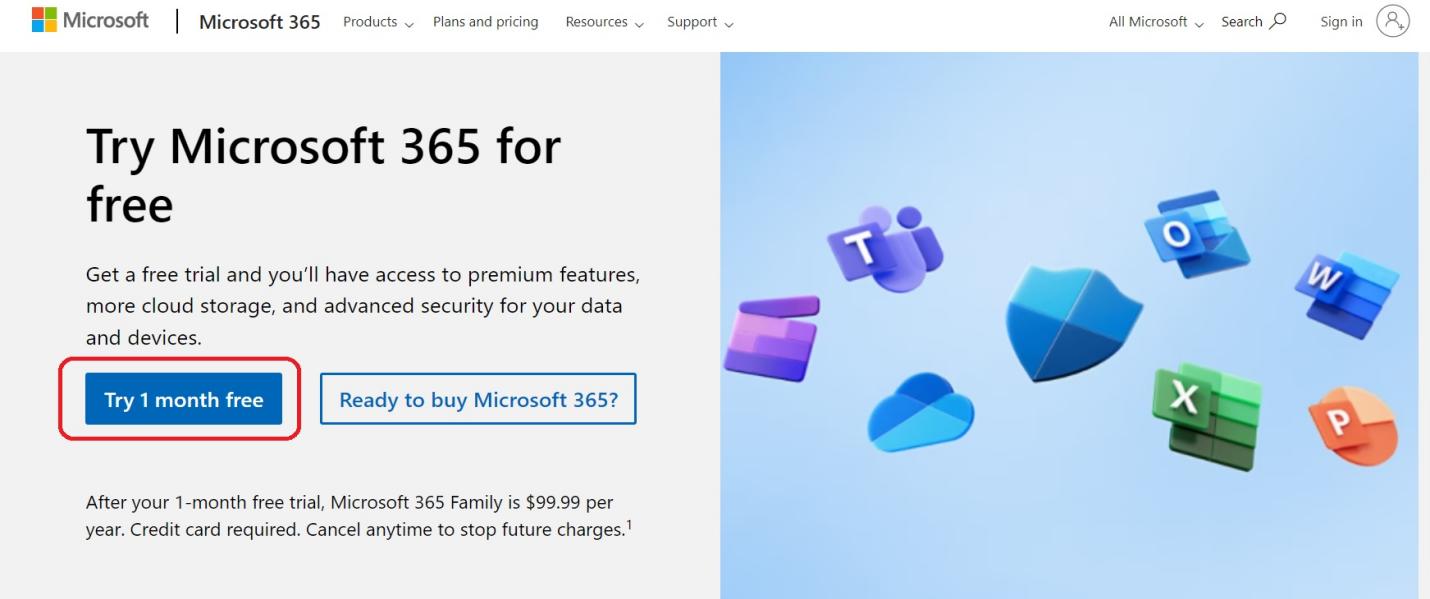
You must cancel your trial at least two days before it ends. This prevents unwanted charges. Failing to cancel means the annual subscription fee is applied. Mark your calendar. This is a common point of confusion for many users.
Read also: I Need a Business Email Address – Here’s the Cheapest Way to Get One
What’s Included?
During the Microsoft 365 free trial, you get full access to premium apps. This includes Word, Excel, PowerPoint, and Outlook. You also get OneDrive cloud storage. This allows you to save and access files from anywhere. The trial gives you a real feel for the full capabilities.
Start Your Office Trial.
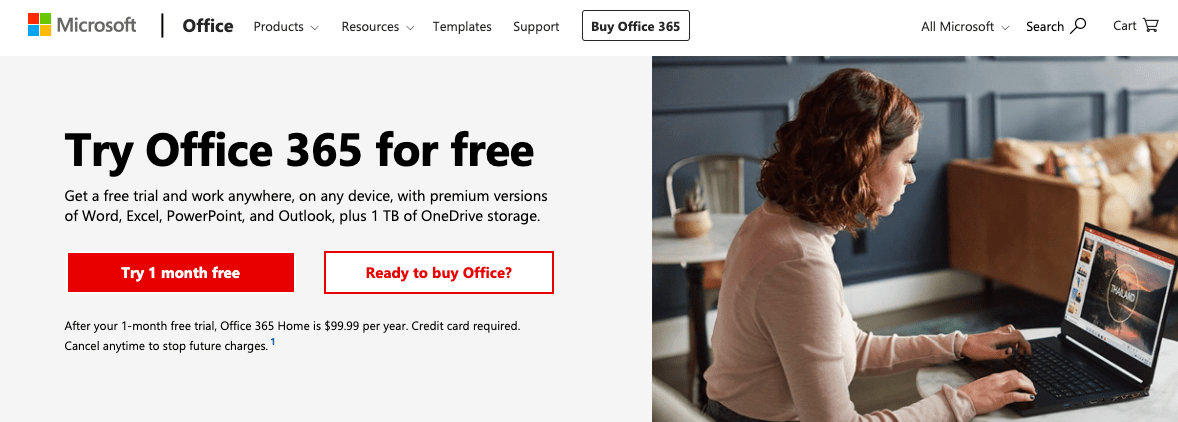
To begin your Microsoft Office free trial, go to the official Microsoft 365 trial page. Follow the prompts to sign up. You will need to create or sign in to your Microsoft account. Then, enter your payment information. The process is straightforward and designed for ease of use.
Family Plan Perks.
The Microsoft 365 Family trial is generous. It allows up to six people to use the subscription. Each person gets their own 1TB of OneDrive storage. They can also install Office apps on up to five devices. This makes it a cost-effective option for households. It’s a smart way to cover everyone’s needs.
Business Needs Met.
For small to medium businesses, the Microsoft 365 Business Standard trial is key. It offers premium Office applications. It also includes enhanced security features. This plan is designed to boost productivity for teams. It helps protect your business data effectively. This is a critical consideration for any company.
Read also: Best CRM for Sale in 2026: Lifetime Deals & AI Tools That Work
Basic, But Powerful.
The Microsoft 365 Basic trial focuses on core needs. You get 100 GB of OneDrive storage. Your Outlook email will be ad-free. This plan is great if you primarily need cloud storage and email. It’s a simpler, more affordable option. Consider this if you don’t need the full desktop apps.
Online Office Apps.
Even without a subscription, free Office apps online exist. These are browser-based versions of Word, Excel, and PowerPoint. They are perfect for quick edits or document viewing. You do not need to download anything. These free Office apps online are accessible to everyone. They offer basic functionality for everyday tasks. Microsoft 365 free trial information is readily available.
Student Savings.
Eligible students and educators can get Microsoft 365 for free. You need a valid school email address. Visit the Microsoft Education portal. This portal provides access to full Office suite features. It’s a significant benefit for learning. Check your eligibility today. Learn how to get Microsoft Office for free as a student.
Avoid Extra Charges.
To cancel your Microsoft 365 trial, go to your Microsoft account settings. Navigate to the subscriptions section. Select the Microsoft 365 subscription and choose to cancel. Doing this before the trial ends saves you money. It’s a crucial step to manage your subscription. Many users forget this simple step.
System Requirements.
To run the full desktop applications included in the trial, your device needs to meet certain specifications. Generally, this includes a recent version of Windows or macOS. You’ll also need a stable internet connection for activation and updates. Ensure your operating system is up-to-date. This guarantees a smooth experience.
After the trial, Office apps enter ‘View Only’ mode. You can see documents but not change them. This is Microsoft’s way to encourage subscription. It limits functionality significantly.
Managing your subscriptions is key to avoiding unexpected costs. Always check the terms and conditions. Know your cancellation dates. This ensures you only pay for what you use and need.
The Verdict: Smart Trials Save Money
The Microsoft 365 free trial is a valuable tool in 2026. It lets you test premium software. Remember to set a reminder to cancel. This avoids the annual fee. If you don’t need the full desktop apps, the free online versions are excellent. Students should always check for educational discounts. Be proactive with your subscription management. This is the best way to get the most value. Always read the fine print before signing up.
Read also: Stop using Gmail for business: Why you need to buy an email in 2026
Your 3-Step Action Plan for the Microsoft Office Free Trial
Step 1: Choose Your Trial Wisely
Select the Microsoft 365 plan that matches your needs. For family use, pick the Family plan for six users with 1 TB each. For business, choose Business Standard for advanced security.
Step 2: Set a Cancellation Reminder
Mark your calendar for day 28 of the trial. This gives you two days to cancel before billing starts. Avoid the annual charge by canceling at least 48 hours before expiration.
Step 3: Explore Free Alternatives First
If you’re a student, check the Education portal for full free access. Otherwise, use Office for the Web for basic editing without any payment. This saves you from accidental charges.
Frequently Asked Questions
Will I lose my files if I cancel the trial?
No, your files remain in OneDrive with read-only access. You can still view and print them, but editing requires a subscription.
Can I extend the free trial beyond 30 days?
Microsoft typically does not offer extensions. You would need to sign up for a paid plan or create a new account with a different payment method.
What happens if I forget to cancel?
You will be charged the full annual subscription fee. Contact Microsoft support within 30 days for a refund, but it’s not guaranteed.
This free trial gives you full access to premium Office tools for 30 days. It’s the safest way to test the latest features before committing.
Start your trial today and set a reminder to cancel if you decide not to continue. Then explore the free web versions for ongoing basic use.
Imagine editing documents seamlessly across all your devices. That effortless productivity is just a trial away.
