


Tired of using a clunky Gmail or Yahoo address for your business? It screams ‘amateur’ and costs you trust. Buying a professional email with your own domain is the first step to looking legit and building credibility.
You don’t need to be a tech wizard or spend a fortune. In 2026, getting a custom email like ‘[email protected]’ is simpler and cheaper than ever. Let’s cut through the noise and show you exactly how to own your email identity.
What Does It Mean to ‘Buy an Email’ in 2026?
When people say ‘buy an email,’ they usually mean getting a custom address tied to a domain you own. Think ‘[email protected]’ instead of ‘[email protected].’ This requires two things: a domain name (like yourname.com) and an email hosting service to manage your inbox.
Top providers include Google Workspace at $6/month per user, Zoho Mail starting at $0.90/month, and Microsoft 365 through GoDaddy for $1.99/month. Domain registration is separate, with extensions like .email or .store available from $2.99 at registrars like GoDaddy or Hover.
Ignore the old advice of buying email lists. That practice is risky, often illegal under CAN-SPAM, and hurts your reputation. Focus on building your own list with permission. The real investment is in a professional inbox that builds trust and gets your emails read.
| Product | Average Price ($) | Highlight |
| Zoho Mail (Free Tier) | 0.00 | Free email hosting for existing domain owners. |
| Namecheap Email Hosting | 0.74 | Budget-friendly custom domain email starting price. |
| Zoho Mail (Paid) | 0.90 | Affordable professional email hosting with robust features. |
| Microsoft 365 (via GoDaddy) | 1.99 | Secure email with cross-device sync, often bundled. |
| Hover Domain + Email | 2.99 | Domain registration and basic email hosting. |
| Hostinger Business Email | 2.99 | Generous storage for business email plans. |
| GoDaddy Professional Email | 4.99 | Easy-to-use professional email hosting. |
| Google Workspace | 6.00 | Industry standard for business email and collaboration tools. |
| Custom Domain Registration | 12.00 | Securing your domain name is the first step. |
| Email Marketing List (Purchased) | 100.00+ | High risk, discouraged practice for legitimate use. |
WHAT REALLY WORKS

Buying an email today means getting a professional address like ‘[email protected]’. This requires a domain name and email hosting. Many companies offer both together. This is better than free email services for business.
Free email accounts often look unprofessional. They can also have limitations on storage and features. A custom domain email shows you are serious. It builds trust with customers and partners. It is a key part of your online identity.
Professional Email for Your Domain
When choosing a business email provider, think about your needs. Consider storage space, security features, and ease of use. Look at the cost per user per month. Make sure it works with your current tools. Many offer free trials to test them out. Getting a business email is an investment in your brand.
Read also: Where to Buy YouTube Accounts Safely in 2026
1. Zoho Mail (Free Tier)
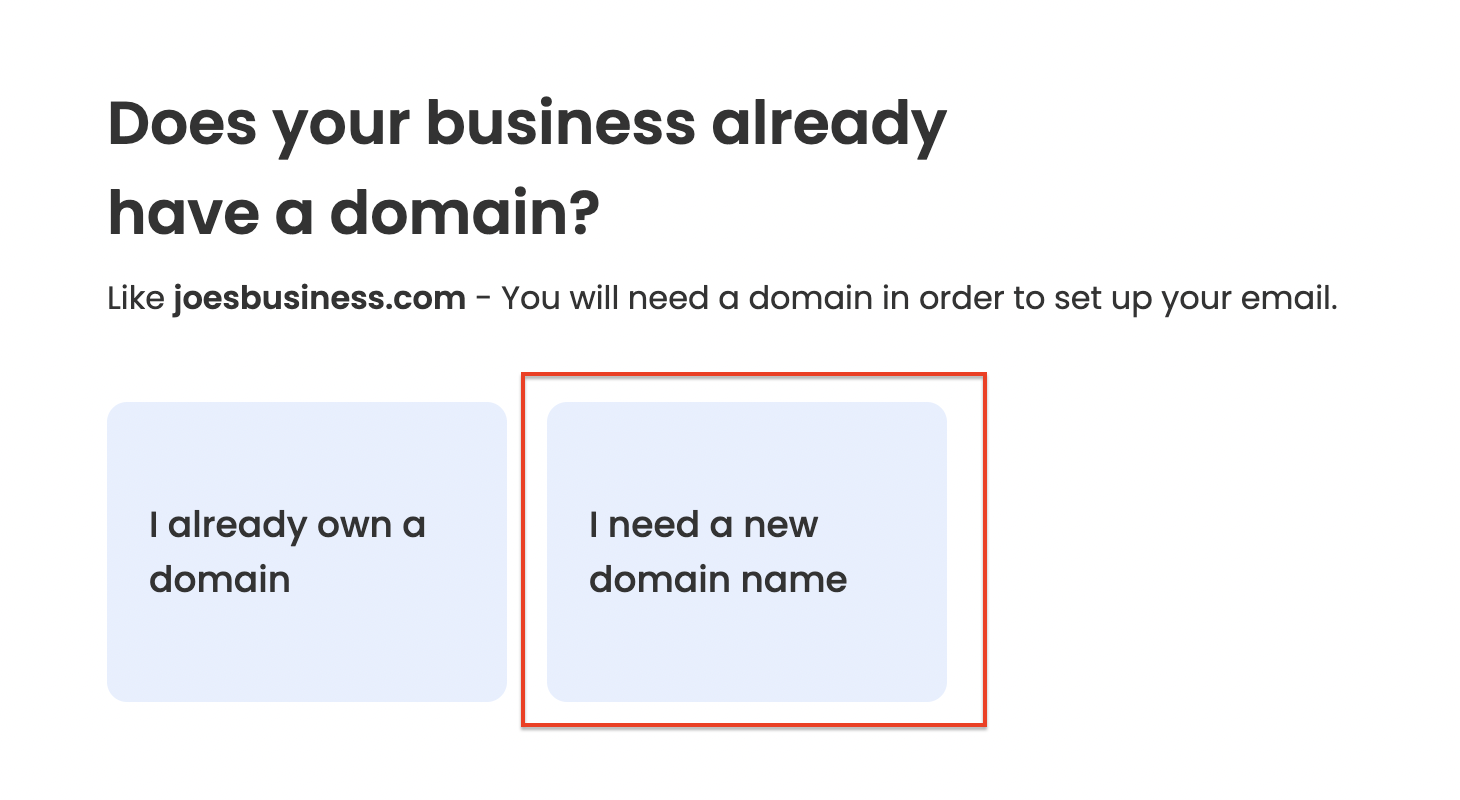
This plan offers free email hosting if you already own a domain. It’s a great way to start without extra cost. You get basic features for your custom domain email.
Average Price: 0.00
Practical Tip: Ideal for individuals or very small businesses testing custom email.
2. Namecheap Email Hosting
Namecheap provides very affordable plans for custom domain email. It is a solid choice for those on a tight budget. They focus on providing essential email hosting services.
Read also: Refund ThemeForest: 3 steps to get your money back
Average Price: 0.74
Practical Tip: Excellent for getting your first professional email address at a low cost.
3. Zoho Mail (Paid)
Zoho Mail’s paid plans are still very budget-friendly. They offer more storage and features than the free tier. It’s a strong contender for business email provider needs.
Average Price: 0.90
Practical Tip: A good step up for growing businesses needing more reliability.
4. Microsoft 365 (via GoDaddy)
Microsoft 365 offers robust email features, often bundled with other office tools. GoDaddy is a common reseller. It ensures good security and sync across devices.
Average Price: 1.99
Practical Tip: Great if you already use Microsoft Office products.
5. Hover Domain + Email
Hover focuses on domain registration and simple email hosting. It’s a straightforward option for getting an email for your website. Their pricing is competitive.
Average Price: 2.99
Practical Tip: Perfect for users who want a simple, no-fuss domain and email setup.
6. Hostinger Business Email
Hostinger offers business email hosting with good storage capacity. Their plans are designed for professional use. You get a reliable service for your domain name for email.
Average Price: 2.99
Practical Tip: Suitable for businesses needing ample space for emails and attachments.
7. GoDaddy Professional Email
GoDaddy is a well-known registrar that also offers professional email hosting. Their plans are user-friendly. They make it easy to manage your custom domain email.
Average Price: 4.99
Practical Tip: A popular choice for many small businesses due to brand recognition.
8. Google Workspace
Google Workspace is a top choice for many businesses. It includes Gmail for your domain, plus other Google apps. It offers excellent collaboration tools.
Average Price: 6.00
Practical Tip: The best option for teams that rely heavily on Google’s ecosystem.
9. Custom Domain Registration
Before you can buy an email address with your name, you need a domain. Services like GoDaddy and Hover sell domain names. Prices vary based on the extension, like ‘.com’ or ‘.email’.
Average Price: 12.00
Practical Tip: Choose a domain name that is memorable and relevant to your brand.
10. Email Marketing List (Purchased)
This refers to buying lists of email addresses for marketing. Experts strongly advise against this practice. It leads to high spam rates and legal issues.
Average Price: 100.00+
Practical Tip: Never buy email lists. Focus on building your own audience ethically.
WHICH ONE TO BUY TODAY? (VERDICT)
For the best value, Zoho Mail’s paid plans offer a fantastic balance of features and low cost. If you’re just starting and have a domain, their free tier is unbeatable. These options let you get a business email without breaking the bank.
For the best long-term investment, Google Workspace is hard to beat. Its integrated tools and reliability make it a powerful platform. It supports your business growth and collaboration needs effectively.
Read also: Get a 3D Printing Service Online Quote in Seconds in 2026
Your Professional Email Checklist
Once you’ve purchased your domain and email hosting, the first step is to verify your domain ownership. Most providers will send a verification email or require you to add a DNS record.
What to Check Immediately
- Domain Verification: Confirm you own the domain by clicking the link in the provider’s email or by adding a TXT record to your DNS settings.
- Email Account Setup: Create your first email address (e.g., [email protected]) and set a strong password.
Common First-Time Mistakes
- Skipping SPF/DKIM Setup: Without these email authentication records, your messages may land in spam folders.
- Using a Weak Password: Always use a unique, complex password with at least 12 characters.
Step-by-Step First Use
- Log into your email hosting control panel.
- Add your domain (if not auto-configured).
- Create your first mailbox.
- Configure email client (Outlook, Apple Mail, etc.) using provided server settings.
- Send a test email to yourself and a friend to confirm delivery.
Frequently Asked Questions
Can I use my existing Gmail with a custom domain?
Yes, Google Workspace allows you to keep your current Gmail interface while using your own domain. It costs $6 per user per month.
What is the cheapest way to get a professional email?
Zoho Mail offers a free tier for up to five users if you already own a domain. Their paid plans start at $0.90 per month.
How do I avoid my emails going to spam?
Set up SPF, DKIM, and DMARC records in your DNS. These authenticate your email and improve deliverability.
Choosing the right email service for your domain is a smart investment in your professional image. The options are affordable and easy to set up.
Now that you understand the basics, pick a provider that fits your budget and get started today. A custom email address builds trust and credibility.
In 2026, your email address is your digital handshake. Make it professional, secure, and memorable.
