


You’re tired of losing your work when your computer crashes, right? Microsoft Word 365 fixes that by saving your documents automatically to the cloud. No more panicking over a frozen screen.
And it’s not just about safety. You get the newest features the moment they’re released, like AI writing help from Microsoft Copilot. This subscription keeps you up-to-date without buying a new version ever again.
What Does the Microsoft 365 Subscription Include for Word Users?
When you subscribe to Microsoft 365 Personal for $99.99 a year, you get the full Word 365 app plus 1 TB of OneDrive storage. That’s enough space for thousands of documents, photos, and videos, all synced across your devices.
With the Family plan at $129.99 yearly, up to six people each get their own 1 TB storage and can share one subscription. You can install Word on five devices at the same time, including your phone and tablet.
The Premium tier at $199.99 adds extra security and more advanced Copilot AI features. For students and teachers, Office 365 Education is free with a valid school email, giving you the same core tools.
The Powerhouse of Word Processing: Understanding Microsoft Word 365
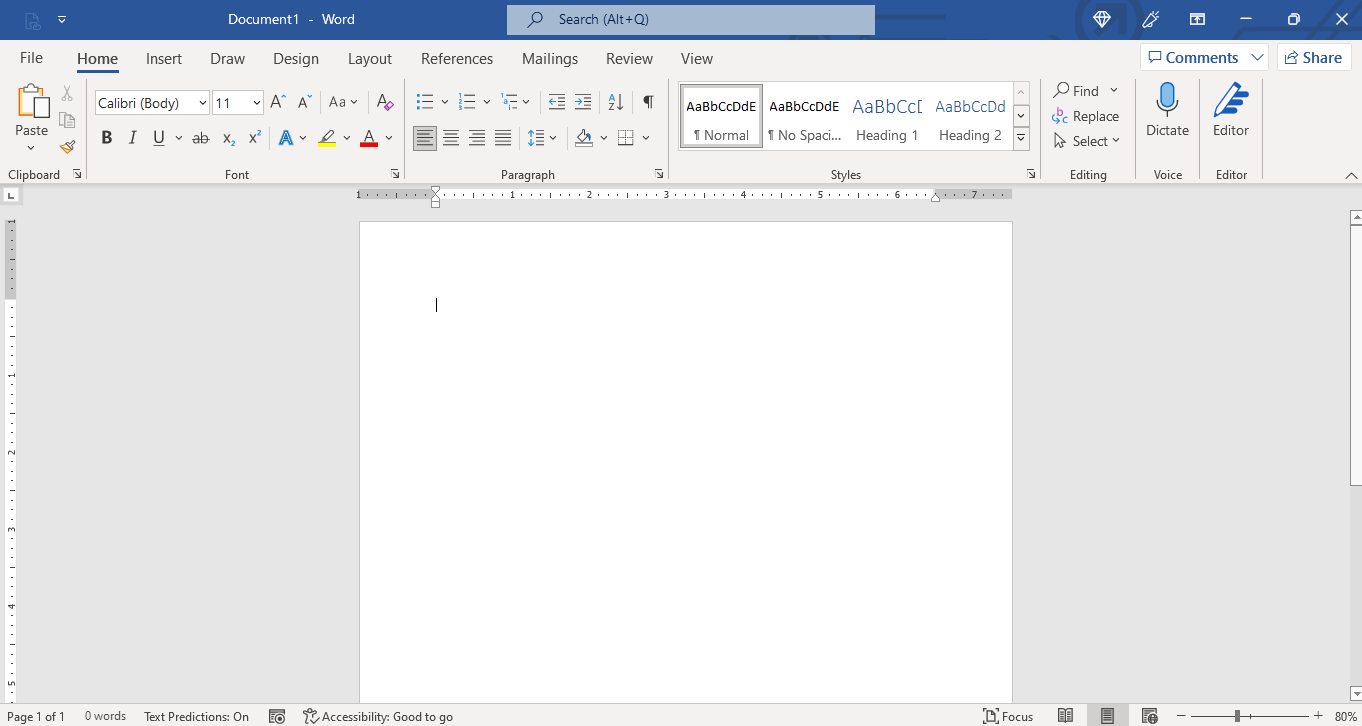
In 2026, Microsoft Word 365 stands as the premier word processing application, seamlessly integrated into the Microsoft 365 subscription service. This Software as a Service model means you always get the latest features and security updates automatically. It’s a far cry from older software you buy once and never update.
Beyond just typing, Word 365 is your smart writing assistant. With deep integration of AI like Microsoft Copilot, you can generate drafts, get summaries, and improve your text with intelligent suggestions. Plus, working with others is easier than ever thanks to real-time collaboration. This ensures everyone is on the same page, literally.
| Feature | Details |
| Model | Software as a Service (SaaS) |
| Updates | Continuous, automatic |
| AI Integration | Microsoft Copilot |
| Collaboration | Real-time co-authoring |
| Device Limit | Up to 5 devices per user |
| Cloud Storage | 1 TB OneDrive per user |
| Personal Plan | $99.99/year |
| Family Plan | $129.99/year (up to 6 users) |
Microsoft 365 Subscription Cost
Understanding the Microsoft 365 subscription cost is key to unlocking the full potential of Word 365. For individuals, the Microsoft 365 Personal plan typically runs around $99.99 per year, offering a robust suite of tools. This yearly investment provides continuous access to the latest software versions and cloud services. It’s designed for those who rely on Word for daily tasks and professional work.
Read also: Microsoft Office 365 Home: Why You’re Wasting Money on Personal
The subscription model ensures you’re always using up-to-date software, eliminating the need for costly upgrades every few years. This ongoing value proposition is central to the SaaS approach, making it a predictable expense for consistent productivity gains.
Word Online Features
For those needing basic document editing on the go, Word Online offers a compelling solution. Accessible through any web browser, it provides core word processing functionalities without requiring a full installation. This makes it incredibly convenient for quick edits or document creation from any internet-connected device.
Word Online is your go-to for fast edits and document access when a full desktop application isn’t available. It’s surprisingly powerful for a free tool.
While it doesn’t have every advanced feature of the desktop version, Word for the Web is a fantastic free alternative for many users. It integrates with your OneDrive storage, allowing you to access and work on your files from anywhere.
Microsoft Copilot in Word
Microsoft Copilot in Word is a game-changer for productivity in 2026. This advanced AI assistant helps you write faster and smarter by generating text, summarizing long documents, and even rewriting sections based on your prompts. Think of it as having a writing partner available 24/7.
Read also: How to safely download Microsoft Office in 2026
By leveraging sophisticated AI, Copilot can significantly reduce the time spent on drafting and editing. It analyzes your content and provides context-aware suggestions, helping you refine your message and improve clarity. This technology is a major benefit of the Microsoft 365 subscription, pushing the boundaries of what’s possible with document creation.
OneDrive Storage in Microsoft 365
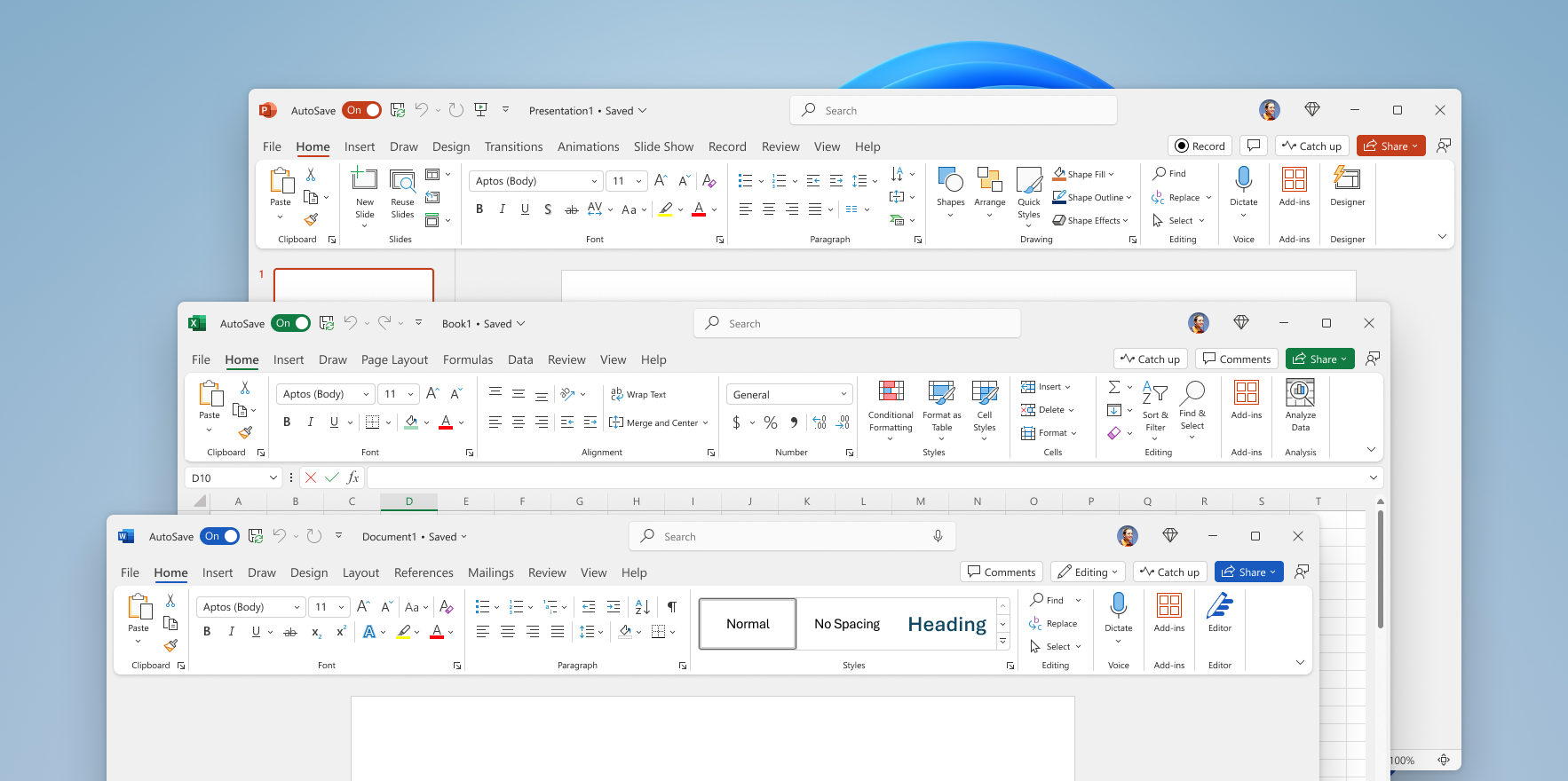
The generous 1 TB of OneDrive storage included with every Microsoft 365 subscription is a cornerstone of its value. This ample cloud space ensures you can save all your documents, photos, and important files securely. It also enables seamless synchronization across all your devices, whether you’re using a PC, Mac, tablet, or smartphone.
Having your files readily available and backed up in the cloud provides peace of mind and enhances workflow. You can start a document on your laptop and finish it on your tablet without missing a beat. This robust cloud-based document editing capability is a significant advantage.
Microsoft 365 Personal vs Family
Choosing between Microsoft 365 Personal and Family plans depends on your household needs. The Personal plan, at around $99.99 annually, is tailored for a single user, offering all the premium features and 1 TB of OneDrive storage. It’s the most straightforward option for individuals.
The Microsoft 365 Family plan, typically priced at $129.99 per year, extends these benefits to up to six users. Each user receives their own 1 TB OneDrive allocation and can install Office apps on multiple devices. This makes it a cost-effective solution for families or shared workspaces needing individual access.
Real-Time Document Collaboration
Real-time document collaboration is a standard, powerful feature within Word 365. Multiple users can work on the same document simultaneously, seeing each other’s changes as they happen. This eliminates the confusion of managing multiple file versions and speeds up teamwork significantly.
The interface clearly shows who is working on which part of the document, with cursors indicating live edits. This level of transparency and immediate feedback is crucial for efficient teamwork, especially in remote or hybrid work environments. It’s a core component of cloud-based document editing.
Free Word Alternatives
While Microsoft Word 365 offers extensive features, free Word alternatives exist for basic needs. Google Docs is a popular cloud-based option, offering similar real-time collaboration and accessibility through a web browser. It’s a strong contender for users who don’t require the advanced functionalities of the paid Microsoft suite.
Another option is LibreOffice, a free, open-source desktop application that provides a comprehensive set of features comparable to older versions of Microsoft Word. For students and educators, Office 365 Education provides free access to many of these tools, making it an excellent resource for academic settings.
Microsoft 365 for Students
Microsoft 365 for Students and educators offers significant value, often providing access to the full suite of Office applications at no cost. Eligible individuals can leverage Word, Excel, PowerPoint, and more for their academic work and research. This initiative makes powerful productivity tools accessible to a wider audience.
Accessing these tools can greatly enhance a student’s ability to complete assignments, create presentations, and manage projects effectively. It ensures that learning environments are equipped with the latest software, supporting educational success. Check your institution’s eligibility for Office 365 Education benefits.
The Future is Connected: Your Expert Verdict on Word 365
In 2026, Microsoft Word 365 is not just a word processor; it’s an evolving cloud-based productivity hub. The continuous updates, deep AI integration with Microsoft Copilot, and seamless collaboration tools set a new standard. The subscription model ensures constant innovation, making it an indispensable tool for professionals and students alike.
While free alternatives serve basic needs, the integrated experience and advanced features of Word 365, backed by substantial OneDrive storage and multi-device sync, offer unparalleled value. Expect Microsoft to continue enhancing these cloud and AI capabilities, further solidifying its position as the market leader.
Read also: Microsoft Office Free Trial: How to Get 30 Days Without Paying
Your 3-Step Action Plan for Word 365
Step 1: Choose Your Subscription
Assess how many people in your household need access. For a single user, Microsoft 365 Personal at $99.99/year is your best value.
For families or small teams, the Family plan covers up to six users with individual 1 TB storage each.
Step 2: Enable Real-Time Collaboration
Save your documents to OneDrive to unlock co-authoring with colleagues or family. You can see edits as they happen and chat within the document.
Use the Share button in the top right to invite others by email or link, controlling whether they can view or edit.
Step 3: Leverage AI with Copilot
Click the Copilot icon in the ribbon to ask Word to draft a letter, summarize a report, or rewrite a paragraph. This feature is included in Premium and available as an add-on for Personal and Family.
Start simple: try ‘Summarize this document’ or ‘Make this more professional’ to see instant results.
What to Avoid
Don’t ignore the 1 TB cloud storage that comes with your subscription. Use it to back up your files automatically.
Avoid using the free web version for complex layouts or offline work—it lacks many formatting and offline features.
Frequently Asked Questions
Can I use Word 365 offline?
Yes, you can install the desktop app and work offline. Your changes will sync to OneDrive automatically when you reconnect.
Just make sure to sign in at least once every 30 days to keep your license active.
What happens if I cancel my subscription?
You lose access to editing and premium features, but you can still view and print your documents. You’ll have a grace period to renew or download your files before storage is reduced.
Your documents remain on OneDrive, but you’ll need to move them elsewhere if you exceed the free 5 GB limit.
Is Word 365 different from Word 2021?
Yes, Word 365 is subscription-based with continuous updates, while Word 2021 is a one-time purchase that never gets new features. Word 365 includes AI tools, cloud storage, and real-time collaboration that the standalone version lacks.
If you need the latest features and multi-device access, 365 is the better choice.
Microsoft Word 365 remains the gold standard for word processing in 2026, combining powerful features with cloud convenience. Its subscription model ensures you always have the latest tools without extra costs.
Start your free trial today at office.com and experience the difference AI and collaboration make. Your next document could be your best one yet.
Imagine a workflow where ideas flow seamlessly from your mind to the page, assisted by intelligent suggestions. That future is here, and it’s more accessible than ever.
