

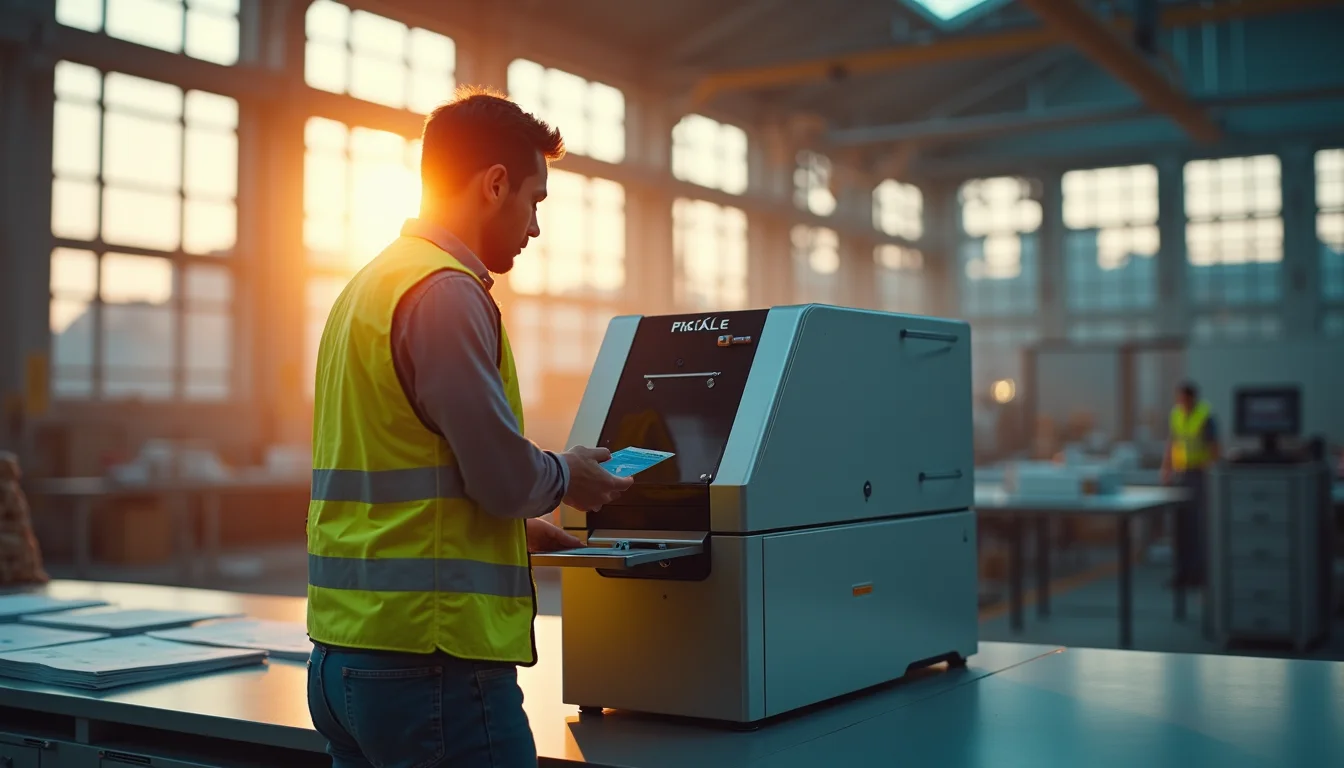
Struggling with worn-out paper membership cards that look unprofessional? A membership card printer solves that problem by creating durable, professional plastic IDs right in your office.
These machines print directly onto PVC cards, producing high-quality badges for gyms, clubs, or employee access. You get full control over design and security features without waiting on a third-party vendor.
Direct-to-Card vs. Retransfer: Which Membership Card Printer Fits Your Needs?
Direct-to-Card (DTC) printers apply ink directly onto the card surface, making them fast and affordable for basic IDs. For example, a local gym can produce simple membership cards with a name and barcode using a DTC model starting around $759.
Retransfer printers print onto a clear film that is then fused to the card, allowing edge-to-edge graphics and printing on uneven surfaces like smart cards. This technology delivers a premium look and works well for high-security access cards or organizations needing professional branding.
Key considerations include print volume: manual feed suits low-volume use, while input hoppers handle high-volume batches. Also decide if you need dual-sided printing or encoding options for magnetic stripes, smart chips, or RFID. Advanced security features like HoloKote® add a built-in watermark without extra cost.
Membership Card Printers: Your 2026 Guide
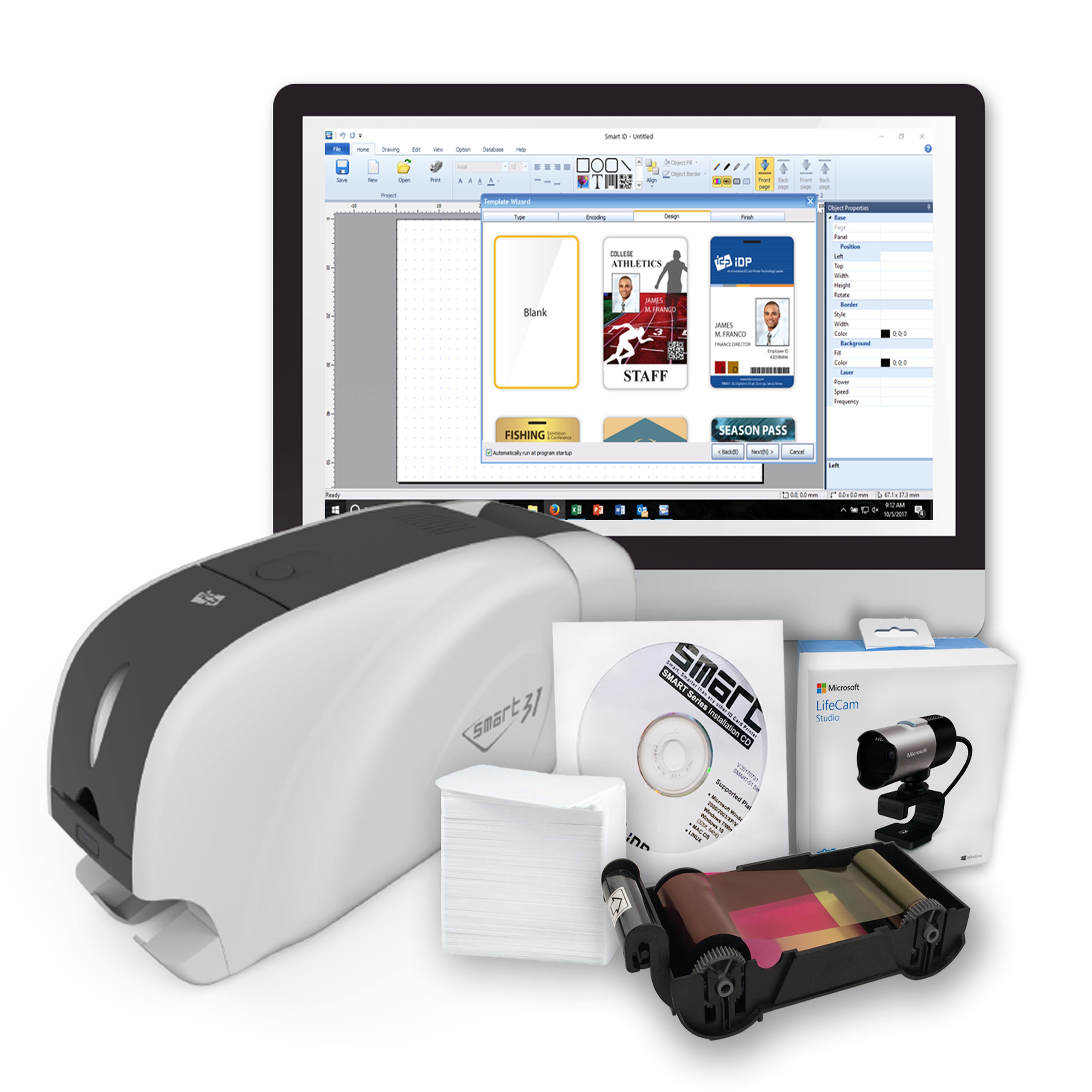
In 2026, choosing a membership card printer means looking at how many cards you need, what features they should have, and your budget. Direct-to-Card printers are fast and affordable for basic IDs. Retransfer printers offer higher quality for professional looks. Consider print volume, card features, and budget for the best fit.
| Printer Type | Average Cost (USD) | Best For |
| Direct-to-Card (DTC) | $759 – $1,500 | Basic IDs, High Volume |
| Retransfer | $1,800 – $3,000+ | Premium Quality, Edge-to-Edge |
| Entry-Level DTC | $759 | Low Volume, Basic Needs |
Quick Production Needs?
Direct-to-Card (DTC) printers apply ink straight onto the card. They are fast and cost-effective for organizations like local gyms. These printers are great for issuing many cards quickly. This makes them ideal for immediate membership needs.
Professional Quality Cards?
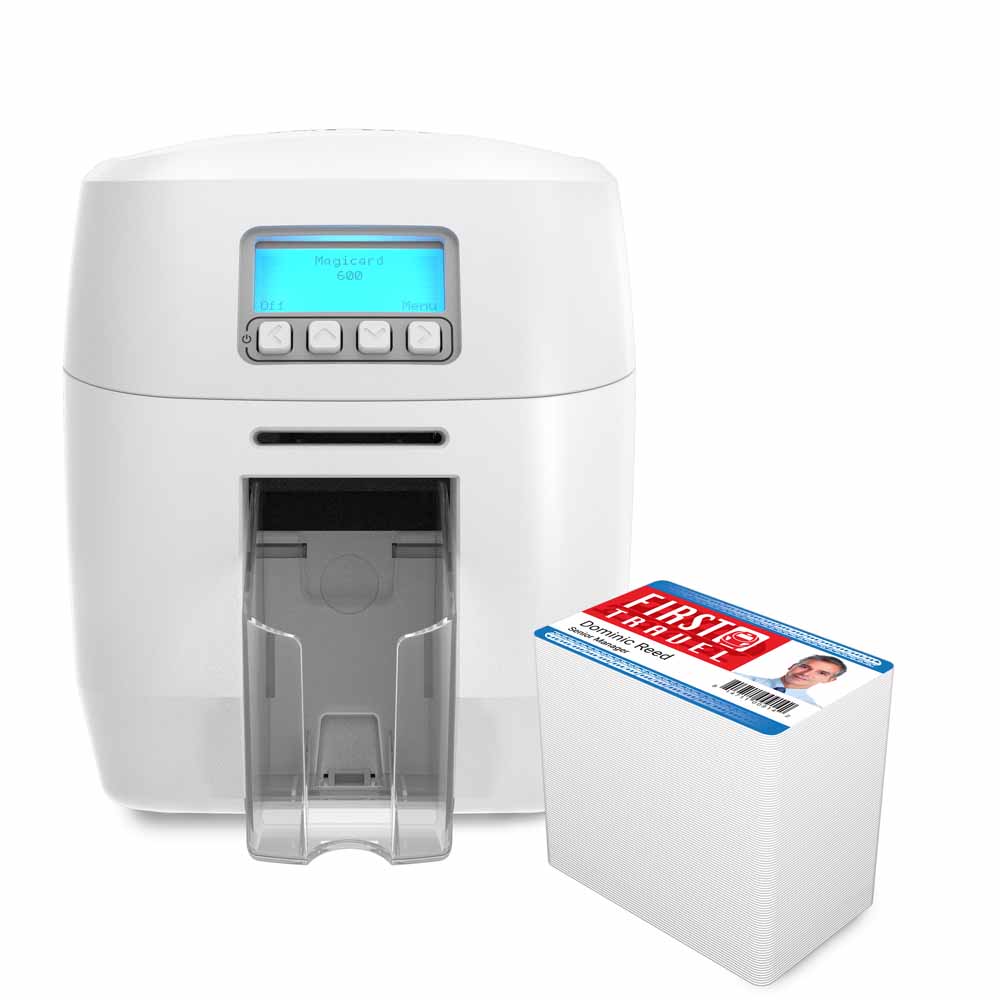
Retransfer printers give a premium, professional look. They print onto a film, then fuse it to the card. This allows for edge-to-edge graphics. It also works on cards with embedded chips or antennas.
Read also: Photo ID Badge Maker Machine: Print Credentials in 30 Seconds
Printing One Side or Both?
Decide if you need single-sided printers or dual-sided printers. Dual-sided printers let you print on both sides of the card. This is useful for adding more information. It can include terms and conditions or loyalty program details.
Need More Than Just an ID?
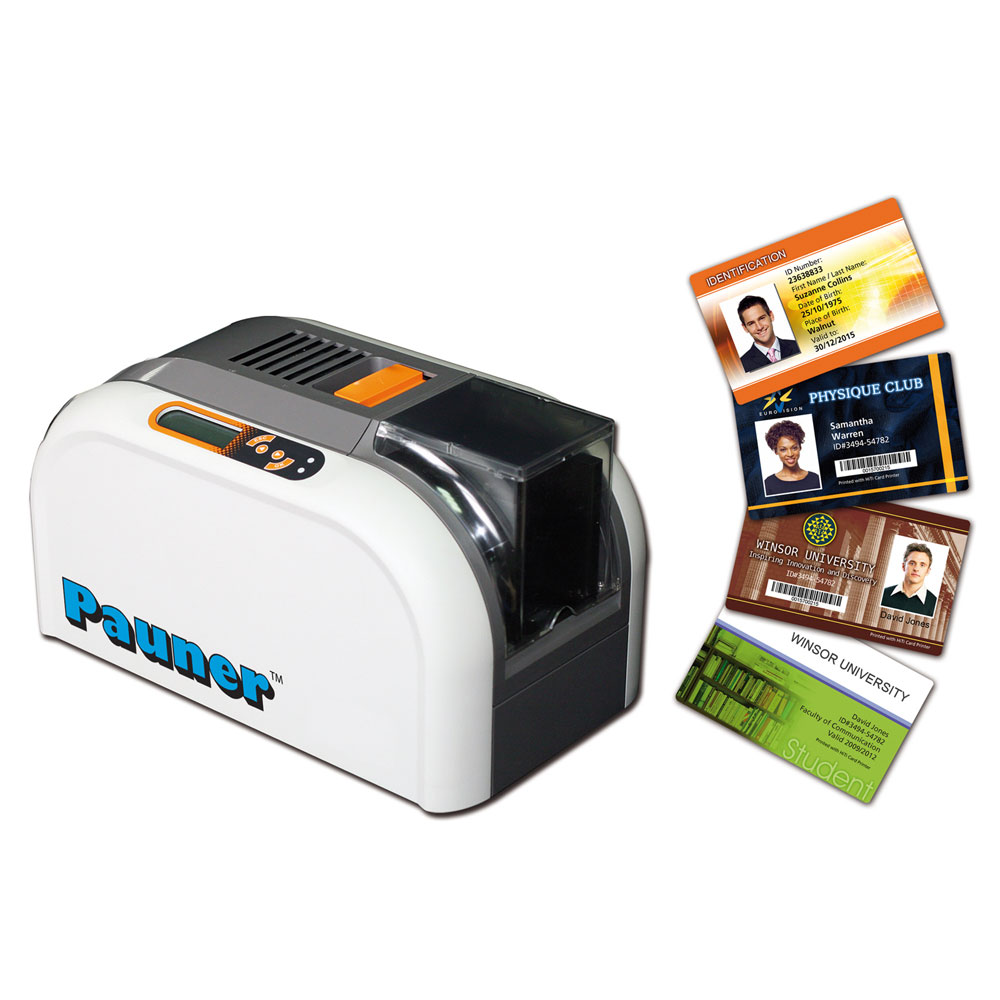
Some cards need to do more than just identify members. Printers with magnetic stripe encoding add a stripe for data storage. This is common for access control or payment systems. It allows cards to function like credit cards.
For Secure Access and Data?
Cards with embedded technology require special printers. Printers with smart card encoding can program these cards. They are used for secure building access or tracking attendance. This adds a layer of security and functionality.
Handling Big Batches?
For large organizations, print volume is key. Printers for high-volume use have automatic card feeders. They can print hundreds or thousands of cards without stopping. This saves significant time and labor.
Read also: 67 Stainless Steel Business Cards Ideas That Wow Clients
Small Office, Small Needs?
If you only need a few cards occasionally, choose wisely. Printers for low-volume use are more affordable. They often use manual feeding. This is perfect for small clubs or seasonal needs.
Adding a Security Layer?
Boost card security without extra costs. Features like Printers with HoloKote security feature add a watermark. This makes cards harder to counterfeit. It provides a visible security element.
Your Expert Verdict
In 2026, the best membership card printer depends on your specific needs. For most small to medium businesses, a Direct-to-Card printer offers the best balance of cost and speed. If you need highly secure or visually striking cards, invest in a Retransfer printer. Always check for the features you need, like Wi-Fi connectivity, before buying. Visit IDWholesaler for detailed comparisons. For small businesses, consider options like those found at IDWholesaler’s small business guide.
Read also: Plastic card printing near me: your 2026 guide to durable custom cards
Your 3-Step Action Plan for Choosing a Membership Card Printer
Step 1: Define Your Volume and Card Needs
Start by estimating how many cards you’ll print per month. If it’s under 500, a manual-feed DTC printer is fine. For higher volumes, look for a model with an input hopper.
Step 2: Decide on Print Quality and Features
For basic IDs with simple text and barcodes, a DTC printer works. If you need edge-to-edge color or to print on smart cards, choose a retransfer printer.
Step 3: Budget for the Printer and Consumables
Entry-level DTC printers start around $759, while retransfer models exceed $2,900. Factor in the cost of ribbons, cleaning kits, and any encoding modules.
Frequently Asked Questions
Can I print on both sides of the card?
Yes, many models offer dual-sided printing as an option. This adds cost but is useful for displaying terms or a logo on the back.
What is the difference between DTC and retransfer printing?
DTC prints directly on the card, leaving a small border. Retransfer prints onto a film that wraps around the edges, giving a full-bleed, professional look.
Do I need a special printer for RFID cards?
Not necessarily. Retransfer printers can handle uneven surfaces like RFID chips. For DTC printers, check compatibility with embedded antennas.
You now have the knowledge to confidently select a membership card printer that fits your organization’s needs. The right choice will save you time and money while delivering professional results.
Next, compare specific models from trusted brands like Zebra, Evolis, or Fargo. Look for warranty and local support to ensure long-term reliability.
Imagine your members receiving a sleek, durable card that reflects your brand’s quality. That’s the power of investing in the right printer today.
