


You walk into your workshop and see a pile of tools, but you have no idea which ones are broken, which need a charge, or which are ready to go. It is a guessing game that wastes your time and money. That stops today with equipment status tags.
These simple tags attach to your gear and show you instantly what is going on. No more hunting for a working drill or wondering if that saw needs a battery. You will save hours each week and stop buying duplicates of tools you already own.
How Equipment Status Tags Save You Time and Money
Equipment status tags are color-coded or text-based labels that tell you the condition of a tool or machine at a glance. Think of them like a traffic light for your gear: green means good to go, yellow means needs attention, red means out of service. This system is used in factories and warehouses across the US, and it works just as well in your garage or home workshop.
The cost is tiny: a pack of 50 durable plastic tags costs around $10 at Home Depot or Lowe’s. You can also make your own with a $5 pack of colored zip ties and a permanent marker. The payoff is huge because you will never again grab a dead battery or a broken wrench.
Read also: UHF RFID Labels: Scan Dozens of Items at Once from 40 Feet Away
Red Tags for Maintenance Alerts
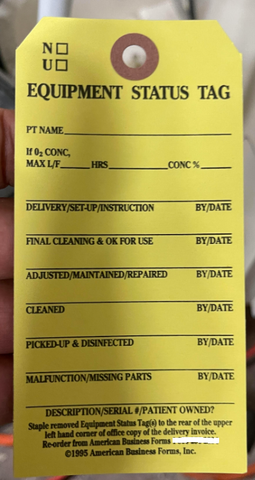
These messages speak to a need for immediate attention. They convey urgency and a call for skilled hands to resolve an issue.
Out of Service. Do Not Operate.
Maintenance Required. Do Not Use Until Cleared.
Warning: Equipment Under Repair. Unauthorized Use Prohibited.
Green Tags for Operational Equipment
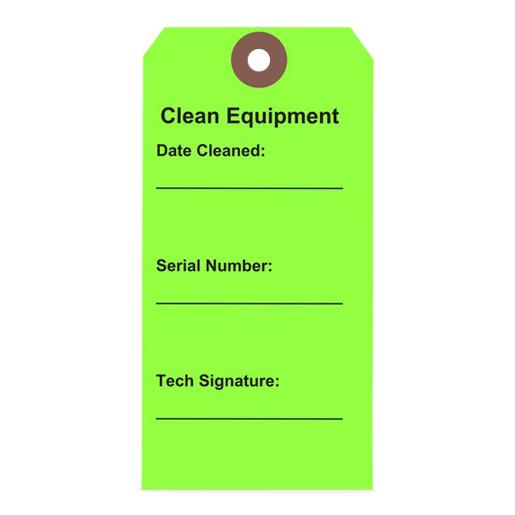
These messages confirm that equipment is ready and safe for use. They provide peace of mind and clear operational status.
Operational. Ready for Use.
System Online. All Functions Nominal.
Approved for Operation. Safety Checked.
Yellow Tags for Inspection Needed
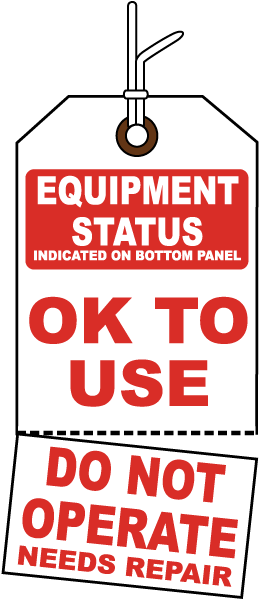
These messages signal a requirement for a closer look. They prompt a review to ensure continued safe and effective operation.
Inspection Pending. Use with Caution.
Scheduled for Review. Check Status Before Use.
Needs Assessment. Verify Before Operation.
Magnetic Status Tags for Metal Surfaces
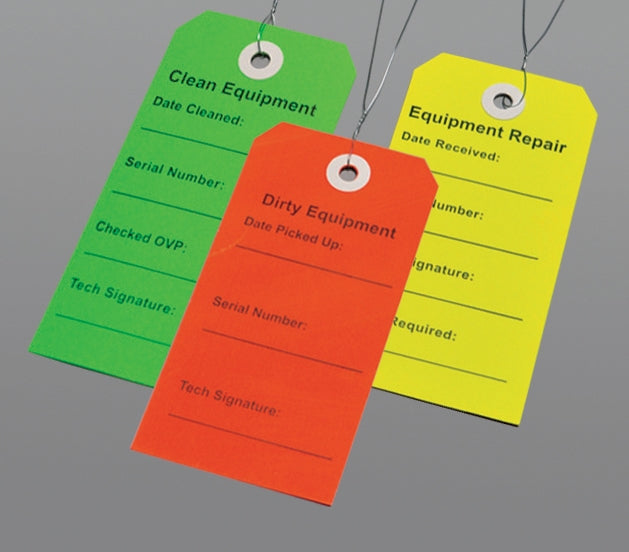
These messages are for surfaces that readily accept magnetic attachments. They offer a secure, easily repositionable way to communicate status.
Status: Available. Ready for Assignment.
Status: In Use. Do Not Disturb.
Weatherproof Tags for Outdoor Equipment
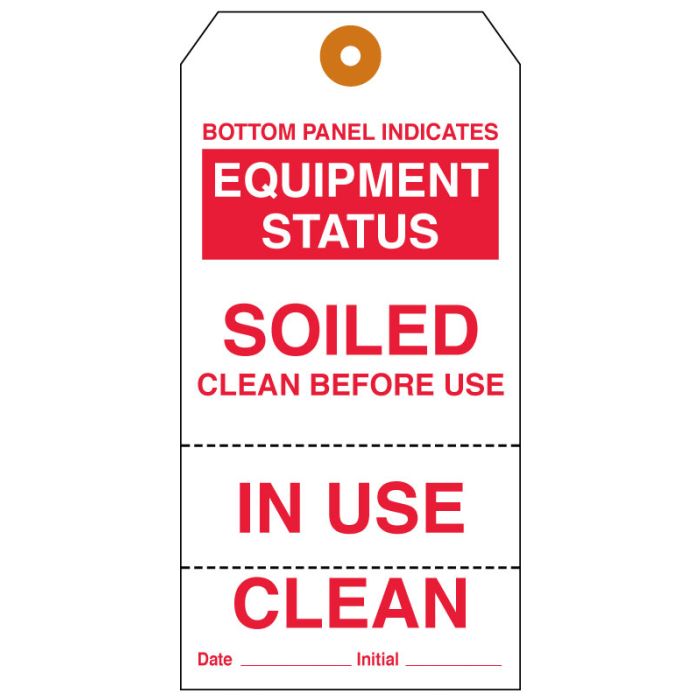
These messages are designed to withstand the elements. They ensure clear communication even in challenging outdoor environments.
Protected Area. Authorized Personnel Only.
Weather Advisory. Proceed with Caution.
Color-Coded Tags for Quick Identification
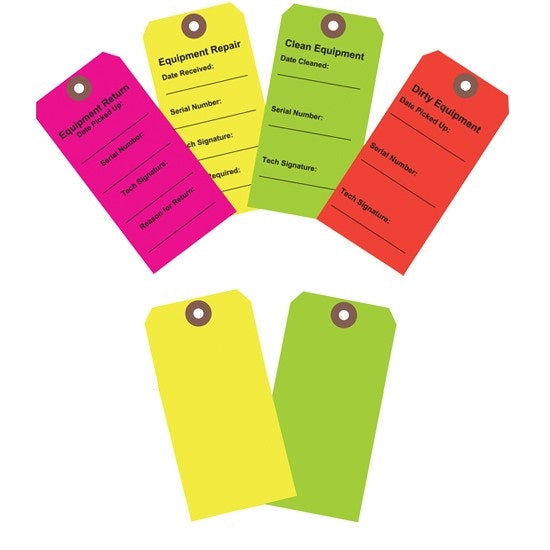
These messages leverage visual cues for immediate recognition. They simplify status checks at a glance.
Status: Clear. Proceed.
Status: Caution Advised. Inspect Before Use.
Status: Unavailable. Awaiting Service.
Durable Plastic Tags for Heavy Use
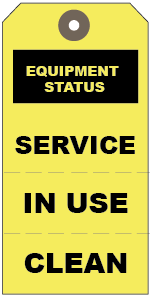
These messages are meant for demanding environments. They convey essential information reliably, resisting wear and tear.
Serviceable. Ready for Next Shift.
Fully Functional. Approved for Use.
Write-On Tags for Custom Status Updates
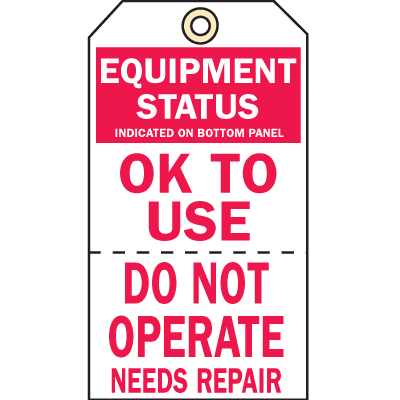
These messages allow for unique, situation-specific details. They offer flexibility for any status that needs clear, personalized communication.
Status Updated: [Date]. Next Check: [Date].
Specific Issue: [Describe Issue]. Action Taken: [Describe Action].
Temporary Status: [Describe Temporary State]. Contact [Name/Dept] for Details.
Biblical Wisdom:
Trust in the Lord with all your heart and lean not on your own understanding; in all your ways submit to him, and he will make your paths straight. – Proverbs 3:5-6
The Lord is my strength and my shield; in him my heart trusts, and I am helped. – Psalm 28:7
For it is by grace you have been saved, through faith—and this is not from yourselves, it is the gift of God. – Ephesians 2:8
The Lord is good to those who wait for him, to the soul who seeks him. – Lamentations 3:25
Do not be anxious about anything, but in every situation, by prayer and petition, with thanksgiving, present your requests to God. – Philippians 4:6
The Lord directs the steps of the godly. He delights in every aspect of their lives. – Psalm 37:23
Smart Tips for Using Equipment Status Tags
What to Avoid
Never use generic tags that don’t match the actual equipment condition. This creates confusion and defeats the purpose of the system.
Best Practices
- Use color-coded tags for quick visual identification. Red for down, green for operational.
- Update tags immediately after any status change. Delays lead to misinformation.
- Choose durable materials like laminated paper or plastic to withstand wear and tear.
Step-by-Step Implementation
- Assess your equipment list and categorize by status types.
- Purchase or create tags with clear labels and colors.
- Assign a person to monitor and update tags daily.
Frequently Asked Questions
How often should I replace equipment status tags?
Replace tags whenever they become faded or damaged. Typically, every 3-6 months depending on usage.
Can I use digital tags instead of physical ones?
Yes, digital tags integrate with asset management software. They require initial setup but offer real-time updates.
What is the best way to attach tags to equipment?
Use zip ties or strong adhesive for permanent attachment. For temporary use, magnetic backs work well.
Choosing the right equipment status tags streamlines your workflow and reduces downtime. This simple system pays for itself in saved time and fewer errors.
Now, review your current tagging method and upgrade to a color-coded system. Your team will thank you for the clarity.
Imagine a workspace where every machine’s status is instantly clear. That’s the power of a well-organized tagging strategy.
