


You have a stack of outdated business cards gathering dust, or worse, you are still scribbling your phone number on napkins. That is a lost opportunity every single time. A professional card builds instant trust, and in 2026, you can create one online in minutes, for free or cheap.
Forget the myth that you need graphic design skills or deep pockets. Modern online tools let anyone design a sharp, custom card from a template, then print it at home or order premium copies. You just need your details and a few minutes.
Design Business Cards Online: Free Tools and Pro Options
Your options split into two clear paths: physical printed cards and digital business cards. For physical cards, platforms like Canva and Adobe Express offer hundreds of templates. You can drag in your logo, pick brand colors, and choose fonts. These tools let you download a print-ready PDF with proper bleed and trim marks.
If you want the printer to handle everything, services like VistaPrint or GotPrint take your design and produce cards on real cardstock. They offer finishes like spot UV or foil stamping for a premium feel. For home printing, Avery Design & Print is optimized for their perforated sheets, so you just load, print, and pop out the cards.
Digital cards are exploding in popularity. Platforms like HiHello and Wave Connect let you create a virtual card that you share via a link, QR code, or NFC tap. Your card can include a video, social links, and even add directly to Apple Wallet or Google Wallet. These update in real time and track who views your info.
Visiting Cards in 2026: Your Digital and Physical Identity
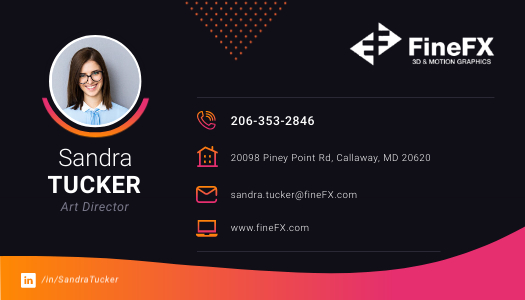
Creating a visiting card online is simple. You can get physical cards or digital ones. This guide shows you how.
| Service Type | Average Cost (USD) | Typical Time | Key Feature |
| Online Design Tool (DIY) | $0 – $30/month | 1-3 hours | Full design control |
| Professional Printing Service | $50 – $300+ | 3-7 business days | High-quality physical cards |
| Digital Business Card Platform | $0 – $25/month | 30 mins – 2 hours | Instant sharing, analytics |
Design Business Cards Online with Ease
Many websites let you design your own business cards. You can pick a style and add your information. This is great for quick designs.
Platforms like Canva have many templates. You can change colors and fonts easily. This helps you create professional business cards that look good.
Custom business cards are important for your brand. Make sure your logo and colors match your business. This builds trust with clients.
Ready to make your card look professional? Let’s see how to get started with free options.
Free Business Card Maker for Quick Designs
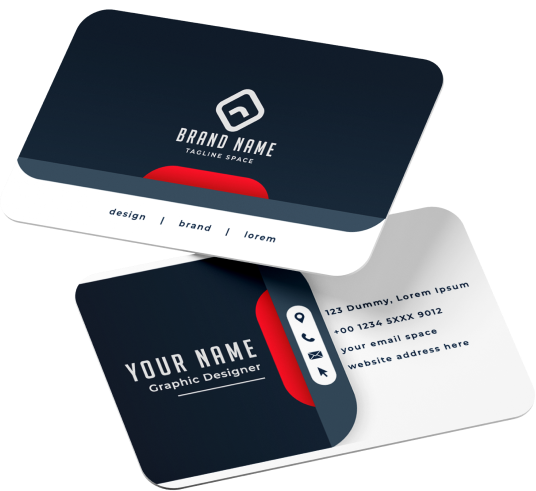
You don’t always need to spend money. Many online tools offer free business card templates. These are perfect for startups or small budgets.
A free business card maker lets you design cards without cost. You can download the design file. Then you can print them yourself.
Remember to check the file quality. Low-quality files will look bad when printed. This is why choosing a good tool matters.
Need a card that truly stands out? Let’s explore custom options.
Custom Business Cards for a Unique Brand
Your visiting card is your brand’s first impression. Making it unique helps you get noticed. You can choose special paper or finishes.
Custom business cards allow for specific details. Think about foil stamping or raised lettering. These add a premium feel.
The cost for custom options is higher. But it makes your card memorable. It shows you care about details.
Want to network more efficiently? Digital cards are the next step.
Digital Business Cards for Modern Networking
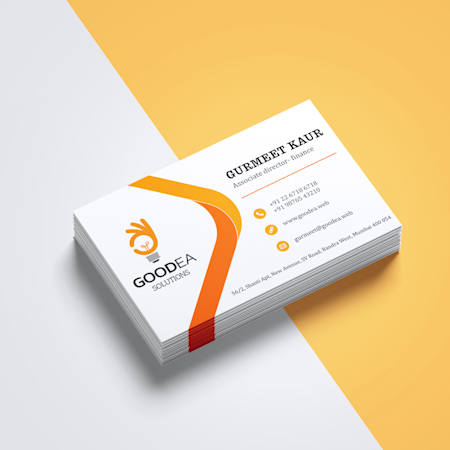
Digital cards are the future of networking. They live on your phone. You can share them instantly.
Digital business cards can include more than just text. Add links to your website or social media. You can even add videos.
These cards are eco-friendly. You save paper and reduce waste. It’s a smart choice for the environment.
Sharing your digital card is easy. A quick tap or scan does the job.
Virtual Visiting Cards to Share Instantly
A virtual visiting card works like a digital one. It’s a digital file you can send. Use QR codes or links to share it.
Platforms like HiHello make this simple. You create a profile. Then share a link or QR code.
This is great for quick exchanges. Meeting someone at an event? Just share your virtual card.
It’s a fast way to connect. Ready to print physical cards? Let’s look at online printing.
Print Business Cards Online with High Quality
When you need physical cards, online printers are great. They offer many choices for paper and finishes. You can get professional results.
Services like VistaPrint let you upload your design. Or you can use their design tools. They handle the printing and shipping.
Print business cards online to save time. They often have deals for bulk orders. This makes it cost-effective.
Ensure your design file is correct. High resolution (300 DPI) is key for clear printing. This prevents blurry images.
Need a design idea? Templates can help.
Business Card Templates to Jumpstart Your Design
Templates give you a starting point. They are pre-made layouts for visiting cards. You just add your details.
Using business card templates saves design time. Many websites offer free and paid options. Find one that fits your style.
Look for templates that are easy to edit. You should be able to change colors and text. Make it your own.
Templates are a smart shortcut. They ensure a good layout.
Looking for a tool to make it happen? An online maker is your answer.
Online Visiting Card Maker for Professional Results
An online visiting card maker simplifies the process. It guides you through creating your card. It’s designed for ease of use.
These makers have tools for adding text, logos, and images. They ensure your card looks polished. This is vital for a professional image.
Many offer print-ready files. You can download these files. Then send them to a printer.
It’s a direct path to a good card. Let’s sum up the best approach.
The Future is Flexible: Your Card, Your Way
In 2026, you have many choices. You can create physical cards or digital ones. Or use both for maximum impact.
For physical cards, use tools like Canva. They offer easy design and printing options. For digital, try HiHello for modern networking.
Hands-on advice: Always proofread your card carefully. Check names, numbers, and emails. A small typo can look unprofessional. Test your digital card link before sharing widely. Ensure it works on different devices.
Your 3-Step Action Plan for Creating a Visiting Card Online
Start by picking your format: physical or digital. This decision shapes every step that follows.
Step 1: Choose Your Platform
- For design freedom: Use Canva or Adobe Express. They offer thousands of templates and drag-and-drop editing.
- For instant printing: Go with VistaPrint or GotPrint. They handle production and shipping.
- For a digital card: Try HiHello or Wave Connect. These let you share via QR code or NFC.
Step 2: Customize Your Card
- Add your logo, brand colors, and contact details. Keep text readable at a glance.
- For print, set resolution to 300 DPI, color mode to CMYK, and include 0.125-inch bleed.
- For digital, keep file size under 2 MB and test on a mobile screen.
Step 3: Proofread and Export
- Check every number and spelling twice. A typo looks unprofessional.
- Download a print-ready PDF or share your digital card link. Order a sample before bulk printing.
Common mistake: skipping bleed or safe zone. This cuts off text or logos during trimming.
Frequently Asked Questions
Can I use the same design for both print and digital cards?
Yes, but you must adjust the file format and resolution. Print needs CMYK and 300 DPI; digital works best in RGB and 72 DPI.
How much does it cost to create a business card online?
Design platforms like Canva are free for basic use. Printed cards start at around $20 for 100 basic cards; premium finishes cost more.
What information should I include on a digital business card?
Include name, title, phone, email, website, and social links. Avoid overcrowding; prioritize the most common contact methods.
Creating a visiting card online in 2026 is faster and more customizable than ever. Whether you choose a classic printed card or a modern digital version, the tools are at your fingertips.
Start today by picking one platform from the action plan above. Design a sample and share it with a colleague for feedback.
Soon, your card will not just share contact info—it will tell your brand story at a glance. The future of networking is sleek, instant, and memorable.
