


Tired of generic logos that don’t make your business stand out? A custom neon sign logo is the answer. It’s not just for storefronts anymore—it’s a bold statement for your brand.
You can design one yourself without any design skills. In 2026, AI tools and online makers put professional neon logos within everyone’s reach. This article shows you how to create a neon sign logo from scratch, both for digital use and for ordering a physical sign.
What You Need to Know About Custom Neon Signs Online
The market for custom neon signs online has exploded, with platforms like Yellowpop and Custom Neon offering real-time previews. You can choose from hundreds of fonts, pick your colors, and see exactly how your logo will look before you buy. Most services use LED neon flex—it’s safer, more durable, and uses 80% less energy than traditional glass neon.
For digital logos, vector formats like SVG are essential for crisp scaling across websites and social media. Raster images (PNG, JPG) work for quick mockups but lose quality when enlarged. Many designers start with a neon logo generator on Canva or Adobe Express, then refine the design with a dedicated neon sign maker.
The biggest mistake people make is choosing a font that’s too thin or too ornate—neon needs thick, consistent lines to read well. Stick to monoline or dedicated ‘neon’ fonts from Google Fonts or DaFont. Always test your design at actual sign size before ordering.
Custom Neon Signs for Your Brand
Your brand’s identity deserves a luminous signature. A custom neon sign maker can bring your logo to life, making it memorable for customers.
Logo Design Refinement
Work with a neon sign maker to refine your existing logo. Ensure clean lines suitable for neon flex or glass tubing. This step is crucial for a professional finish.
Font Selection for Impact
Choose fonts that are legible and stylish for your business neon signs. Popular choices include sans-serif styles available on sites like https://fonts.google.com/. Consider how the font will translate into light.
Read also: 46 Bulk Custom Mouse Pads: Smart Tips to Save Money in 2026
Color Palette Integration
Select colors that align with your brand’s existing palette. Many custom neon signs online platforms offer a wide range of hues. Harmonious colors reinforce brand recognition.
Material Choice: Glass vs. LED
Decide between traditional glass neon and modern LED neon signs. LED offers more durability and energy efficiency. Glass provides a classic, distinct glow.
LED Neon Signs: Bright and Energy-Efficient
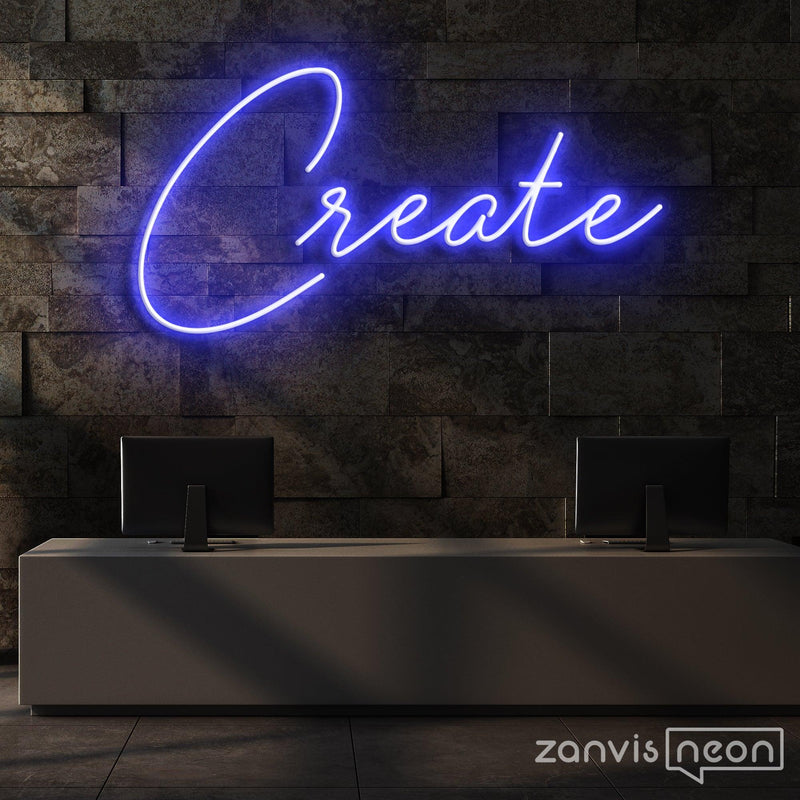
LED neon signs are a fantastic choice for modern businesses and homes. They offer vibrant light with lower energy consumption than older technologies.
Energy Savings Comparison
LED neon signs use significantly less electricity than incandescent bulbs. This translates to lower utility bills for your business neon signs. It’s a cost-effective lighting solution.
Read also: 55 Outdoor Lighted Signs for Business Ideas to Boost Visibility in 2026
Durability and Safety Features
LEDs are more robust and less prone to breakage than glass neon. They also run cooler, making them safer for indoor use. This is important for personalized neon signs.
Versatile Installation Options
LED neon flex is flexible and can be shaped into intricate designs. This allows for easier installation in various spaces. It’s ideal for creating unique neon sign art.
Environmental Impact
LED technology is generally more environmentally friendly due to its lower energy draw. It’s a responsible choice for businesses aiming for sustainability. Consider this for your DIY neon sign projects.
Neon Logo Generator: Instant Design Tool
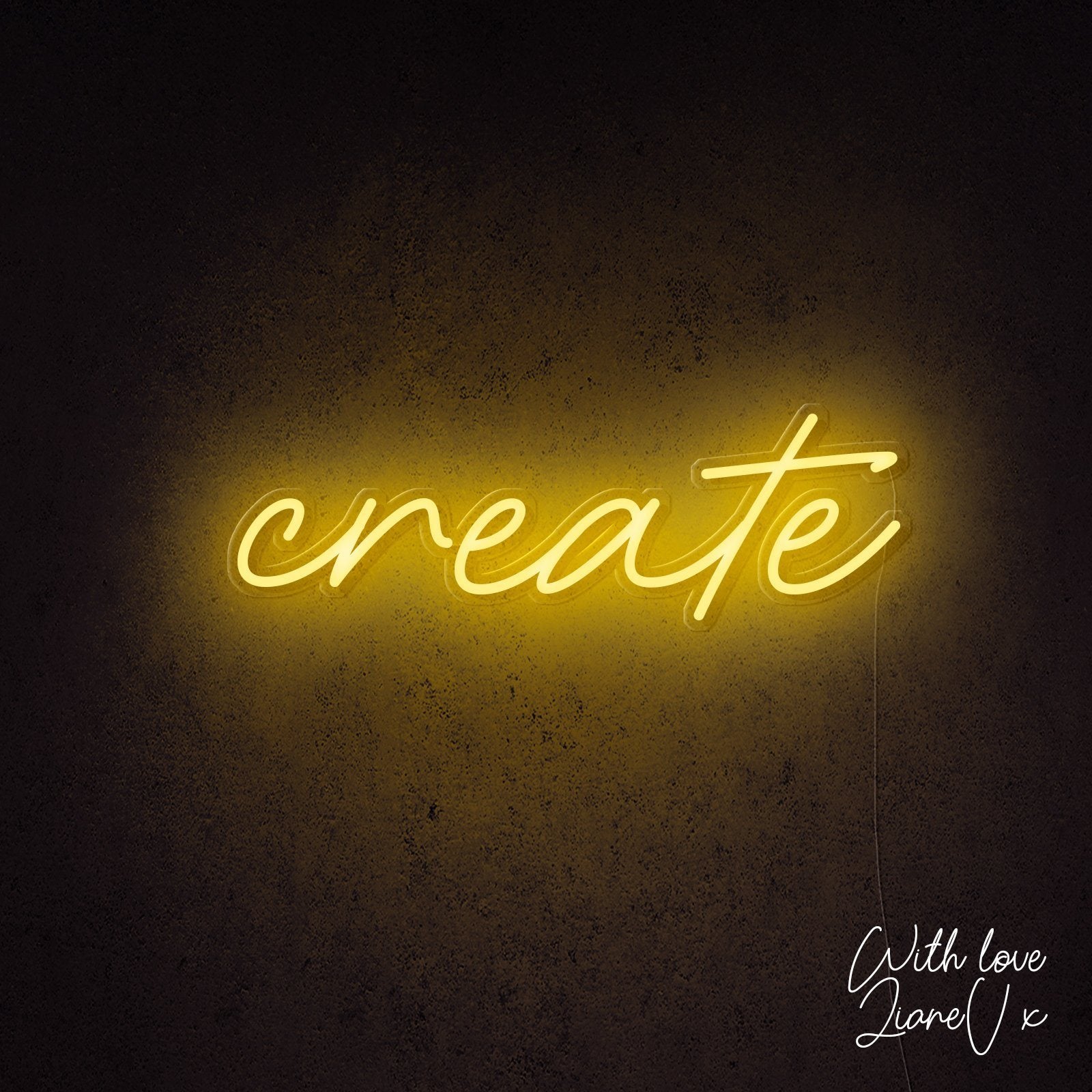
A neon logo generator offers a quick way to visualize your brand in light. These tools are great for initial concepts and rapid prototyping.
Template-Based Design
Start with pre-designed templates on platforms like https://www.canva.com/. You can then customize text and colors easily. This speeds up the design process considerably.
Font and Color Customization
Most neon sign maker tools allow you to select from various fonts and colors. Experiment with different combinations to find what best represents your brand. This is key for creating your own neon sign.
Real-Time Preview
See your design come to life instantly with a real-time preview. This feature helps you make informed decisions before ordering custom neon signs online. It builds confidence in the final product.
AI-Assisted Design
Some advanced neon logo generator tools use AI to suggest designs. While helpful, always review AI suggestions critically. Human oversight ensures the best results for your neon sign art.
Personalized Neon Signs for Home Decor
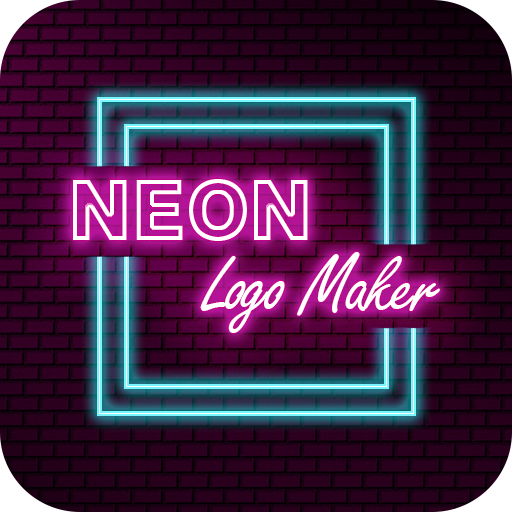
Add a unique touch to your living space with personalized neon signs. They can transform a room’s atmosphere and reflect your personal style.
Bedroom Ambiance
Create a cozy or vibrant mood in your bedroom with custom text or symbols. A personalized neon sign can be a focal point above your bed. It adds warmth and character.
Living Room Accents
Use neon signs to highlight artwork or create a conversation starter in your living room. Consider quotes or abstract shapes. This elevates your interior design.
Kids’ Room Fun
Brighten up a child’s room with their name or favorite cartoon character in neon. LED neon signs are a safer option for children’s spaces. They add a playful glow.
Home Bar or Game Room
Outfit your entertainment space with a custom neon sign that matches your theme. A
Read also: 35 Tips to Find the Best LED Sign Company Near Me Today
Style and Reference Gallery
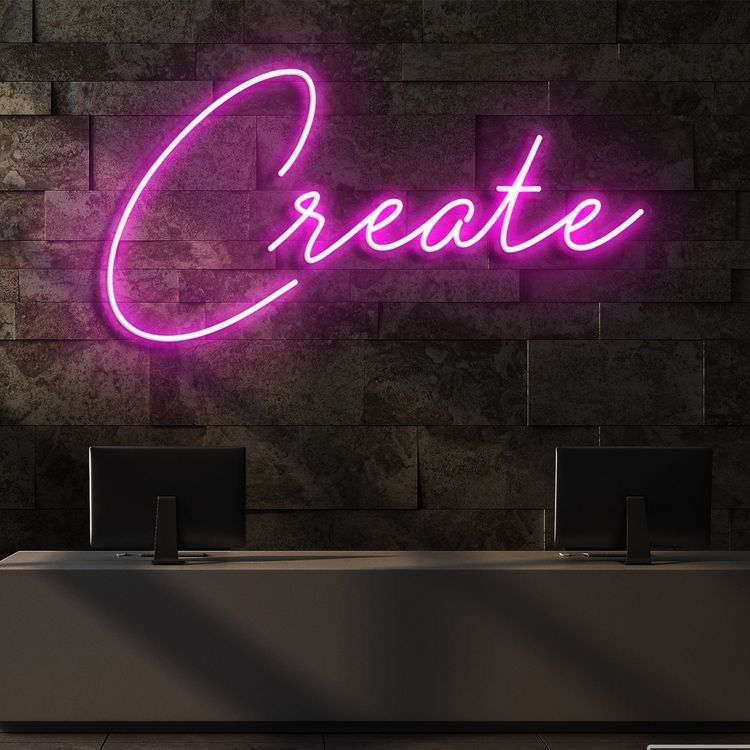
Incorporate a simple icon or symbol alongside your text. A star, heart, or arrow adds personality without clutter.
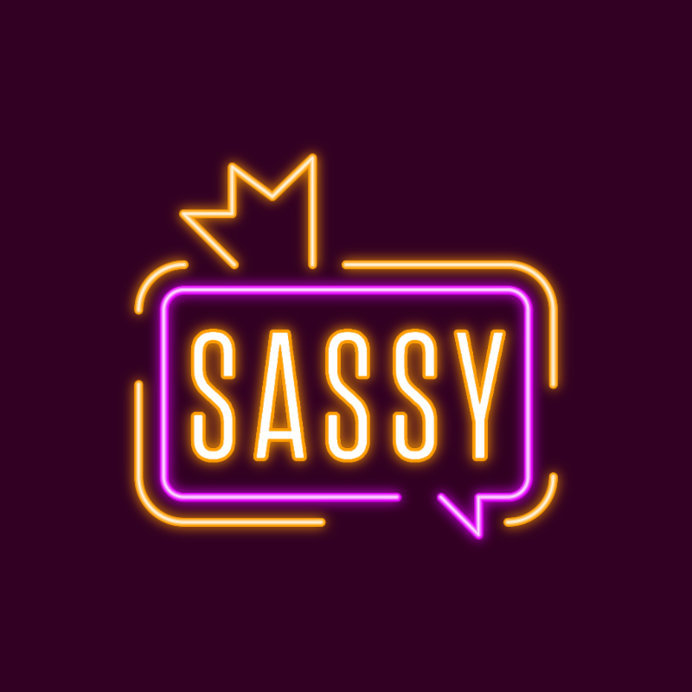
Consider the sign’s placement before finalizing the size. A sign that’s too small gets lost; too large overwhelms the space.
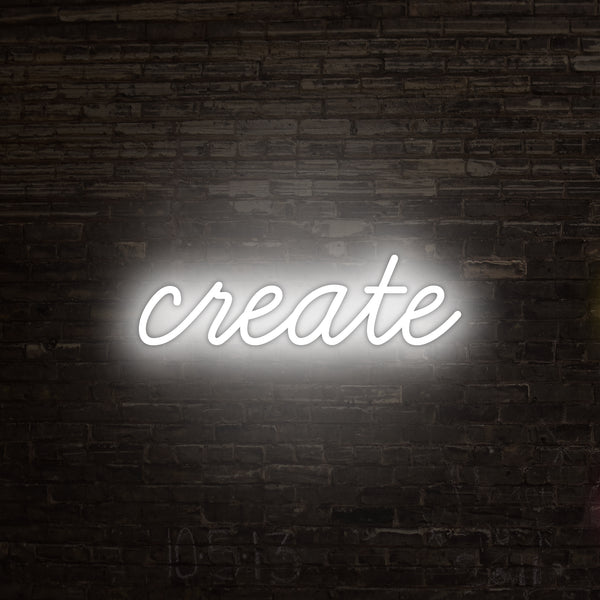
For indoor use, LED neon flex with a dimmer allows you to adjust brightness. This creates ambiance for different times of day.
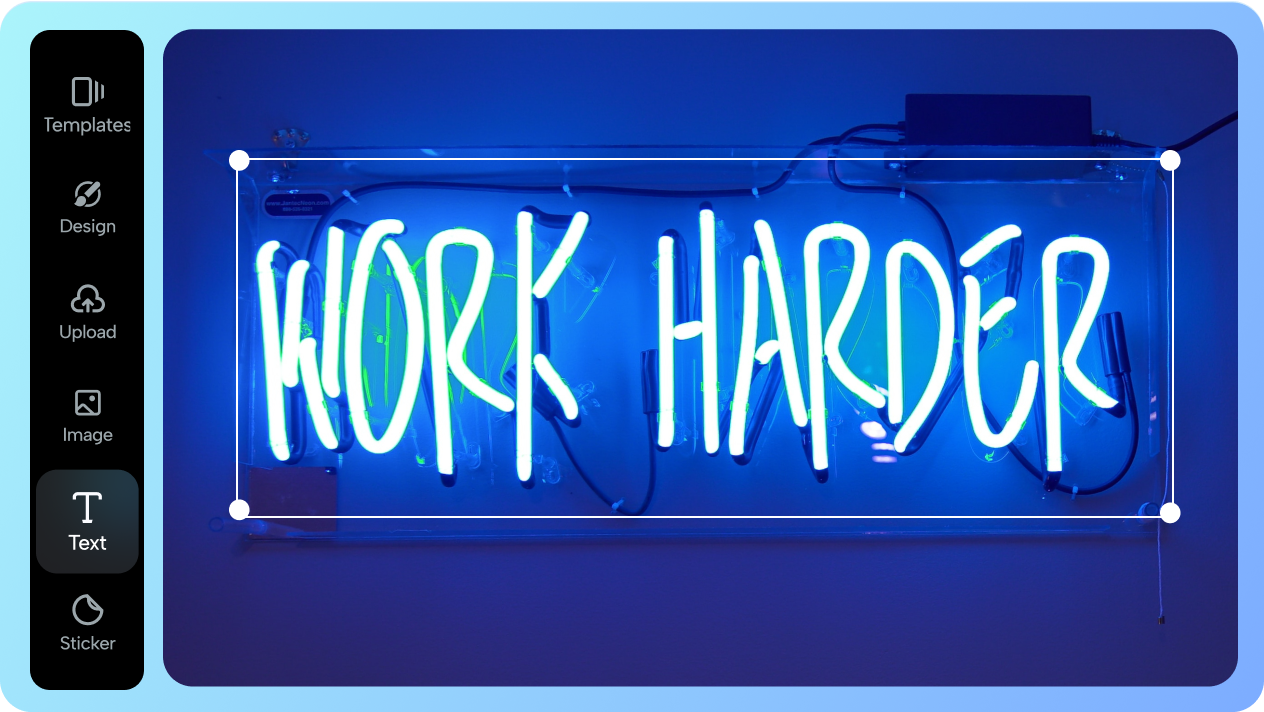
Outdoor signs need weatherproofing. Ensure your manufacturer offers UV-resistant and waterproof options.
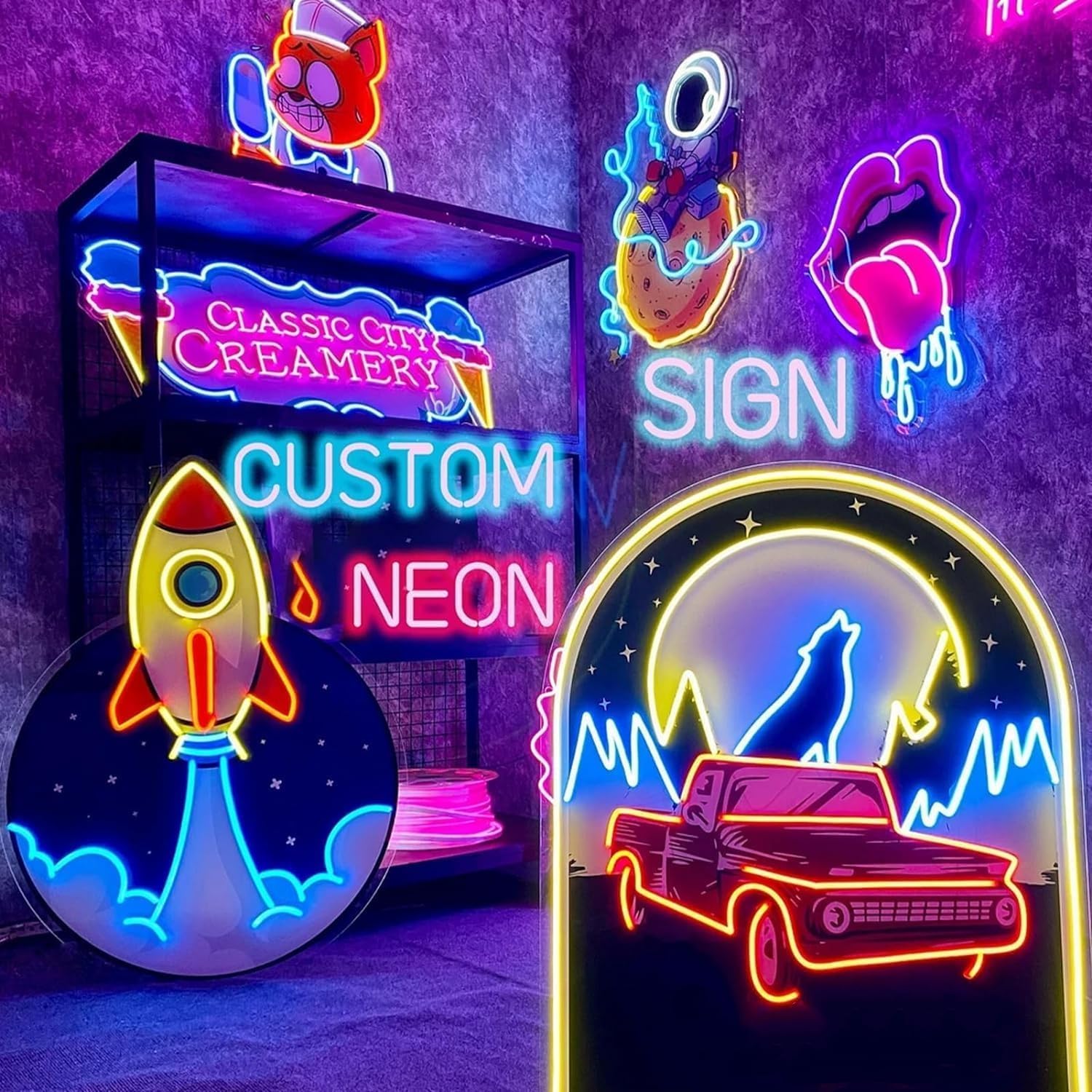
Test your design in black and white first. If it’s readable without color, it will be stunning when lit.
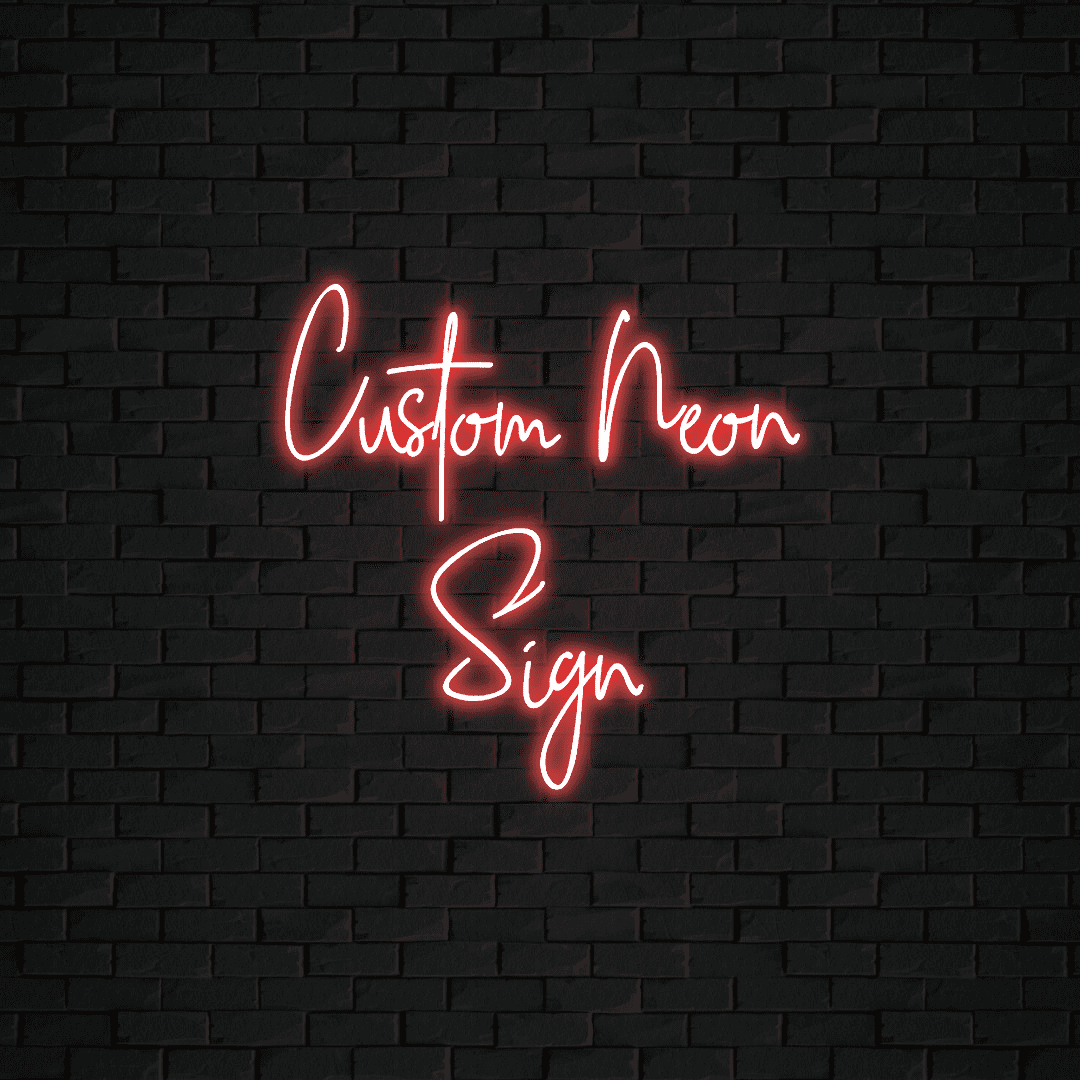
Use a vector file format like SVG or AI for the best resolution. Avoid JPEGs which can pixelate when scaled.
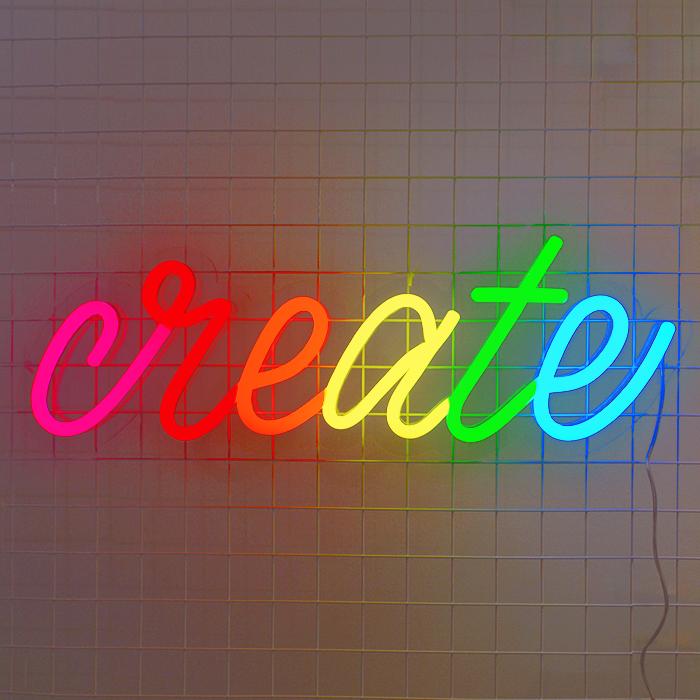
Think about the viewing distance. Large text for far away, smaller details for up close.
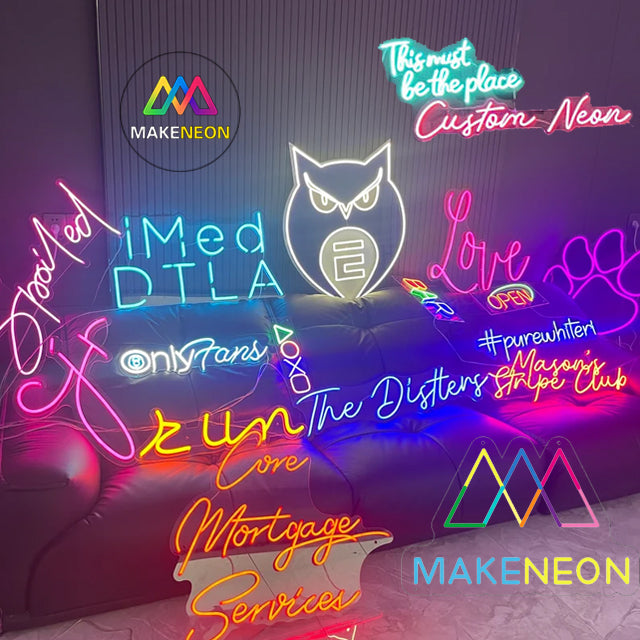
A clear acrylic backing gives a floating effect. This modern look works well in minimalist interiors.
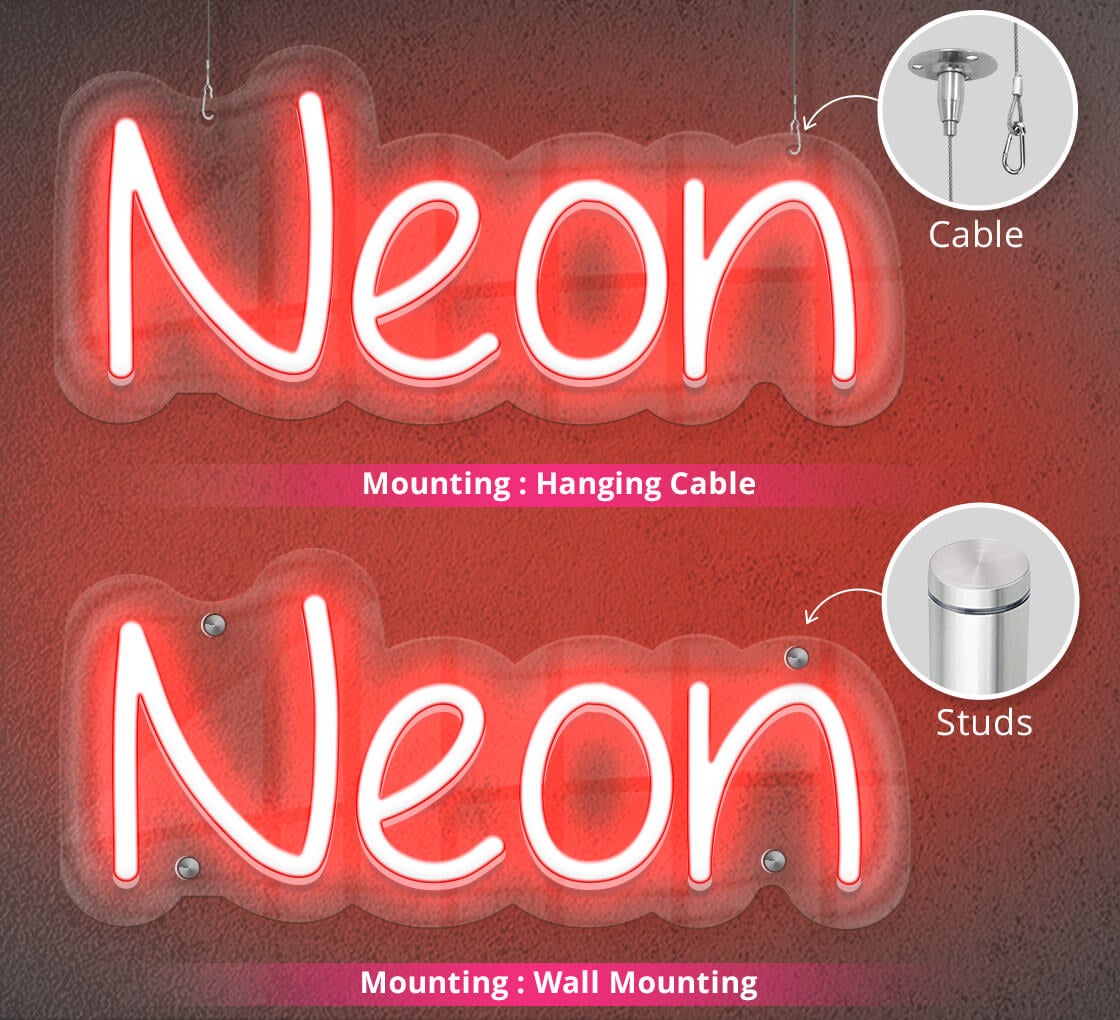
Add a remote control for easy on/off switching. Some even offer color-changing modes for versatility.
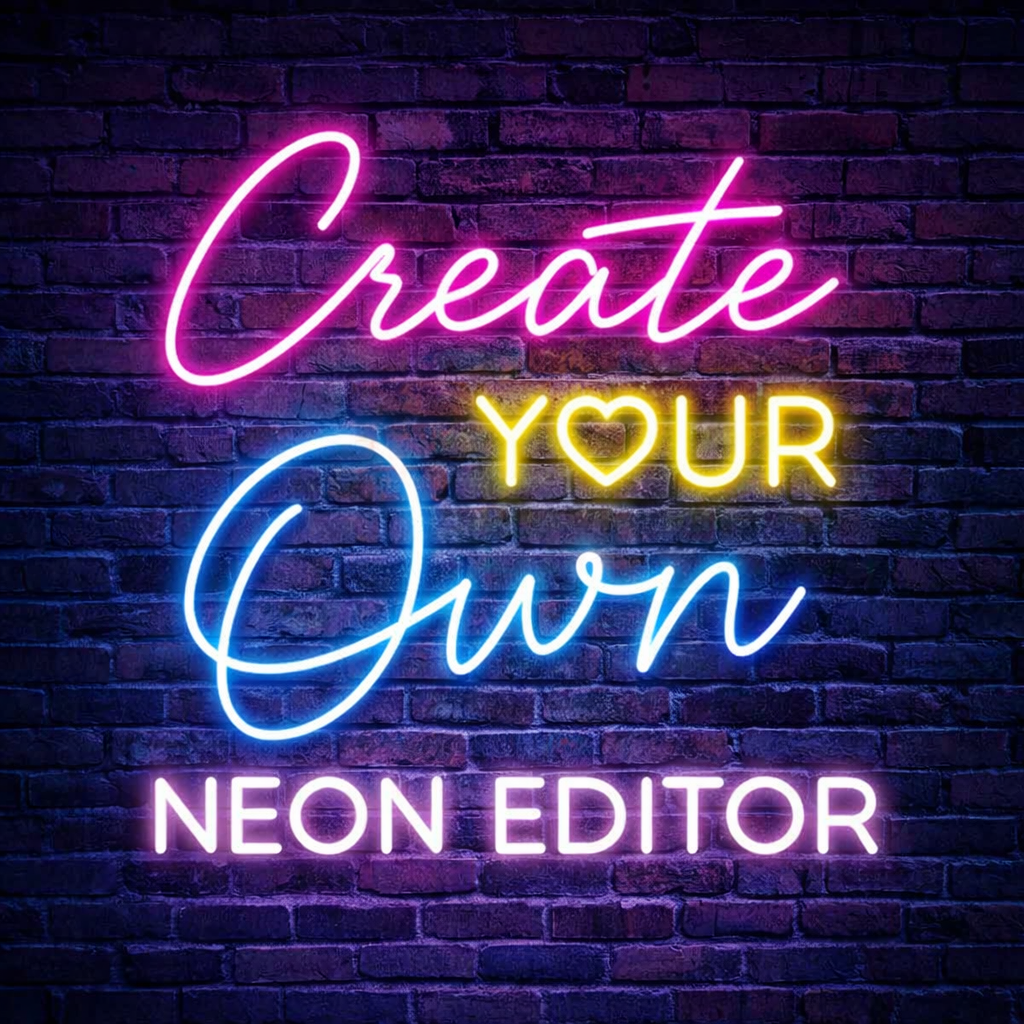
Don’t forget the power cord placement. Plan for an outlet nearby or order a longer cord.
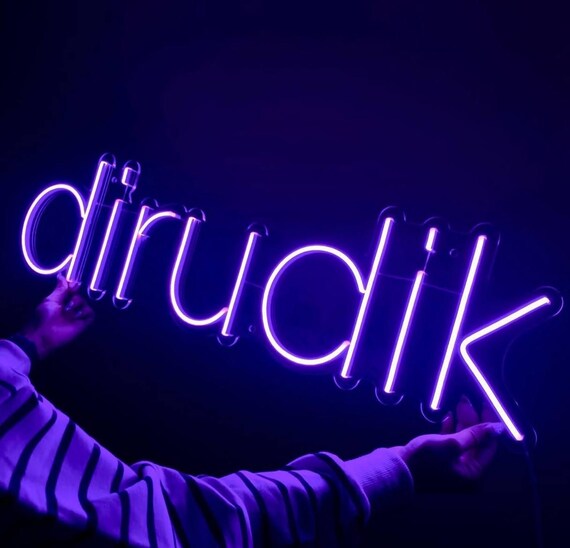
Your neon sign logo is a statement piece. Let it reflect your brand’s energy and creativity.
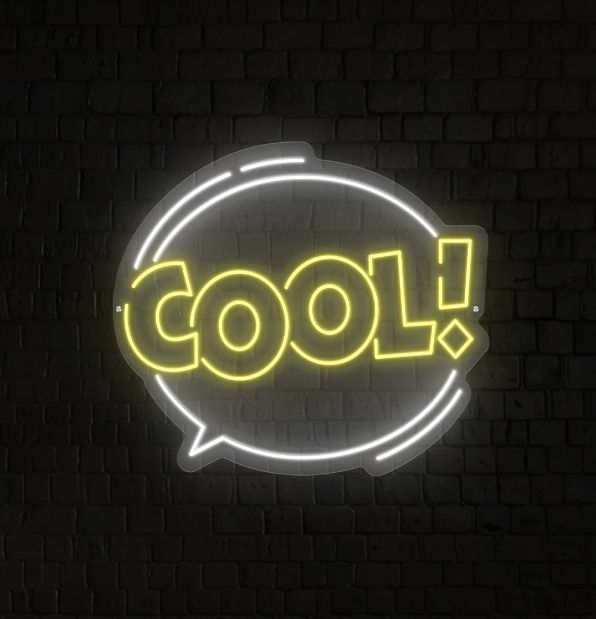
A bold monoline font makes the design clean and readable. Keep the stroke width consistent for a professional look.
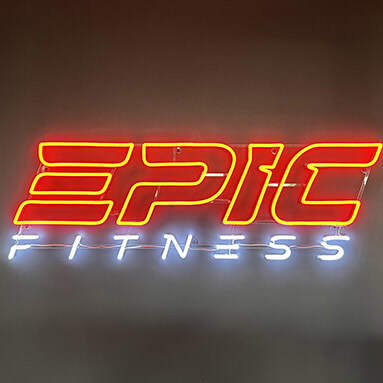
Use a dark background to make the neon colors pop. Black or navy blue works best for contrast.
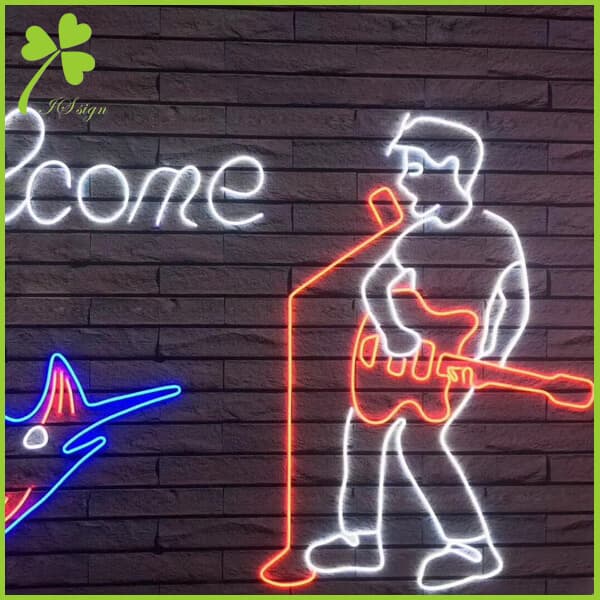
Add a subtle halo effect in your digital mockup. This simulates the real glow and helps you visualize the final product.
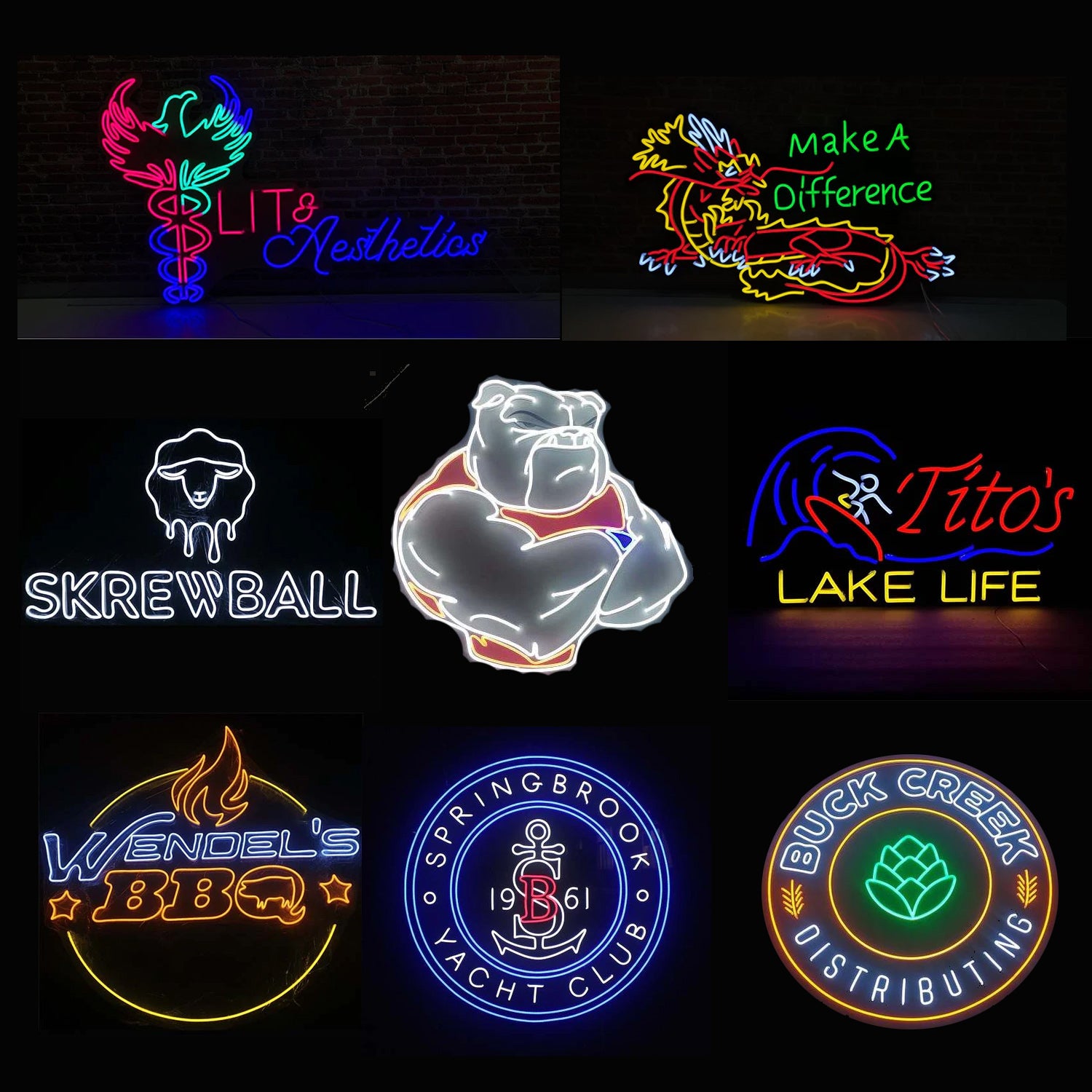
Choose a color palette that matches your brand. Pink and blue are trendy, but don’t be afraid to use a single bold color.
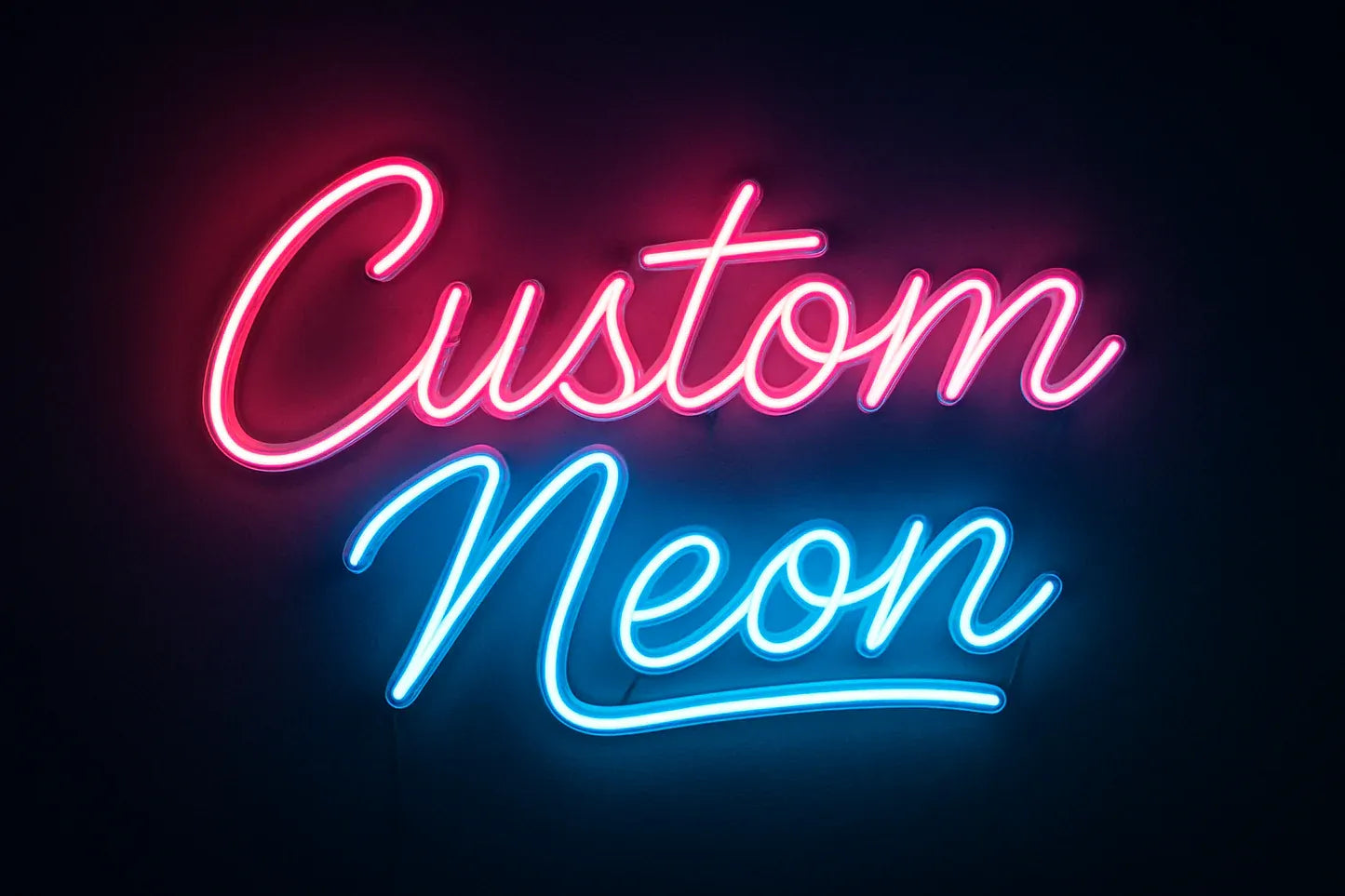
Incorporate a simple icon or symbol alongside your text. A star, heart, or arrow adds personality without clutter.
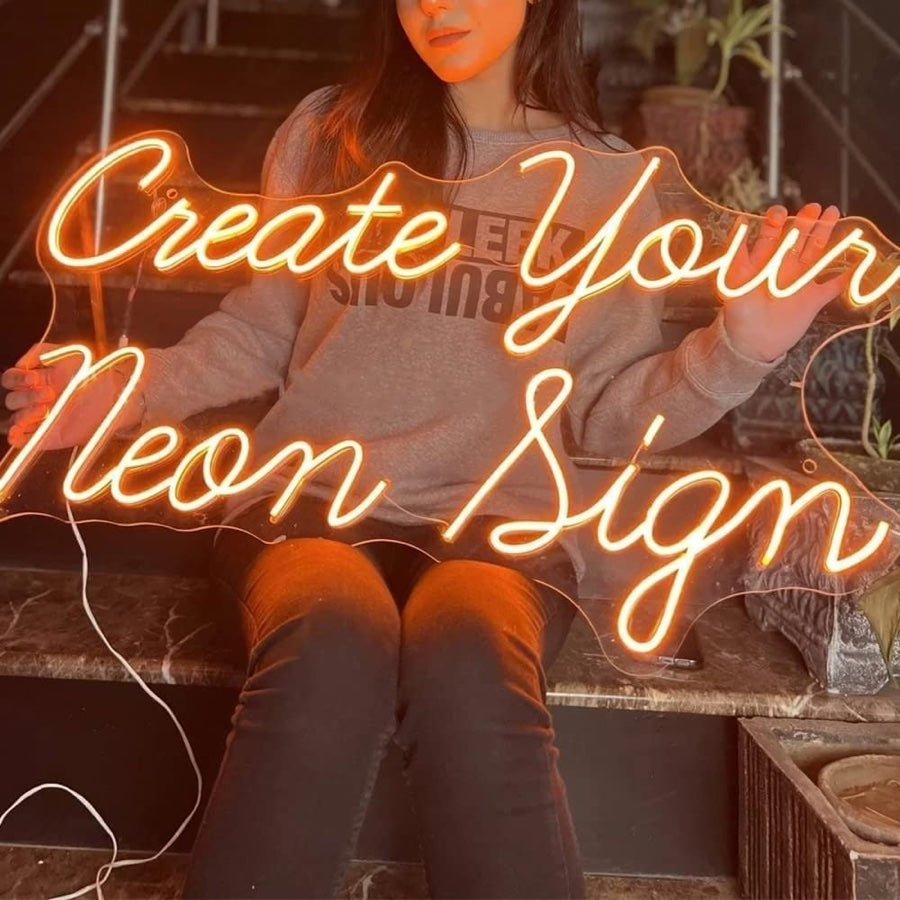
Consider the sign’s placement before finalizing the size. A sign that’s too small gets lost; too large overwhelms the space.
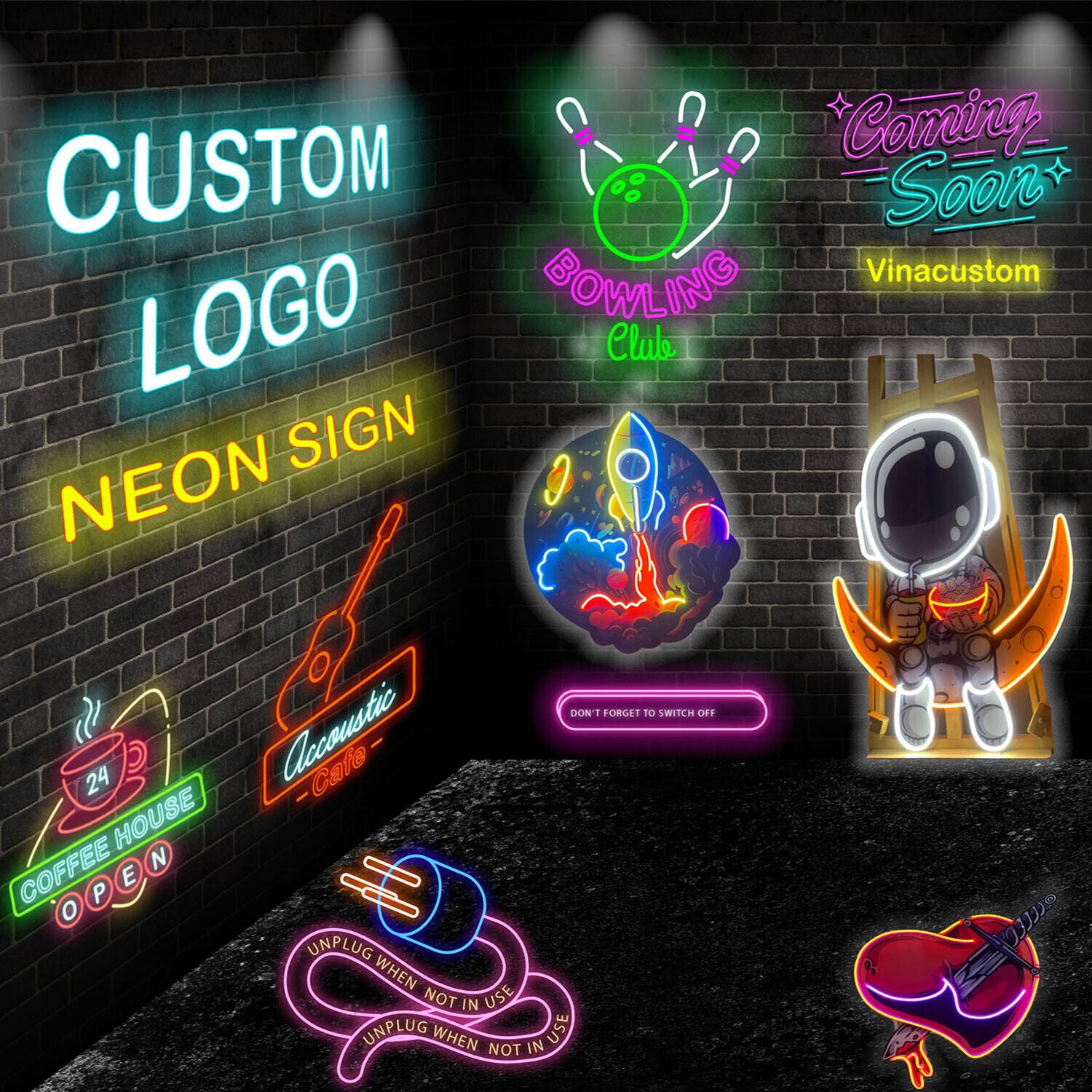
For indoor use, LED neon flex with a dimmer allows you to adjust brightness. This creates ambiance for different times of day.
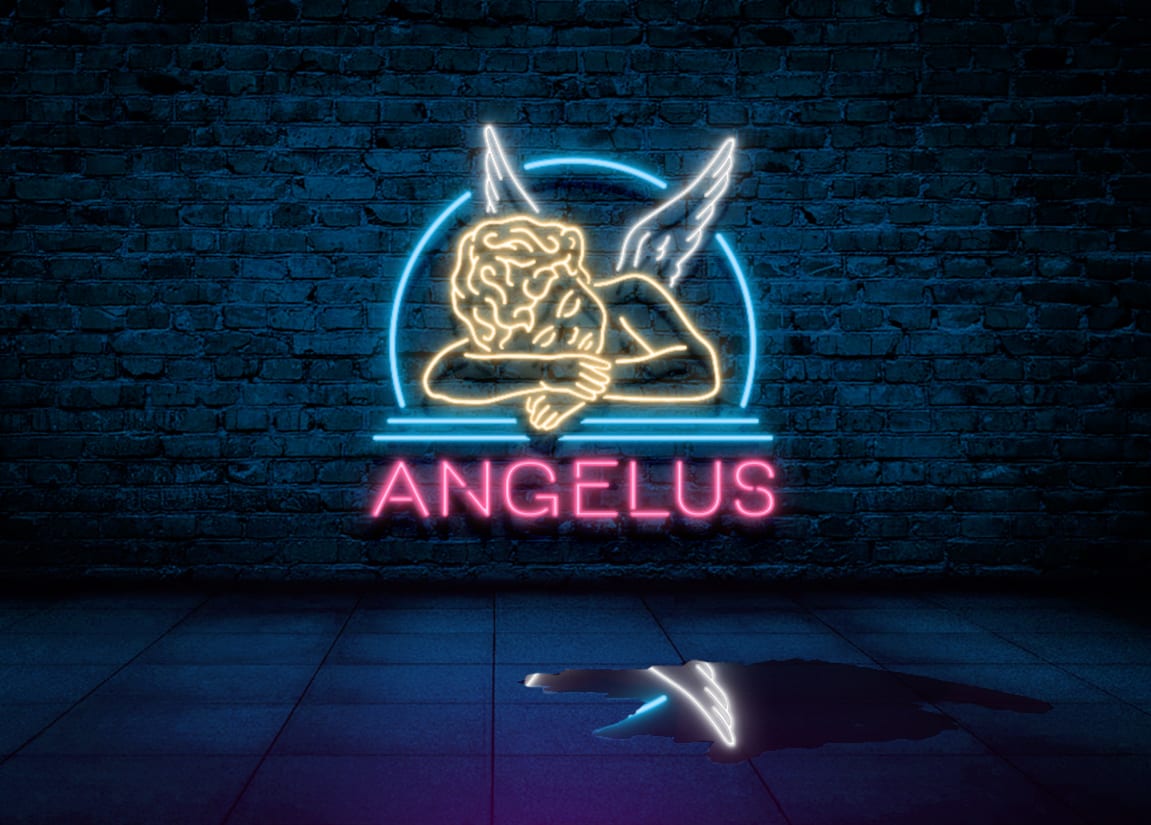
Outdoor signs need weatherproofing. Ensure your manufacturer offers UV-resistant and waterproof options.
From Concept to Glow: Your Action Plan
Step-by-Step Guide to Creating Your Neon Sign Logo
- Design Your Digital Concept: Start with a vector-based design using software like Adobe Illustrator or the free tool Inkscape. Choose a monoline or neon-style font from Google Fonts or DaFont to ensure clean, continuous lines.
- Select Your Physical Medium: Decide between traditional glass neon (fragile, high maintenance, authentic glow) and LED neon flex (durable, energy-efficient, safe for shipping). For most home and business uses, LED neon flex is the practical choice.
- Use a Custom Manufacturer’s Preview Tool: Upload your design to a service like Yellowpop or Custom Neon. Adjust colors, size, and backing material using their real-time preview to see exactly what you’ll get.
What to Avoid in Execution
- Overly Complex Shapes: Neon signs work best with simple, bold lines. Avoid intricate details or tiny text – they won’t read well when illuminated.
- Ignoring Scale and Placement: A sign that looks perfect on screen may be too large or too small for your wall. Measure your space and use the manufacturer’s size guide.
- Skipping Proof Approval: Always double-check the digital proof for spelling errors and alignment issues. Mistakes caught before production save you time and money.
Maintenance Tips for Long-Lasting Glow
Dust the sign regularly with a soft, dry cloth to maintain brightness. For LED neon flex, avoid exposure to direct sunlight for extended periods to prevent color fading.
Check connections and power supply annually. If a section dims, it’s often a loose wire – a simple fix if you catch it early.
Frequently Asked Questions
Can I design a neon sign logo on my phone?
Yes, you can use mobile apps like Canva or Adobe Express to create a basic design. However, for vector output needed by manufacturers, a desktop tool is recommended.
How much does a custom neon sign logo cost?
Prices range from $50 for small digital-only designs to $500 or more for a physical LED neon sign. The cost depends on size, complexity, and materials.
How long does it take to get a physical neon sign?
Production typically takes 2 to 4 weeks, plus shipping time. Rush orders are available from some manufacturers for an extra fee.
Choosing to create a neon sign logo puts you at the forefront of personalized branding. You now have the knowledge to go from a simple idea to a glowing reality.
Your next step is to open your design tool and sketch out your concept. Then, upload it to a trusted manufacturer and order your first prototype.
Imagine your logo casting a warm, inviting glow in your storefront or living room. That personal touch will make your brand unforgettable.
