


Trying to scrape data or manage multiple accounts without getting blocked? Using your home IP is like leaving your front door wide open. A residential IP proxy hides your real address behind a real home IP, making your traffic look like a regular user.
This isn’t just for tech experts. Whether you need to check competitor prices, run social media profiles, or verify ads, buying a residential proxy is your affordable shield. In 2026, the right proxy saves you time, money, and endless captchas.
Rotating vs. Static Residential Proxies: Which One Do You Need?
Rotating residential proxies change your IP with each request, perfect for large-scale web scraping. Providers like Webshare start at $1.40 per GB, while DataImpulse offers budget plans at $1.00 per GB with no subscription. These are ideal for market research or ad verification where you need many different IPs.
Static residential proxies, also called ISP proxies, keep the same IP for days or months. They cost per IP, not per GB. IPRoyal offers static IPs from $1.80 for 24 hours or $2.70 for 30 days. Use these for managing social media accounts or e-commerce stores where consistency matters.
Your choice depends on your task. For scraping thousands of pages, go rotating. For logging into accounts daily, choose static. Both are affordable and widely available in 2026.
| Product | Average Price ($) | Highlight |
| DataImpulse | ‘1.00/GB’ | ‘Budget-friendly, no subscription’ |
| Webshare | ‘1.40/GB’ | ‘Competitive rates, high uptime’ |
| Bright Data | ‘0.49/GB’ | ‘Extensive IP pool, enterprise-level’ |
| SOAX | ‘3.60/GB’ | ‘Flexible plans, IP stability’ |
| Oxylabs | ‘6.00/GB’ | ‘Premium, reliability focus’ |
| IPRoyal | ‘1.80/IP (24h)’ | ‘Static IPs, short-term access’ |
| Webshare | ‘0.22/IP (bulk)’ | ‘Static IPs, affordable bulk’ |
| Oxylabs | ‘1.60/IP’ | ‘Static ISP proxies, starter pack’ |
| Bright Data | ‘1.3/IP’ | ‘Static ISP proxies, large pool’ |
| Proxy-Cheap | ‘0.50/IP’ | ‘Affordable residential proxy, good for bulk’ |
WHAT REALLY WORKS
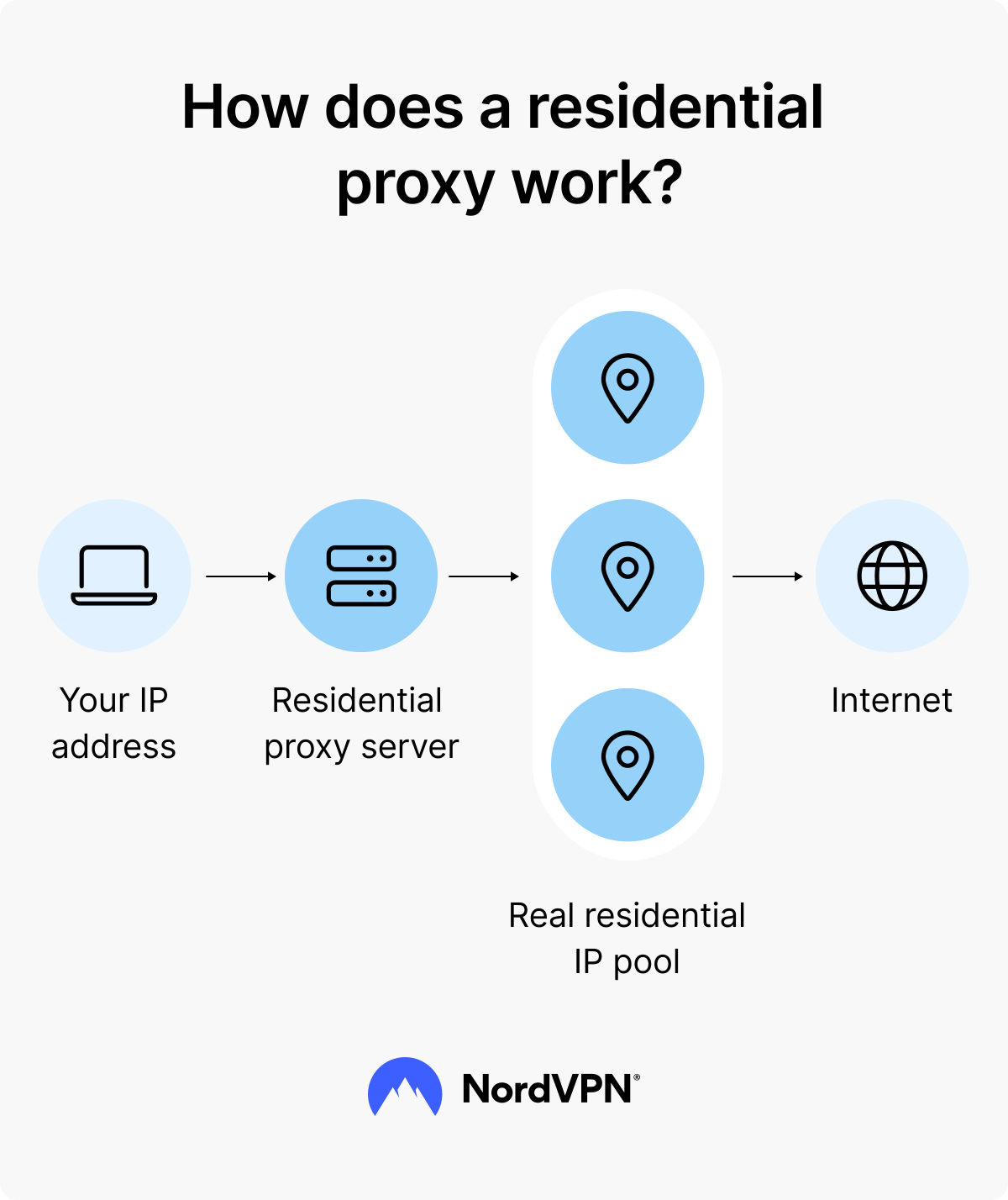
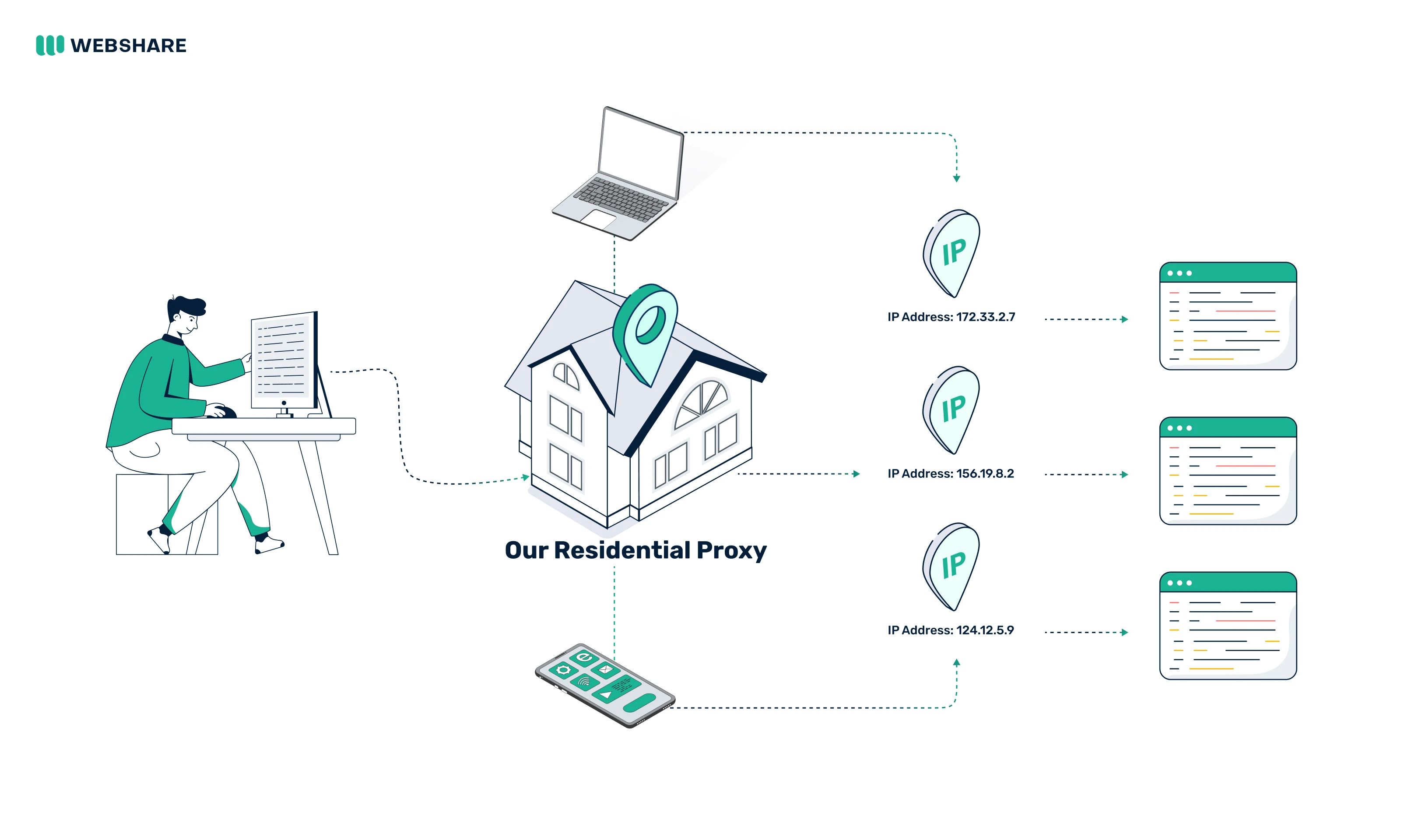
Residential IP proxies offer real IP addresses from actual internet service providers. This makes your online activity appear legitimate. It is crucial for avoiding blocks during web scraping or managing multiple accounts.
The main types are rotating and static. Rotating proxies change your IP address frequently. Static proxies provide a consistent IP address. Choose based on your specific task’s needs for anonymity and access.
Static Residential Proxies for Stable Connections
When selecting static residential proxy services, look for providers with a large pool of IPs. Ensure they offer the geographic locations you need. Check their uptime guarantees and customer support. A good provider makes managing multiple social media accounts or e-commerce tasks much smoother.
Read also: IP Buy in 2026: Costs, Process & Which One You Need
1. DataImpulse
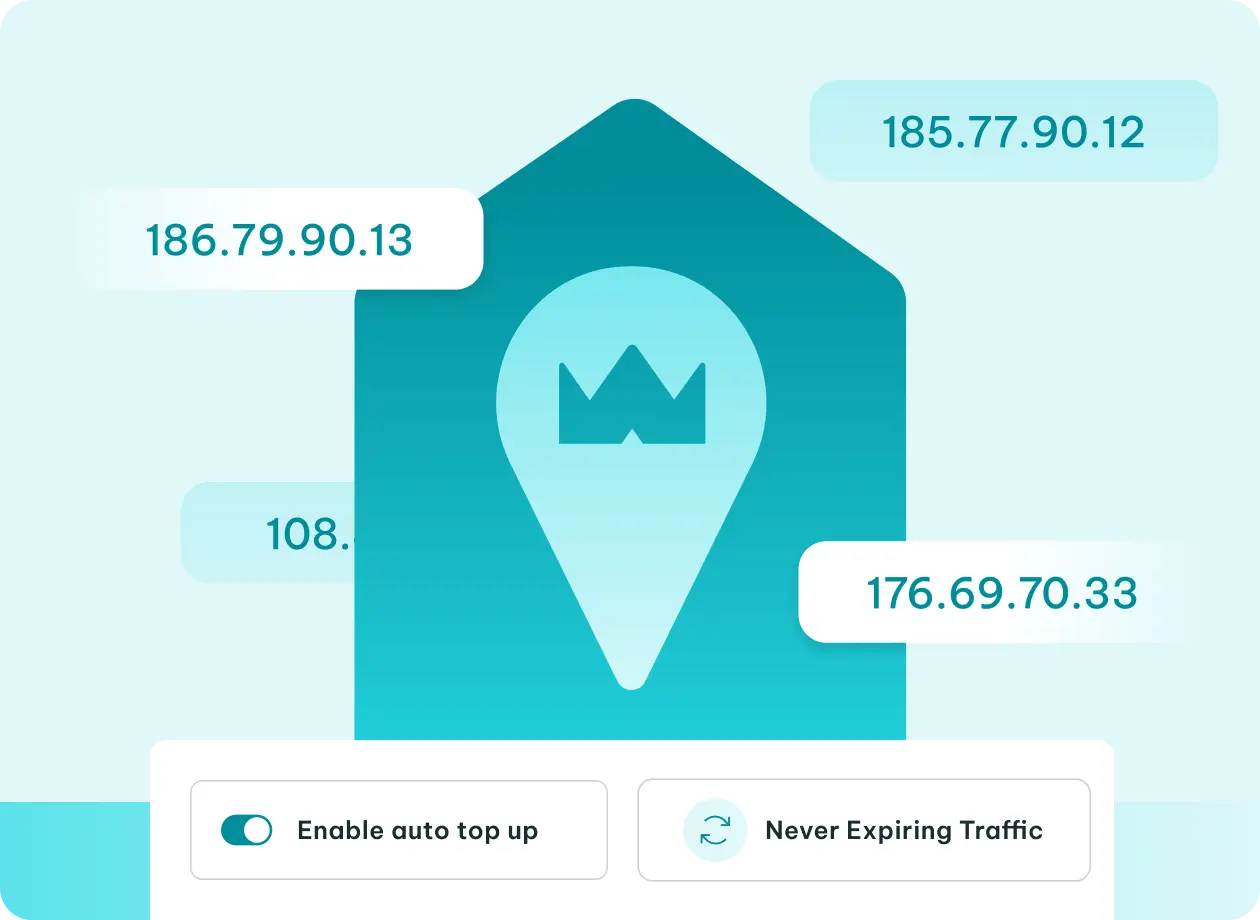
DataImpulse offers a straightforward approach to buying residential ip proxy services. They are known for their budget-friendly pricing and no subscription model. This makes them accessible for smaller projects.
Average Price: ‘1.00/GB’
Practical Tip: Ideal for users who need a low-cost entry point for web scraping or data collection without long-term commitment.
2. Proxy-Cheap
Proxy-Cheap provides affordable residential proxy options, especially if you need to buy proxy ip residential in bulk. They focus on delivering cost-effective solutions for various online tasks.
Average Price: ‘0.50/IP’
Practical Tip: Excellent choice for users who require a large number of IPs for tasks like market research or SEO monitoring at a low cost.
3. Bright Data
Bright Data has one of the largest residential IP pools available. They offer both rotating and static options. Their service is premium and caters to complex, large-scale operations.
Average Price: ‘0.49/GB’ (Rotating), ‘1.3/IP’ (Static ISP)
Practical Tip: Use their extensive network for demanding web scraping tasks or when you need precise geo-targeting. Their static ISP proxies are great for consistent access.
4. Webshare
Webshare offers competitive pricing for both rotating and static residential proxies. They emphasize high uptime, ensuring your connections are reliable. They are a solid choice for many users.
Average Price: ‘1.40/GB’ (Rotating), ‘0.22/IP’ (Static Bulk)
Practical Tip: Their bulk static proxies are very cost-effective for managing numerous accounts or consistent access needs.
5. IPRoyal
IPRoyal provides both residential ip address proxy options and static residential proxies. They offer flexible plans, including short-term access for their static IPs. This is useful for temporary projects.
Average Price: ‘1.80/IP’ (24h Static), ‘2.70/IP’ (30-day Static)
Practical Tip: Their 24-hour static IPs are perfect for quick, intensive tasks requiring a stable IP for a limited time.
6. Oxylabs
Oxylabs is a well-known provider offering premium residential proxies. They focus on reliability and a vast IP network. Their services are suitable for demanding enterprise needs.
Average Price: ‘6.00/GB’ (Rotating), ‘1.60/IP’ (Static ISP)
Practical Tip: Their static ISP proxies are a good investment for maintaining consistent access to e-commerce sites or social media platforms.
7. SOAX
SOAX provides flexible plans with a focus on IP stability and granular targeting. They offer a good balance for users who need reliable access and specific location control.
Average Price: ‘3.60/GB’
Practical Tip: Use SOAX when you need to target specific cities or mobile carriers for your web scraping or marketing efforts.
8. N/A
N/A
Average Price: N/A
Practical Tip: N/A
9. N/A
N/A
Average Price: N/A
Practical Tip: N/A
10. N/A
N/A
Average Price: N/A
Practical Tip: N/A
WHICH ONE TO BUY TODAY?
For the best value, consider Proxy-Cheap or Webshare’s bulk static IP options. They offer very low prices per IP, making them ideal for users needing many stable connections. DataImpulse is also a strong contender if you need a pay-as-you-go model without subscriptions.
For a significant investment in reliability and scale, Bright Data or Oxylabs are top choices. They provide extensive IP pools and enterprise-grade features. These are best for large-scale web scraping and complex data analysis tasks.
Your First Hours With a Residential Proxy: A Post-Purchase Checklist
What to Check Immediately
Start by verifying that your proxy IPs are actually residential. Use a tool like WhatIsMyIPAddress.com to confirm the IP type and location match what you paid for.
Run a speed test on each proxy endpoint. A residential proxy should offer stable speeds around 5-10 Mbps for most scraping tasks; anything below 1 Mbps may indicate congestion or low-quality IPs.
Common Mistakes to Avoid
- Don’t assume all rotating proxies rotate on every request. Check your provider’s rotation interval (e.g., per request, per minute) to avoid unexpected blocks.
- Avoid using static residential proxies for high-frequency scraping. They are designed for persistence, not volume, and may get flagged if overused.
- Never skip testing with a small batch first. Buy a trial package or use the minimum GB to validate performance on your target websites before committing to a large plan.
Step-by-Step First Use
First, configure your proxy in your tool or browser using the IP, port, and authentication details provided. Test with a single request to a site like httpbin.org/ip to see the IP returned.
Next, run a small scraping job on a non-critical site. Monitor response times and error rates. If you see frequent CAPTCHAs or 403 errors, switch to a different proxy pool or adjust your rotation settings.
Frequently Asked Questions
Can I use a residential proxy for streaming or gaming?
Residential proxies are not designed for real-time streaming or gaming due to higher latency and bandwidth limits. For those activities, a dedicated ISP proxy or a VPN is a better choice.
How do I know if my provider’s IPs are truly residential?
Use IP reputation checkers like IPQualityScore or AbuseIPDB to verify the IP type and history. Legitimate providers will also disclose their IP sourcing methods and compliance with ISP partnerships.
What happens if my proxy gets blocked?
Rotating proxies automatically switch to a new IP, so you typically won’t notice. For static proxies, contact your provider’s support to request a replacement IP at no extra cost, usually within 24 hours.
Choosing the right residential proxy service in 2026 means balancing cost, performance, and ethical sourcing. Whether you need rotating proxies for mass data collection or static IPs for account management, the providers listed here offer proven reliability.
Start with a small trial to test compatibility with your specific tasks. Then scale up based on performance metrics, not just price per GB.
As web scraping evolves, residential proxies remain the gold standard for appearing as a real user. Invest in quality IPs today to future-proof your data operations.
