


You know you need Microsoft 365 for work or school, but you don’t want to pay right away. That’s where the free trial comes in, and it can save you money if you do it right.
Many people sign up and forget to cancel, then get charged. This article shows you exactly how to get the Microsoft 365 free trial without getting stuck with a bill.
Get Microsoft 365 Free Trial: Family, Business, Student Options
As of 2026, Microsoft offers a one-month free trial for most plans, including Family, Personal, Basic, and Business Standard. You just need a Microsoft account and a credit card or debit card to start.
The key is to disable recurring billing in your account settings at least 48 hours before the trial ends. If you forget, you’ll be charged $129.99 per year for Family or $19.99 per year for Basic.
For those who don’t want to enter payment info, try Microsoft 365 Online for free forever. It gives you web versions of Word, Excel, and PowerPoint plus 5 GB of OneDrive storage, though you lose desktop features and need internet.
Unlock Productivity: Your Microsoft 365 Free Trial Guide
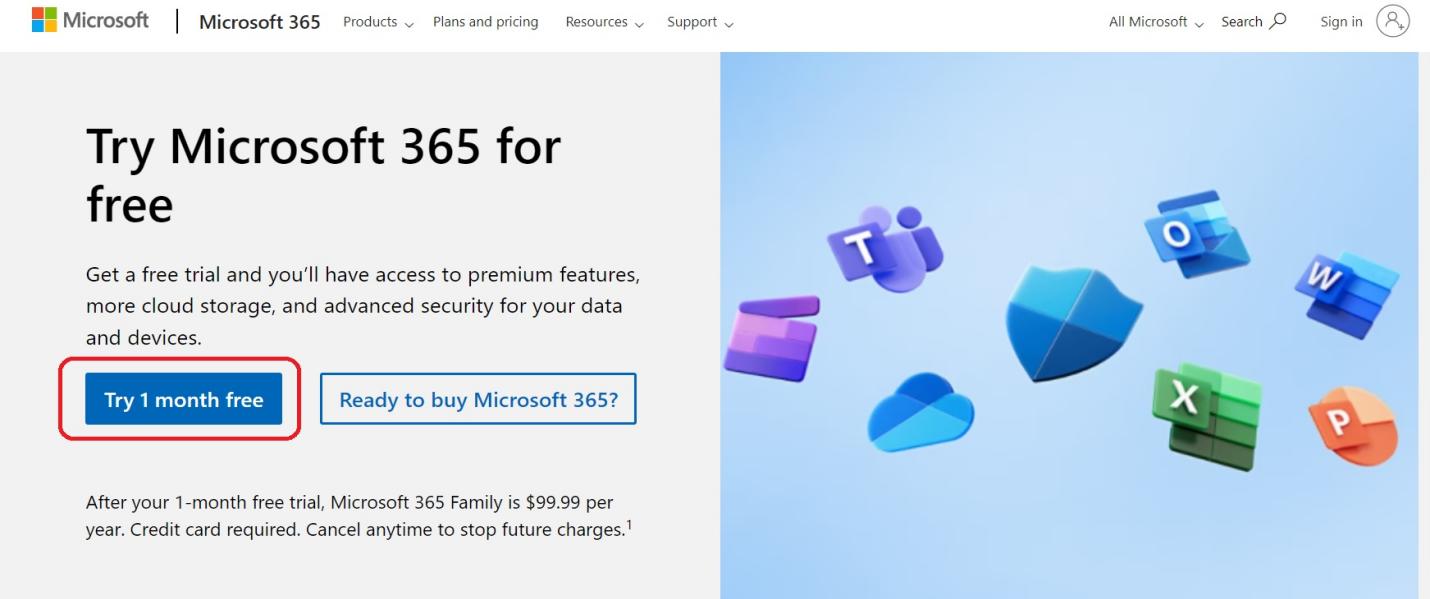
In 2026, the Microsoft 365 free trial remains a powerful way to access top-tier productivity tools. For a full month, you can experience features like Word, Excel, and PowerPoint without upfront cost. This trial is available for several plans, including Family, Basic, and Business Standard, giving you a real taste of what Microsoft 365 offers.
Getting started is straightforward. You’ll need a Microsoft account and a payment method, but don’t worry, you won’t be charged until the trial ends. It’s crucial to remember the cancellation policy to avoid unexpected charges. By disabling recurring billing before the trial expires, you stay in control of your subscription and budget.
| Plan | Cost After Trial | Trial Length |
| Family | $129.99/year | 1 Month |
| Basic | $19.99/year | 1 Month |
| Business Standard | Variable | 1 Month |
Microsoft 365 Free Trial for Students
Students often look for ways to get Microsoft 365 for free, and trials are a great starting point. While specific educational programs exist, the standard free trial provides access to the full suite. This allows students to complete assignments, manage projects, and collaborate effectively. The advanced features, including AI-powered tools, can significantly boost academic performance.
Read also: Microsoft Word 365: Why You Should Upgrade in 2026
Ensure you check your institution’s specific Microsoft 365 education free trial options, as they may offer extended access.
Microsoft 365 Free Trial Without Credit Card
Many users prefer to avoid entering payment details for a free trial. While the standard Microsoft 365 free trial requires a payment method for activation, it’s designed to defer charges. If you absolutely want to avoid this, Microsoft 365 Apps for web free trial is your best option. It provides web-based versions of core applications without any payment information needed.
Microsoft 365 Business Free Trial
Small businesses can significantly benefit from the Microsoft 365 business free trial. It offers a month to test business-grade email, cloud storage, and collaboration tools. This trial allows companies to evaluate if the Business Standard plan meets their operational needs before committing financially. It’s an excellent opportunity to enhance team productivity and streamline workflows.
Understanding the features included is key. The business trial often includes advanced security options and dedicated support, which are vital for a professional environment. This hands-on experience helps in making an informed decision about long-term software investment.
Microsoft 365 Family Free Trial
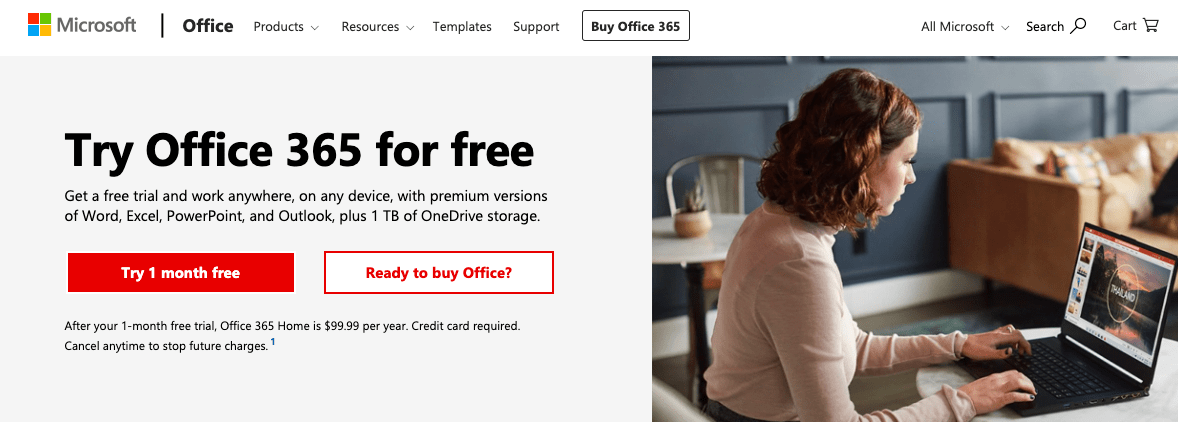
The Microsoft 365 family free trial is perfect for households. It allows up to six users to enjoy premium Office apps and cloud storage. This means everyone in the family can have their own account with personalized settings and benefits. It’s a cost-effective way to ensure all family members have access to essential productivity tools for school and personal use.
Read also: How to safely download Microsoft Office in 2026
Microsoft 365 Personal Free Trial
For individuals, the Microsoft 365 personal free trial offers a similar experience to the family plan but for one user. You get access to premium versions of Word, Excel, PowerPoint, and Outlook, along with 1TB of OneDrive storage. This is ideal for freelancers, remote workers, or anyone managing personal projects and finances.
The personal trial is a gateway to enhanced digital organization and creation.
Microsoft 365 Education Free Trial
Microsoft 365 education free trial programs are specifically designed for students and educators. These often provide access to the full suite of tools, sometimes for longer periods than the standard trial. Verification of student or teacher status is typically required. This initiative supports digital learning environments and fosters essential tech skills.
Microsoft 365 Apps for Web Free Trial
If you need basic document editing on the go, Microsoft 365 Apps for web offers a permanent free solution. While not a trial in the traditional sense, it provides web-based versions of Word, Excel, and PowerPoint. This option is perfect for users who don’t need the advanced features of desktop applications and have a stable internet connection. It comes with 5 GB of free OneDrive storage.
How to Get Microsoft 365 for Free
Beyond the standard free trial, consider Microsoft 365 Apps for web for continuous free access to essential tools. For students, explore specific education programs. Always review the terms and conditions of any trial to understand its features and cancellation policy. Getting Microsoft 365 for free often means leveraging these specific pathways.
- Utilize the Microsoft 365 Apps for web for ongoing free access.
- Explore student and education-specific programs for extended benefits.
- Be aware of the standard trial’s requirement for a payment method.
Microsoft 365 Trial Cancellation Policy
Understanding the Microsoft 365 trial cancellation policy is critical. To avoid being charged after your free month, you must turn off recurring billing at least 48 hours before the trial ends. This action prevents automatic renewal and ensures you are not billed the standard subscription rates. Check your Microsoft account settings to manage this effectively.
Missing the cancellation window means you will be charged. Plan ahead to avoid this.
The Future of Free Access in 2026
In 2026, the Microsoft 365 free trial continues to be a smart entry point for new users. The integration of AI features like Copilot within trials is a significant draw, offering a glimpse into the future of productivity. While paid subscriptions offer the full, uninterrupted experience, these trials and the free web apps ensure that essential productivity tools remain accessible to a wide audience.
Expect Microsoft to continue refining these offerings. The focus will likely remain on cloud-based services and seamless user experience across devices. For those seeking robust functionality without immediate cost, the free trial and the web-based applications are invaluable resources. Always stay informed about the latest offerings and policies to maximize your benefit.
Read also: Microsoft Office Free Trial: How to Get 30 Days Without Paying
Your 3-Step Action Plan for the Free Trial
Step 1: Sign Up Without Risk
Visit the official Microsoft 365 site and click ‘Try free for one month’. Use a valid credit card but remember to set a reminder to cancel before 30 days.
Step 2: Test the Features That Matter
Install the desktop apps on your main device and explore Copilot AI in Word. Sync your files with OneDrive to experience real-time collaboration.
Step 3: Decide Before the Deadline
At day 25, log into your Microsoft account and go to ‘Services & subscriptions’. If you don’t want to pay, turn off recurring billing immediately.
Frequently Asked Questions
What happens if I forget to cancel the trial?
Your credit card will be charged the full annual subscription fee automatically. You can request a refund within 30 days of billing, but it’s not guaranteed.
Can I extend the free trial beyond one month?
No, Microsoft does not offer extensions for personal accounts. However, you can create a new Microsoft account and start a fresh trial, though that bypasses the intended policy.
Is the free trial available for business plans too?
Yes, Business Standard and Business Basic both offer a one-month free trial. You’ll need a work email and a payment method to activate it.
Choosing the Microsoft 365 free trial is the smartest way to test premium productivity tools without upfront cost. The one-month window gives you ample time to evaluate if the subscription fits your workflow.
After the trial, consider the annual plan for the best value per month. For light users, the free web versions might be enough to keep you productive.
Imagine your documents syncing across devices with AI assistance built right in. That seamless experience is just one click away from becoming your daily reality.
