

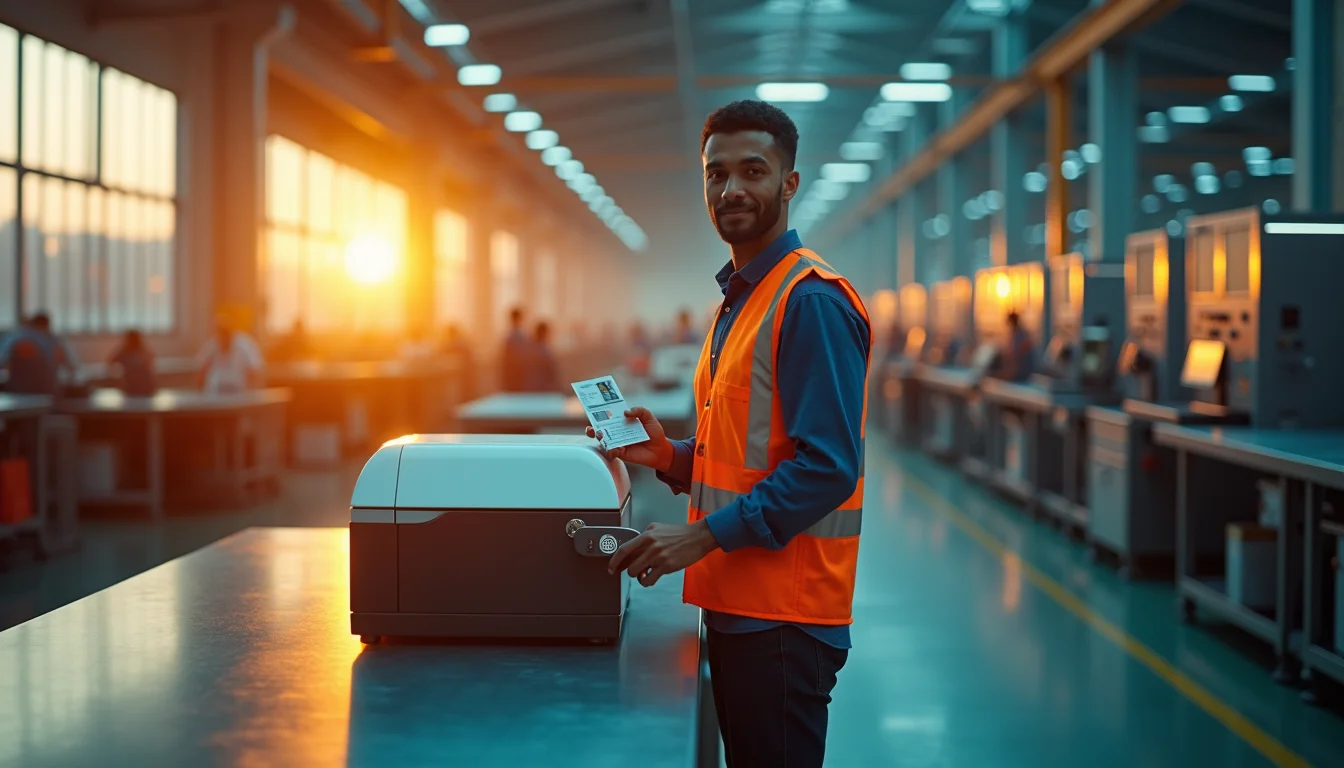
You need to print ID cards fast, but your current setup is slow and gives you blurry badges that peel after a week. That’s a waste of time and money. An ID card printer machine solves this by printing sharp, durable cards right at your desk.
These machines use special technology to print directly onto plastic cards, creating employee IDs, student badges, or visitor passes that look professional and last. No more outsourcing or waiting days for a batch of cards.
How an ID Card Printer Machine Works and What to Look For
An ID card printer machine uses either dye-sublimation or thermal retransfer printing. Dye-sublimation is common for most badges and is fast and affordable. Retransfer printing gives you edge-to-edge coverage, which means the image goes all the way to the card’s edge, perfect for premium IDs.
Popular models include the Evolis Primacy 2 for high volume and the Fargo DTC1250e for speed with encoding options. The Magicard Pronto100 is a budget-friendly single-sided option for small offices. Most mid-range printers now include security features like HoloKote watermarking and digital shredding to protect your data.
The Essential ID Card Printer Machine in 2026
![[object Object]](https://img.benefitstobusinesses.com/2026/id-card-printer-machine-0.jpg)
In today’s world, secure identification is not just a formality; it’s a necessity. ID card printer machines have become indispensable tools for businesses, schools, and organizations. They allow you to create professional and secure credentials on demand. This means employee badges, student IDs, and visitor passes are made right in your office.
These advanced systems use sophisticated printing technologies like dye-sublimation or thermal retransfer. They can also embed data onto magnetic stripes, contact chips, and proximity cards. Choosing the right printer depends on your specific needs, such as how many cards you print and if you need them printed on both sides. Understanding these factors ensures you get a machine that fits your workflow and budget perfectly.
| Feature | Description | Typical Use Case |
|---|---|---|
| Printing Technology | Dye-sublimation (DTC) or Thermal Retransfer | DTC for speed and cost, Retransfer for quality and durability |
| Card Types | PVC, Composite PVC, PET | Standard IDs, high-security cards |
| Encoding Options | Magnetic Stripe, Contact Chip, Proximity (RFID) | Access control, payment systems, data storage |
| Print Volume | Low to High | Small office vs. large institution needs |
| Print Sides | Single-sided or Dual-sided | Basic ID vs. enhanced security/information display |
High-Volume ID Card Printer for Schools
Schools and universities often need to print hundreds or even thousands of student IDs each year. High-volume printers are built for this demand. They offer fast printing speeds to handle peak times, like the start of a new semester. These machines are designed for continuous operation without overheating. A robust build ensures they can withstand frequent use in a busy administrative office. Look for models that can print dual-sided cards to include more student information and security features.
Read also: Your Work Identification Card Needs These Security Features Now
Models like the Evolis Primacy 2 are recognized for their high-volume printing speeds and advanced data privacy features, making them ideal for educational institutions.
Durable ID Card Printer for Government IDs
![[object Object]](https://img.benefitstobusinesses.com/2026/id-card-printer-machine-1.jpg)
Government agencies require ID cards that are not only informative but also highly secure and durable. These IDs often need to withstand daily wear and tear for many years. Thermal retransfer printers are superior for this application. They print the image onto a film, which is then transferred to the card. This process creates a vibrant, high-resolution image that is protected by a layer of durable film. This makes the card resistant to fading, scratching, and chemical exposure. Many government applications also require embedded chip technology for secure access and data verification.
Portable ID Card Printer for Events
For conferences, concerts, or temporary work sites, a portable ID card printer is invaluable. These compact and lightweight machines allow you to print ID badges on-site as attendees or staff arrive. This eliminates the need for pre-printed badges, reducing waste and improving security by allowing real-time issuance. Many portable models are designed for easy setup and operation, often with USB connectivity. They are perfect for situations where flexibility and immediate credentialing are paramount. Consider battery-powered options for maximum mobility.
The Fargo DTC1250e is noted for its speed and encoding options, making it a versatile choice for events needing quick, personalized badges.
Single-Sided ID Card Printer for Budget
![[object Object]](https://img.benefitstobusinesses.com/2026/id-card-printer-machine-2.jpg)
For organizations with a limited budget or simpler ID needs, a single-sided printer is a cost-effective solution. These printers are typically less expensive to purchase and maintain. They are ideal for creating basic identification cards where only one side of the card is needed for information, such as name and photo. Many small businesses or clubs opt for these for membership cards or basic employee identification. They are straightforward to use and require less ribbon and maintenance compared to dual-sided models.
Dual-Sided ID Card Printer for Security
Dual-sided printing significantly enhances the security and informational capacity of ID cards. By utilizing both sides, you can print more data, such as employee titles, department information, or even emergency contact details. This also allows for the placement of more robust security features. For example, a company logo or holographic overlay can be printed on the back, making the card harder to counterfeit. Dual-sided printers are essential for organizations that prioritize comprehensive identification and layered security measures.
Read also: Stop Smudging Badges: The Best Name Badge Maker Machine for You
Security features like HoloKote watermarking are increasingly standard on mid-to-high-end models, offering an additional layer of protection against forgery.
ID Card Printer with Lamination Module
For the highest level of durability and security, consider an ID card printer with a lamination module. Lamination adds a protective clear film over the printed card. This film can be plain or include security features like holograms. Laminated cards are highly resistant to wear, tear, and tampering. They are ideal for IDs that are used frequently or in harsh environments, such as construction sites or outdoor events. This feature significantly extends the lifespan of the ID card, offering a better return on investment.
ID Card Card Printer with Encoding Feature
Modern ID card printers can do more than just print images; they can encode data. This means you can add magnetic stripes, smart chip capabilities, or RFID technology directly onto the card during the printing process. These encoding features are crucial for access control systems, time and attendance tracking, and secure building entry. When selecting a printer, ensure it supports the specific encoding standards your organization uses. This integrated functionality streamlines the ID creation process, combining printing and data embedding into one step.
The Fargo DTC1250e is noted for its speed and encoding options, while the Magicard Pronto100 offers a cost-effective single-sided solution for smaller operations.
Eco-Friendly ID Card Printer Options
The market in 2026 is increasingly focused on sustainability. Many ID card printer manufacturers now offer eco-friendly options. These printers may be made with recycled materials or feature energy-saving modes to reduce power consumption. Some also utilize biodegradable card stock or ribbons made from recycled content. Choosing an eco-friendly printer not only supports environmental responsibility but can also lead to cost savings through reduced energy usage. Look for certifications that indicate the printer meets environmental standards.
The Future of ID Card Printing in 2026
The landscape of ID card printer machines is continually evolving, driven by demands for enhanced security, greater efficiency, and user-friendliness. In 2026, expect to see printers that are even faster, more secure, and easier to operate. Integration with cloud-based software for managing card designs and databases will become more common. The focus on eco-friendly materials and manufacturing processes will also intensify. Ultimately, the goal is to provide organizations with reliable, secure, and cost-effective solutions for all their identification needs. The technology is advancing to meet the complex security challenges of today and tomorrow.
Read also: Barcode Membership Cards: Digital or Plastic in 2026
Your 3-Step Action Plan for Choosing an ID Card Printer
Step 1: Match the Printer to Your Volume and Card Type
Start by counting how many cards you need per day. For under 200 cards, a Direct-to-Card (DTC) printer like the Magicard Pronto100 is cost-effective. For higher volumes or complex smart cards, choose a Retransfer model like the Evolis Primacy 2 for edge-to-edge quality.
Step 2: Decide on Single-Sided vs. Dual-Sided
If you need a photo on one side and text on the other, go dual-sided. Single-sided printers are faster and cheaper for simple badges. Most mid-range models allow field upgrades, so you can start simple and expand later.
Step 3: Don’t Forget Security and Encoding
Look for built-in watermarking like HoloKote and digital shredding to protect personal data. If you issue access cards, ensure the printer supports encoding for magnetic stripe, contact chip, or proximity. This future-proofs your investment and keeps your facility secure.
Frequently Asked Questions
How long does an ID card printer last?
With proper maintenance, a commercial-grade printer lasts 3 to 5 years. Print heads may need replacement after 100,000 cards, which is a common consumable.
Can I print on both sides automatically?
Yes, many models offer automatic dual-sided printing as a built-in feature or field-upgradeable option. Check the specifications for ‘dual-sided’ or ‘auto-flip’ before purchasing.
What cards can I use with these printers?
Most printers use standard CR80 PVC cards, 30 mil thick. Some models also support composite or polyester cards for extra durability, but always verify compatibility.
Choosing the right ID card printer comes down to your volume, card complexity, and security needs. With the options we’ve covered, you can confidently select a model that delivers professional results without overspending.
Now it’s time to evaluate your daily printing requirements and budget. Check the manufacturer’s recommended consumables and warranty to ensure long-term support.
The future of ID printing is faster, greener, and more secure. By investing in a modern printer, you’re not just buying hardware—you’re building a foundation for trusted identification.
