


Think buying a QR code means paying monthly fees? That’s a common myth. In 2026, you can get a static QR code for free, but dynamic ones cost money for good reason.
The real question is what you need: a simple link that never changes, or a trackable, editable code for marketing. Your choice depends on whether you want to pay once or subscribe.
Static vs. Dynamic: Which QR Code Should You Buy?
Static QR codes are free to generate using tools like Adobe Express or QRCode Monkey. They work perfectly for permanent info like a business card or a fixed URL. But you cannot change the destination later.
Dynamic QR codes need a subscription, usually $5 to $16 per month, from providers like QR Code Generator PRO or ME-QR. You get editability, scan analytics (location, device, time), and advanced features like A/B testing.
For a one-time purchase, services like International Barcodes sell a permanent code for a flat fee, but without tracking. Square embeds QR codes for payments, charging only standard processing fees.
| Product | Average Price ($) | Highlight |
|---|---|---|
| QRCode Monkey | Free | Unlimited static QR codes, customization options. |
| Canva QR Code Generator | Free | Easy integration with design projects, static QR codes. |
| Adobe Express QR Code Generator | Free | Simple static QR code creation, basic customization. |
| Nationwide Barcode | $10 – $20 (one-time) | One-time purchase for static QR codes, no subscription. |
| International Barcodes | $15 – $25 (one-time) | Permanent static QR code purchase, good for long-term use. |
| ME-QR | Starts at $5.99/month (billed annually) | Dynamic QR codes with editing and tracking features. |
| QR Code Generator (PRO) | Starts at $7.50/month (billed annually) | Dynamic QR codes, campaign management, and analytics. |
| QRCodeKIT | Starts at $20/month | Dynamic QR codes for businesses, advanced analytics. |
| Square QR Code Payments | Transaction fees apply | QR codes for payments integrated into POS systems. |
| Custom QR Code Service (Enterprise) | $50+/month | Bespoke solutions, high-volume needs, advanced integrations. |
WHAT REALLY WORKS

Choosing a QR code service in 2026 depends on your needs. Static QR codes are free and permanent. They are perfect for unchanging information like a website URL or contact details. Dynamic QR codes offer flexibility. You can change the destination later and track scans.
Free generators like QRCode Monkey and Canva are great for basic use. For more control, consider paid services. These offer features like scan analytics and editable QR codes. This is essential for marketing campaigns.
Buy QR Code: One-Time vs Subscription
A one-time purchase QR code, like those from Nationwide Barcode, is best if your information will never change. You pay once and own the code forever. A subscription service, such as ME-QR or QR Code Generator (PRO), is better if you need to update links or track performance. This is crucial for businesses running ongoing promotions.
1. QRCode Monkey
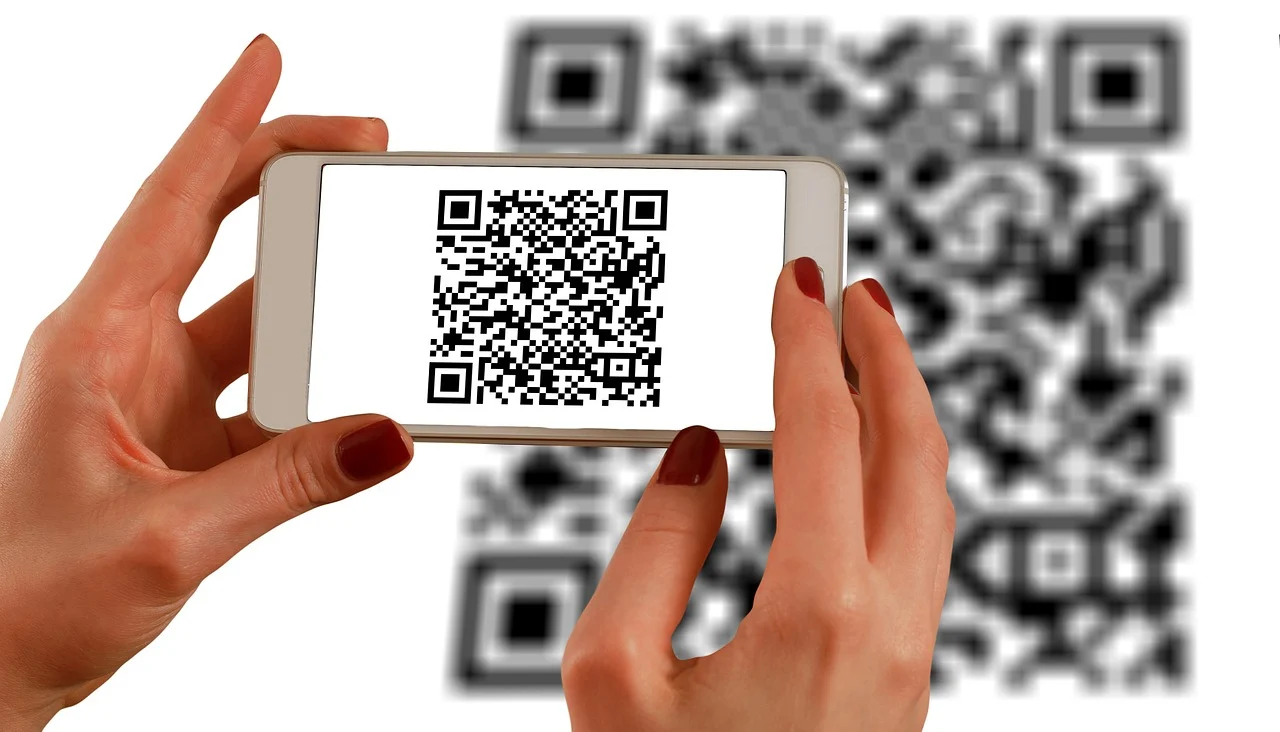
This service lets you create unlimited static QR codes for free. You can customize colors and add logos. It’s a fantastic option for simple, permanent links.
Average Price: Free
Practical Tip: Use this for sharing your website or social media profile.
2. Canva QR Code Generator
Canva integrates QR code generation directly into its design tools. Create static QR codes easily as part of your marketing materials.
Average Price: Free
Practical Tip: Add a custom QR code to your flyers or business cards created in Canva.
3. Adobe Express QR Code Generator

Adobe Express offers a straightforward way to generate static QR codes. It’s user-friendly and good for quick creations.
Average Price: Free
Practical Tip: Generate a QR code for a PDF document you want to share easily.
4. Nationwide Barcode
This provider offers a one-time purchase for static QR codes. You get a permanent code without any recurring fees.
Average Price: $10 – $20 (one-time)
Practical Tip: Ideal for printing on packaging where the link won’t change.
5. International Barcodes
Similar to Nationwide Barcode, they offer a flat fee for a permanent static QR code. This ensures you have a lasting digital asset.
Average Price: $15 – $25 (one-time)
Practical Tip: Purchase a code for your business card that links to your portfolio.
6. ME-QR
ME-QR provides dynamic QR codes with robust features. You can edit the destination URL and track scan data.
Average Price: Starts at $5.99/month (billed annually)
Practical Tip: Use this for event invitations where you might update the location or time.
7. QR Code Generator (PRO)
This service offers dynamic QR codes with advanced analytics. It’s suitable for marketing campaigns needing performance tracking.
Average Price: Starts at $7.50/month (billed annually)
Practical Tip: Monitor how many people scan your promotional QR code and from where.
8. QRCodeKIT
QRCodeKIT offers dynamic QR codes with business-focused features. Their plans include detailed analytics and management tools.
Average Price: Starts at $20/month
Practical Tip: Essential for businesses wanting to measure the ROI of their QR code marketing.
9. Square QR Code Payments
Square embeds QR code functionality for payments into its ecosystem. It simplifies transactions for businesses.
Average Price: Transaction fees apply
Practical Tip: A great solution for restaurants or small shops to accept quick payments.
10. Custom QR Code Service (Enterprise)
For large businesses with specific needs, custom solutions are available. These offer high-level integration and support.
Average Price: $50+/month
Practical Tip: Use for complex integrations with CRM or inventory systems.
WHICH ONE TO BUY TODAY? (VERDICT)
For the best value, start with free static QR code generators like QRCode Monkey or Canva. If you need to edit links or track scans, ME-QR offers an affordable entry into dynamic QR codes. This provides flexibility without a high initial cost.
The best investment depends on your goals. For long-term, unchanging information, a one-time purchase is cost-effective. For active marketing and business growth, a dynamic QR code subscription like QR Code Generator (PRO) is a powerful tool. It offers insights to improve your strategies.
The First 24 Hours: Your QR Code Checklist
Verify Your Code Works Immediately
Scan your new QR code with multiple devices and apps right away. A broken link or misrouted URL defeats the entire purpose of your investment.
Test Dynamic Editing Features
If you purchased a dynamic QR code, change the destination URL as a test. Confirm the update reflects instantly across all scans.
Check Scan Analytics Dashboard
Log into your provider’s dashboard to ensure scan data is populating correctly. Look for location, device type, and time-of-day metrics to validate tracking.
What to Avoid
- Don’t assume free codes are enough – if you need editability or analytics, a paid dynamic code is essential.
- Don’t skip custom branding – a plain black-and-white QR code reduces trust and scan rates by up to 40%.
- Don’t place codes on reflective surfaces – glossy materials cause scan failures; matte finishes are safer.
Frequently Asked Questions
Can I change the URL of a static QR code after printing it?
No, static QR codes permanently encode the data you entered. To edit the destination, you must generate a new code and reprint it.
Do I need a subscription to track scans?
Yes, scan analytics are a premium feature exclusive to dynamic QR codes, which require a monthly or annual subscription.
Is it safe to buy a QR code from a third-party provider?
Yes, but choose established providers with clear privacy policies and HTTPS encryption. Avoid unknown sellers offering suspiciously low prices.
Choosing between a static and dynamic QR code is a strategic decision that affects your campaign’s flexibility and data insights. By following this checklist, you ensure your purchase delivers real business value from day one.
Ready to deploy your QR code? Start by placing it in high-traffic areas with clear calls to action near the scan zone.
As QR code technology evolves, your ability to adapt and track will keep you ahead in a contactless-first world.
