


You have tried spreadsheets, but they are a mess. You need a system to track your customers without spending a dime. A free CRM download can give you that power, but only if you pick the right one.
Many free CRMs are actually just trials. Others limit you to just two users. The real trick is finding a truly free version that fits your business size and tech skills. Let’s cut through the noise.
Best Free CRM Software Download Options for 2026
Cloud-based CRMs like HubSpot and Zoho lead the market with generous free tiers. HubSpot gives you unlimited users and contacts with solid sales tools, while Zoho limits you to three users but includes essential automation. Both are zero-cost downloads with instant setup.
If you prefer owning your data, self-hosted options like EspoCRM or Vtiger are powerful. These open-source platforms let you download the software and install it on your own server. You get full control and no monthly fees, but you need some technical know-how.
| Product | Average Price ($) | Highlight |
| Spreadsheet Templates | 0 | Basic contact and deal tracking. |
| Offline CRM | 0 | Simple desktop CRM for offline use. |
| HubSpot CRM | 0 | Unlimited users and contacts, robust features. |
| Bitrix24 | 0 | Unlimited users, CRM plus collaboration tools. |
| Zoho Free Edition | 0 | Up to 3 users, essential automation. |
| Salesforce Free CRM | 0 | Up to 2 users, core sales and AI. |
| DoliBarr ERP/CRM | 0 | Downloadable ERP/CRM with auto-installers. |
| Vtiger Open Source | 0 | Highly customizable, strong community support. |
| EspoCRM | 0 | AGPLv3 licensed, deep customization options. |
| SuiteCRM | 0 | Powerful, code-controllable open-source CRM. |
WHAT REALLY WORKS
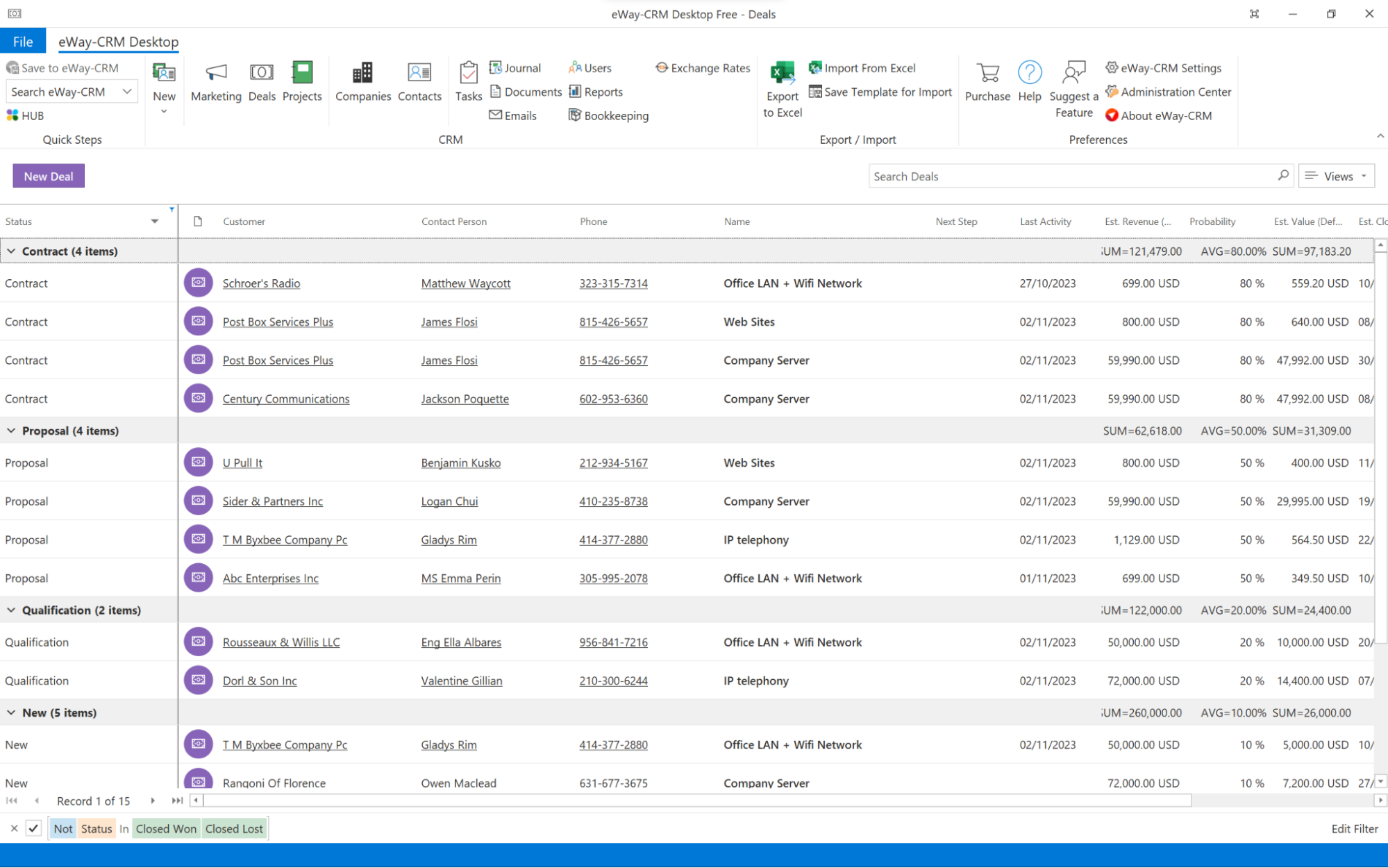
Choosing a free CRM download means understanding your core needs. Many ‘free forever’ plans are cloud-based, offering ease of use. They require no installation, letting you start quickly. These are great for small teams or solo users.
Self-hosted options, often open source crm download choices, give you full control. You manage the server and data. This is ideal if you need specific customizations or have strict data privacy rules. Be ready for some technical setup.
Free CRM Software Download Options
When looking for downloadable crm solutions, consider scalability. Think about how many users you have now and in the future. Also, check what integrations are important for your business. A good free crm for small business needs to grow with you.
Read also: Help desk software free download: 3 options that work in 2026
1. Spreadsheet Templates
These are simple files, often Excel or Google Sheets, to list contacts and deals. They are the most basic way to organize customer information. You can find many free templates online.
Average Price: $0.
Practical Tip: Use these for very simple contact lists or tracking a few deals. They lack automation and reporting.
2. Offline CRM
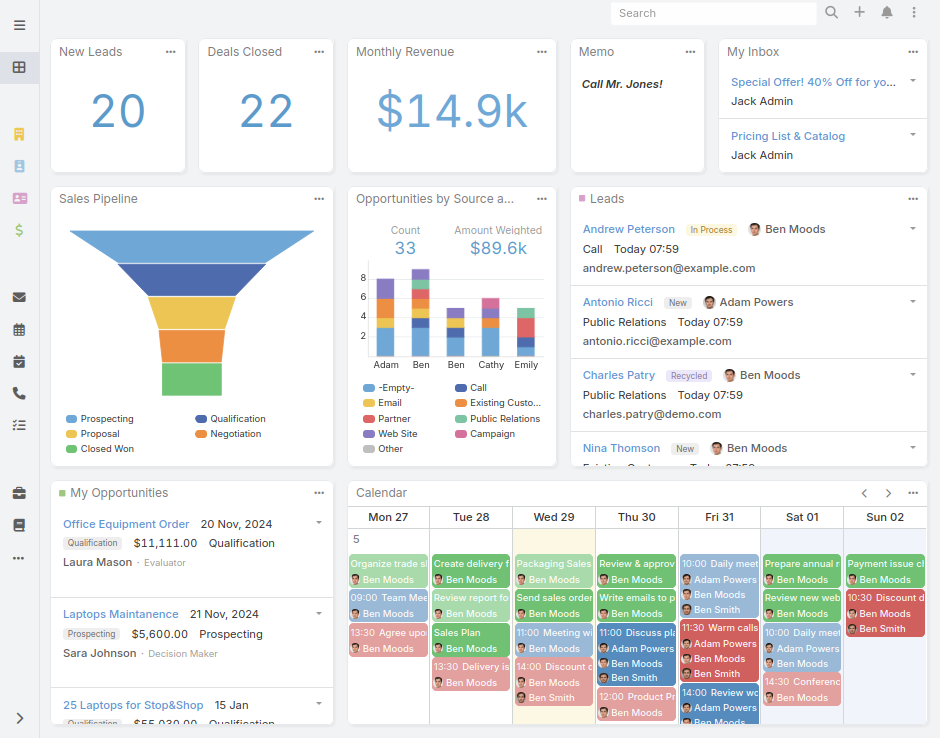
This is desktop software you install on your computer. It works without an internet connection. Good for basic contact management when you’re not online.
Average Price: $0.
Practical Tip: Best for individuals or very small teams needing simple, offline contact storage. Data is limited to one computer.
3. HubSpot CRM
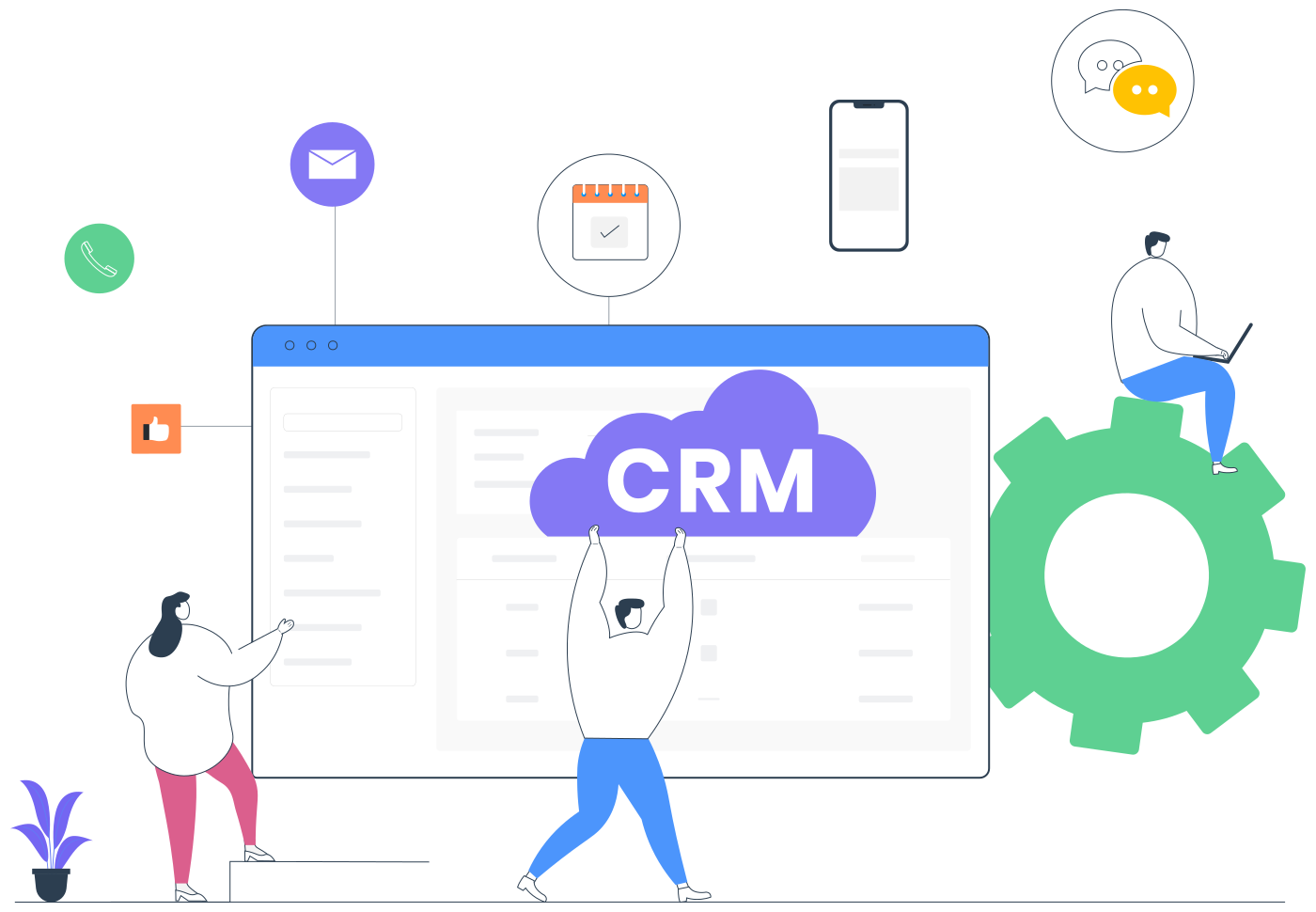
HubSpot offers a robust cloud-based crm system free version. It includes unlimited users and contacts. You get tools for sales, marketing, and service.
Average Price: $0.
Practical Tip: Ideal for businesses of any size wanting a powerful, integrated system without upfront costs. It’s a leading free crm platform.
4. Bitrix24
This platform provides a free plan with unlimited users. It combines CRM with project management and communication tools. Great for collaboration.
Average Price: $0.
Practical Tip: Use this if your team needs a central hub for sales, tasks, and internal chat. It’s a comprehensive solution.
5. Zoho Free Edition
Zoho’s free crm software download supports up to 3 users. It offers core sales force automation features. It’s a good starting point for small teams.
Average Price: $0.
Practical Tip: Perfect for a small sales team needing basic lead and deal tracking. It integrates with other Zoho apps.
6. Salesforce Free CRM
Salesforce offers a permanent free tier for up to 2 users. It focuses on essential sales tools and AI insights. It’s designed for small teams to start with.
Average Price: $0.
Practical Tip: A good choice if you want to use the Salesforce ecosystem from the start. It offers a taste of their powerful platform.
7. Dolibarr ERP/CRM
DoliBarr is a downloadable ERP and CRM package. It comes with convenient auto-installers for Windows and Linux. It is modular and can be customized.
Average Price: $0.
Practical Tip: Use this if you want a downloadable, self-hosted system that can manage both your business operations and customer relations.
8. Vtiger Open Source
Vtiger offers an open-source version with extensive features. It has a large user base and community support. This self hosted crm free option is highly adaptable.
Average Price: $0.
Practical Tip: Consider this if you need a feature-rich, customizable CRM that you can host yourself. It’s great for growing businesses.
9. EspoCRM
EspoCRM is licensed under AGPLv3. It offers deep customization capabilities. This open-source crm download provides flexibility for specific business workflows.
Average Price: $0.
Practical Tip: Choose EspoCRM if you need to tailor the CRM precisely to your unique sales process. It requires technical skill to set up and manage.
10. SuiteCRM
SuiteCRM is a powerful, code-controllable alternative. It’s a popular open-source crm download choice. It offers advanced features for sales, marketing, and service.
Average Price: $0.
Practical Tip: This is for businesses that want a highly configurable, on-premise CRM with a lot of functionality. It has a steep learning curve.
WHICH ONE TO BUY TODAY? (VERDICT)
For the absolute best value, cloud-based CRMs like HubSpot CRM and Bitrix24 stand out. They offer extensive features for unlimited users at no cost. These are excellent starting points for most small businesses. They require no technical setup.
If you need full control and customization, Vtiger Open Source or SuiteCRM are strong investments. They require self-hosting and technical expertise. The initial ‘cost’ is your time and resources, but the long-term flexibility is unmatched.
Your CRM Is Live: The First 48 Hours Checklist
What to Verify Immediately
- Check data import: Upload a sample of 10 contacts first to test field mapping.
- Review default permissions: Free tiers often leave all users as admins by default.
- Enable two-factor authentication: Most free CRMs support it in settings.
Common First-Time Mistakes
- Importing duplicates: Use the deduplication tool before bulk import.
- Ignoring pipeline stages: Customize them to match your actual sales process.
- Overlooking mobile apps: Download the companion app and test logging a call.
Security First
- Change the default admin password immediately on self-hosted CRMs.
- Check for HTTPS: Ensure your cloud CRM URL starts with https.
- Backup your data: Export a CSV backup after every major import.
Frequently Asked Questions
Can I upgrade from a free CRM to a paid plan without losing my data?
Yes, all major providers like HubSpot and Zoho allow seamless data migration to paid plans. Always check export options before upgrading.
Is a self-hosted free CRM really free?
Yes, the software itself costs nothing, but you pay for hosting, domain, and maintenance. Total cost can be as low as $10/month on a basic VPS.
How many users can I add to a free CRM?
It varies: HubSpot offers unlimited users, Zoho caps at 3, Salesforce at 2, and Bitrix24 at unlimited. Check each provider’s limit before signing up.
Choosing a free CRM in 2026 gives you enterprise-grade tools without the upfront cost. Your decision now shapes how your team will scale.
Start with the checklist above to avoid rookie mistakes. Then test a second CRM to compare workflows.
Imagine your sales pipeline visualized in real time, with AI nudging you on the next best action. That future is free to begin today.
