


Is your family constantly fighting over who gets to use Word or Excel? You might be paying too much for separate subscriptions that don’t let you share storage or security features. Microsoft 365 Family solves this by letting up to six people share one plan, each with their own private 1TB of cloud space and full access to premium apps.
This subscription gives everyone in your household the latest Office apps, plus AI help from Copilot, advanced antivirus, and family safety tools. For $129.99 a year, it costs less than buying two Personal plans and covers everyone’s devices. Keep reading to see exactly what you get and how to set it up.
Microsoft 365 Family vs Personal: Which Plan Fits Your Household?
The main difference is the number of users. Microsoft 365 Family supports up to six people, each with their own 1TB of OneDrive storage, while the Personal plan covers just one user with 1TB. If you have two or more people who need Office apps, the Family plan is cheaper per person and gives you six times the total storage.
Both plans include the same core apps: Word, Excel, PowerPoint, Outlook, and OneNote on desktop, web, and mobile. They also include Microsoft Defender antivirus and ransomware protection. However, Family adds the Microsoft Family Safety app for screen time and location sharing, and the primary subscriber gets extra Copilot AI credits for advanced image creation.
Pricing is $129.99 per year or $12.99 per month for Family, compared to $99.99 annually for Personal. You can often find discounted 12-month cards at retailers like Costco or Lenovo. Sharing is easy: the main account holder sends invites, and each person keeps their files and emails private unless they choose to share.
Unlock Your Household’s Potential with Microsoft 365 Family
Microsoft 365 Family is your all-in-one digital toolkit for the modern household in 2026. It’s designed to support up to six individuals, giving each person their own dedicated space. Think of it as a digital hub that keeps everyone connected and productive. This subscription brings powerful tools right to your fingertips, making everyday tasks smoother.
Beyond just applications, it offers substantial cloud storage and advanced security to protect your digital life. The integration of AI, like Microsoft Copilot, adds a new layer of efficiency. It’s a smart investment for families looking to maximize their digital capabilities without breaking the bank.
| Feature | Details |
| Users | Up to 6 |
| OneDrive Storage | 1 TB per user (6 TB total) |
| Apps Included | Word, Excel, PowerPoint, Outlook, OneNote (Premium Desktop, Web, Mobile) |
| AI Assistant | Microsoft Copilot integrated |
| Security | Microsoft Defender, OneDrive Ransomware Protection |
| Family Tools | Microsoft Family Safety app |
| Device Limit | 5 devices per user |
| Platforms | Windows, macOS, iOS, iPadOS, Android |
| Pricing (Annual) | $129.99 |
| Pricing (Monthly) | $12.99 |
Microsoft 365 Family vs Personal: Which Plan Fits Your Needs?
Choosing the right plan is key. Microsoft 365 Personal is built for one individual. It offers the same great apps and storage but is limited to a single user. If you live alone or only need these tools for yourself, Personal might be sufficient. However, for families or shared households, the Microsoft 365 Family plan is far more economical and practical.
Read also: OneDrive business download: how to sync your work files in minutes
The Family plan allows you to share the benefits with up to five other people. This means multiple users get their own 1 TB OneDrive and access to all the premium apps. It’s a significant cost saving compared to buying individual Personal subscriptions for each person. For instance, if just three people in your home need these tools, sharing the Family plan is already a smarter financial move.
How Much Does Microsoft 365 Family Cost?
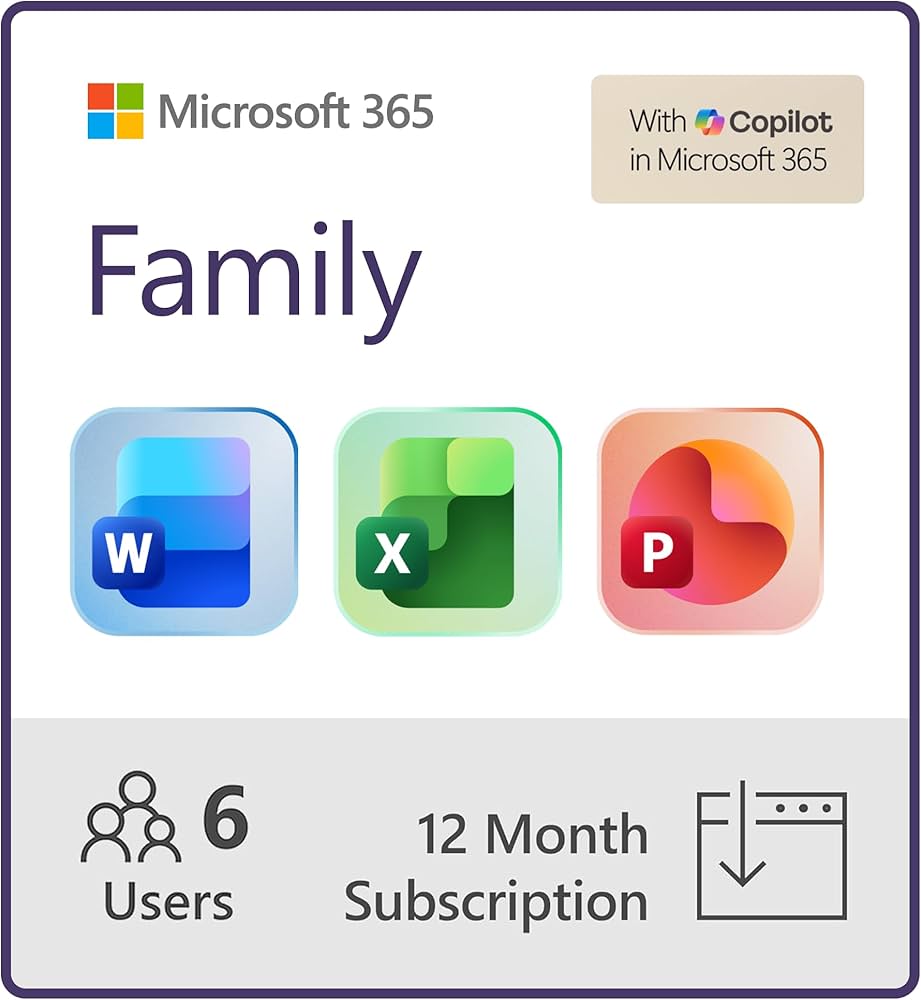
The Microsoft 365 Family cost is straightforward. You can get it for $129.99 per year, or pay monthly at $12.99. This annual price offers a slight discount compared to the monthly option. It’s important to note that these are standard prices, but you can often find deals.
Retailers like Costco and Lenovo frequently offer 12-month subscription cards, sometimes at promotional prices. For example, a quick search on Costco’s website in 2026 might show a 12-month subscription card for Microsoft 365 Family with Copilot for around $99.99. This makes the effective monthly cost even lower, offering excellent value.
Key Features of Microsoft 365 Family
Microsoft 365 Family is packed with features designed for productivity and collaboration. You get full access to premium desktop versions of Word, Excel, PowerPoint, Outlook, and OneNote. These aren’t limited versions; they are the full-featured applications you expect. Plus, you get web and mobile versions for access on the go.
Read also: Microsoft 365 Free Trial: How to Get 30 Days Without Paying
A major highlight is Microsoft 365 Family Copilot integration. This AI assistant helps you write, analyze data, and create presentations more efficiently. It can draft emails, summarize documents, and even generate images. However, some advanced AI features and credits, like AI image creation, are reserved for the primary subscriber. This ensures the core functionality is available to all, while offering enhanced AI capabilities to the main account holder.
The inclusion of Microsoft Copilot elevates the productivity suite, making complex tasks more manageable for everyone in the household.
How to Share Microsoft 365 Family with Your Household
Sharing is simple and managed through your Microsoft account. The primary subscriber, who purchases the subscription, can easily invite others. You log into your Microsoft account dashboard online and find the option to share your subscription. You send invitations via email to the people you want to include.
Once they accept the invitation, they will be prompted to sign in with their own Microsoft account or create one. This is crucial: each person maintains their own private files and data. Their OneDrive storage and emails are separate. You are sharing the subscription benefits, not their personal information. This ensures privacy and security for every user.
Try Microsoft 365 Family Free
Microsoft often offers a free trial for new subscribers. This allows you to test out all the features before committing to a purchase. You can typically get a one-month free trial. It’s a great way to see if the Microsoft 365 Family apps and services meet your household’s needs.
Be sure to check the Microsoft website for current trial offers. If you decide it’s not for you, remember to cancel before the trial period ends to avoid being charged. This is a common pitfall, so mark your calendar!
Microsoft 365 Family Storage: How Much Cloud Space Do You Get?
Storage is a significant benefit. Each of the six users receives 1 TB of OneDrive cloud storage. This is a substantial amount of space, perfect for storing documents, photos, and videos. In total, a family subscription provides 6 TB of cloud storage, distributed among the users.
This generous Microsoft 365 Family cloud storage ensures you won’t run out of space easily. It also comes with advanced protection features. OneDrive includes ransomware detection and recovery, safeguarding your important files from digital threats. This peace of mind is invaluable in today’s digital landscape.
How Many Devices Can You Use with Microsoft 365 Family?
Flexibility is a core aspect of this plan. Each of the six users can install and use the Microsoft 365 apps on up to five devices simultaneously. This applies across various platforms, including Windows PCs, Macs, iPhones, iPads, and Android devices.
This means you can have Word on your laptop, Excel on your tablet, and PowerPoint on your phone, all under one subscription. The Microsoft 365 Family devices policy ensures you can work and create wherever you are, on your preferred device. Your settings and documents sync across them seamlessly.
Microsoft 365 Family Security Features Explained
Security is a top priority with Microsoft 365 Family. It includes Microsoft Defender, a robust antivirus and threat protection service. Defender works across your devices to shield you from viruses, malware, and other online dangers.
Additionally, OneDrive offers built-in ransomware protection. This feature can help you detect, block, and recover from ransomware attacks. The Microsoft Family Safety app is also integrated, providing tools for managing screen time, filtering content, and even sharing locations. These Microsoft 365 Family security features offer a comprehensive safety net for your family’s digital activities.
The Verdict: Microsoft 365 Family is the Smart Choice for 2026
In 2026, Microsoft 365 Family stands out as an exceptional value. The combination of premium Office applications, massive cloud storage, advanced AI features like Copilot, and robust security is unmatched for a household subscription. The ability to share it easily with up to six users makes it incredibly cost-effective.
Its flexibility across devices and platforms ensures everyone can stay productive. While finding discounts on subscription cards is wise, the standard pricing already offers significant benefits. For most families, this is the clear winner, providing the tools needed to thrive in an increasingly digital world. It simplifies digital life and enhances collaboration for everyone involved.
Read also: Microsoft Word 365: Why You Should Upgrade in 2026
Your Quick Action Plan
Step 1: Choose Your Subscription
Buy a 12-month card from Costco or Lenovo for the best deal. The official price is $129.99 per year, but retailers often discount it.
Step 2: Set Up Your Account
Go to microsoft.com/redeem and enter the product key. Then, sign in with your Microsoft account and start the subscription.
Step 3: Invite Your Family
From your account dashboard, click ‘Share’ and send invites to up to five other people. Each person gets their own 1 TB storage and private files.
Common Mistakes to Avoid
- Don’t share your password. Each user needs their own Microsoft account for privacy.
- Don’t forget to enable Microsoft Defender for extra security.
- Don’t ignore the AI credits. The primary subscriber gets exclusive access to advanced Copilot features.
Frequently Asked Questions
Can I use Microsoft 365 Family on a Mac?
Yes, the subscription works on Windows, macOS, iOS, iPadOS, and Android. Each user can install on up to five devices.
What happens to my files if I cancel?
Your files remain in OneDrive for 30 days after cancellation, but you lose the ability to edit or create new Office documents. You can still view and download them.
Is my data private from other family members?
Absolutely. Each person’s files, emails, and settings are completely separate. Only the primary subscriber can manage the subscription.
Microsoft 365 Family is the most cost-effective way to equip your entire household with premium productivity tools. For just over $10 a month, every member gets professional-grade software and secure cloud storage.
Now is the time to upgrade your family’s digital setup. Purchase your subscription today and invite your loved ones to collaborate smarter.
Imagine a home where everyone works seamlessly, files are always backed up, and AI helps you write and create faster. That future starts with one simple subscription.
