


You want to print stamps at home, but can you just use plain paper? The answer is no. Official USPS stamps must be printed on approved label sheets through authorized services.
Don’t worry, it’s easier than it sounds. You can print real postage from your own printer using online postage software. This saves trips to the post office and gives you control over mailing.
How to Print Postage Online from Home in 2026
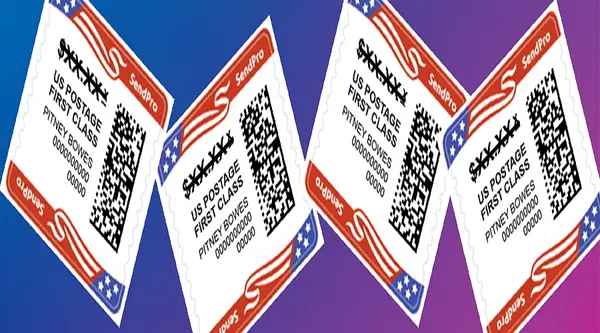
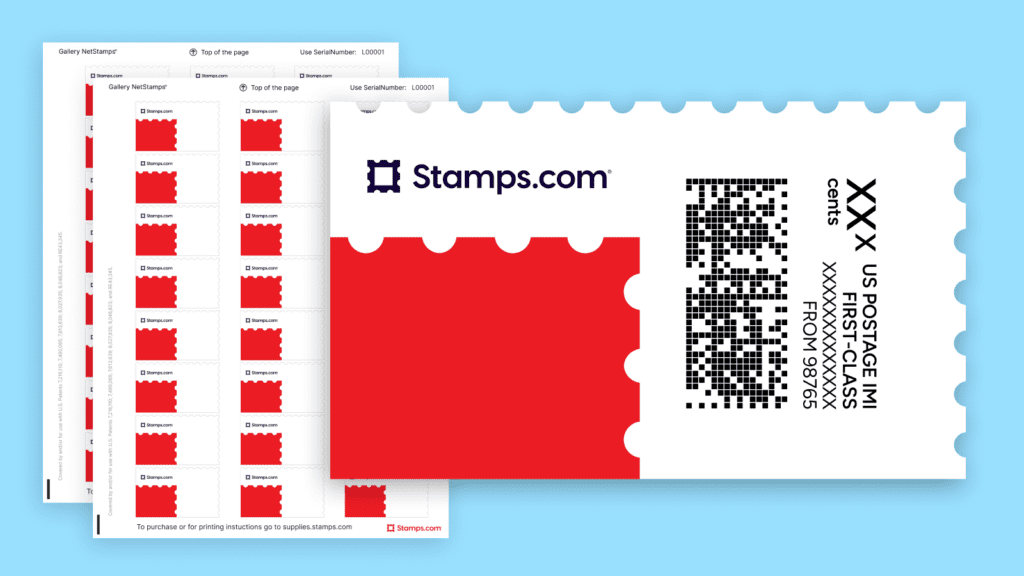
Printing stamps at home is legal and simple, but you need the right tools. You must use an authorized vendor like Stamps.com or PitneyShip. These platforms let you print NetStamps or shipping labels directly onto adhesive sheets.
You’ll need a standard inkjet or laser printer and a digital scale to weigh mail accurately. The software calculates exact postage for letters, flats, or packages. Costs vary: Stamps.com charges a monthly fee, while Orange Mailer offers pay-as-you-go pricing.
Print Postage Online: The Convenience Factor
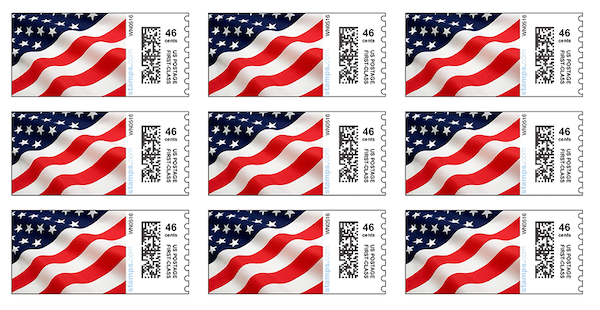
Saving time and effort is crucial for busy individuals. Being able to manage your mailing needs from your own space offers significant advantages.
Online Postage Software Integration
Using online postage software allows for seamless integration with your existing computer setup. This makes the entire process of preparing mail efficient and straightforward.
USPS Postage Printing Efficiency
USPS postage printing through authorized vendors streamlines the preparation of mail. You can quickly generate the necessary postage without visiting a post office.
Read also: Create a DocuSign Account Free and Sign Documents in Minutes
Digital Postage Solutions for Home Use
Digital postage solutions provide a modern way to handle mail from home. This offers flexibility and control over your shipping tasks.
Mail and Ship from Home Capabilities
The ability to mail and ship from home means you avoid travel time and queues. It’s a practical approach for managing personal and small business correspondence.
Buy Stamps Online Without Leaving Home
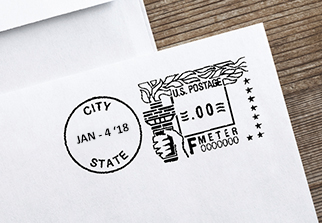
Acquiring postage is now simpler than ever, removing the need for physical trips. You can secure your postage needs from the comfort of your residence.
Secure Online Stamp Purchases
You can buy stamps online through reputable providers, ensuring authenticity and convenience. These platforms offer a variety of postage options for different mailing needs.
Read also: 45 Personalized Stamps for Business That Save You Time & Look Pro
Digital Stamp Acquisition
Digital stamp acquisition means you get your postage electronically, ready for immediate use. This is a fast and reliable method for obtaining necessary postage.
Authorized Online Postage Vendors
Working with authorized online postage vendors guarantees that your postage is valid. These services are designed to comply with USPS regulations.
Printable Postage Options
Printable postage allows you to create your own postage at home. This is especially useful for those who mail items regularly and need a quick solution.
Print Shipping Labels for Faster Mail
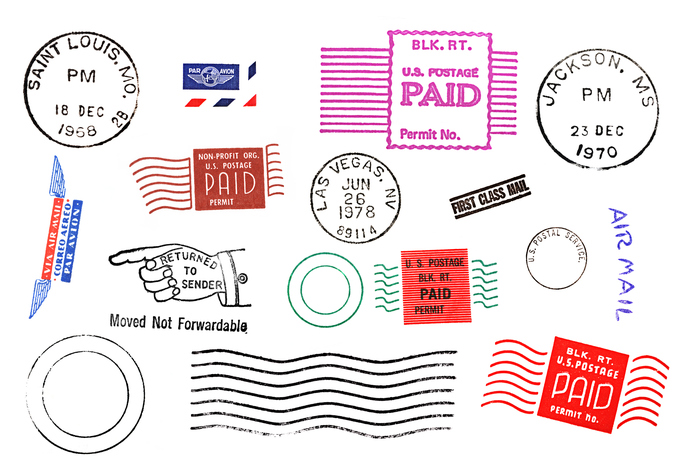
Creating your own shipping labels can significantly speed up the process of sending packages. This control over label generation means less waiting time.
USPS Shipping Label Generation
USPS shipping label generation is straightforward with approved online services. You can input package details and print labels directly.
Print Shipping Labels from Your Computer
The ability to print shipping labels from your computer is a major time-saver. It eliminates the need for manual addressing and postage calculation.
Online Postage Software for Labels
Online postage software often includes features for creating and printing shipping labels. This consolidates your mailing tasks into one platform.
NetStamps for Label Printing
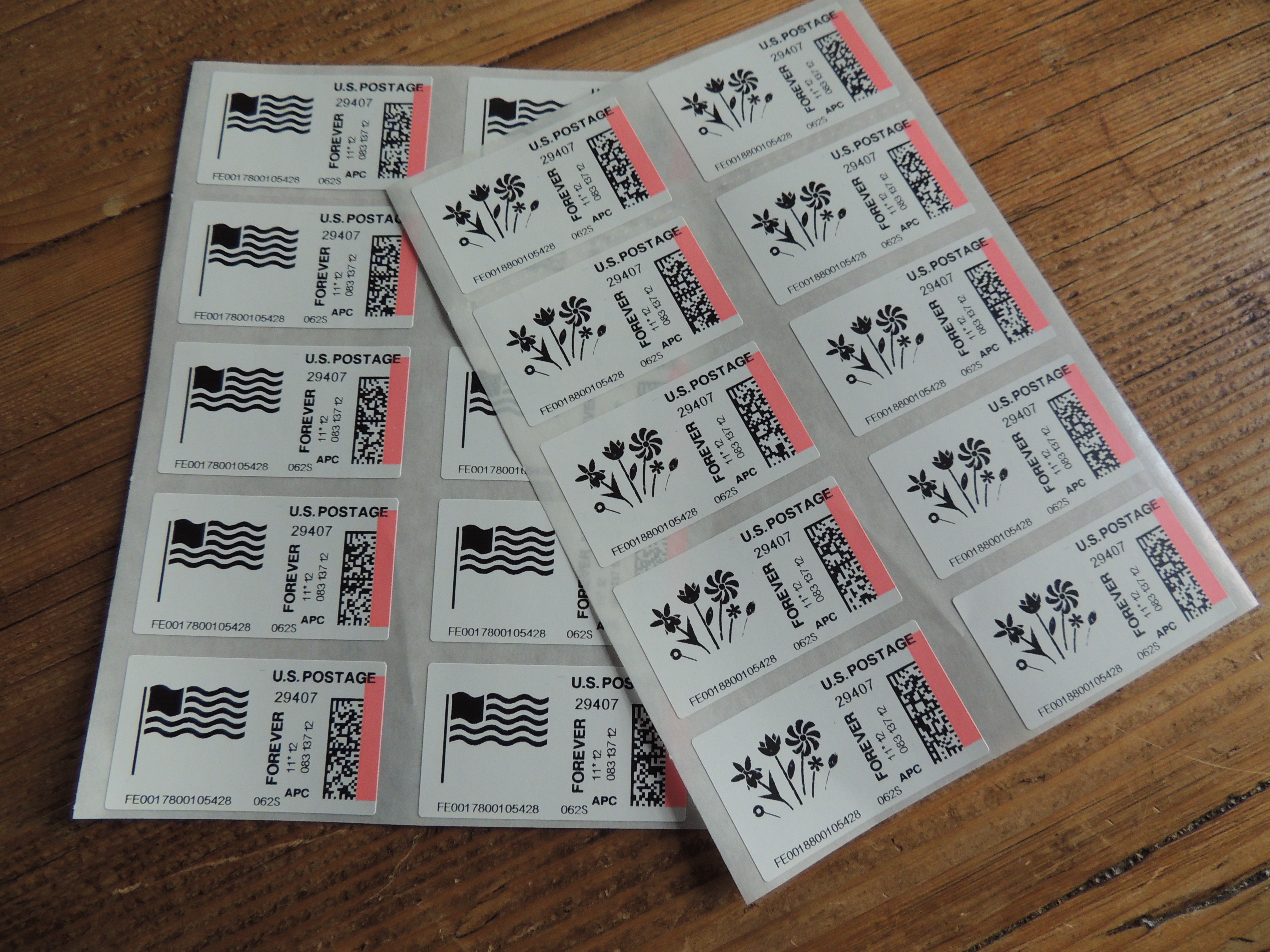
NetStamps are specialized label sheets designed for printing postage and shipping labels. They offer a professional look and easy application.
USPS Postage Printing Made Simple
The USPS has made it easier for individuals and businesses to manage their postage needs. Modern solutions simplify the process of getting mail ready.
Simplified Postage Printing
Simplified postage printing means less complexity in preparing your mail. Authorized software guides you through each step.
Digital Postage Solutions for Compliance
Digital postage solutions ensure your mailings meet all USPS requirements. This avoids potential delays or extra fees.
Mail and Ship from Home Convenience
The convenience of being able to mail and ship from home cannot be overstated. It offers a practical way to manage all your postal tasks.
Printable Postage for Everyday Use
Printable postage is ideal for frequent mailers who need a consistent and reliable way to prepare their items.
Digital Postage Solutions for Small Business

Small businesses can greatly benefit from efficient mailing processes. Digital tools help manage volume and reduce operational costs.
Streamlined Shipping Operations
Streamlined shipping operations are key for small businesses to remain competitive. Digital postage solutions automate many manual tasks.
Online Postage Software Benefits
Online postage software offers features like batch processing and address verification. This improves accuracy and speed for businesses.
USPS Postage Printing for Business
USPS postage printing services are tailored to handle business mail volumes. They provide cost savings and professional output.
Mail and Ship from Home Efficiency
The ability to mail and ship from home allows small businesses to operate with greater flexibility. It reduces the need for dedicated mailroom staff.
Mail and Ship from Home with NetStamps
NetStamps offer a practical way to handle your mailing needs without leaving your home or office. They provide a professional and efficient solution.
NetStamps for Professional Mailings
NetStamps are designed for creating professional-looking postage directly from your printer. They adhere securely to envelopes and packages.
Printable Postage on Adhesive Sheets
Printable postage on adhesive sheets like NetStamps is easy to apply. You simply peel and stick the printed postage.
Online Postage Software Compatibility
Ensure your online postage software is compatible with NetStamps for best results. This guarantees proper sizing and alignment.
Mail and Ship from Home Advantages
The advantages of being able to mail and ship from home are significant. It saves time and reduces the hassle of post office visits.
Envelope Postage Printing: A Clean Look
Achieving a neat and professional appearance for your envelopes is important. Proper postage application contributes to a positive first impression.
Clean Envelope Addressing
Clean envelope addressing, combined with correctly printed postage, makes your mail stand out. It shows attention to detail.
Envelope Postage Printing Services
Envelope postage printing services through authorized vendors ensure accuracy. This avoids smudged or incorrectly placed postage.
Digital Postage Solutions for Envelopes
Digital postage solutions make it simple to apply postage directly onto envelopes. This is often done via specialized printers or label applicators.
USPS Postage Printing Accuracy
USPS postage printing accuracy is maintained through validated software. This ensures the postage value is correct and the placement is compliant.
Online Postage Software: Streamline Your Workflow
Implementing online postage software can transform how you handle your mailings. It centralizes tasks and improves overall efficiency.
Streamlined Mailing Workflow
A streamlined mailing workflow means less time spent on manual tasks. Software automates calculations and printing processes.
Online Postage Software Features
Features like rate comparison and batch printing are common in online postage software. These tools help optimize your mailing strategy.
Digital Postage Solutions for Productivity
Digital postage solutions boost productivity by reducing errors and speeding up preparation. This allows more time for core business activities.
Mail and Ship from Home Integration
Integration with mail and ship from home capabilities makes these software platforms highly versatile. You can manage everything from one place.
Read also: Why your small business needs a firmenstempel in 2026
Style and Reference Gallery
Compare rates between First Class and Priority Mail for small packages. Sometimes Priority is cheaper for heavy items.
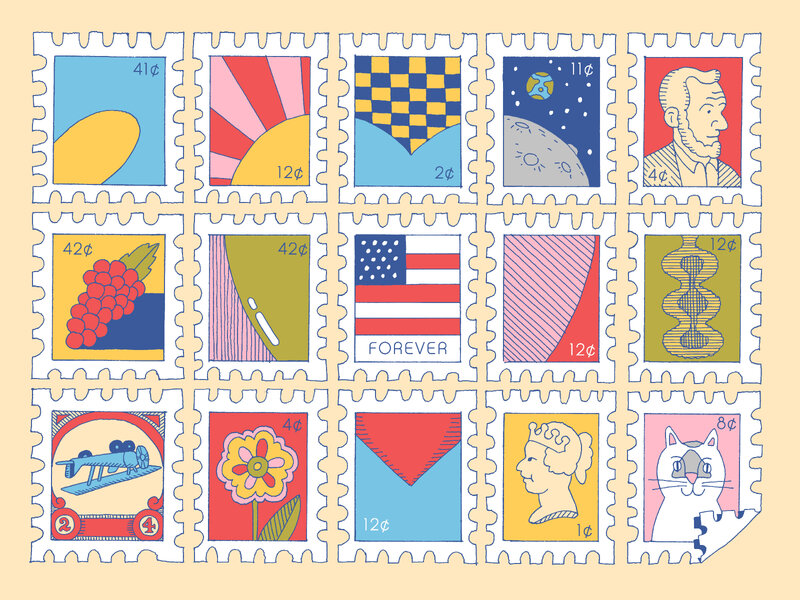
Print postage in batches to save time. Prepare all labels at once before sticking them on packages.

Clean your printer rollers monthly with a lint-free cloth. Sticky rollers cause label jams.

Turn off high-quality print settings for labels – standard mode is faster and uses less ink.

Always double-check the destination ZIP code. A wrong digit can send your mail across the country.
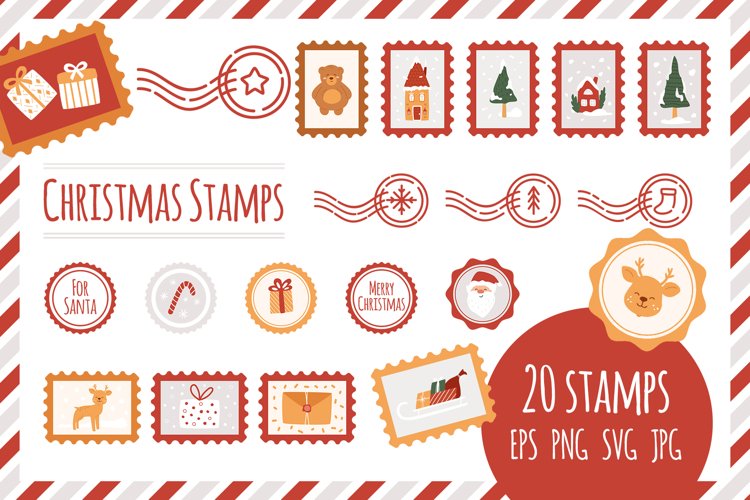
Use a flat rate envelope if your item is heavy but small. It simplifies pricing and speeds up sorting.
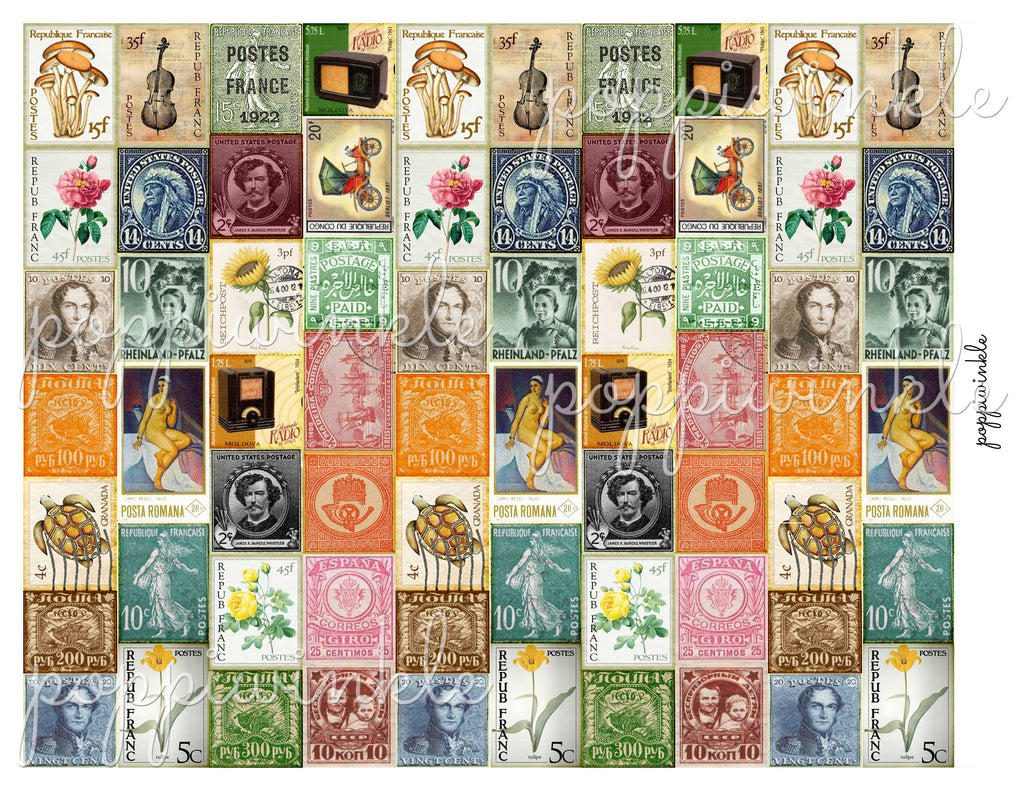
Recycle used label sheet backings properly. Most are paper and can go in the recycling bin.
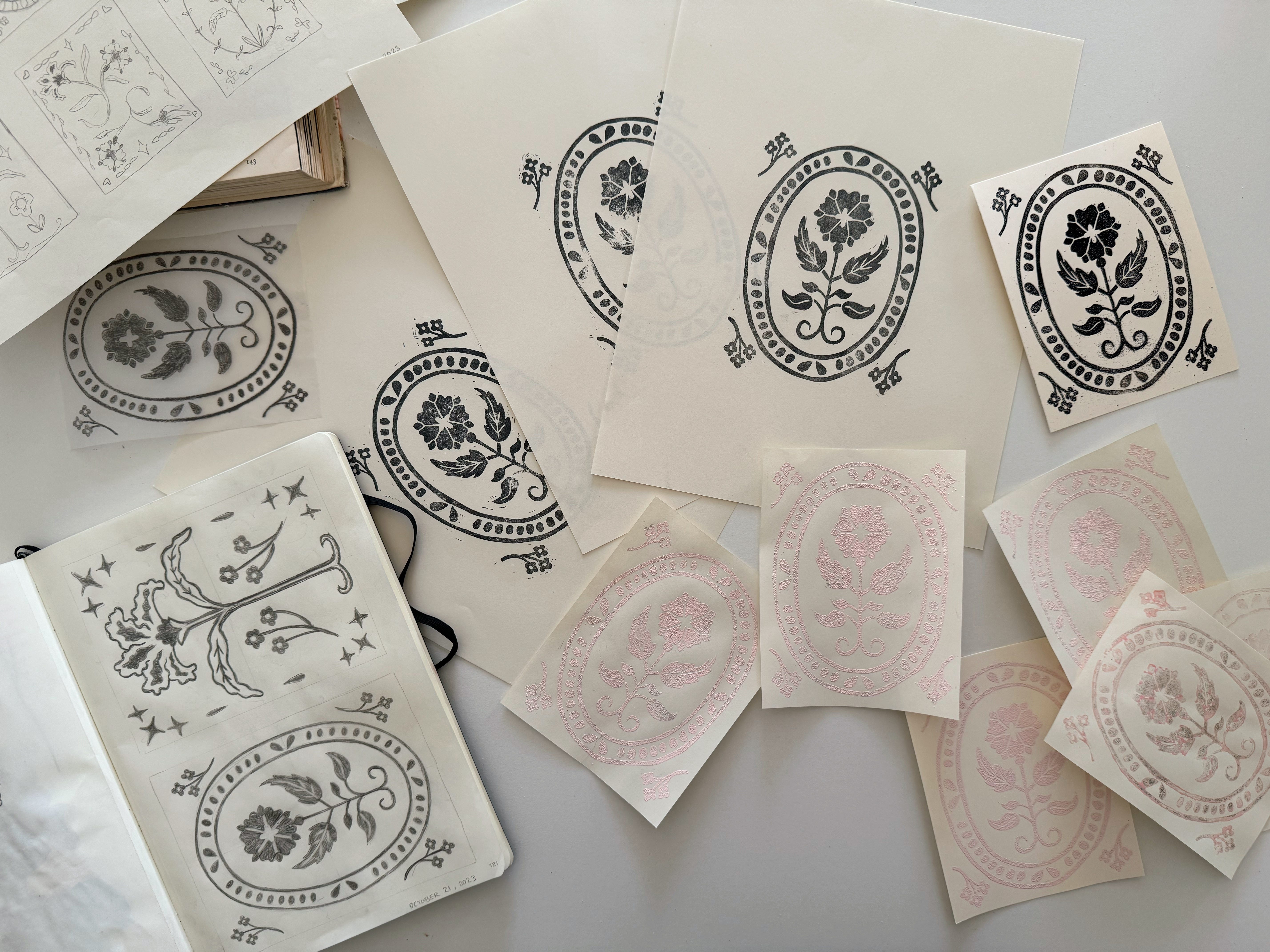
Place your digital scale on a flat, hard surface for accurate readings. Even a slight tilt can throw off the weight.
Use high-quality label sheets from the same brand as your printer. Cheap labels can peel off during mailing.
Print a test page on plain paper first to check alignment. This saves expensive label sheets from waste.
Keep your postage account funded to avoid interruptions. Most platforms auto-reload when your balance runs low.
For international mail, use the platform’s customs form feature. It prints directly on the package label.
Store label sheets in their original packaging to prevent dust buildup. Dust can cause printer misfeeds.
Update your shipping address book regularly to avoid costly corrections. Mistyped addresses delay delivery.
Use the tracking option for valuable items. Most platforms include tracking at no extra cost.
Making It Work at Home
Step-by-Step Guide
First, choose an authorized platform like Stamps.com or PitneyShip based on your mailing volume. Sign up, fund your account, and enter the recipient and weight details.
Next, print the postage onto adhesive label sheets or directly onto envelopes using a standard inkjet or laser printer. Ensure your printer settings match the label type for crisp barcodes.
What to Avoid
Never print postage on plain paper and tape it to your mail – the USPS will reject it. Avoid using expired or damaged label sheets that can cause printer jams or unreadable codes.
Don’t guess the weight; always use a digital scale to avoid underpaying postage. Skipping the scale leads to returned mail or extra fees.
Maintenance Tips
Keep your printer heads clean and use high-quality label sheets to prevent smudging. Store labels in a cool, dry place away from direct sunlight.
Update your software regularly to stay compliant with USPS rate changes. Most platforms auto-update, but check monthly for new features.
Frequently Asked Questions
Can I print a forever stamp on plain paper?
No, USPS regulations require postage to be printed on approved adhesive labels or directly on the envelope. Plain paper stamps are not valid for mailing.
Do I need a special printer for online postage?
No, any standard inkjet or laser printer works fine for printing postage labels. Just ensure you use compatible label sheets for best results.
How do I know which platform is cheapest for my needs?
Compare rates on Stamps.com, PitneyShip, and USPS Click-N-Ship based on your mail type and volume. For occasional packages, Click-N-Ship is free; for high volume, Stamps.com offers discounts.
Printing postage at home is a proven way to save time and money when done correctly. With the right platform and supplies, you can skip the post office line entirely.
Start by weighing your mail and signing up for a free trial on one of the recommended services. Test a few labels before committing to a subscription plan.
Imagine a future where every package and letter is prepared from your desk with a few clicks. That convenience is here now – all it takes is one smart setup.
