


You walk into a room that looks perfect, but the meeting is a mess. People can’t see the screen, the audio echoes, and the layout kills conversation. This is the moment you realize your conference room is working against you.
A bad setup wastes time and money. The right one makes decisions faster and teams stronger. In 2026, getting it right means knowing the layouts, the tech, and the little details that turn a room into a powerhouse.
Conference Room Layouts That Actually Work in 2026
The layout you choose changes everything. For formal meetings, a boardroom setup with a central table keeps authority clear. For workshops, a U-shape lets everyone see the presenter and each other, making it easy to collaborate.
If you are teaching or training, go with classroom style rows so people can take notes. For big presentations with little interaction, theater style maximizes seats. For equal participation in a mid-sized group, hollow square works best. Measure your room and count your people before you pick a layout.
Ideas and Inspirations
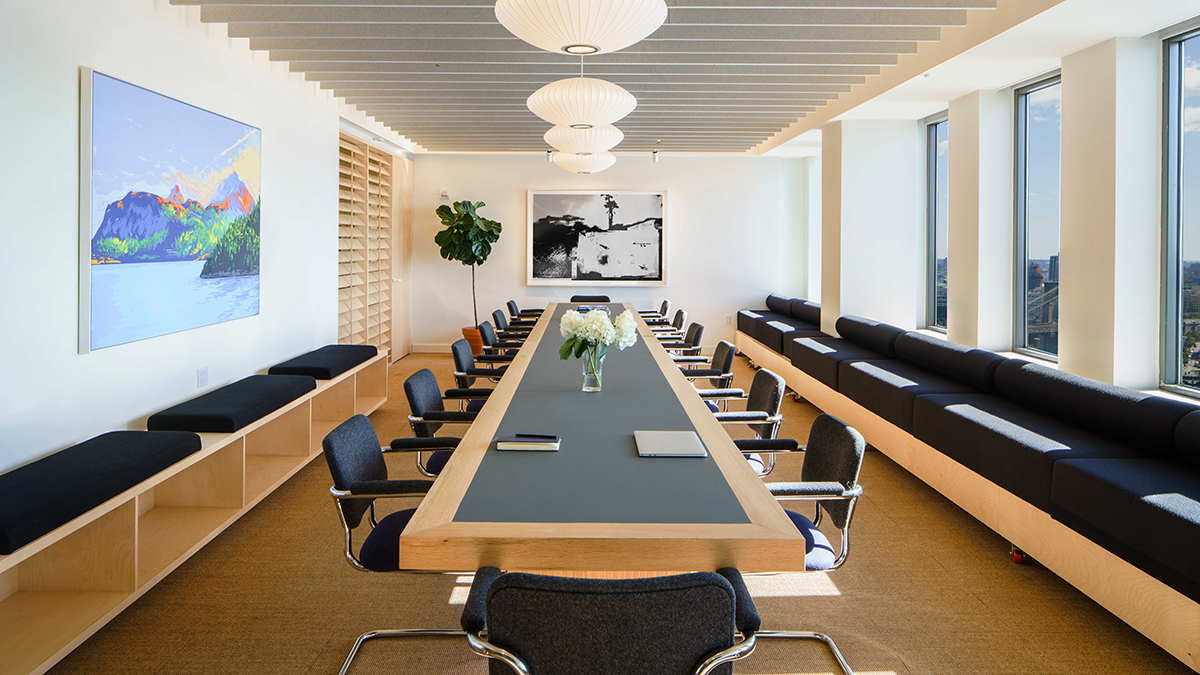
Modern Conference Room Design
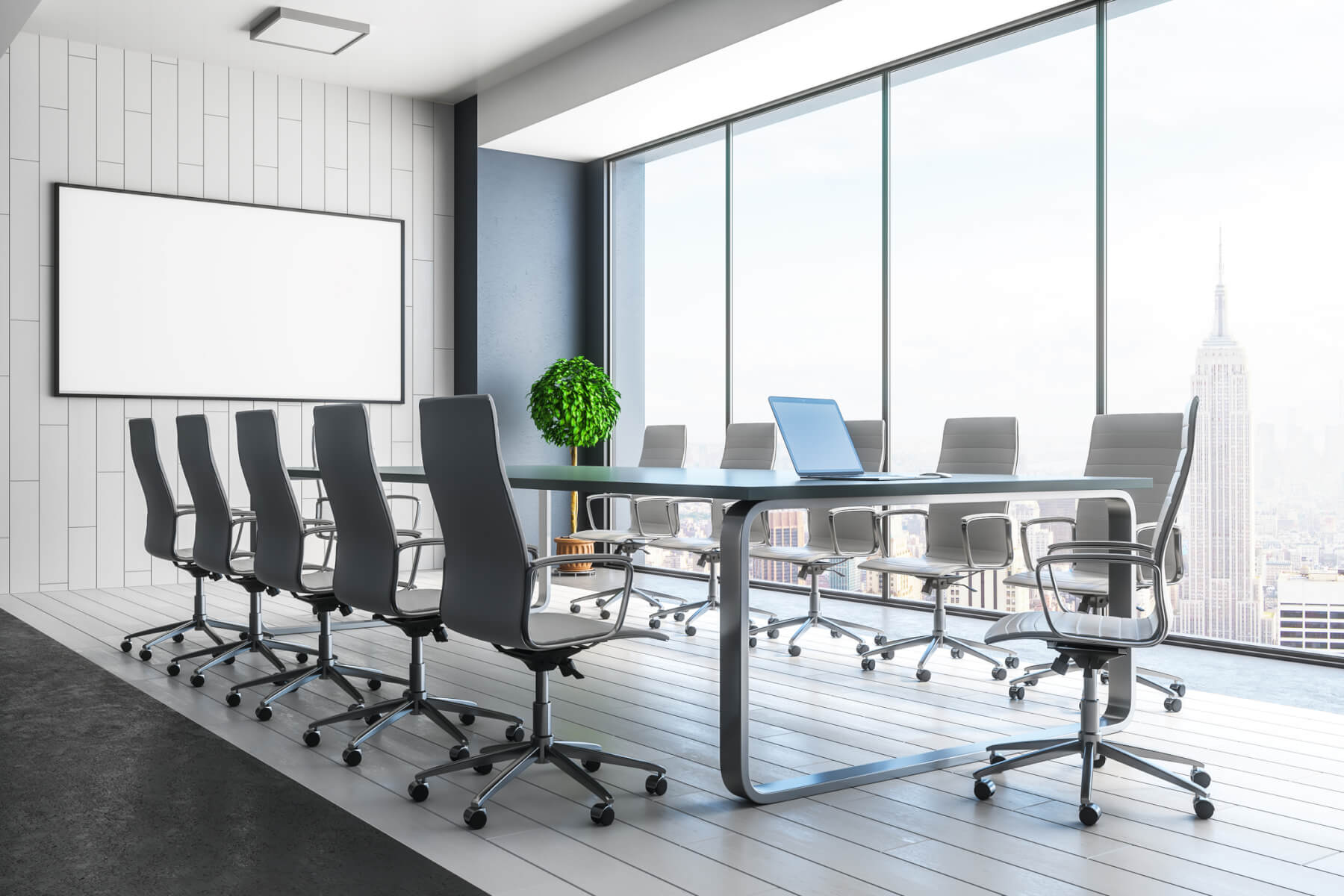
A modern conference room design focuses on clean lines and functionality. It integrates technology seamlessly for a professional look. This approach enhances collaboration and productivity.
Minimalist Whiteboard Walls
Consider using entire walls as writable surfaces with a special paint. This encourages spontaneous brainstorming during meetings. It also keeps the space feeling open and bright.
Integrated Cable Management
Smart cable management keeps surfaces clear and reduces visual clutter. Hidden conduits and built-in charging ports are essential. This ensures a streamlined and professional video conferencing room setup.
Smart Lighting Systems
Adjustable LED lighting sets the mood and improves visibility. Dimmable fixtures can transition from bright task lighting to softer ambient light. Good conference room lighting is key for comfort.
Modular Furniture Elements
Flexible furniture allows for easy reconfiguration of the space. Modular tables and seating can adapt to different meeting needs. This supports various types of meeting room layouts.
| Style | Material | Color |
| Modern | Laminate | Matte White |
| Minimalist | Glass | Clear |
| Tech-Integrated | Metal | Brushed Aluminum |
Hybrid Meeting Room Setup
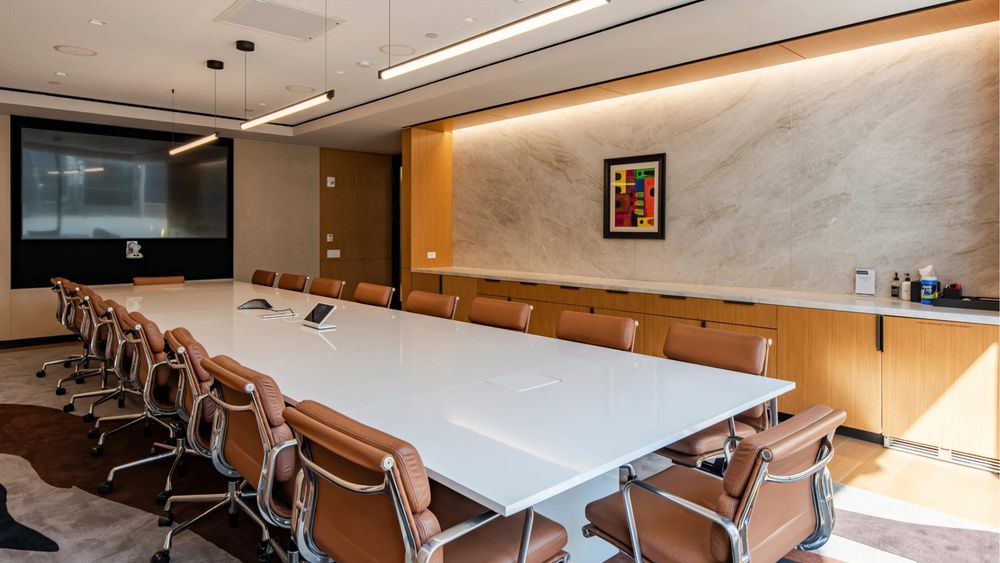
A hybrid meeting room setup is crucial for modern workplaces. It ensures remote and in-office participants feel equally included. The goal is to bridge the physical and digital divide.
Wide-Angle Cameras
Use cameras with a wide field of view to capture everyone in the room. This ensures remote attendees can see all participants. It is a vital part of effective video conferencing room setup.
High-Quality Audio Capture
Invest in ceiling or tabletop microphones that reduce background noise. Clear audio is paramount for effective communication. This improves the overall meeting room setup experience.
Multiple Display Screens
Having both a main display for content and a smaller screen for video feeds is beneficial. This allows participants to see both the shared materials and their remote colleagues. It enhances engagement in hybrid settings.
Room Booking Displays
Digital displays outside the room show availability and allow for quick booking. Systems like Joan 6 Pro integrate with calendars. This prevents scheduling conflicts and optimizes space usage.
Desk-Side Collaboration Tools
Provide easy-to-use tools for screen sharing and virtual whiteboarding. These technologies facilitate seamless interaction. They are key for a successful hybrid meeting room setup.
Small Conference Room Ideas
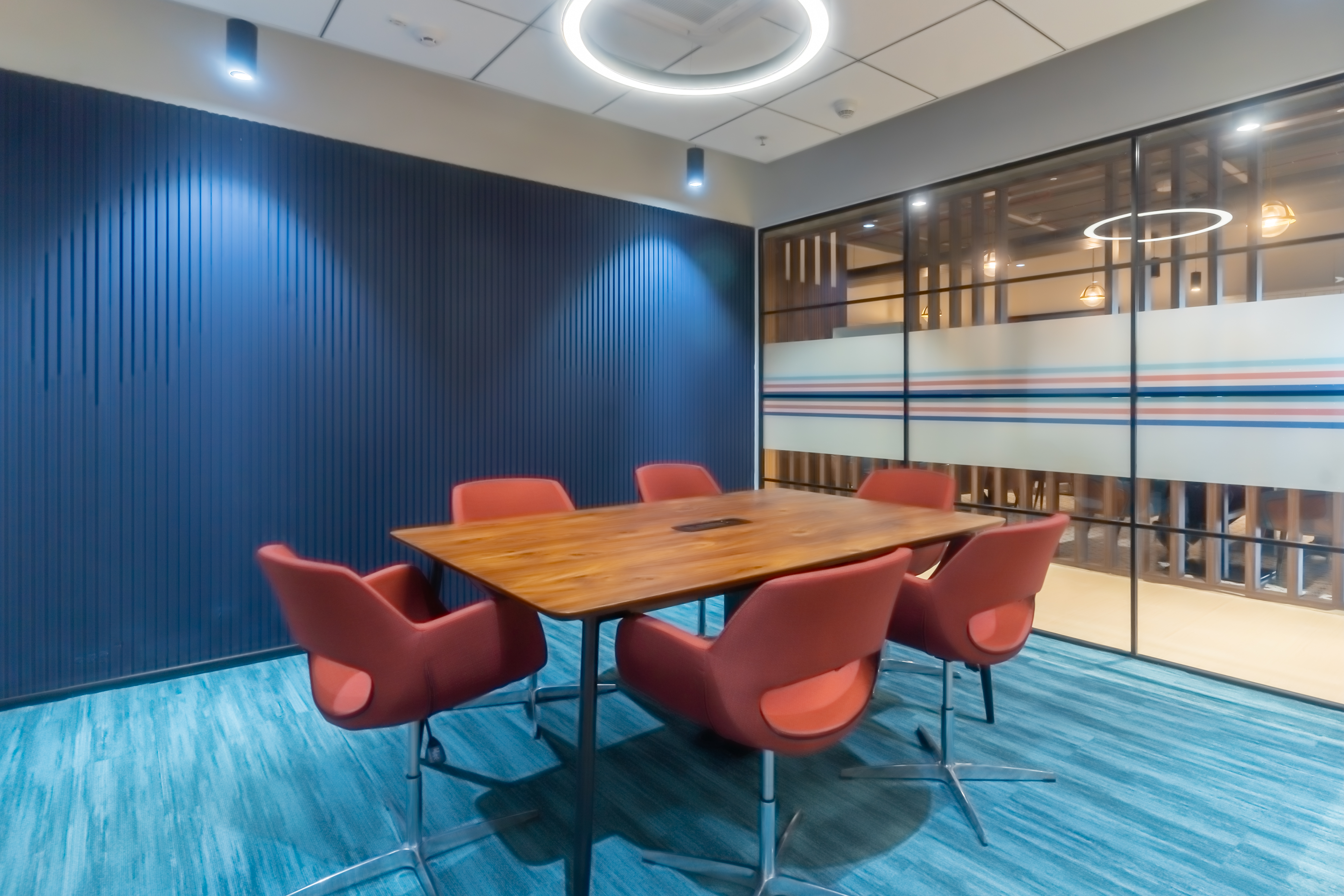
Even small conference rooms can be highly functional and stylish. Smart design choices maximize the use of limited space. The focus is on efficiency and comfort.
Compact Round Tables
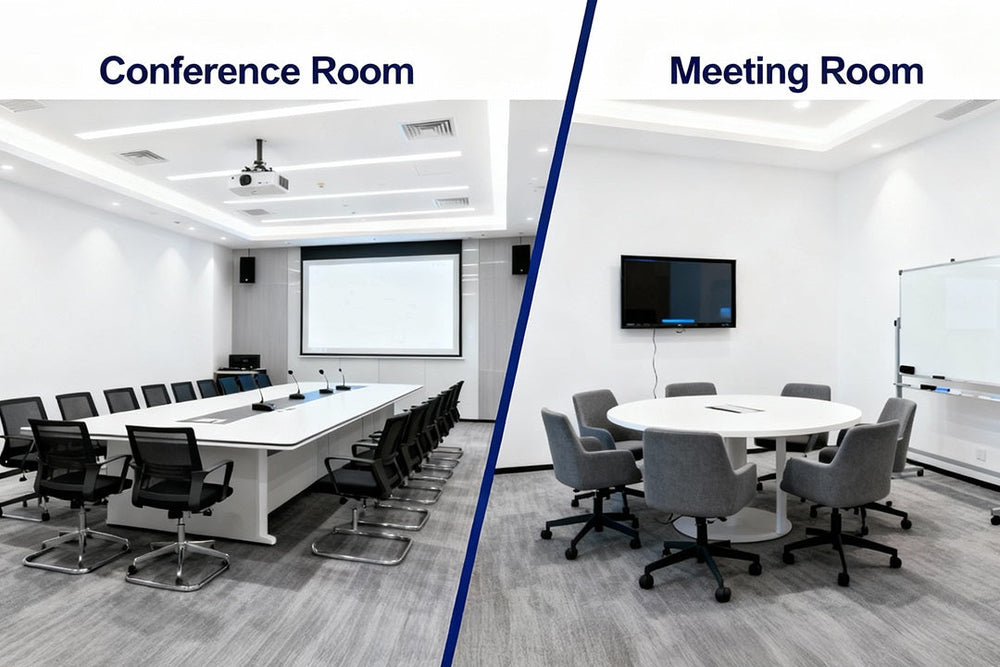
Round tables encourage conversation and make the space feel more open. They are ideal for smaller groups. This is a great option for a small conference room setup.
Wall-Mounted Screens
Mounting displays on the wall saves floor space. It also positions the screen at an optimal viewing height. This is a smart choice for a video conferencing room setup.
Foldable Furniture
Consider furniture that can be folded or stored away when not in use. This allows the room to serve multiple purposes. It offers flexibility for various meeting needs.
Perimeter Seating
Utilizing benches or banquette seating along the walls can add capacity. It keeps the center of the room clear. This is an efficient small conference room idea.
Natural Light Maximization
Keep window treatments simple to allow maximum natural light. This makes the space feel larger and more inviting. Good conference room lighting is important.
| Item | Size | Material |
| Table | 30′ Round | Wood Veneer |
| Chairs | Compact | Fabric |
| Display | 27′ Monitor | Matte Finish |
U-Shape Meeting Room Layout
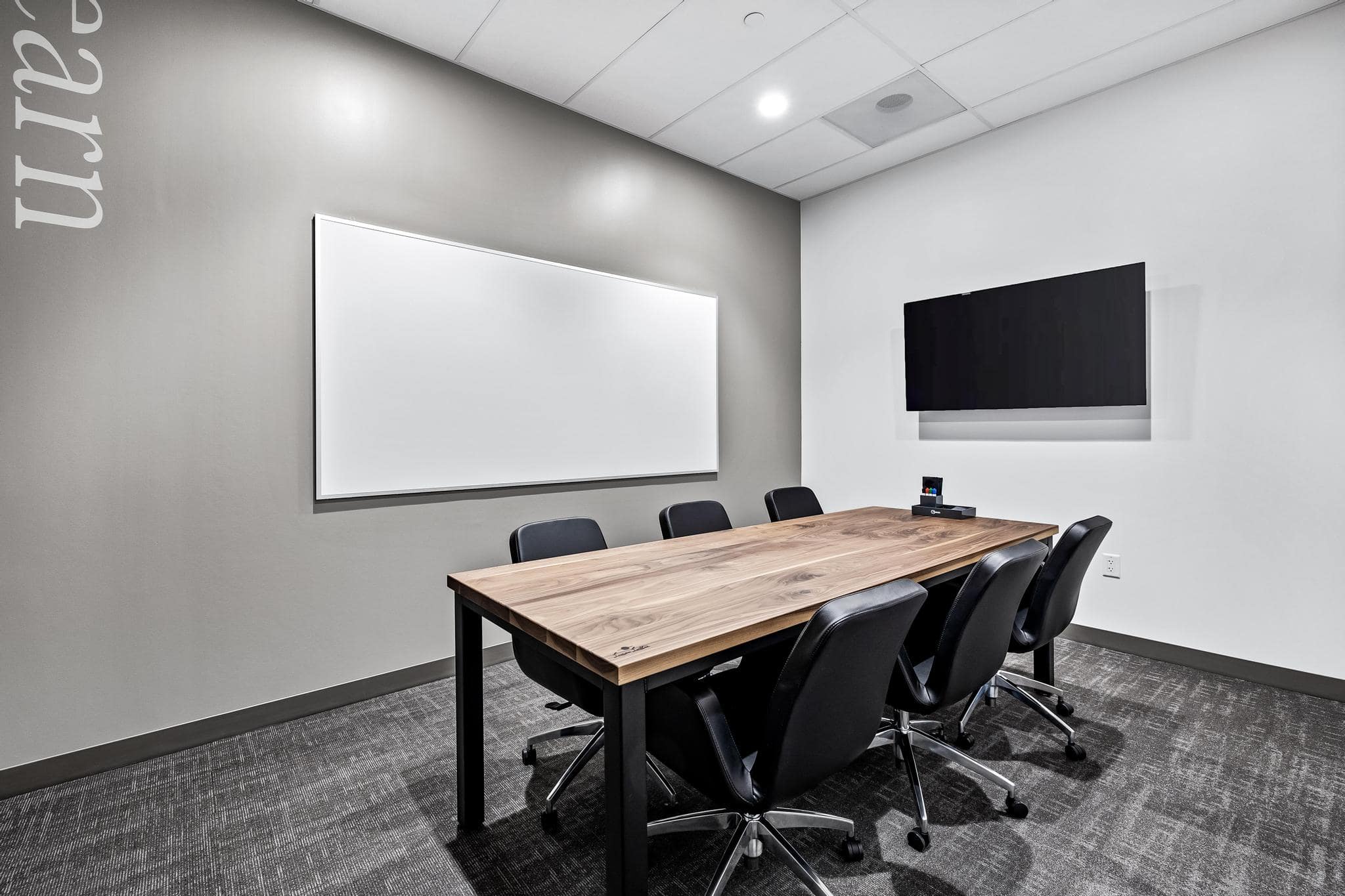
The U-shape meeting room layout is excellent for engagement. It allows a presenter to easily interact with all attendees. This setup is ideal for workshops and training sessions.
Central Presentation Area
The open center of the U allows the facilitator to stand or move freely. This creates a focal point for discussions. It supports dynamic presentations.
Clear Line of Sight
All participants have a direct line of sight to the presenter and each other. This fosters a sense of connection. It is a key benefit of this types of meeting room layouts.
Interactive Workshops
This layout is perfect for activities requiring group participation. It encourages dialogue between the presenter and attendees. It enhances the learning experience.
Table Arrangement
Tables are arranged in a U formation, with one side open. This configuration works well for mid-sized groups. It is a versatile meeting room setup.
Technology Placement
Ensure screens and audio equipment are positioned for optimal viewing by all. This is crucial for a smooth video conferencing room setup. Consider the needs of the conference room technology.
Conference Room Acoustics
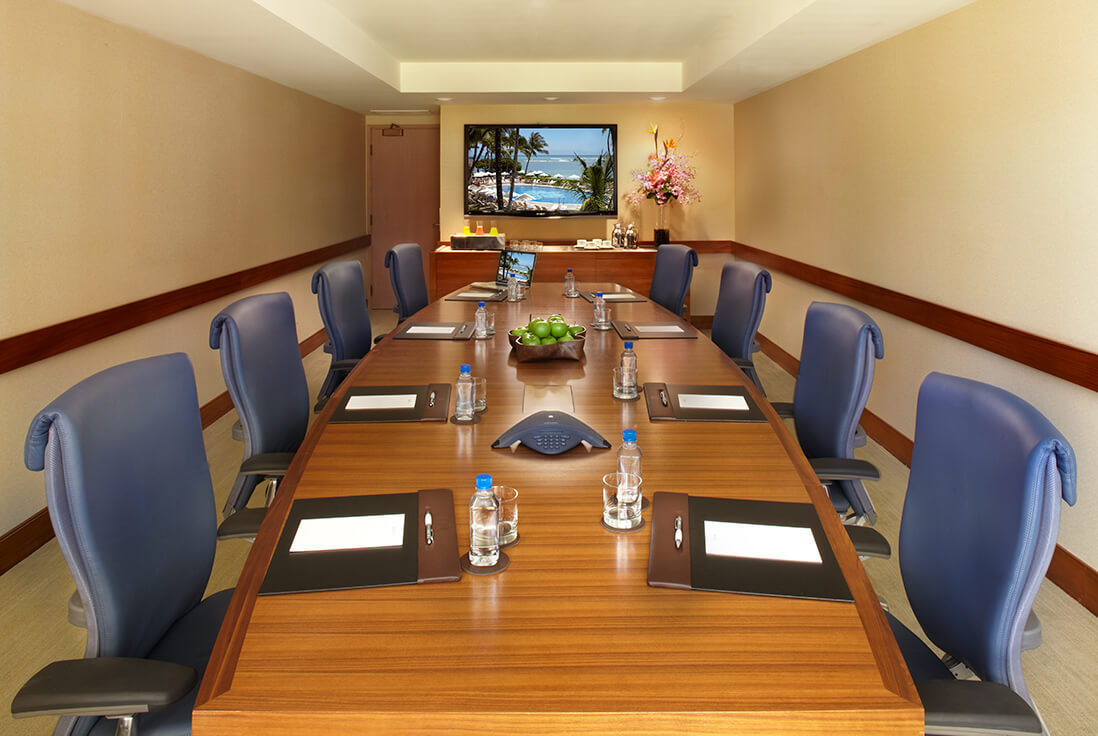
Good conference room acoustics are vital for clear communication. Poor sound quality can lead to misunderstandings and frustration. Addressing acoustics ensures every word is heard.
Sound-Absorbing Panels
Install fabric-wrapped acoustic panels on walls and ceilings. These panels absorb sound, reducing echo and reverberation. This is a primary method for improving conference room acoustics.
Carpeted Flooring
Soft flooring like carpet helps to dampen sound reflections. It absorbs sound waves that would otherwise bounce around the room. This contributes to a quieter environment.
Acoustic Ceiling Tiles
Opt for ceiling tiles designed for sound absorption. These tiles reduce noise transfer between rooms. They are an effective part of conference room design.
Strategic Furniture Placement
Arrange furniture to break up large, flat surfaces. Upholstered furniture and curtains can also help absorb sound. This complements other conference room acoustics treatments.
White Noise Machines
In some cases, a subtle white noise generator can mask distracting external sounds. This helps maintain focus during important discussions. It ensures a professional meeting space design.
| Treatment | Material | Effect |
| Wall Panels | Fabric-Wrapped Fiberglass | Sound Absorption |
| Flooring | Low-Pile Carpet | Sound Dampening |
| Ceiling | Acoustic Tiles | Noise Reduction |
Best Conference Room Furniture
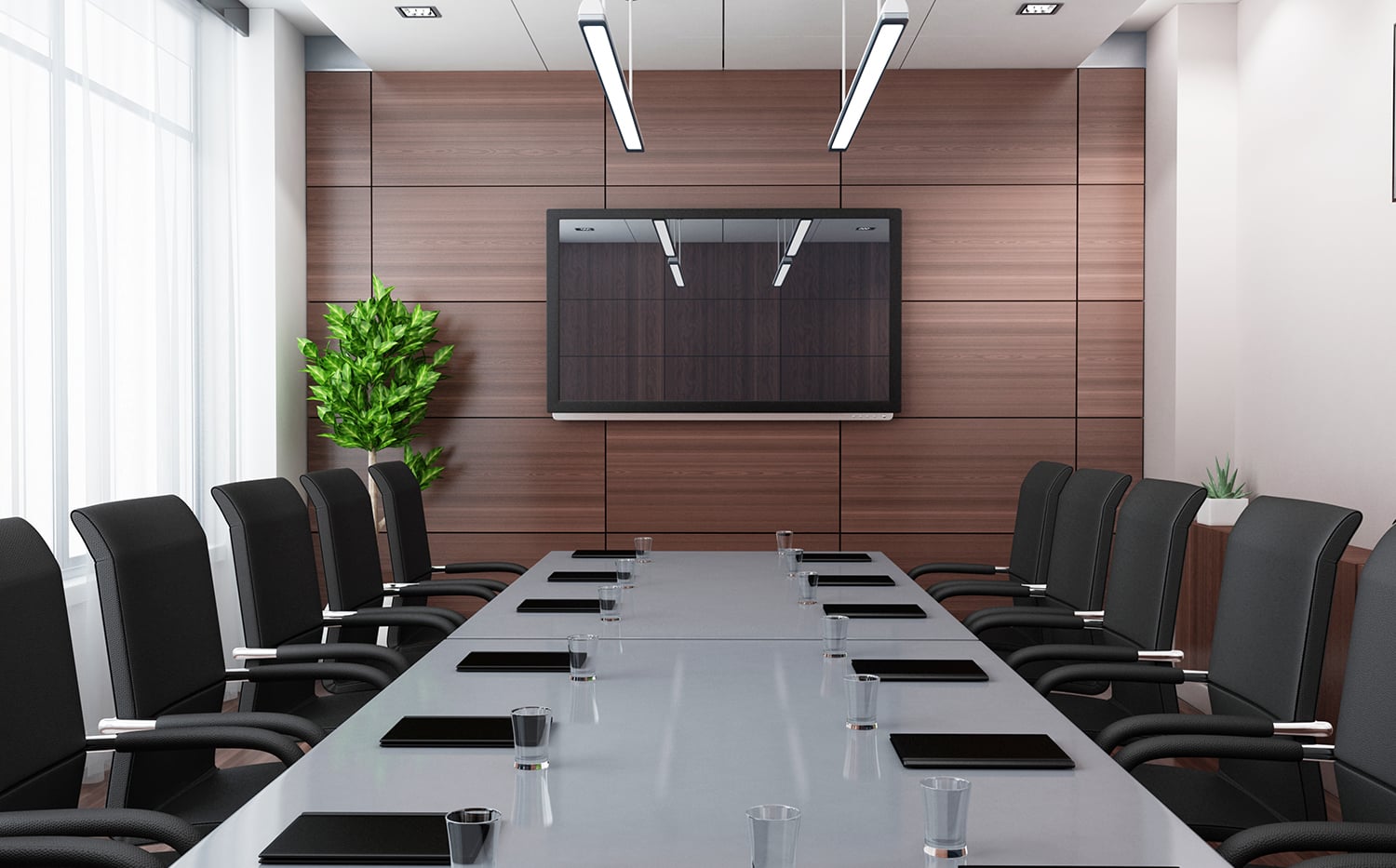
Selecting the best conference room furniture impacts comfort and productivity. Ergonomic and durable pieces are essential. The furniture should support the room’s function and aesthetic.
Ergonomic Seating Options
Choose chairs with good lumbar support and adjustable features. Comfortable seating keeps participants focused. This is a key aspect of the best conference room furniture.
Durable Table Surfaces
Opt for table materials like laminate or solid wood that resist scratches and stains. A sturdy table is central to any meeting room setup. It needs to withstand daily use.
Power and Data Integration
Furniture with built-in power outlets and USB ports is highly convenient. This allows easy charging of devices. It streamlines the technology in the conference room.
Appropriate Sizing
Ensure tables and chairs are scaled correctly for the room size. Too large, and it feels cramped; too small, and it feels inadequate. Proper sizing is crucial for conference room design.
Aesthetic Cohesion
Select furniture that complements the overall modern conference room setup. Consistent styles and finishes create a polished look. This contributes to a professional office meeting space design.
Modular Table Systems
Modular tables can be reconfigured for different meeting sizes and types. This offers great flexibility. It is a smart choice for versatile conference room design.
Video Conferencing Room Setup
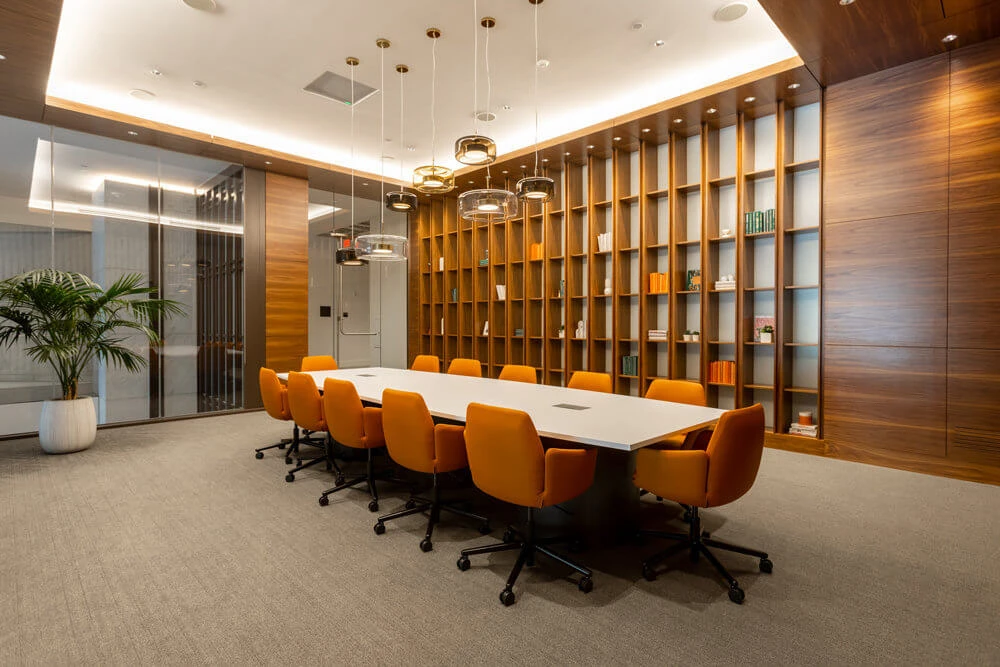
A successful video conferencing room setup requires careful planning. It ensures clear communication with remote participants. Technology integration is paramount for this meeting room setup.
High-Definition Displays
Use large, high-resolution monitors or projectors. This ensures content is easily visible to everyone. It is a fundamental part of video conferencing room setup.
PTZ Cameras
Pan-Tilt-Zoom (PTZ) cameras offer flexibility in framing shots. They allow operators to follow the action. This enhances the visual experience for remote viewers.
Speakerphone Systems
Invest in dedicated speakerphones with echo cancellation. This ensures clear audio transmission from the room. It is critical for effective conference room technology.
Sufficient Bandwidth
Ensure a stable, high-speed internet connection. This prevents dropped calls and pixelated video. Reliable connectivity is non-negotiable for video conferencing.
Intuitive Controls
Simple, user-friendly control systems make starting and managing calls easy. This reduces technical friction. It improves the overall meeting room setup.
Room Acoustics
As mentioned, good acoustics are vital for clear audio. Minimize echo and background noise. This is essential for professional video conferencing room setup.
Link to External Resource
For more detailed guidance on setting up video conferencing, see this guide: RingCentral Conference Room Setup.
Boardroom Setup Essentials
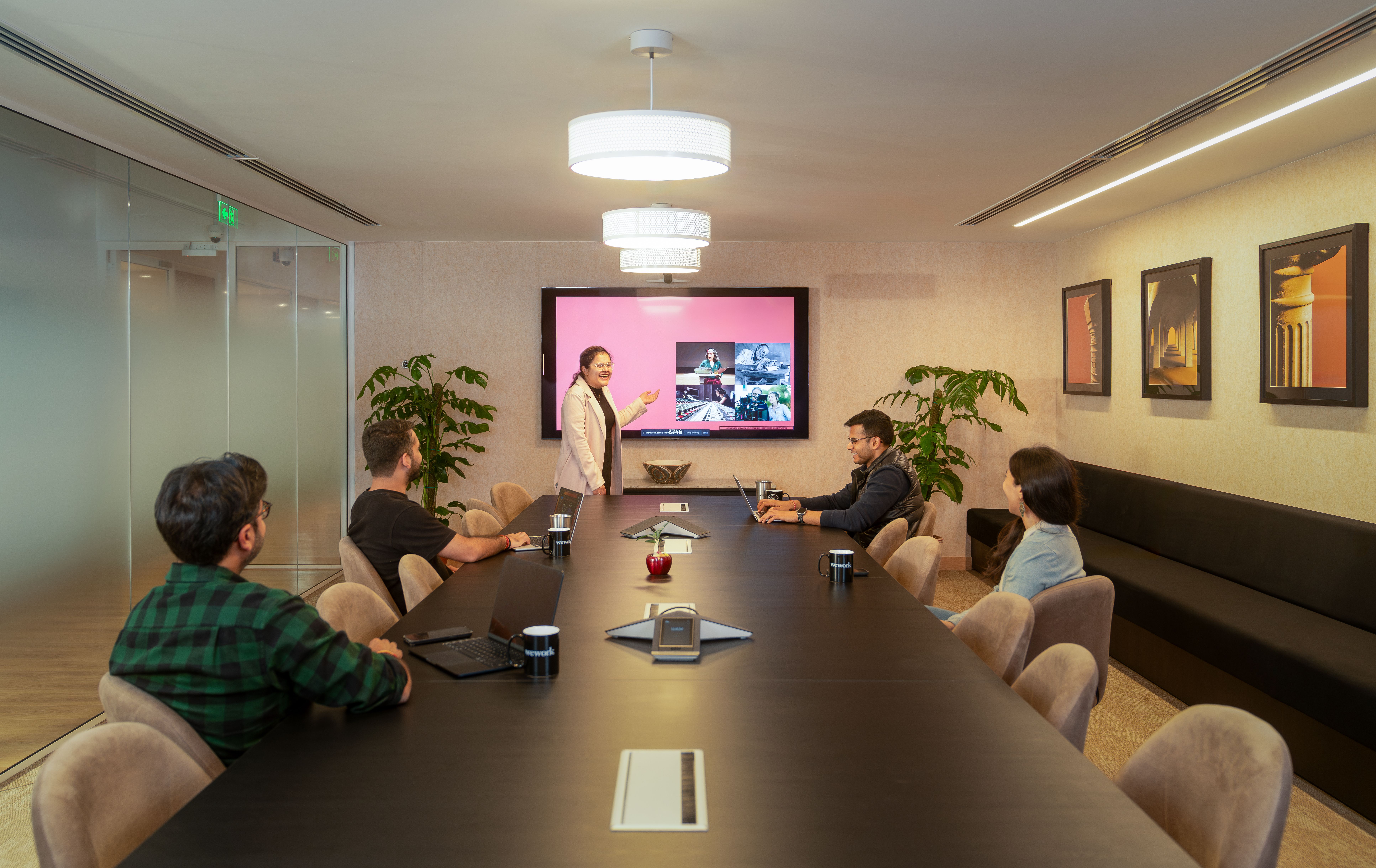
The boardroom setup traditionally signifies a formal meeting space. It is designed for executive discussions and decision-making. The focus is on a professional and authoritative atmosphere.
Large Central Table
A substantial, often rectangular or oval, table is the centerpiece. It should comfortably seat all participants. This defines the classic boardroom setup.
Executive Chairs
High-back, ergonomic chairs provide comfort for long meetings. They convey a sense of importance. This is a key element of best conference room furniture.
Integrated Technology
Subtle integration of microphones, screens, and power is expected. Technology should be present but not intrusive. This maintains the formal aesthetic of the boardroom setup.
Professional Lighting
Controlled lighting, often with dimmable options, is important. It should provide adequate illumination without glare. Good conference room lighting enhances the mood.
Minimalist Decor
Decor is typically understated, focusing on quality materials. Avoid overly distracting elements. This supports the serious nature of boardroom discussions.
Connectivity Hubs
Ensure easy access to power and network ports for all attendees. This facilitates presentations and device usage. It is a practical aspect of conference room technology.
Link to External Resource
Explore different meeting room layouts, including boardroom styles: Robin Powered Meeting Room Layouts.
Style and Reference Gallery
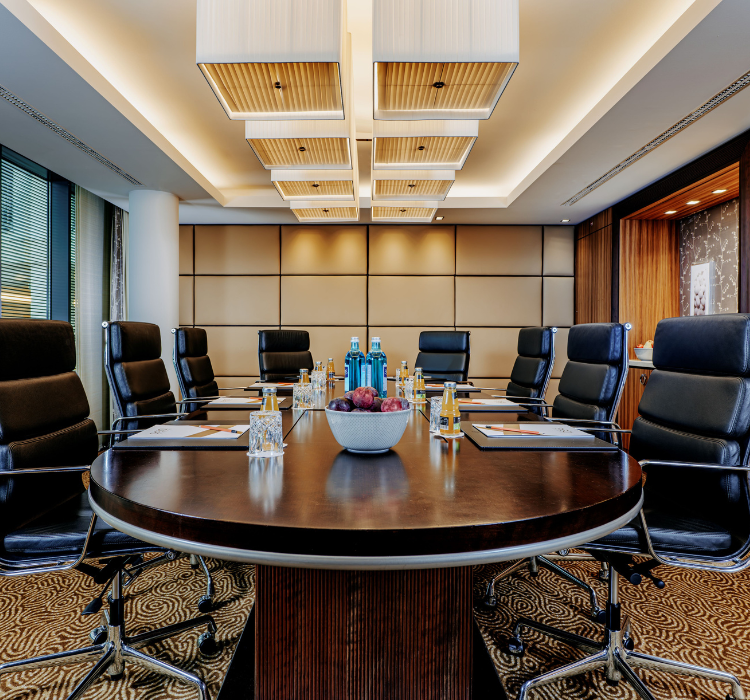
Plants in corners soften the room’s acoustics and add life. Choose low-maintenance varieties like snake plants.
Room scheduling tablets by the door show availability instantly. They sync with your calendar to avoid double bookings.
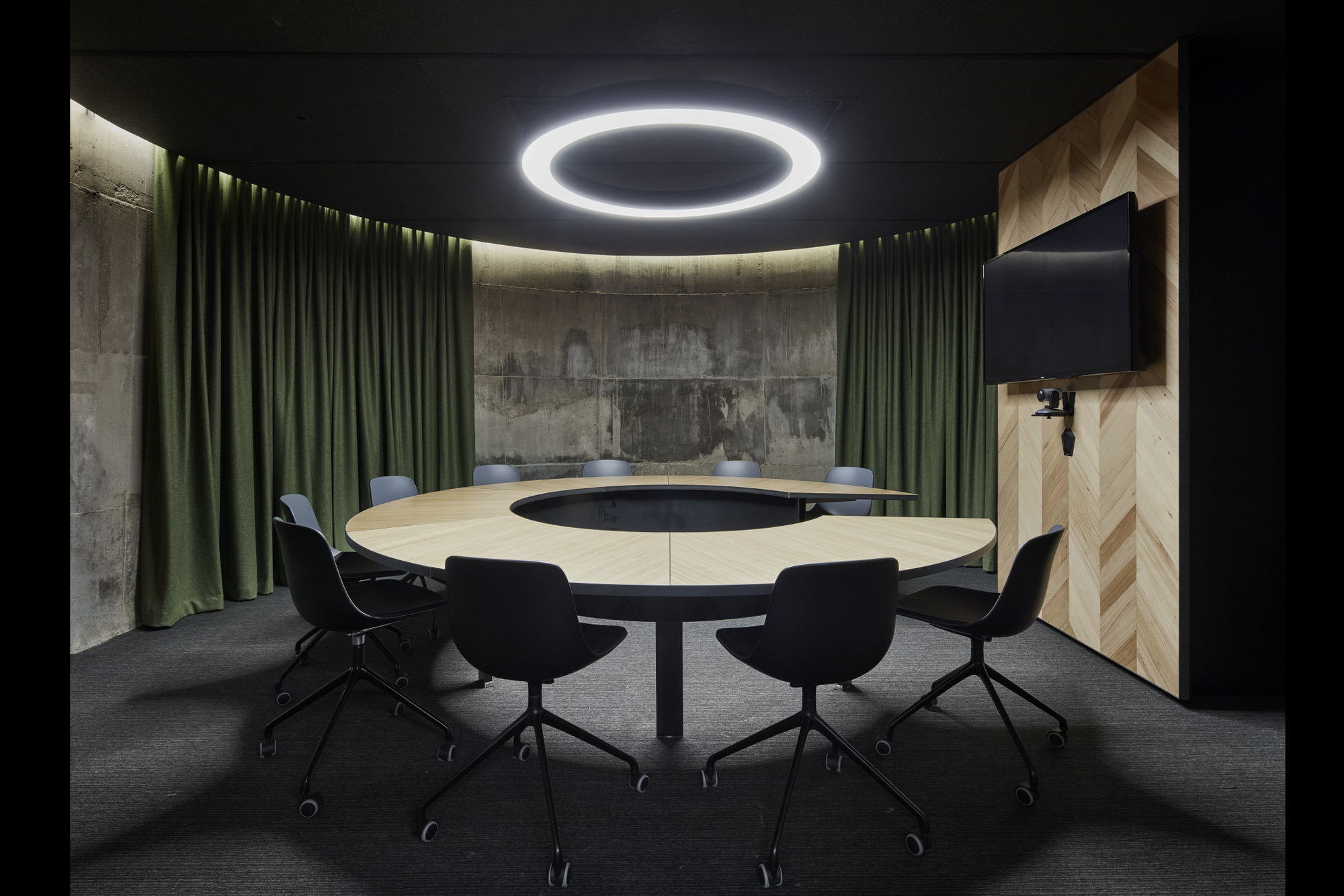
Movable tables let you switch from boardroom to workshop. Casters on legs make reconfiguration easy.
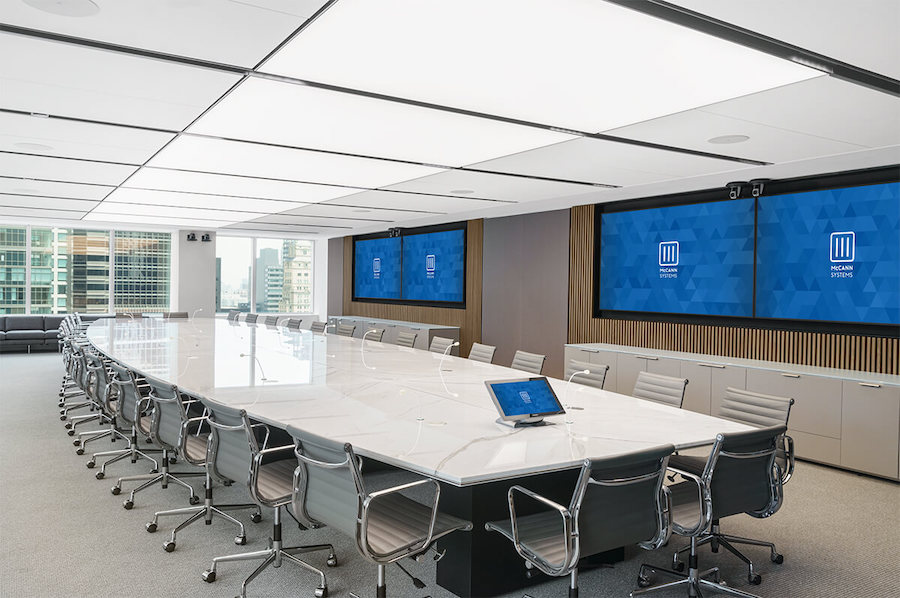
A small credenza stores extra cables and adapters. Keep it stocked for guests who forget their dongles.

Blackout shades on windows control glare on screens. They also improve camera image quality.
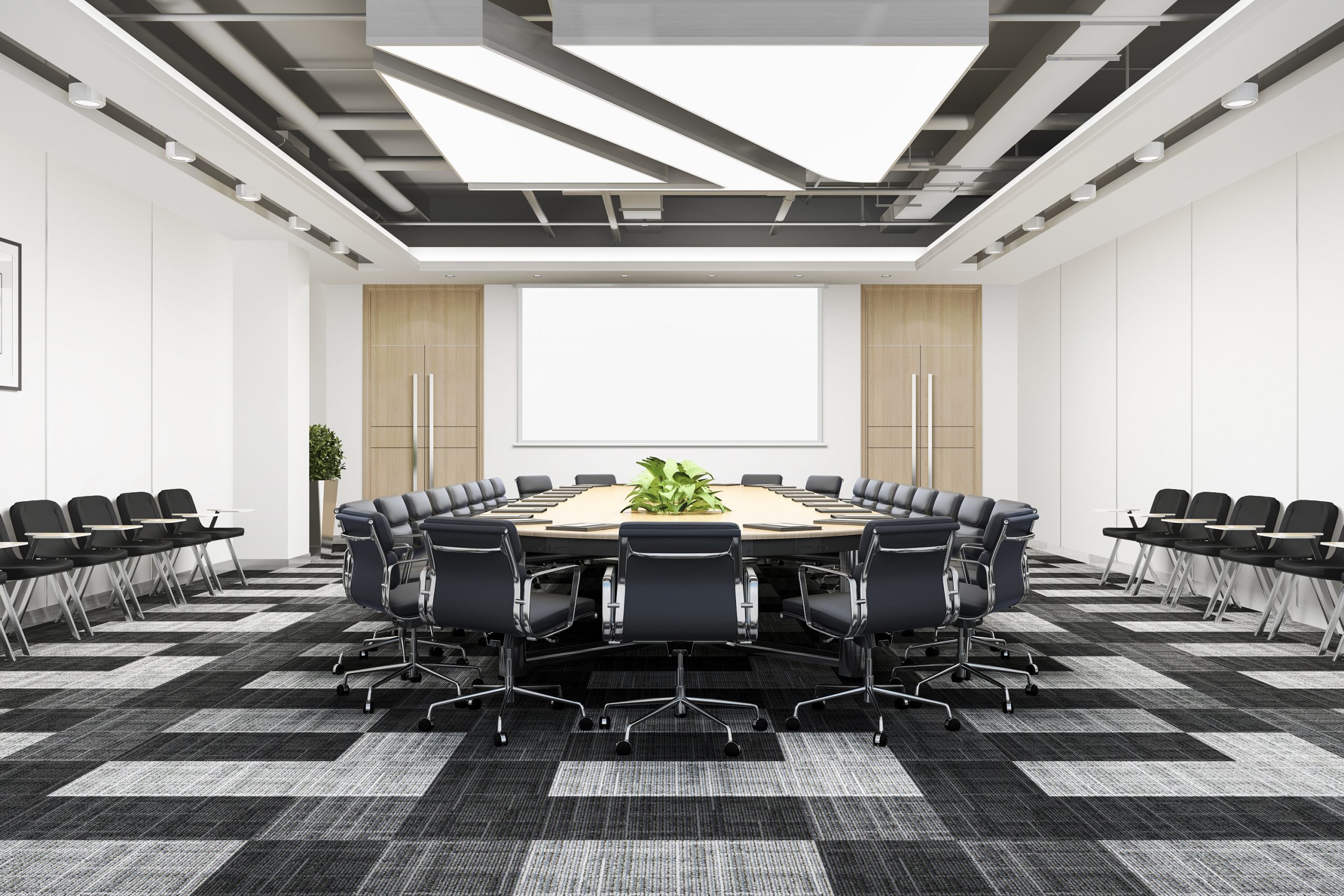
A central microphone pickup on the table captures everyone equally. Avoid placing it near air vents or speakers.
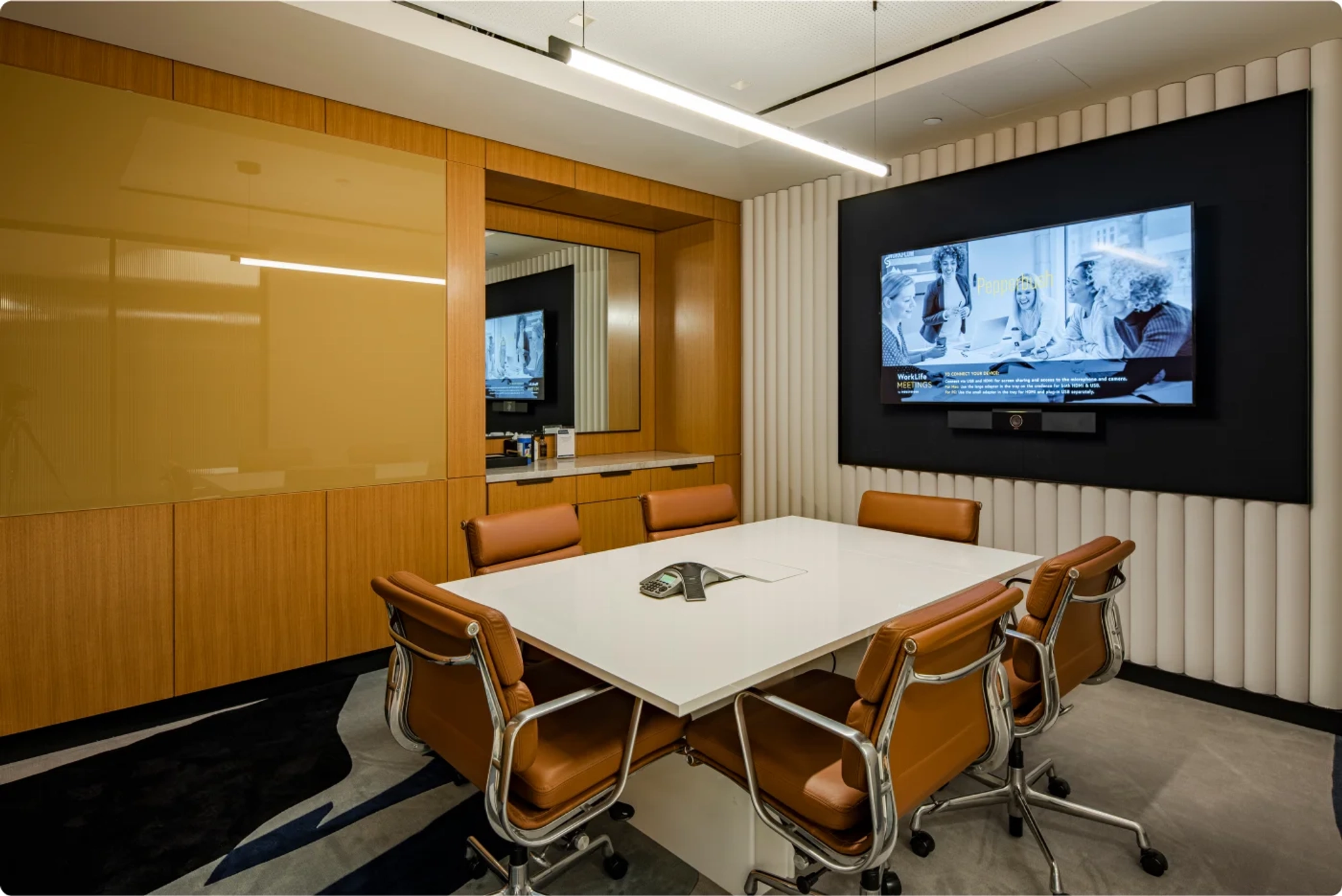
A central table with clean lines anchors the room. Keep the surface clutter-free for a professional look.
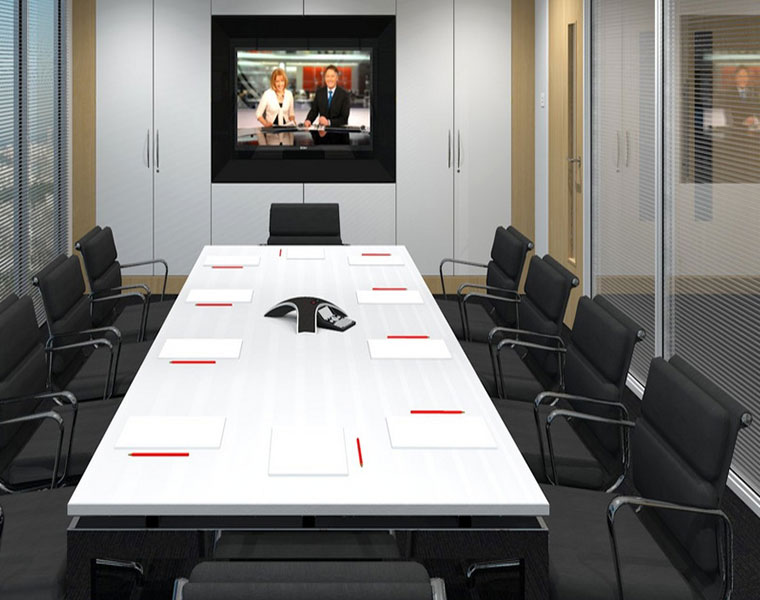
Warm, adjustable lighting prevents eye strain. Layer overhead lights with floor lamps to reduce shadows.
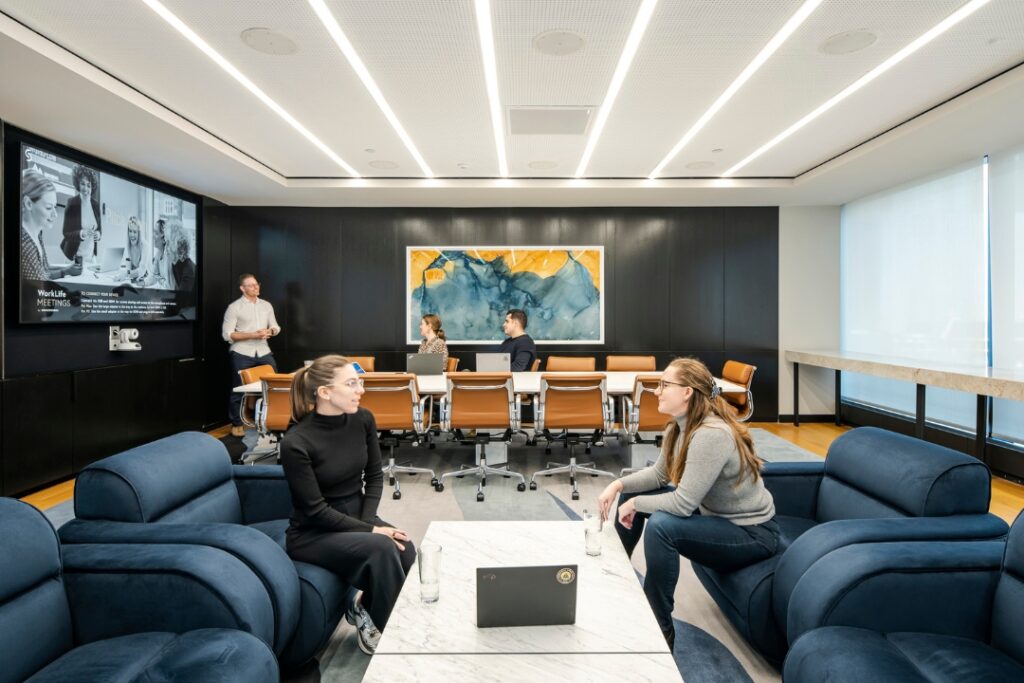
Acoustic panels in soft gray absorb echo. They also add a modern, textured backdrop for video calls.
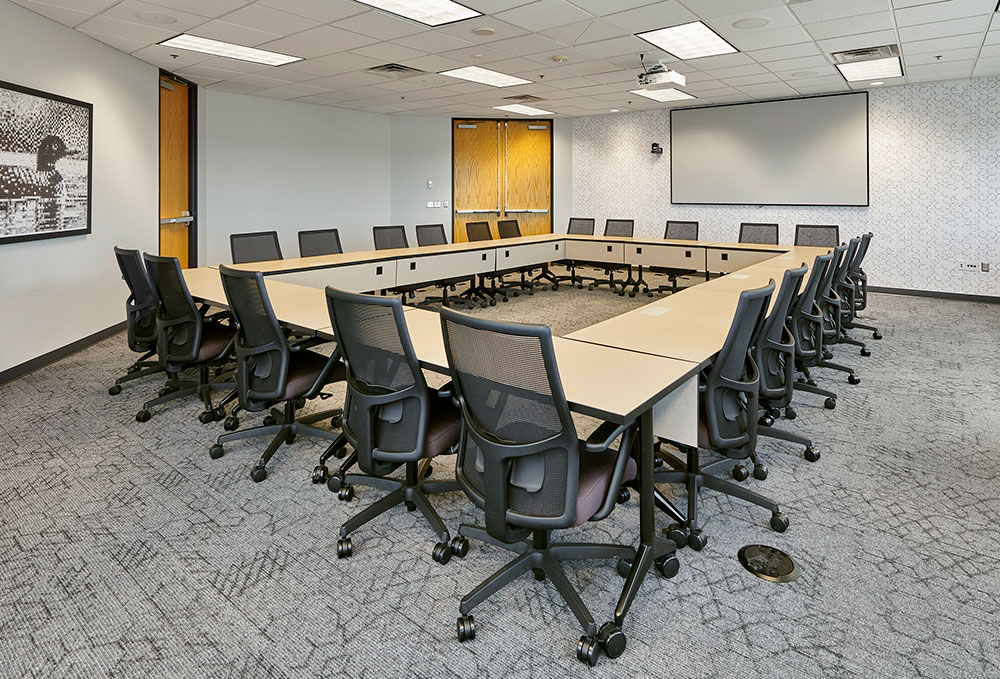
A large 4K display mounted at eye level ensures everyone sees clearly. Pair it with a soundbar for crisp audio.
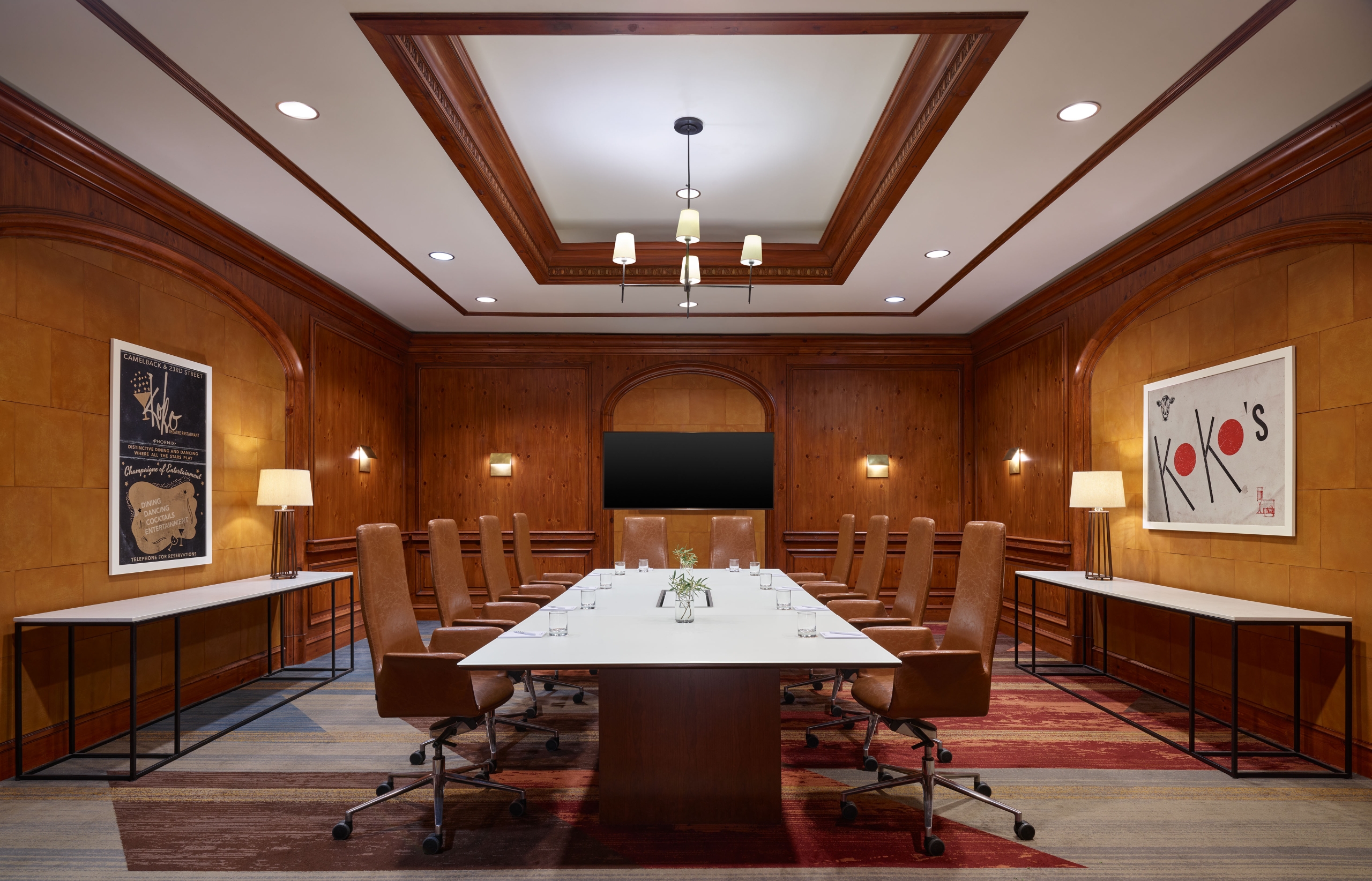
Wireless presentation systems eliminate cable chaos. Guests share screens without touching your laptop.
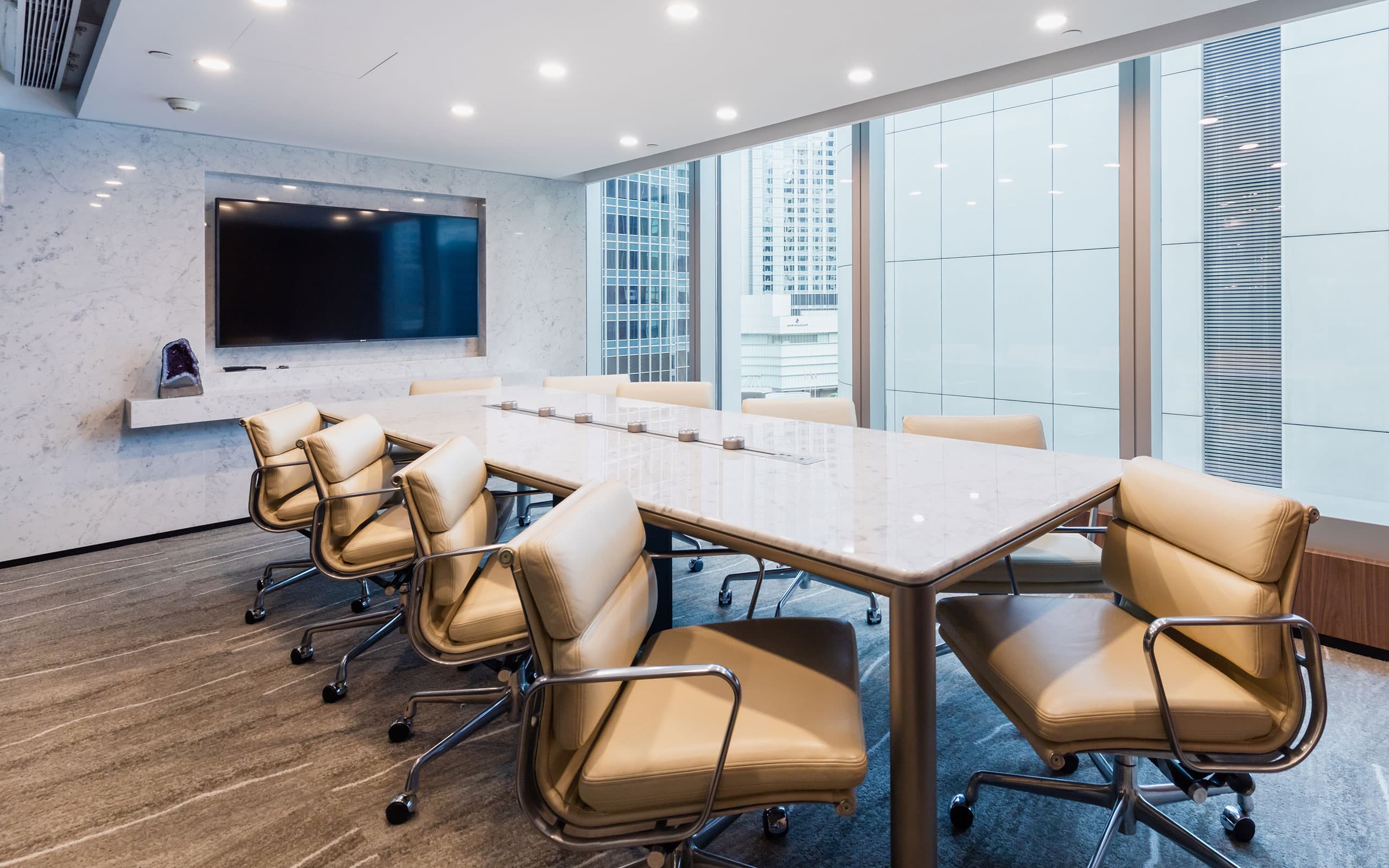
Ergonomic chairs with mesh backs keep people comfortable. They also breathe better during long sessions.
A whiteboard wall doubles as a brainstorming tool. Use magnetic paint to hold notes and charts.
Your Conference Room, Your Rules
Step-by-Step Guide to Setting Up Your Space
Start by measuring your room and mapping power outlets and data ports. Then choose a layout that matches your meeting style: boardroom for decisions, U-shape for workshops.
Invest in a quality USB conference camera and a dedicated microphone for clear audio. Finally, install room booking software like Robin or Archie and a digital display at the entrance.
What to Avoid in Execution
Do not place the camera too high or too low; eye level is key for natural eye contact. Avoid mixing different microphone types, as it creates audio lag and confusion.
Never rely solely on built-in laptop speakers or webcams for a room larger than four people. Skip cheap HDMI cables; use certified ones to prevent signal drops.
Maintenance Tips
Update firmware on your AV equipment quarterly to patch security flaws and improve performance. Wipe down microphones and camera lenses weekly with a microfiber cloth.
Test your full setup every Monday morning with a five-minute call to catch any issues early. Replace batteries in wireless presenters and remote controls twice a year.
Frequently Asked Questions
What size monitor do I need for a 10-person room?
A 75-inch display is the sweet spot for a room seating 8–12 people. It ensures everyone can see shared content without straining.
Can I use a consumer soundbar instead of a conference speaker?
No, consumer soundbars lack echo cancellation and beamforming microphones designed for meetings. You will get feedback and poor pickup from far ends of the table.
How often should I update my room booking software?
Enable automatic updates so you always have the latest features and security patches. Manual checks are fine, but auto-update saves time and reduces errors.
Choosing the right conference room setup is not just about gadgets; it is about creating a space where ideas flow and decisions happen efficiently. You now have the blueprint to build a room that works for your team, not against it.
Start with one room, test it for a week, and then scale the setup to other spaces. Your next step is to measure your room and order the core AV components we discussed.
In 2026, the best conference rooms feel invisible—you walk in, connect instantly, and focus on the conversation. That seamless experience is achievable with the right planning and a few smart investments.
