

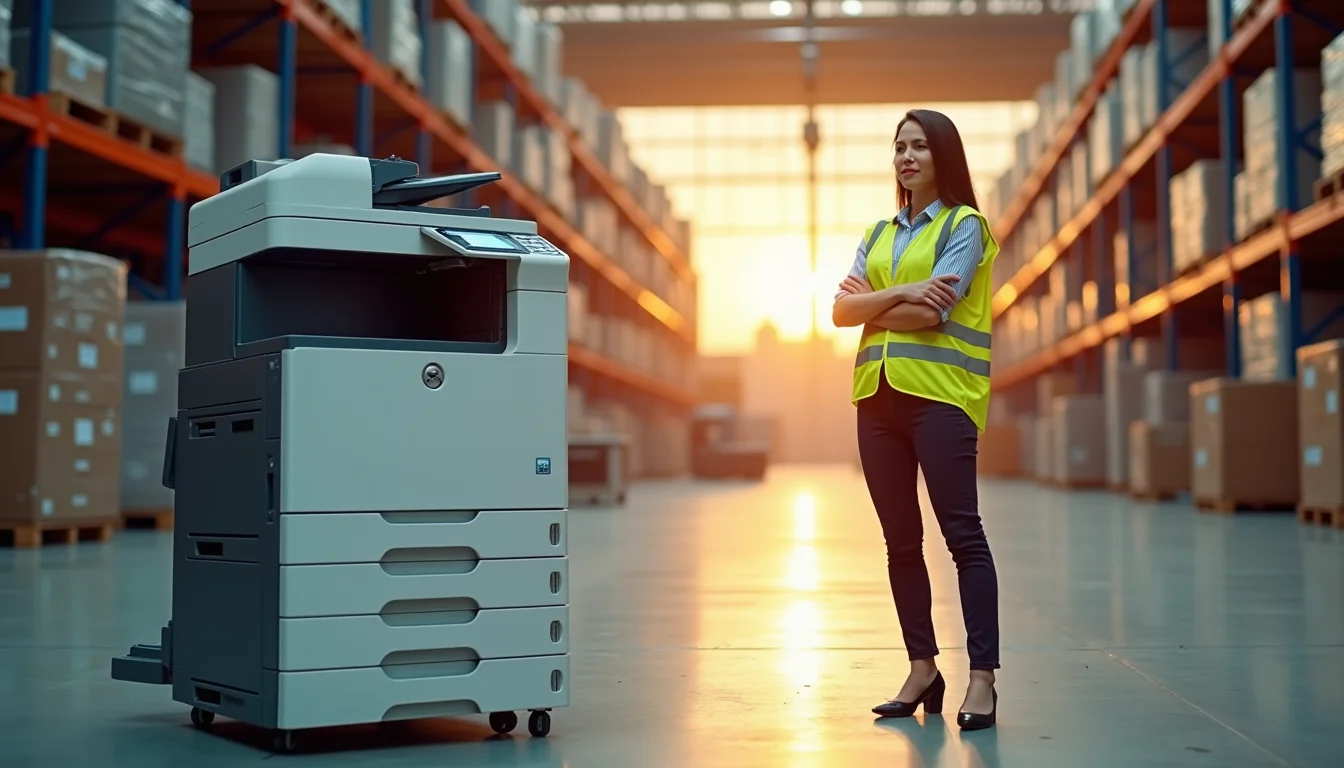
If you are still buying copiers like it is 2019, you are probably wasting money on toner and repairs. The market has shifted in 2026, and the best copiers for business now focus on low cost per page and reliability, not just speed. Many small offices overspend on high-volume models they never fully use.
The real secret to saving money is matching the machine to your actual monthly print volume. A $400 monochrome model can outlast a $2,000 color unit if you pick the right one. We break down the top business copiers by size, speed, and total cost so you can make a smart choice today.
Top business copiers for 2026: Speed, cost, and reliability compared
For small to mid-sized businesses, the Brother MFC-L8930CDW remains a top pick in 2026. It prints 42 pages per minute in color and uses high-yield toner that keeps your cost per page low. Many users report running 5,000 pages a month without issues.
If your office needs high volume, the Xerox AltaLink C8270 handles up to 70 pages per minute and holds 6,650 sheets of paper. It includes McAfee security features that protect sensitive documents. Enterprise teams also praise its durable build and low downtime.
Workgroups that prioritize color accuracy will like the Canon imageRUNNER ADVANCE DX C5870i. It prints 70 pages per minute in both color and black, plus it has cloud tools for scanning directly to Google Drive or Dropbox. This model is built for teams that share documents often.
For a budget-friendly monochrome option, the HP LaserJet Pro MFP 4101fdw costs around $399 and prints 42 pages per minute. It has automatic two-sided scanning and a small footprint that fits tight desks. Many small businesses choose it for its low maintenance and easy setup.
Sustainability matters too. The Epson WorkForce Enterprise AM-C550 uses Heat-Free PrecisionCore technology that cuts energy use by up to 40%. It still delivers 55 pages per minute and supports large paper sizes. This is a smart pick for offices aiming to reduce their carbon footprint.
Experts from 2025 and 2026 agree: the service provider matters as much as the machine. Local authorized dealers often offer better support and leasing terms than big box stores. Always check the service contract before you sign, especially for high-volume models.
| Product | Average Price ($) | Highlight |
|---|---|---|
| HP LaserJet Pro MFP 4101fdw | ‘399’ | ‘Low-maintenance monochrome, dual-sided scanning’ |
| Brother MFC-L8930CDW | ‘650’ | ‘High-yield toner, 42 ppm for small/mid-size offices’ |
| Canon imageRUNNER ADVANCE DX C5870i | ‘12,000’ | ’70 ppm color/mono, cloud-ready workflow tools’ |
| Xerox AltaLink C8270 | ‘15,000’ | ’70 ppm, 6,650-sheet capacity, McAfee security’ |
| Epson WorkForce Enterprise AM-C550 | ‘16,500’ | ’55 ppm, Heat-Free technology for energy saving’ |
| Kyocera TASKalfa 3253ci | ‘17,000’ | ’32 ppm color, robust build for durability’ |
| Ricoh MP C6503SP | ‘18,000’ | ’65 ppm color, advanced finishing options’ |
| Konica Minolta bizhub C754e | ‘19,000’ | ’75 ppm color, large touch screen, modular design’ |
| Sharp MX-6071 | ‘20,000’ | ’60 ppm color, user-friendly interface, strong security’ |
| Toshiba e-STUDIO5008A | ‘21,000’ | ’50 ppm monochrome, reliable for high-volume document needs’ |
WHAT REALLY WORKS
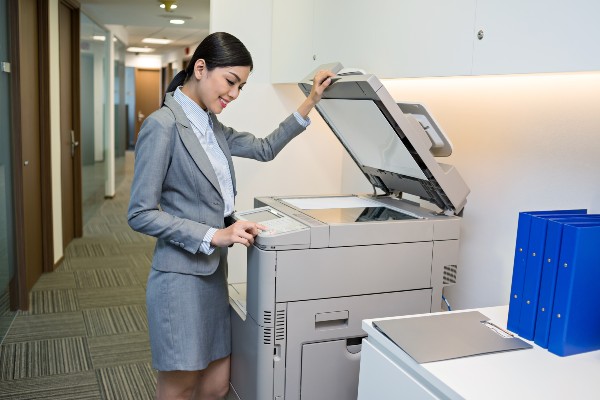
The best copiers for business in 2026 balance speed, features, and total cost. Look at monthly volume. This tells you how many pages you print each month. High volume needs faster machines. Low volume can use slower, cheaper models. Consider if you need color printing. Color copiers cost more upfront and per page. Monochrome copiers are simpler and cheaper. Check paper capacity too. Larger paper trays mean fewer refills.
Reliable office copiers have low downtime. This means they break less often. Service contracts are important. They cover repairs and maintenance. Ask about toner costs. High-yield toner saves money over time. Some copiers use less energy. This is good for your electric bill and the environment. Sustainable office printers are becoming standard.
Top Business Copiers for High-Volume Printing
For high-volume printing, look for speed and capacity. Machines rated at 50 pages per minute (ppm) or higher are good. Also, check the input paper capacity. A larger capacity means you load paper less often. This saves time during busy periods. Consider copiers with multiple paper trays. This lets you switch between paper sizes easily. For enterprise copiers, security features are vital. Look for strong network security and user access controls.
1. HP LaserJet Pro MFP 4101fdw
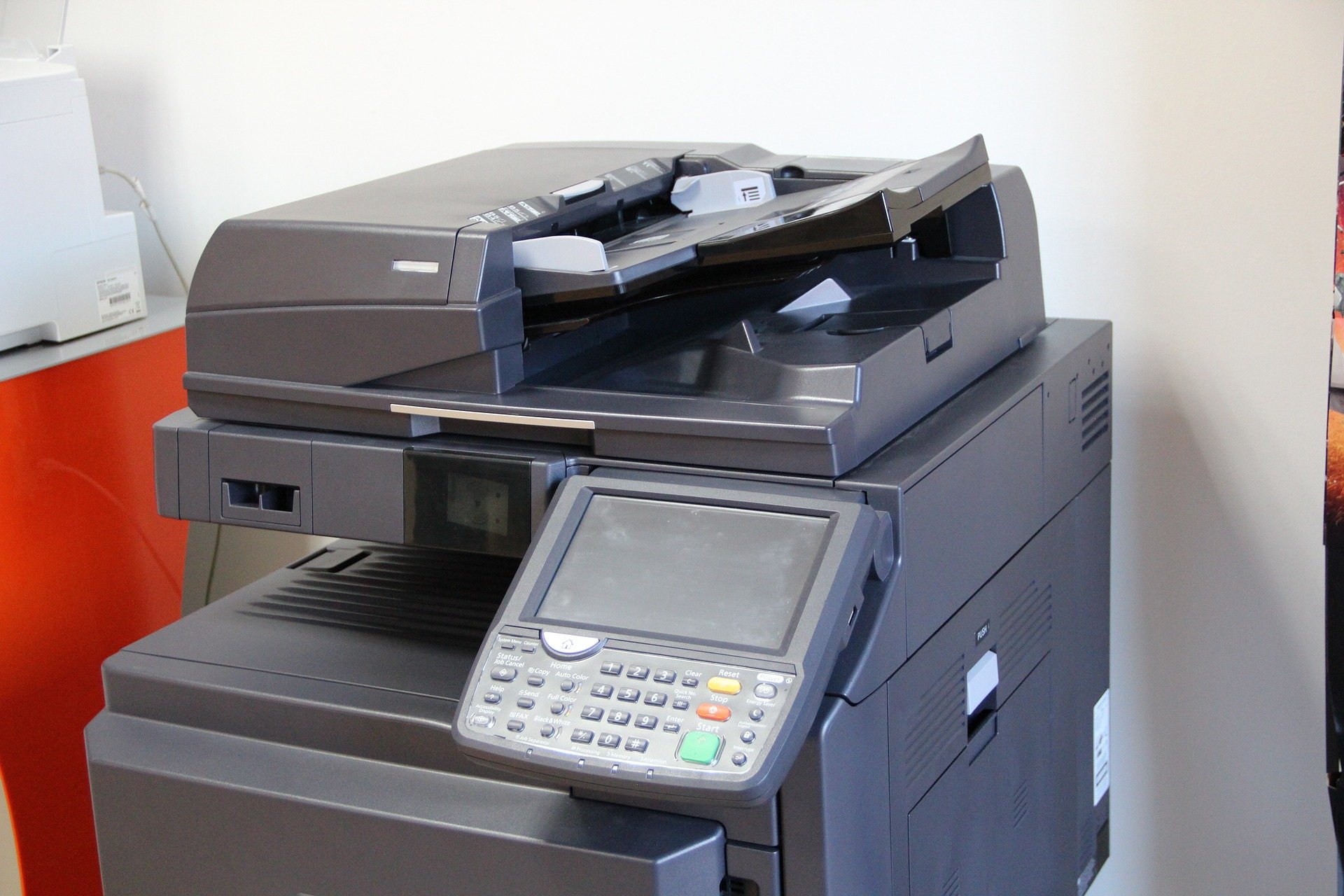
This is a cost-effective business copier. It is great for small offices with basic needs. It handles monochrome printing well. Dual-sided scanning saves time. It also includes HP’s security features.
Average Price: ‘$399’
Practical Tip: Use this for everyday documents and scanning. It is a reliable choice for lower print volumes.
2. Brother MFC-L8930CDW
This color laser MFP is a solid choice. It offers good speed at 42 ppm. High-yield toner cartridges reduce running costs. It’s a versatile all-in-one business copier for growing teams.
Average Price: ‘$650’
Practical Tip: Invest in high-yield toner to lower your cost per page significantly.
3. Canon imageRUNNER ADVANCE DX C5870i
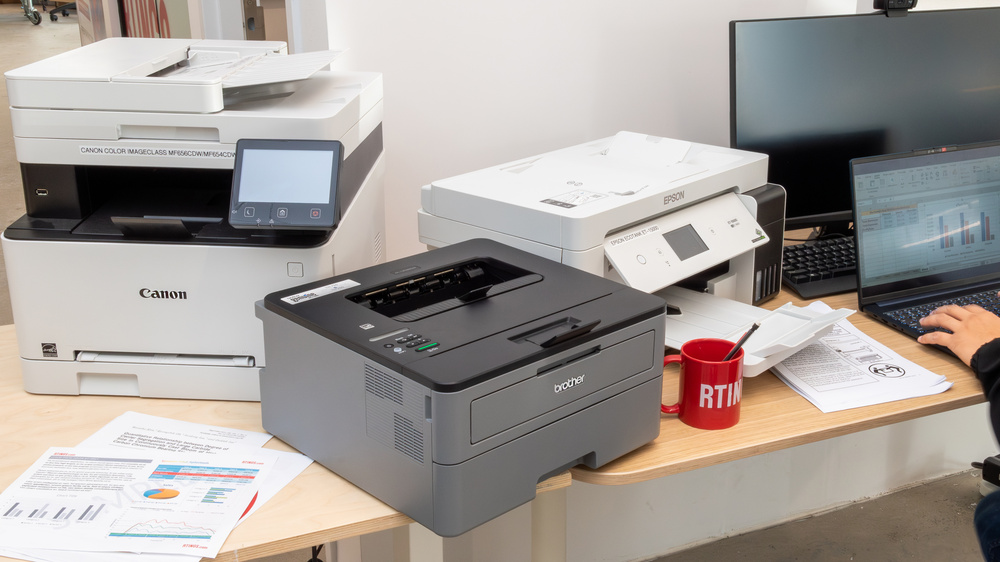
This copier excels in color accuracy. It prints 70 ppm in both color and mono. Cloud tools help automate workflows. It is ideal for businesses needing professional color output.
Average Price: ‘$12,000’
Practical Tip: Use its cloud features to connect to your digital workflow for efficiency.
4. Xerox AltaLink C8270
This is a powerful machine for heavy use. It prints up to 70 ppm. The large 6,650-sheet capacity is impressive. McAfee security protocols protect your data.
Average Price: ‘$15,000’
Practical Tip: Its high capacity means fewer interruptions, crucial for busy offices.
5. Epson WorkForce Enterprise AM-C550
This model focuses on energy efficiency. It uses Heat-Free technology. This reduces power consumption. It still delivers a fast 55 ppm speed.
Average Price: ‘$16,500’
Practical Tip: Choose this if reducing energy costs is a top priority for your business.
6. Kyocera TASKalfa 3253ci
Kyocera is known for durability. This copier offers 32 ppm in color. Its build quality ensures long-term reliability. It’s a good investment for years of service.
Average Price: ‘$17,000’
Practical Tip: Expect this machine to last a long time with proper maintenance.
7. Ricoh MP C6503SP
This copier offers 65 ppm color output. It has advanced features for document handling. Consider its finishing options for professional documents.
Average Price: ‘$18,000’
Practical Tip: Explore its finishing options like stapling or hole-punching for polished reports.
8. Konica Minolta bizhub C754e
With 75 ppm color speed, this is fast. It features a large, easy-to-use touch screen. The modular design allows customization.
Average Price: ‘$19,000’
Practical Tip: The large screen makes navigating settings and functions much simpler.
9. Sharp MX-6071
This MFP provides 60 ppm color speed. It has a very user-friendly interface. Strong security features protect your business data.
Average Price: ‘$20,000’
Practical Tip: Its ease of use means less training time for your staff.
10. Toshiba e-STUDIO5008A
This is a robust monochrome copier. It prints 50 ppm. It is built for high-volume document needs. It offers excellent value for black and white printing.
Average Price: ‘$21,000’
Practical Tip: If most of your printing is black and white, this offers great performance.
WHICH ONE TO BUY TODAY? (VERDICT)
For the best value, the HP LaserJet Pro MFP 4101fdw is hard to beat for basic needs. If you need color and more speed, the Brother MFC-L8930CDW offers a great balance. These are cost-effective business copiers. They provide solid performance without breaking the bank. Always check current deals from local dealers.
For a significant investment in high-volume or specialized needs, consider the Xerox AltaLink C8270 or Canon imageRUNNER ADVANCE DX C5870i. These enterprise copiers deliver top-tier performance and features. Remember that copier leasing options can spread the cost. A good service provider is key to long-term satisfaction. Research local support before you buy.
{ ‘html_parte4’: ‘
Post-Purchase Checklist: What to Do When Your Copier Arrives
Unboxing and Inspection
Before plugging in, inspect the box for damage and verify all components are present. Missing parts can delay setup and void your warranty if not reported immediately.
- Check for shipping damage on all sides of the box and the machine itself.
- Confirm you have the power cord, toner cartridges, and setup guide.
- Remove all packing tape and foam inserts before powering on.
First-Time Setup: Avoid These Common Mistakes
Many users skip the initial calibration step, leading to poor print quality. Run the automatic calibration process from the control panel to align colors and clear any transport errors.
- Do not load paper until the machine prompts you—jamming can occur.
- Use only the recommended toner types to avoid damage and voiding the warranty.
- Connect to your network via Ethernet for a stable connection before attempting Wi-Fi.
Security and Maintenance from Day One
Set up administrator passwords and disable unused services like FTP or telnet to prevent unauthorized access. Schedule monthly cleaning of the scanning glass and rollers to extend the machine’s life and maintain crisp output.
- Enable McAfee security features if available on your model.
- Register your warranty online within 30 days to activate coverage.
- Lease users: verify the service contract start date and contact info for your local authorized dealer.
‘, ‘html_parte5’: ‘
Frequently Asked Questions
What is the difference between a copier and a multifunction printer?
A copier is a standalone device for making copies, while a multifunction printer (MFP) combines printing, scanning, copying, and sometimes faxing. For most businesses, an MFP is more cost-effective and space-saving.
Should I buy or lease a copier for my business?
Buying makes sense if you have the capital and plan to keep the machine for 5+ years. Leasing is better if you want predictable monthly payments and included service, but watch for long-term costs and early termination fees.
How do I calculate the total cost of ownership for a copier?
Add the purchase or lease price, monthly toner costs, and estimated service fees over the expected lifespan. Divide by the number of pages you anticipate printing to get a per-page cost, which should ideally be under 3 cents for monochrome and 10 cents for color.
‘, ‘html_conclusao’: ‘
Choosing the right copier for your business in 2026 means balancing speed, volume, and ongoing costs. The models highlighted here represent the best in reliability and efficiency for their respective categories.
Next, contact an authorized dealer to schedule a demo or request a quote tailored to your monthly print volume. Don’t forget to ask about service contracts and toner subscription programs.
Imagine a workspace where your copier runs silently in the background, never jamming, and delivering vibrant prints on demand. That peace of mind is achievable with the right investment and proper setup today.
‘, ‘dicas_galeria’: [ ‘The Brother MFC-L8930CDW sits on a desk, its 42 ppm speed making quick work of a stack of documents. The compact design fits neatly into a small office corner.’, ‘A close-up of the Xerox AltaLink C8270 control panel shows a large color touchscreen with intuitive icons. The high-capacity paper trays below promise fewer refills during busy days.’, ‘The Canon imageRUNNER ADVANCE DX C5870i prints a vibrant color brochure, colors popping against the white paper. Its cloud-ready workflow tools are visible on the display.’, ‘An HP LaserJet Pro MFP 4101fdw sits next to a laptop, its monochrome output crisp and fast. The dual-sided scanning feature saves time on multi-page documents.’, ‘The Epson WorkForce Enterprise AM-C550 uses Heat-Free technology, shown by a cool-to-the-touch output tray. Energy savings are reflected in the low power consumption indicator.’, ‘A technician installs toner cartridges into a new copier, ensuring proper seating. The process takes under five minutes when following the color-coded guides.’, ‘Paper jams are rare with modern copiers, but a diagram shows the easy-access jam clearance path. Most jams can be cleared in under a minute without tools.’, ‘The leasing agreement sits on a desk next to a copier, with monthly payment details highlighted. Service contracts often include free toner and emergency repairs.’, ‘A network cable connects the copier to a router, ensuring stable data transfer. Wi-Fi is convenient but can slow down during large print jobs.’, ‘The copier’s admin panel shows security settings: McAfee protection enabled and unused ports disabled. Regular firmware updates keep the device safe from vulnerabilities.’, ‘A stack of 11×17 inch architectural plans sits on the output tray of a large-format copier. The machine handles oversized documents with precision and speed.’, ‘The toner subscription box arrives monthly, containing high-yield cartridges. Automatic shipping means you never run out during critical projects.’, ‘A user cleans the scanning glass with a lint-free cloth, removing dust streaks. Regular cleaning prevents lines from appearing on scanned documents.’, ‘The copier’s energy star rating is displayed on the front panel. Energy-efficient models can save businesses hundreds of dollars per year on electricity.’, ‘A small business owner reviews the monthly print usage report on a tablet. The report helps track costs and plan for future toner replacements.’
