

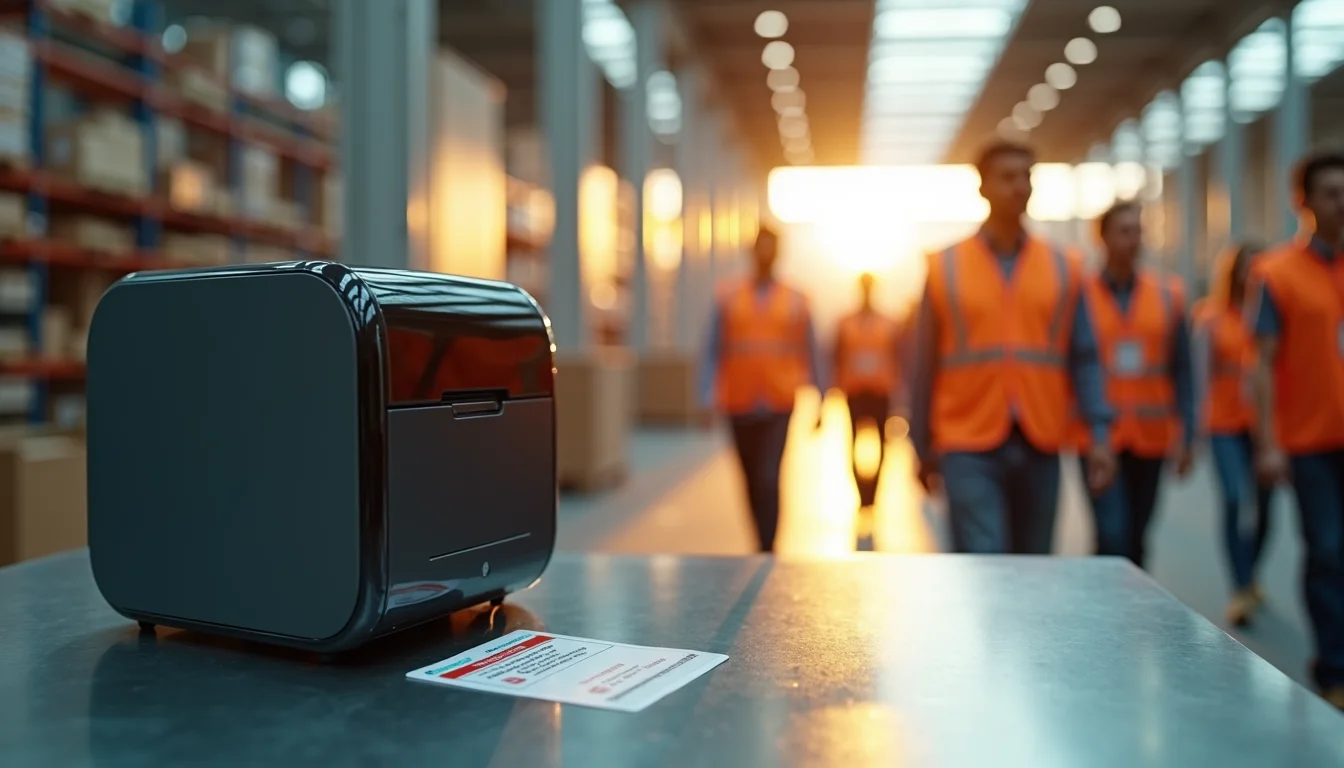
Nothing kills security faster than a faded or smudged ID badge. You can buy the best printer for employee badges today, but if you pick the wrong technology, you will be reprinting cards every month. The right employee ID badge printer saves money, time, and keeps your facility safe.
Whether you need a single-sided model for a small office or a dual-sided retransfer printer for a high-security plant, the choice comes down to volume, image quality, and encoding options. In 2026, you can get a professional-grade printer for under $500, but cheap ribbons can ruin your cards.
Direct-to-Card vs. Retransfer ID Card Printers: Which One Fits Your Business?
Direct-to-card (DTC) printers apply color directly onto the plastic surface. They are affordable, with entry-level models like the Zebra ZC100 starting around $400. DTC works great for basic badges with simple text and logos, but the print edge stops about 1/8 inch from the card border. If you need full-bleed graphics or a photo that covers the whole card, you need a retransfer printer.
Retransfer printers, such as the Entrust SD260 or Magicard Enduro, print onto a clear film first, then fuse it onto the card. This gives you edge-to-edge coverage, richer colors, and longer durability. Expect to pay $1,000 to $3,000 for a retransfer model. The trade-off is speed: DTC prints about 120 cards per hour in color, while retransfer does around 100. For high volumes over 1,000 cards a month, retransfer saves money on reprints because the image won’t peel or scratch.
ID Badge Printers in 2026: What You Need to Know
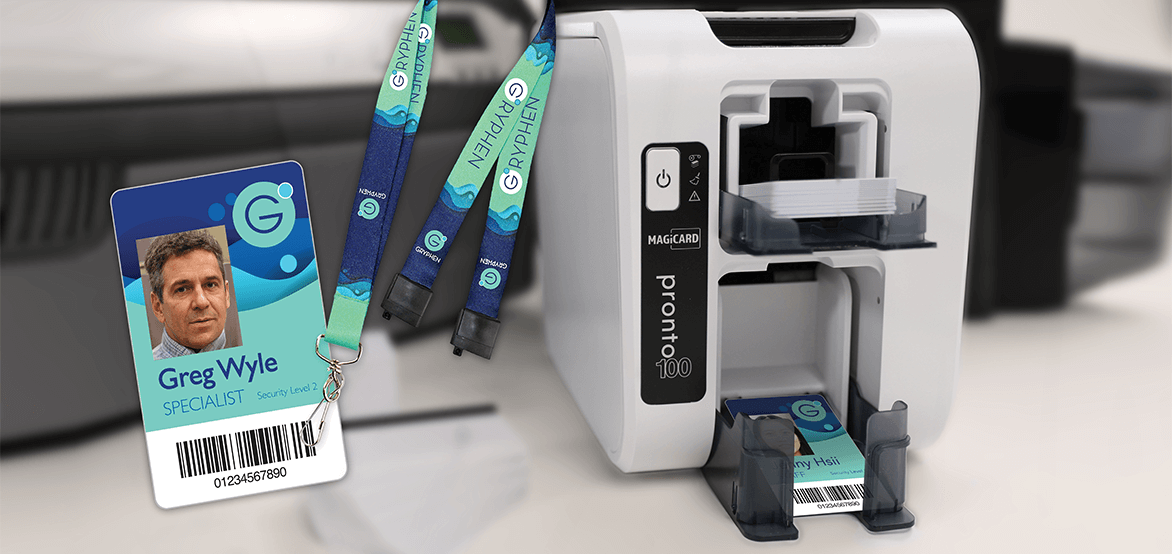
Employee ID badge printers create secure plastic cards. They use thermal printing technology. This ensures durable identification.
| Feature | Average Cost (2026 USD) | Notes |
| Entry-Level DTC Printer | $1,000 – $2,500 | Good for basic needs. Prints around 150 color cards/hour. |
| Mid-Range Retransfer Printer | $2,500 – $5,000 | Better quality, over-the-edge printing. Prints 100 color cards/hour. |
| High-Volume Printer | $5,000+ | Fast, durable, advanced security. Prints 200+ color cards/hour. |
| Color Ribbon (500 prints) | $40 – $70 | Needed for color printing. Costs about $0.08 – $0.14 per card. |
| Monochrome Ribbon (1000 prints) | $20 – $30 | For single-color text/logos. Costs about $0.02 – $0.03 per card. |
| Cleaning Kit | $30 – $60 | Essential for printer longevity. Use every 1,000 cards. |
| Software (Basic) | $300 – $800 | For designing and printing cards. |
Get the Right Printer Type
Direct-to-Card ID Card Printers are efficient for many businesses. They print color directly onto the card surface. This is a cost-effective method for standard IDs. Many models offer single-sided or dual-sided printing. For high-volume needs, look for faster print speeds. This technology is widely used for employee badges. It’s a solid choice for everyday identification. Consider this if your primary need is basic, quick card production. We will look at retransfer next.
Superior Quality with Retransfer
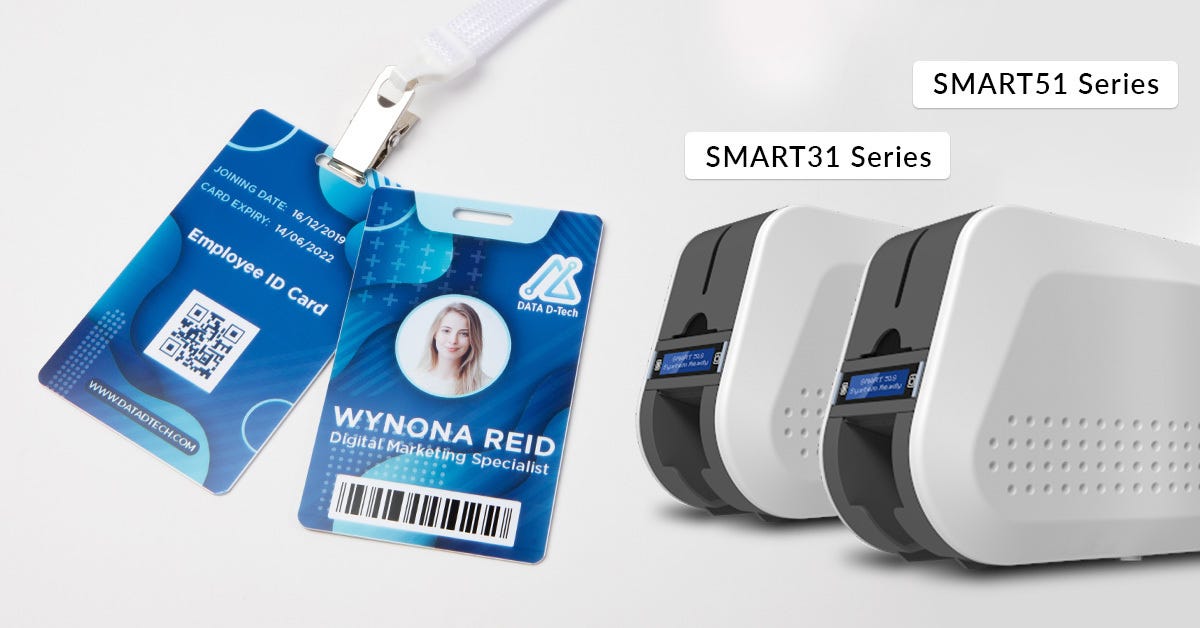
Retransfer ID Card Printers offer premium print quality. They print onto a film first, then fuse it to the card. This allows for edge-to-edge printing. It also handles complex graphics better. These printers are ideal for cards needing high security. They provide a smoother finish and greater durability. Retransfer is the choice for professional-looking, secure cards. Think about this for cards with photos or intricate designs. Let’s cover simpler options next.
Simple Needs? Single-Sided is Key
Single-Sided ID Card Printers are straightforward. They print on one side of the plastic card. This is perfect for basic employee information. Think names, photos, and titles. They are generally less expensive upfront. This is a good starting point for small operations. It meets the need for simple identification. If you only need one-sided cards, this is your printer. Now, let’s talk about printing on both sides.
Full-Color Duplex Printing
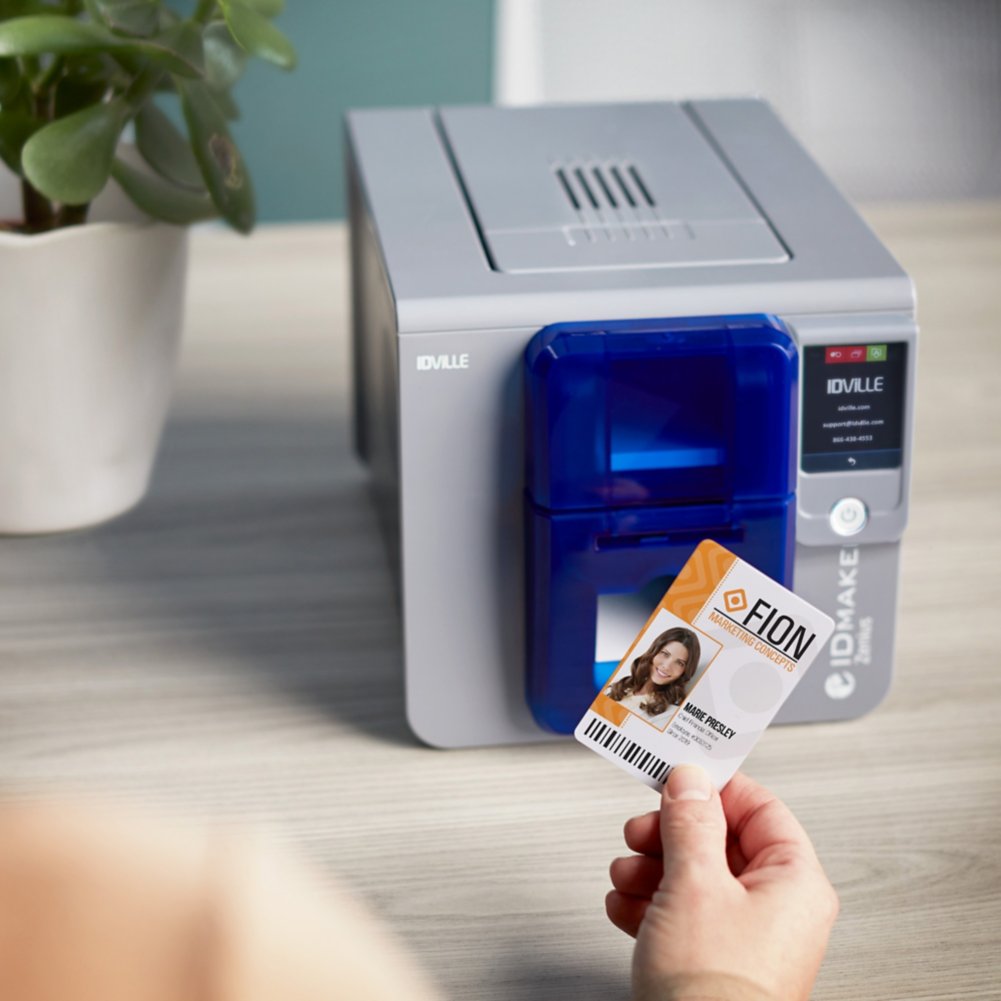
Dual-Sided (Duplex) ID Card Printers print on both sides. This gives you more space for information. You can add logos, security features, or schedules. This is common for access control cards. It offers a more complete identification solution. Many modern printers include this feature. It is a valuable upgrade for comprehensive badging. This covers most printing needs, but what about the software?
Design and Manage with Software
ID Card Printer Software is essential for design. You create the badge layout here. It also handles data encoding for smart cards. Look for user-friendly interfaces. Cloud-based options are available for remote teams. Secure data handling is critical in 2026. This software makes printing efficient and organized. It’s the brain behind your card production. Next, we’ll discuss the ink.
Ribbons: The Heart of Printing
ID Card Printer Ribbons are like ink cartridges. Dye-sublimation ribbons create full-color images. Monochrome ribbons print in a single color. Choose the ribbon that matches your card design. Using the correct ribbon ensures good print quality. It also affects the cost per card. Always use genuine ribbons for best results. Proper ribbon selection is key to good output. Let’s talk about keeping your printer clean.
Keep Your Printer Running Smoothly
ID Card Printer Cleaning Kits maintain your printer. Dust and debris can damage print heads. Regular cleaning prevents costly repairs. Follow the manufacturer’s cleaning schedule. This simple step extends your printer’s life. It ensures consistent print quality over time. Good maintenance saves money in the long run. Now, let’s consider budget-friendly options.
Budget-Friendly ID Card Solutions
Entry-Level ID Card Printers suit small businesses. They offer basic printing capabilities. Costs are lower for these models. They are easy to set up and operate. You can produce simple ID cards quickly. These printers are a practical choice for startups. They provide essential identification without breaking the bank. Visit AlphaCard for options. Or check out IdentiCom.
The Future of ID Badges
In 2026, ID badge printers are smarter. Cloud connectivity is becoming standard. This helps manage printers remotely. Security features are also advancing. Look for printers with encryption. They protect sensitive employee data. Choose a printer that fits your budget and needs. Always consider the total cost of ownership. This includes ribbons and maintenance. A good ID badge printer is a solid investment.
Your 3-Step Action Plan for Choosing an Employee ID Badge Printer
Step 1: Define Your Card Complexity
Start by listing what your ID cards need to do. Do you require dual-sided printing, smart chip encoding, or holographic security?
This decision alone will narrow your options to either a direct-to-card or retransfer printer.
Step 2: Match Print Volume to Printer Speed
Calculate how many badges you print per day or per month. A small office might need 50 cards per day, while a large facility may need 500.
Choose a printer that matches your volume to avoid bottlenecks and excessive wear.
Step 3: Plan for Security and Future Needs
Look for built-in security features like digital shredding and UV printing. Also consider encoding capabilities for access control or cashless payments.
Investing in a scalable model today saves you from replacing hardware next year.
What to Avoid
- Avoid buying a printer without checking ribbon and card availability for your region.
- Avoid skipping software compatibility tests with your existing employee database.
- Avoid choosing a model solely on price; cheap printers often have high per-card costs.
Frequently Asked Questions
How long does it take to print one employee ID badge?
A typical color single-sided badge takes about 30 to 45 seconds. Dual-sided or encoded cards can take up to a minute.
Speed is measured in cards per hour (CPH); for high volumes, look for printers rated above 100 CPH in color.
Can I use regular office paper in an ID badge printer?
No, these printers require specialized PVC or composite cards designed for thermal transfer. Using paper will jam the printer and void your warranty.
Always purchase cards that match your printer’s specifications, typically 30 mil thick.
Do I need special software to design the badges?
Most printers come with basic design software, but for advanced features like barcodes or smart chip encoding, you’ll need dedicated badge software.
Popular options include CardExchange and Zebra CardStudio, which integrate with HR databases.
Choosing the right employee ID badge printer is a strategic investment in your organization’s security and efficiency. By focusing on print technology, volume, and encoding needs, you can find a model that serves you for years.
Now that you understand the key factors, start by listing your card requirements and comparing models from trusted brands like Zebra or Magicard. Your next step is to request demos from vendors to see print quality firsthand.
In 2026, the best badge printers are cloud-connected and future-proof, offering seamless integration with access control systems. Imagine a workplace where every badge is a secure digital key, printed in minutes with razor-sharp clarity.
