


You might think ordering checks for your business has to be a hassle or expensive. But in 2026, you can save up to 50% by going online instead of through your bank. That’s real money back in your pocket.
Many small business owners overpay for checks because they don’t know there are cheaper, secure options. You can get custom checks with your logo and security features for a fraction of the cost. Let’s break down how to do it right.
How to Order Business Checks Online: Save Money and Stay Secure
To order business checks online, you need your company name, bank routing number, and account number handy. Top vendors like Deluxe, Vistaprint, and Costco Checks offer big discounts, especially if you buy in bulk. These printers are CPSA-certified, meaning they meet industry security standards.
If you use QuickBooks or Quicken, look for check providers that integrate with your software, like Intuit Market or Check Depot. They offer laser-compatible formats that print cleanly. For branding, upload your logo in EPS, AI, PNG, or JPG under 10MB to get custom business checks that look professional.
Smart Ways to Order Business Checks in 2026
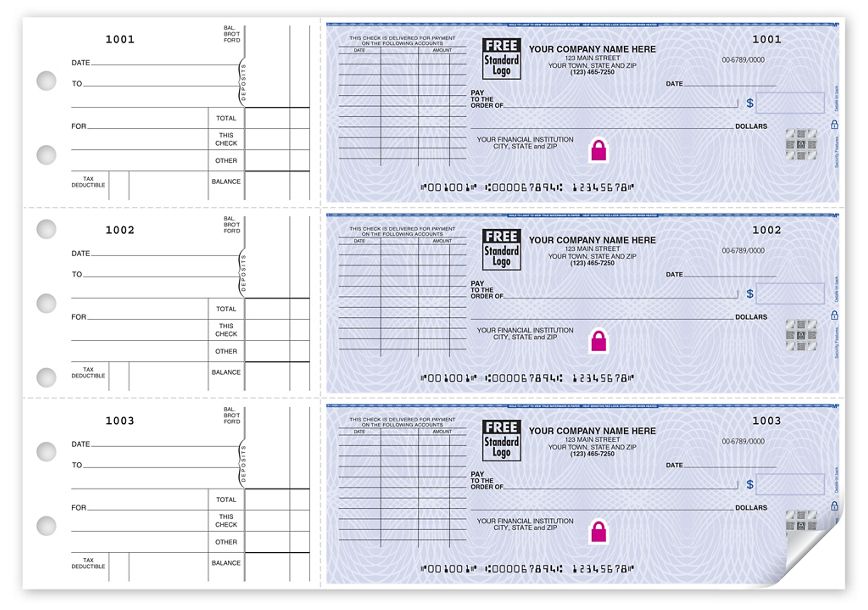
Ordering business checks online saves money. You can save up to 50% compared to banks. This is a big help for your budget.
| Service | Average Cost (Pack of 100) | Savings vs. Bank | Notes |
| Online CPSA Printers | $20 – $40 | Up to 50% | Customizable, fast turnaround. |
| Wholesale Clubs (Costco) | $25 – $50 | Up to 40% | Good for high volume. |
| Retailer Business Checks (Walmart) | $30 – $55 | Up to 30% | Convenient, basic options. |
| Direct Bank Portals | $40 – $70+ | Varies | Often uses third-party printers. |
Get Started Ordering Checks
Ordering business checks online is simple. You need your company details. Have your bank’s routing number ready. Your account number is also required. This information ensures accuracy.
Many online vendors exist. Deluxe and Vistaprint are popular choices. Costco and Walmart also offer business checks. Harland Clarke is another major provider. These companies make ordering easy.
Read also: 61 24 Hour Logo Ideas That Say ‘Always Open’ in Seconds
This process helps you buy business checks online. It sets you up for efficient vendor payments.
Custom Business Checks for Your Brand
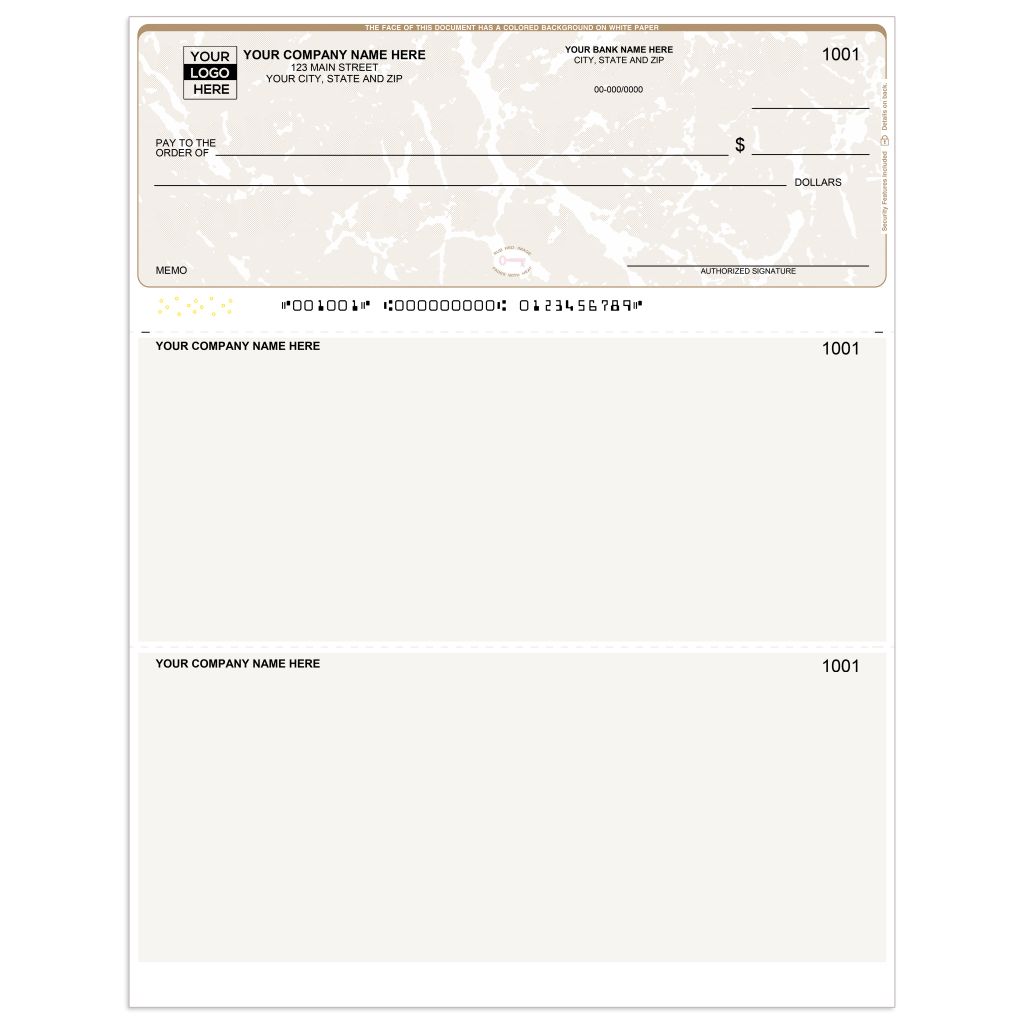
Make your business look professional. You can add your company logo. Use formats like EPS, AI, or PNG. Keep the file size under 10MB. This makes your checks unique.
Providers like Deluxe handle custom designs. Vistaprint also offers branding options. This helps create custom business checks. It reinforces your company image.
Using branded checks builds trust. It shows attention to detail.
Read also: Joomla Web Developers in 2026: What They Can Do for You
Secure Business Checks for Fraud Prevention
Protect your money from fraud. Look for security features. Microprint borders are very small. They look like solid lines to most people. Chemical-sensitive paper changes color if altered. Holographic foil adds another layer of security.
These features make your checks safer. They help prevent unauthorized use. This is crucial for financial security.
These measures ensure your payments are secure.
Business Checks for Accounting Software
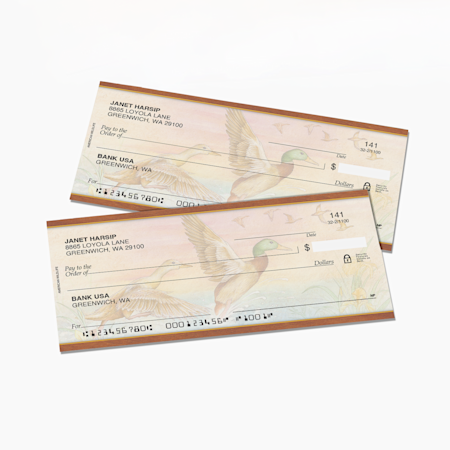
If you use QuickBooks, order smart. Some vendors work directly with software. Intuit Market and Check Depot are examples. They offer checks designed for laser printers. This ensures compatibility.
Using the right format saves time. It prevents printing errors. Your accounting will be smoother.
This makes using business checks for accounting software simple.
Payroll Checks for Small Businesses
Need to pay employees? Voucher checks work well. They have space for detailed records. One check is on the page. Two stubs provide extra space. This is good for payroll.
Three-to-a-page checks are another option. They are good for manual tracking. Choose what fits your workflow.
This helps you manage payroll efficiently.
Vendor Payment Checks Made Easy
Paying suppliers is important. Use checks designed for vendors. These are often called accounts payable checks. They help track your expenses clearly. Ensure you have enough detail space.
Online ordering simplifies this process. You can reorder easily. This keeps your business running smoothly.
This ensures vendor payment checks are simple.
High Security Business Checks Features
Fraud is a constant concern. Invest in high security features. Features like tamper-evident seals are effective. Watermarks are also a good option. These are hard to copy.
Check 21 regulations are met by most printers. This ensures compliance. It makes your checks legally sound.
This provides peace of mind for your finances.
Business Check Reorder Simplified
Running out of checks is a problem. Reordering online is fast. Have your previous order details handy. Most sites save your information. This speeds up the process.
Check your starting number. Ensure it continues your sequence. This keeps your records accurate.
This makes business check reorder quick.
The Future of Business Payments
Ordering business checks online is smart. It saves money and time. Security features protect your funds. Compatibility with software is key. Choose the right format for your needs.
For a wide selection, visit Deluxe. For value, check out Costco Checks. Always verify vendor credentials.
Read also: Domain Name Search Instant: Stop Wasting Time on Dead Ends
Your 3-Step Action Plan to Order Business Checks
Step 1: Gather Your Information
Before you start, have your company’s legal name, address, bank routing number, and account number ready. This ensures a smooth and error-free ordering process.
Step 2: Choose Your Vendor and Format
Compare prices from CPSA-certified printers like Deluxe or Costco Checks to save up to 50%. Select a check format that matches your needs: Voucher checks for payroll, Three-to-a-Page for manual records, or Wallet checks for portability.
Step 3: Customize and Place Your Order
Upload your logo in EPS or PNG format under 10MB, and input your starting check number for accounting continuity. Review all details carefully before checkout to avoid costly reprints.
Frequently Asked Questions
Can I order business checks without using my bank?
Yes, you can order from third-party CPSA-certified printers like Deluxe or Vistaprint, often at lower prices. Just ensure your bank account and routing numbers are correct for check processing.
How do I ensure my logo prints correctly on the check?
Upload a high-resolution logo in EPS, AI, PNG, or JPG format under 10MB. Check the vendor’s template for exact dimensions and avoid complex gradients that may not print clearly.
What security features should I look for?
Look for microprint borders, chemical-sensitive paper, and holographic foil to deter fraud. These features are standard on most business checks from reputable vendors.
Ordering business checks online from CPSA-certified printers is a smart, cost-effective move that can slash your expenses by up to 50%. You maintain full control over branding and security while complying with Check 21 regulations.
Now that you know the process, gather your company details and compare vendors today. Your next step is to place a small test order to verify quality and compatibility with your accounting software.
Imagine your custom-branded checks arriving, perfectly printed with your logo and enhanced security features. This streamlined approach not only saves money but also projects a professional image to your clients.
