


Tired of digging through a messy pile of papers every time you need an important document? You’re not alone, and the fix is simpler than you think. Customizable folders can turn chaos into calm without breaking the bank.
Whether you’re organizing for work, school, or your home office, the right folder system saves time and frustration. And with 2026 options ranging from cheap bulk prints to digital color coding, there’s a solution for every budget.
Custom Folders: From Desktop to Desk Drawer
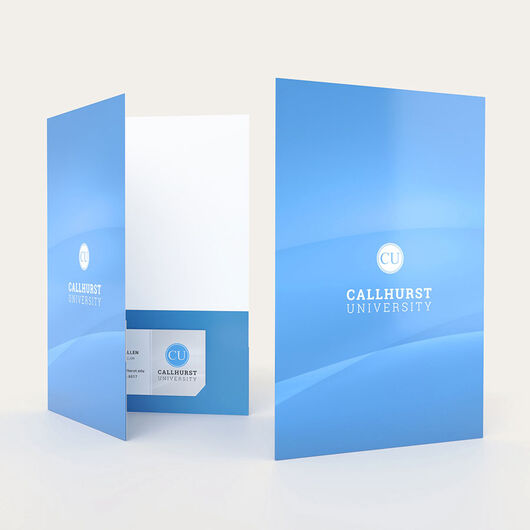
Physical customizable folders come in all shapes and prices. For basic pocket folders with your logo, FedEx Office starts around $3.97 each. Need bulk? Cpp USA sells custom printed folders for $0.31 each with a minimum of 100.
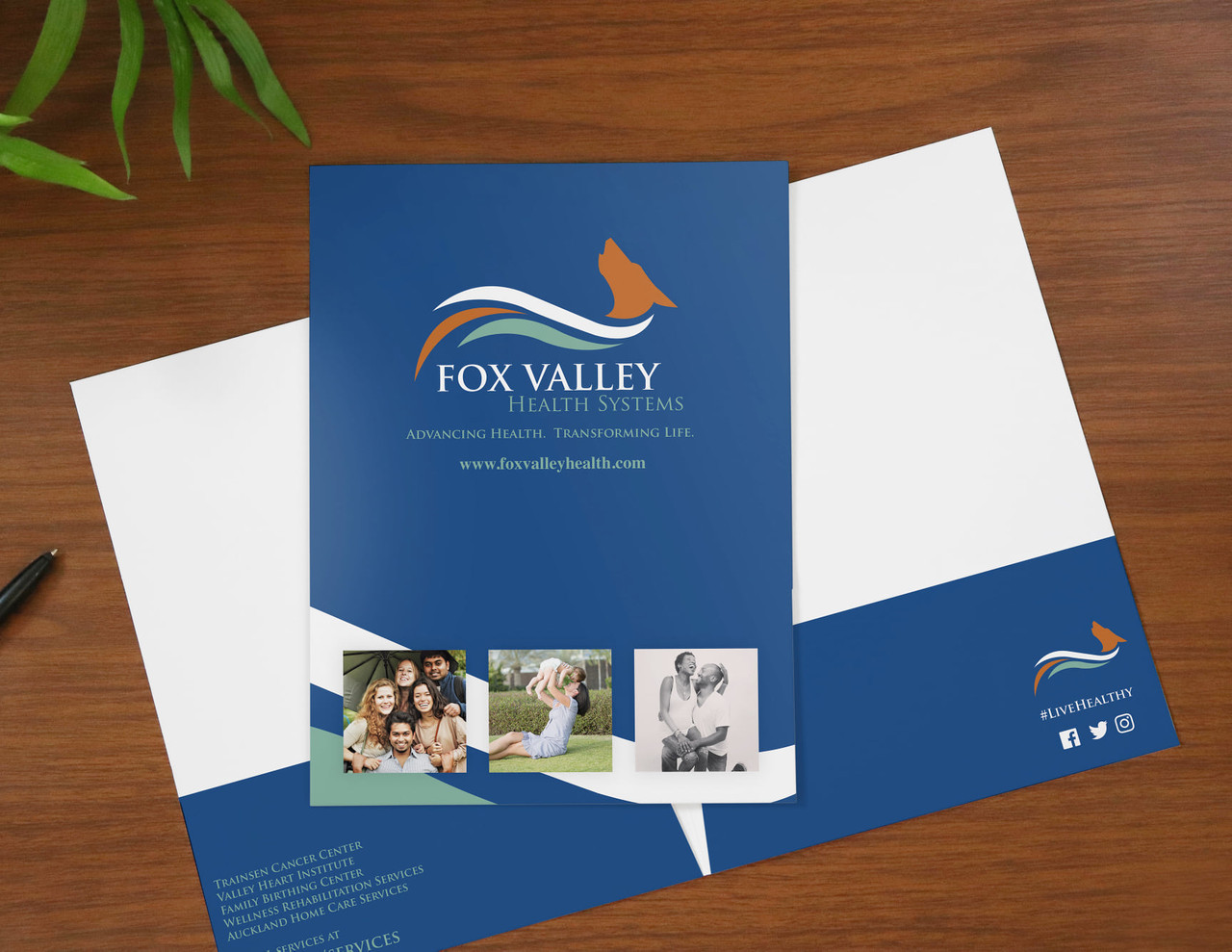
Presentation folders with full interior printing, like those from Vistaprint, cost about $474 for 100 units. For smaller personal orders, Etsy and Zazzle offer decorative personalized folders for $12 to $15, and custom PU leather options run $3 to $10.
Ideas and Inspirations
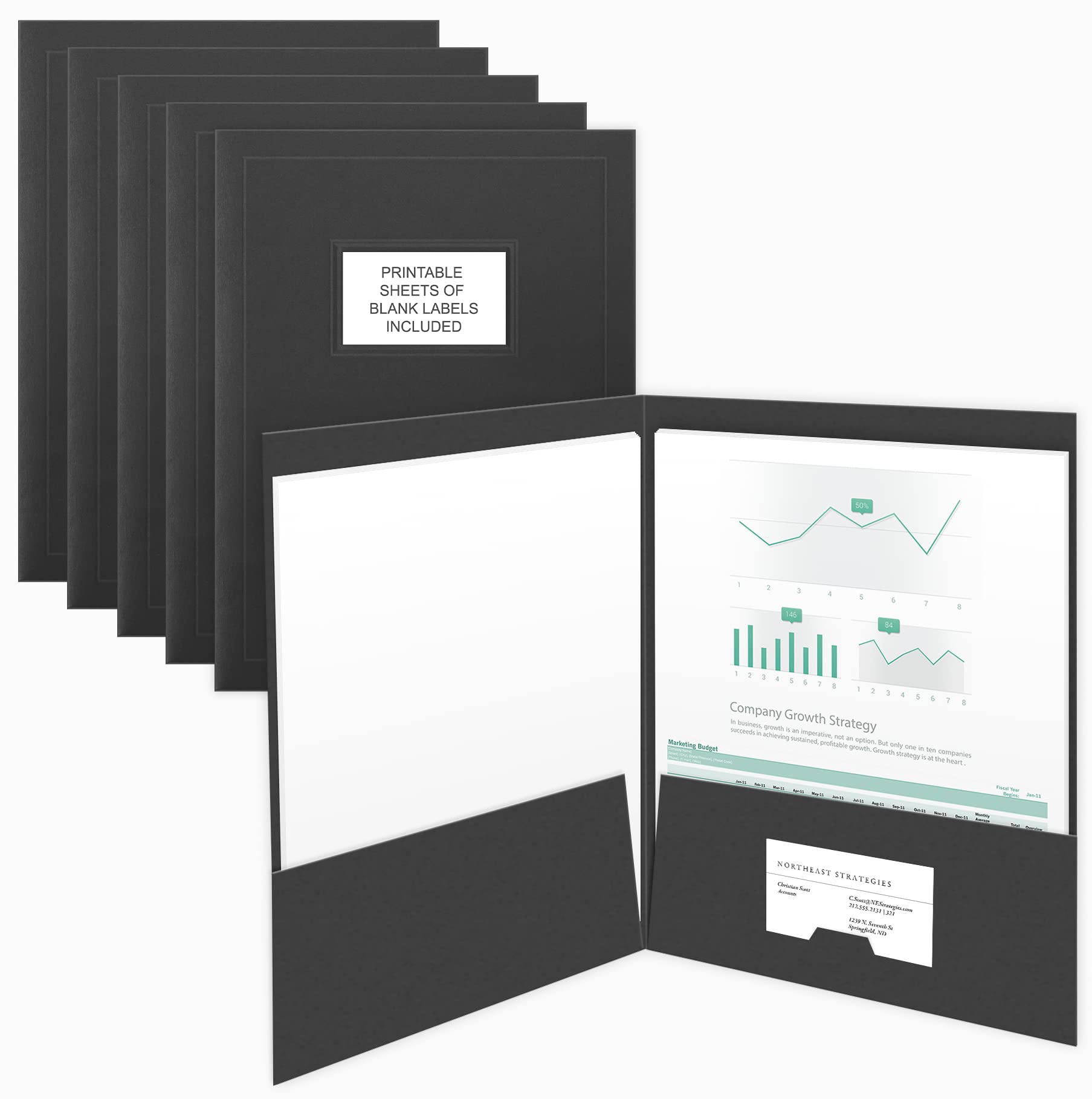
Custom Printed Folders for Brand Impact
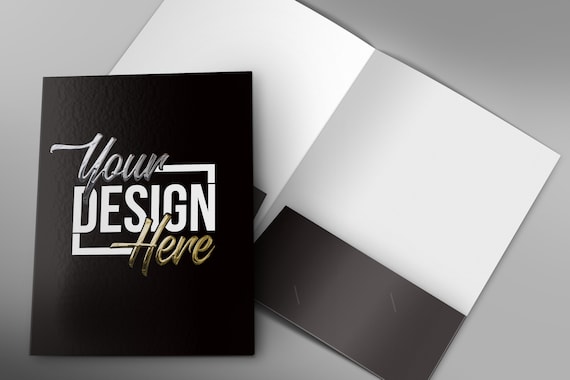
Custom printed folders are powerful tools for making a strong first impression. They communicate professionalism and attention to detail to clients and partners.
Matte Finish Presentation Folders
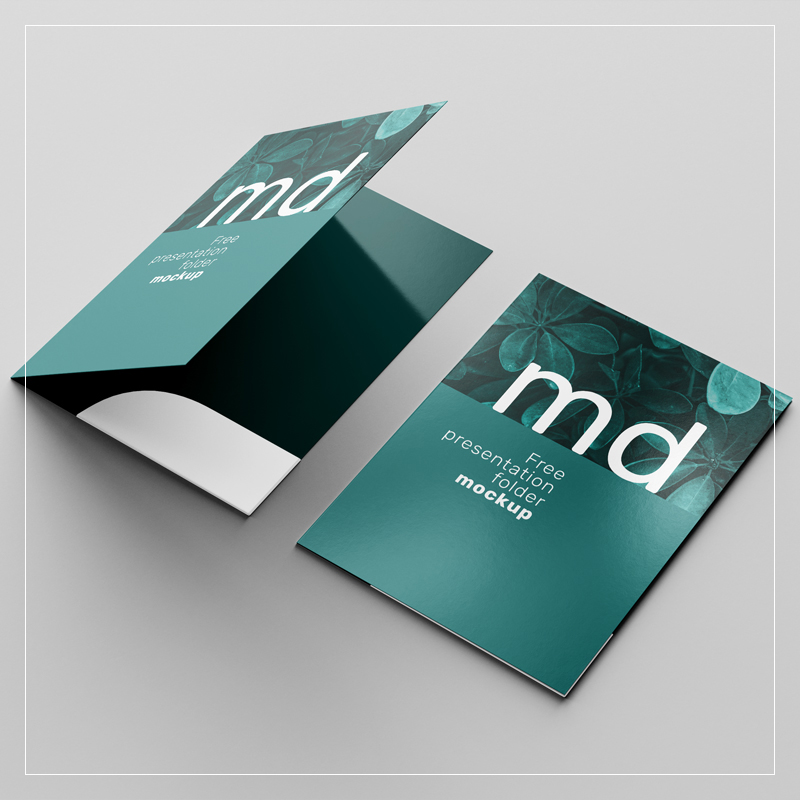
A matte finish offers a sophisticated, non-reflective surface that feels premium to the touch. This style is ideal for branded folders that need to look sharp and modern. It helps your logo stand out without glare.
Glossy Spot UV Folders
Adding glossy spot UV to specific areas of your custom printed folders creates a tactile contrast. This technique highlights your logo or key design elements effectively. It adds a dynamic visual element to your presentation folders.
Embossed Logo Folders
Embossing raises your logo or design off the folder’s surface, creating a subtle yet luxurious effect. This method adds depth and a high-end feel to your branded folders. It’s a classic choice for a refined look.
Recycled Kraft Paper Folders
For an eco-conscious brand image, recycled kraft paper folders are an excellent choice. They offer a natural, earthy texture that appeals to environmentally aware consumers. This material provides a unique, rustic aesthetic for your office organization needs.
| Material | Finish | Cost Estimate (100 units) |
| Cardstock | Matte | $300 – $500 |
| Cardstock | Glossy Spot UV | $400 – $600 |
| Recycled Kraft | Natural | $250 – $450 |
Elegant Presentation Folders for Business
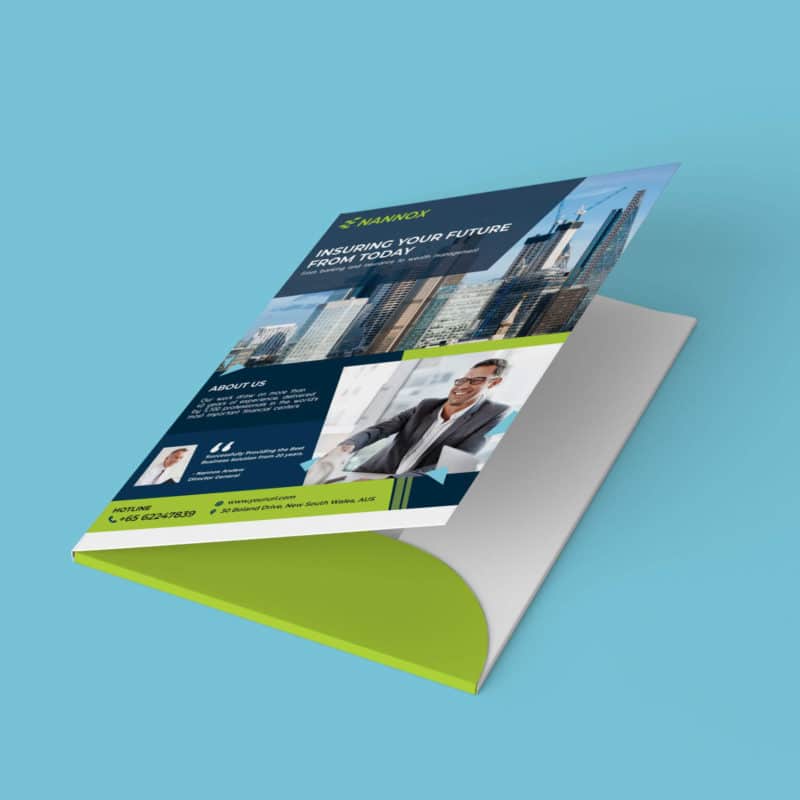
Elegant presentation folders elevate your business materials and proposals. They show that you value the information you are sharing. High-quality folders reflect positively on your company.
Die-Cut Window Folders
A die-cut window allows a part of the inner document to be visible. This creates intrigue and showcases key information before the folder is even opened. It’s a smart way to preview content on your presentation folders.
Foil Stamped Logos
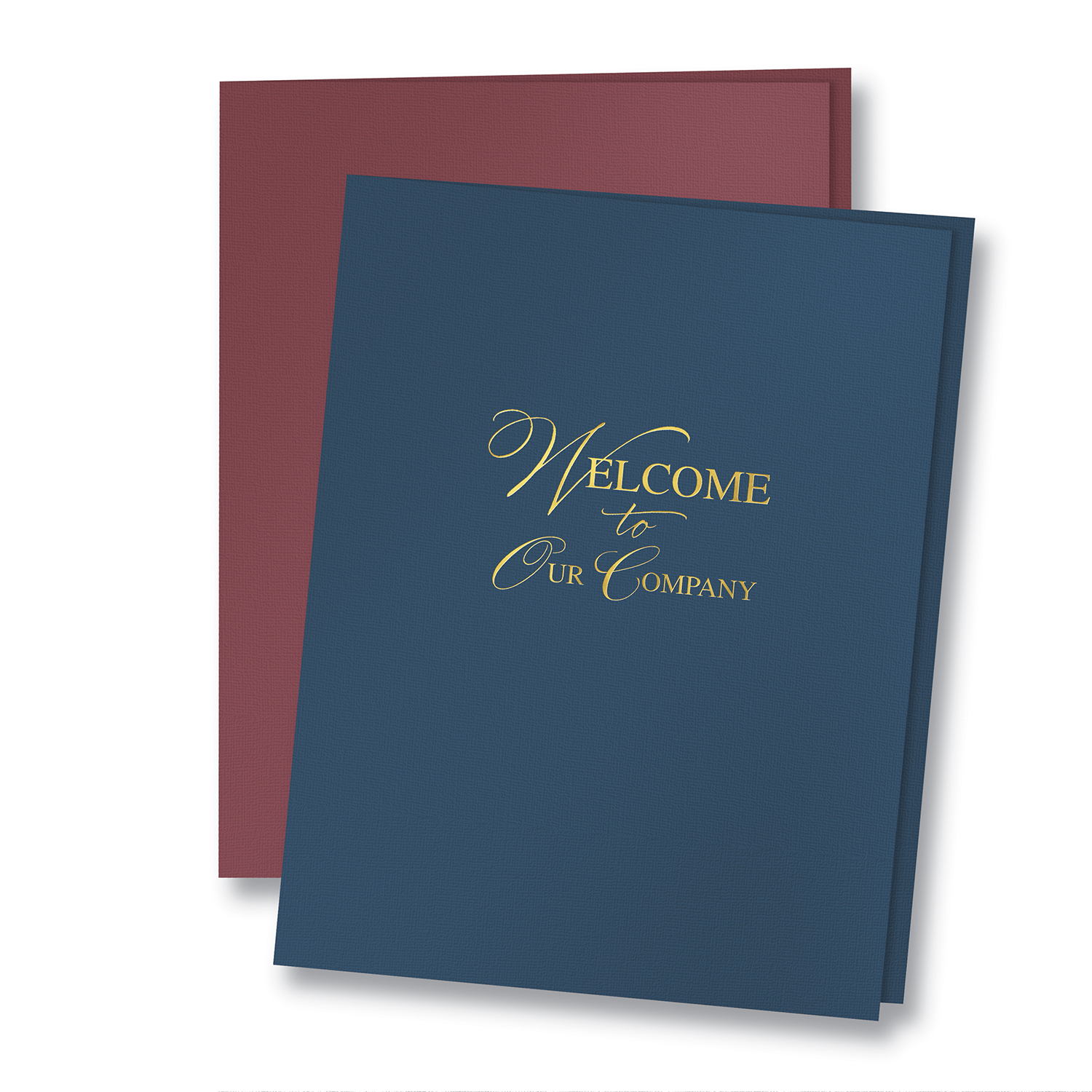
Foil stamping adds a metallic or colored sheen to your logo or text. This technique creates a luxurious and eye-catching effect on presentation folders. It’s perfect for making a memorable impact at business events.
Soft-Touch Lamination
Soft-touch lamination provides a velvety, smooth feel that is very pleasant to the touch. It adds a layer of durability while enhancing the perceived value of your business card folders. This finish makes your materials feel more substantial.
Pocket Folders with Sleek Design
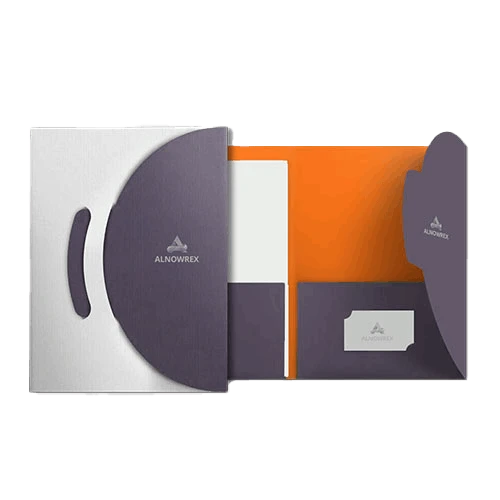
Pocket folders are essential for keeping documents organized and secure. A sleek design ensures they look professional and are easy to use. They are perfect for proposals, contracts, and meeting materials.
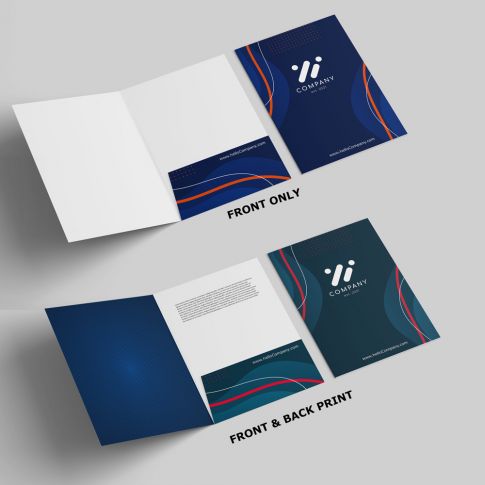
Two-Pocket Folders with Business Card Slits
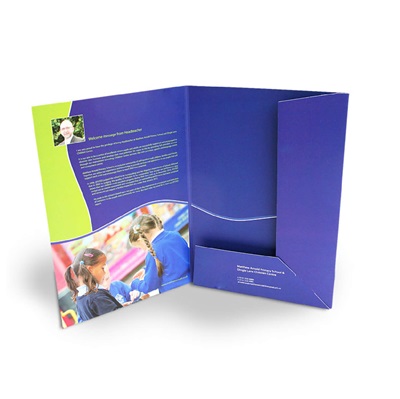
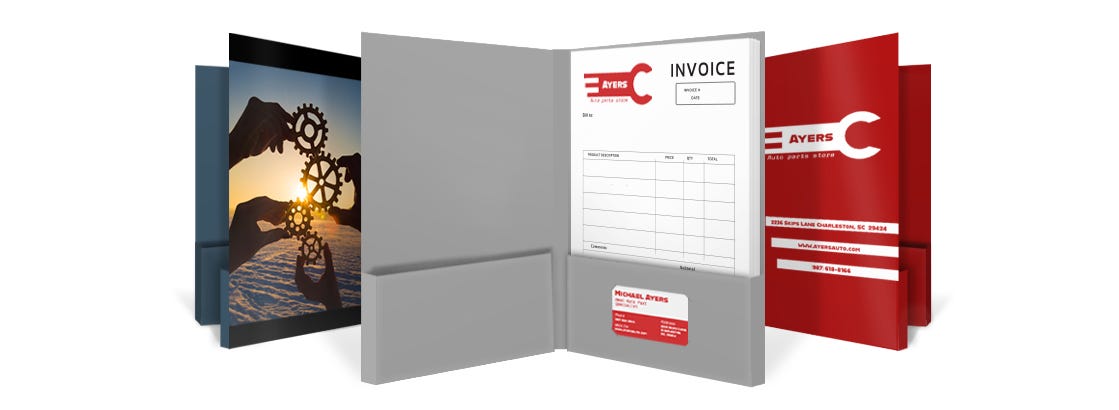
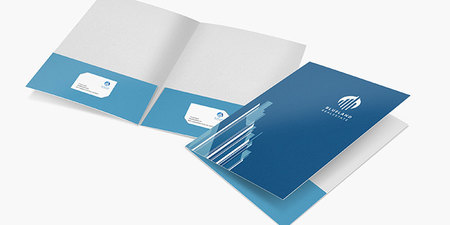
Standard two-pocket folders are versatile for holding multiple documents. Adding integrated business card slits ensures your contact information is always readily available. This is a practical feature for networking and client meetings.
Right-Side or Left-Side Pocket Options
Choose pocket placement based on how you intend to use the folder. A right-side pocket is common for standard document placement. A left-side pocket can be useful for holding a business card or a single important sheet.
Customizable Pocket Shapes
Beyond standard rectangles, pockets can be die-cut into unique shapes. This adds a creative flair to your pocket folders. Consider rounded corners or angled pockets for a distinctive look.
Durable File Folders for Office Use
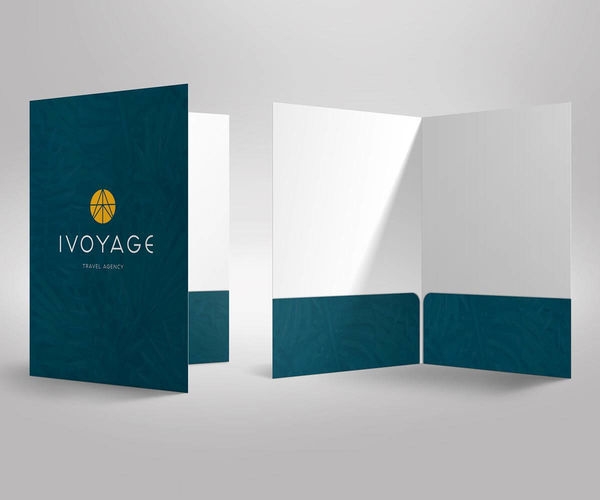
Durable file folders are the backbone of any efficient office organization system. They need to withstand frequent handling and protect important documents. Choosing the right material ensures longevity.
11pt and 14pt Cardstock Folders
The thickness of cardstock, measured in points (pt), indicates durability. 11pt is standard for everyday use, while 14pt offers increased rigidity. These thicker options are better for bulk folders that see heavy use.
Reinforced Tab File Folders
Reinforced tabs provide extra strength where file folders are most often handled. This prevents tearing and wear, extending the life of your file folders. It’s a simple upgrade for enhanced durability.
Acid-Free Archival Folders
For long-term document preservation, acid-free folders are crucial. They prevent paper degradation and yellowing over time. This is vital for legal documents, historical records, and important archives.
| Folder Stock | Weight | Durability |
| Cardstock | 11pt | Standard |
| Cardstock | 14pt | High |
| Acid-Free Paper | Varies | Archival |
Color Coded Folders for Easy Organization
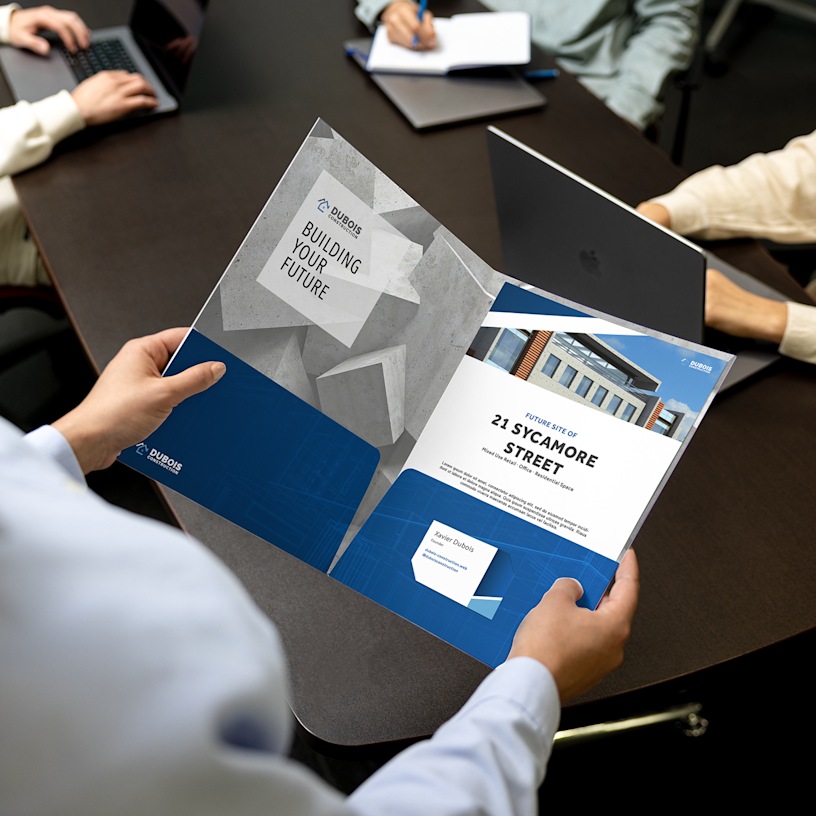
Color coded folders are a visual system for rapid document identification. They significantly speed up retrieval and filing processes. This method reduces errors and saves valuable time.
Bright Primary Color Folders
Vibrant colors like red, blue, green, and yellow immediately catch the eye. Assigning specific colors to project types or departments streamlines workflow. This is a highly effective strategy for office organization.
Pastel Shade Folders
Softer pastel shades offer a more subdued aesthetic while still providing color differentiation. They can be used for a gentler visual system or for specific needs like client files. This approach maintains organization without visual clutter.
Customizable Color-Tab Folders
Folders with pre-printed or blank tabs allow for custom color-coding systems. You can label tabs with specific categories or names. This offers maximum flexibility for personalized digital file management.
Personalized Folders with Unique Icons
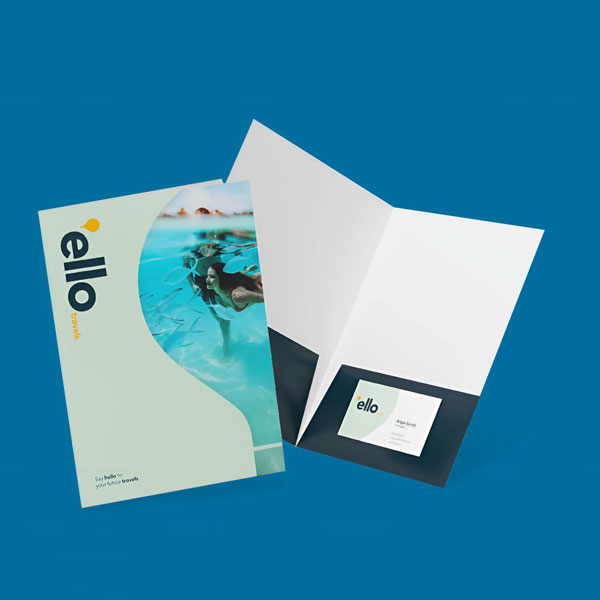
Personalized folders add a unique touch, especially for individual use or small businesses. They can reflect personal style or specific branding needs. Custom folder icons can make digital files more engaging.
Monogrammed Folders
Adding a monogram provides a classic and sophisticated personalization option. It’s suitable for personal stationery or executive office use. This offers a refined touch to your file folders.
Themed Icon Folders
Folders can be designed with specific icons related to their content. For example, a music icon for audio files or a camera icon for photos. This visual cue aids in quick identification for digital folder organization.
Custom Text and Font Folders
You can print custom text with a wide range of fonts on personalized folders. This allows for clear labeling and unique design statements. Choose fonts that match your personal or business aesthetic.
Custom PU Leather Folders
For a premium feel, consider PU leather folders. These offer a sophisticated look and durable construction. They are excellent customizable document holders for important papers.
Branded Folders for Professional Events
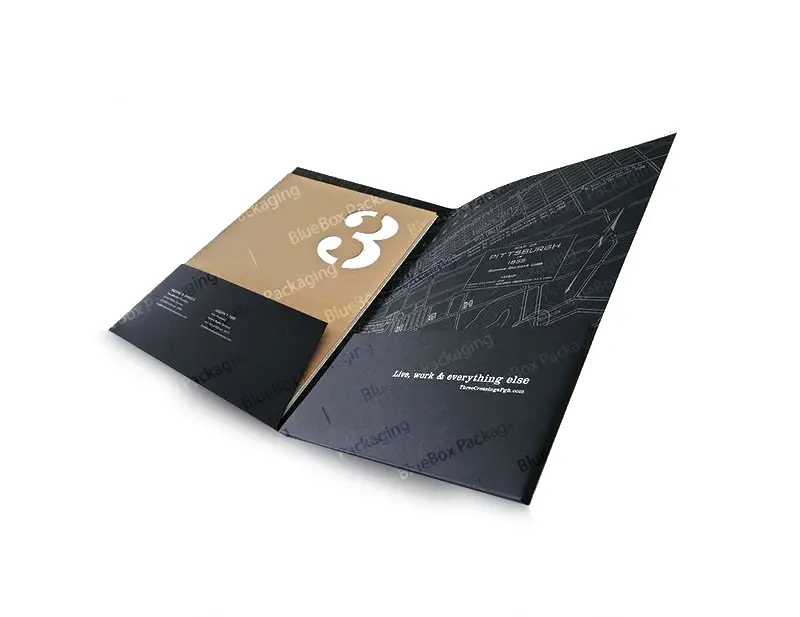
Branded folders are essential for trade shows, conferences, and client meetings. They serve as mobile billboards for your company. Well-designed branded folders leave a lasting positive impression.
Event-Specific Branding
Tailor the design of your branded folders to match the specific event theme or branding. Use event logos, dates, and colors to create a cohesive look. This reinforces your company’s presence at the event.
Brochure and Business Card Holders
Ensure your branded folders have integrated slots for brochures and business cards. This makes it easy for attendees to take away essential information. It’s a key feature for effective marketing collateral.
High-Volume Bulk Folders
For large events, ordering bulk folders is cost-effective. Look for suppliers offering competitive pricing on large quantities. This ensures you have enough materials for all attendees.
Example Vendor Pricing for Bulk Folders
Suppliers like Cpp USA offer custom printed folders in bulk starting around $0.31 per folder for a minimum of 100 units. This makes branded folders an affordable marketing tool. Vistaprint also provides presentation folders with full customization options. For 100 units, expect costs around $474. FedEx Office offers custom printed folders starting at approximately $3.97 each. These prices reflect the 2026 market for office organization supplies.
Digital Folder Organization with Custom Icons
Digital folder organization is as important as physical organization. Custom folder icons can make your desktop and file system more visually appealing and easier to navigate. This enhances digital file management.
Changing Folder Icons on Windows
On Windows, you can change a folder’s icon by right-clicking the folder, selecting ‘Properties’, then ‘Customize’, and finally ‘Change Icon’. You can use standard icons or upload your own .ico files. This allows for personalized digital folder organization.
Customizing Folders on macOS
To customize folders on macOS, copy the desired image, then select the folder, open ‘Get Info’ (Command+I), and paste the image into the top-left icon box. This simple process personalizes your file folders. It’s a quick way to improve digital file management.
Third-Party Icon Customization Tools
Applications like ‘Colorful Folders’ offer quick and easy ways to change folder colors and icons. These tools simplify the process, especially if you need to change many icons. They are great for enhancing digital folder organization.
Cloud Storage Folder Customization
Services like Microsoft OneDrive and Google Drive allow for folder color-coding and custom structures. Dropbox also offers a flexible folder system that syncs across devices. These features aid in effective digital file management.
Example of Digital Icon Customization
On macOS, you can use any image file to create a custom folder icon. Simply copy the image and paste it into the folder’s ‘Get Info’ window. This makes your digital workspace unique and aids in quick identification of your file folders. For Windows users, ensure you are using .ico files for the best results.
| Platform | Method | File Type |
| Windows | Properties > Customize > Change Icon | .ico |
| macOS | Get Info window (Paste Image) | Any Image |
Style and Reference Gallery
A bulk order of folders in a warehouse, all with the same logo but different accent colors. They are neatly stacked.
A custom folder made from recycled paper with a subtle texture. The eco-friendly choice feels good in hand.
A digital folder icon set for a design studio, each folder representing a different client. The icons are minimalist.
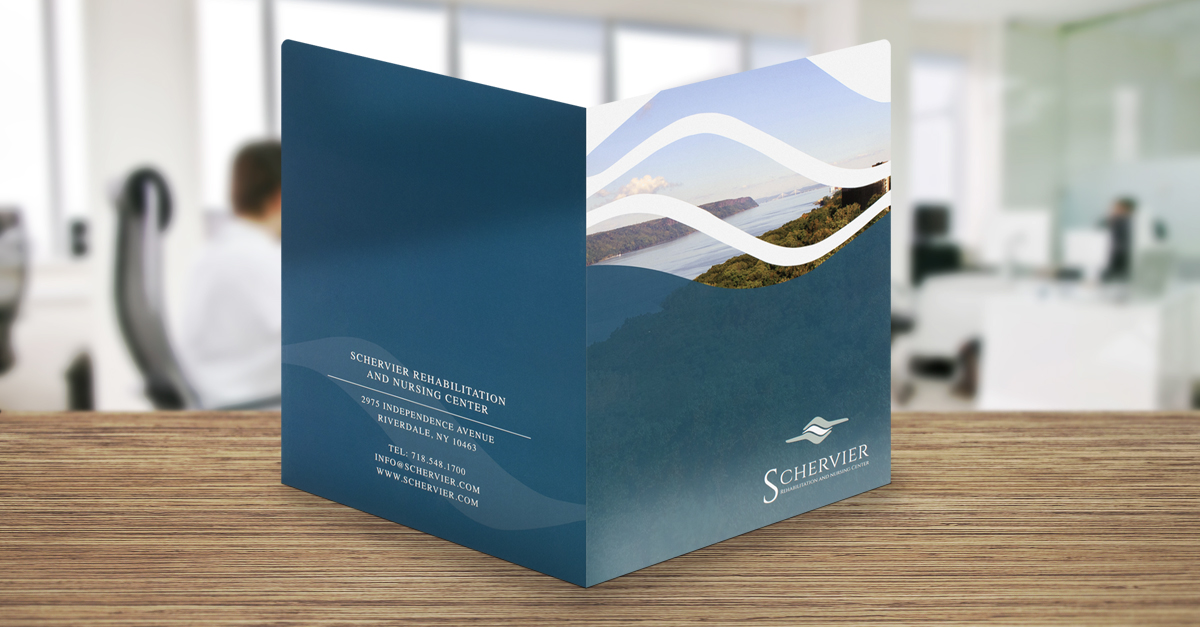
A presentation folder with a magnetic closure and a full-bleed print of a city skyline. The folder feels premium.
A desktop folder with a custom icon that changes color based on its contents. The effect is dynamic and useful.
A set of folders for a wedding planner, each with a different floral illustration. The details are delicate and romantic.
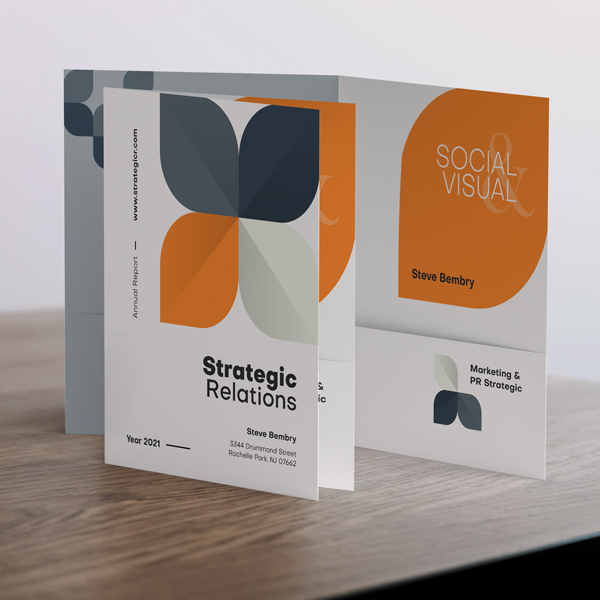
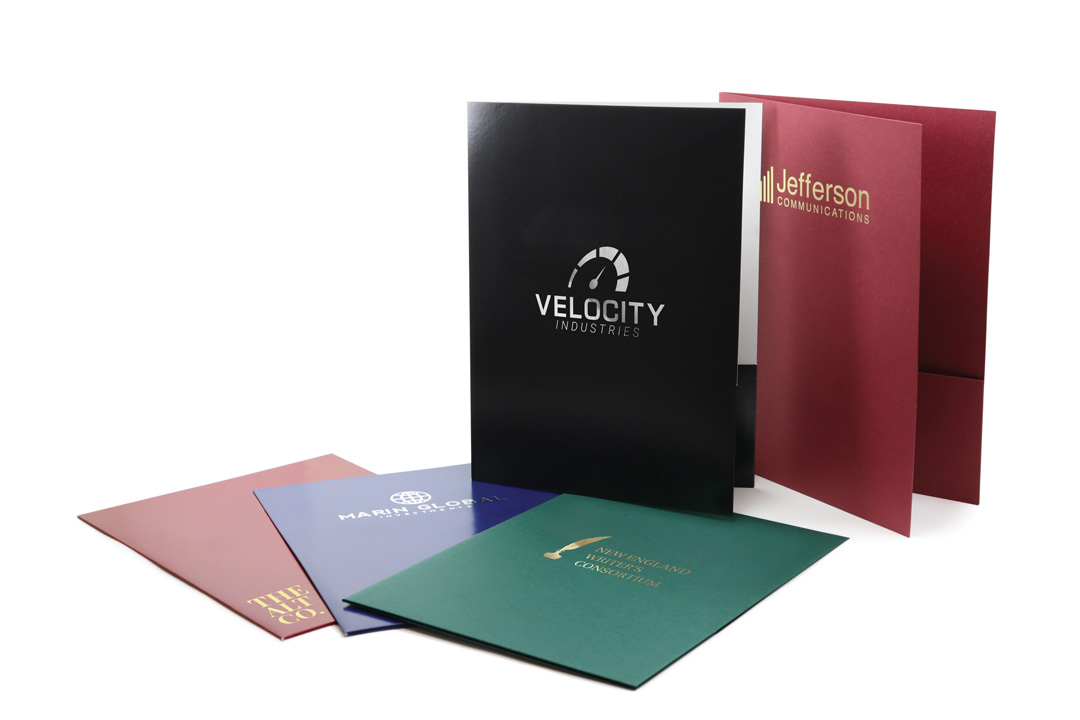
A stack of custom folders in pastel shades, each with a gold foil logo. The light catches the foil, creating a subtle shine.
A digital desktop with folder icons that match a company’s brand colors. The icons are clean and modern.
A leather folder with embossed initials, sitting on a mahogany desk. The texture is rich and professional.
A set of presentation folders with interior pockets printed with a floral pattern. The inside is as beautiful as the outside.
A Windows folder icon transformed into a cartoon cat face. The icon is simple but brings a smile.
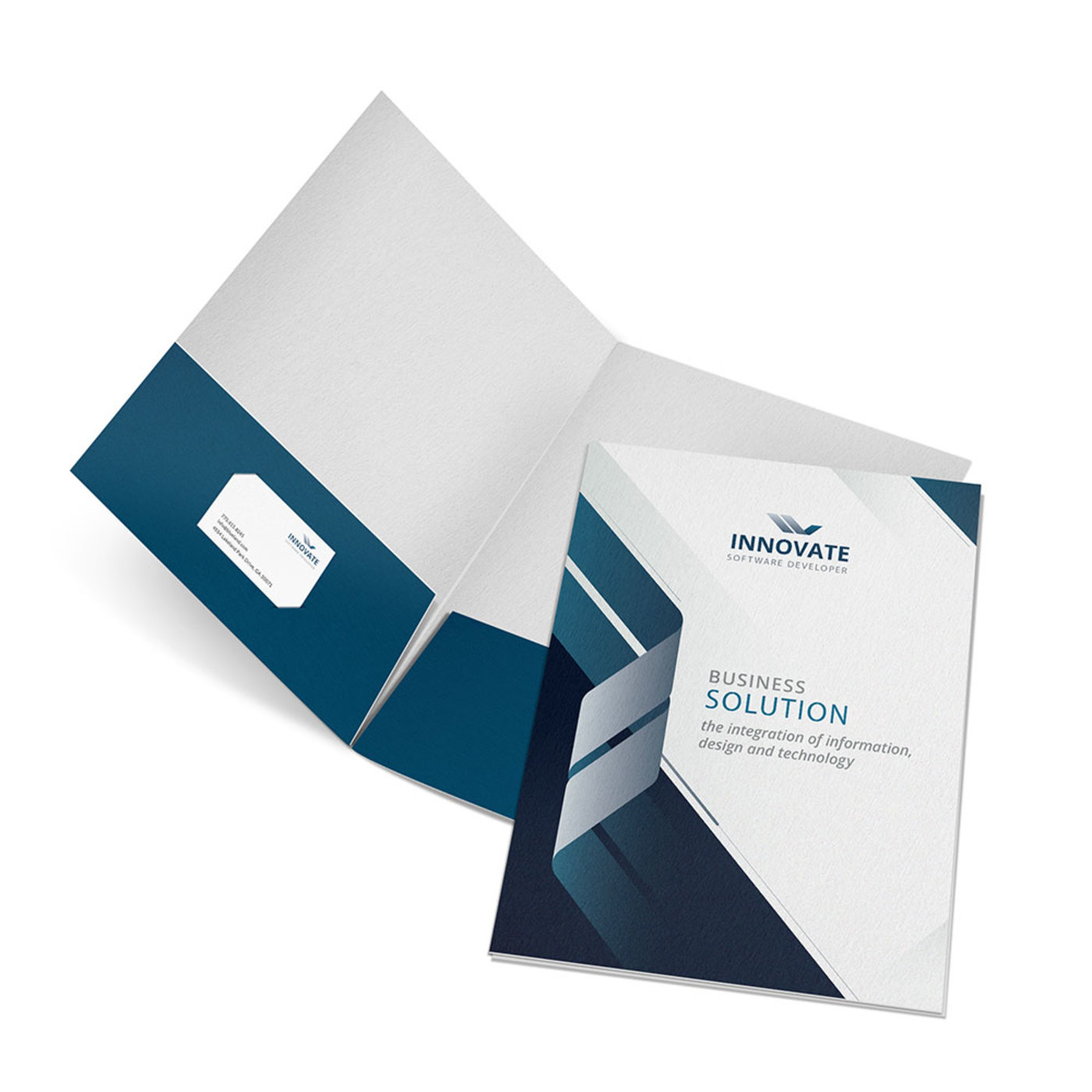
A cloud storage dashboard with color-coded folders for each project. Green for active, yellow for pending, red for urgent.
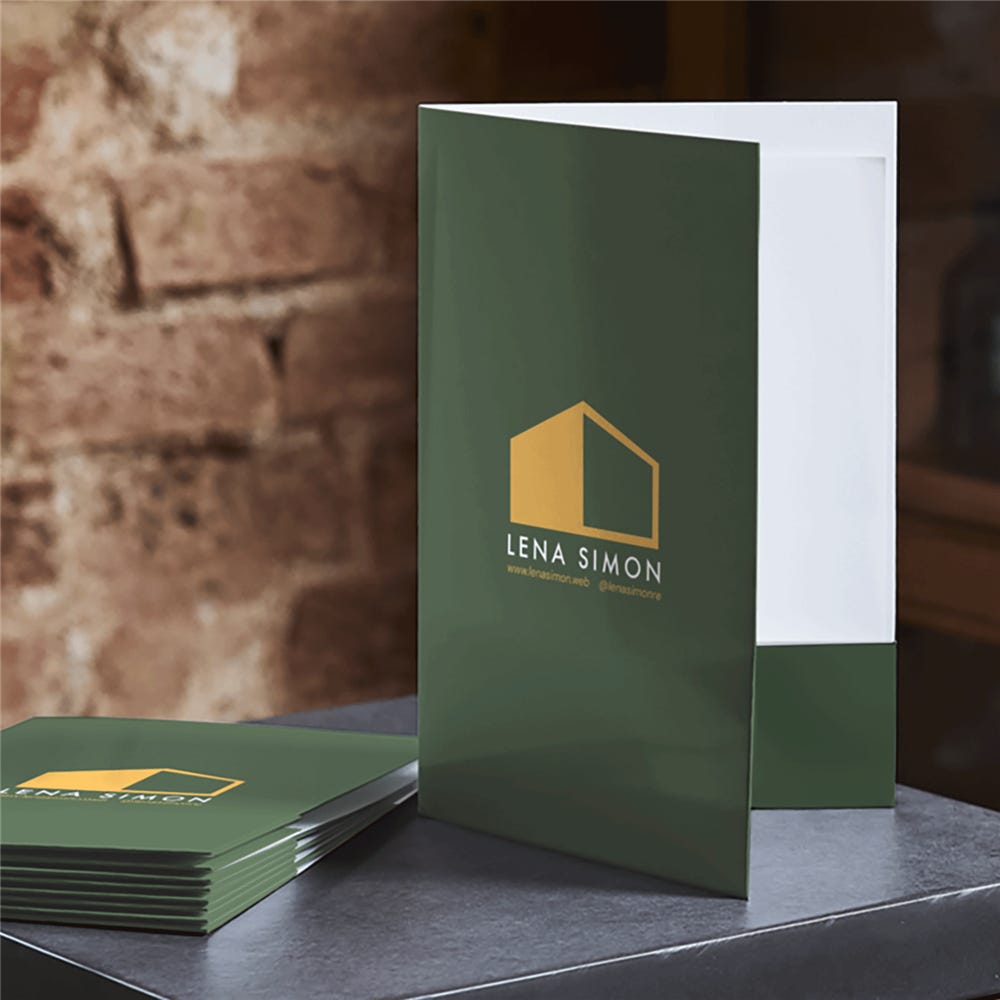
A child’s school folder decorated with their own drawing. The folder is laminated for durability.

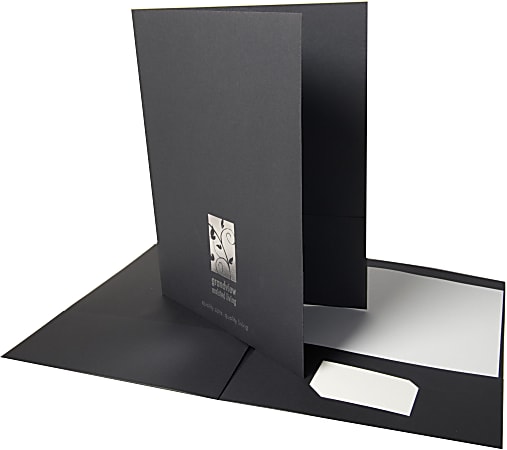
A corporate folder with a clear business card slot and a debossed logo. The card sits perfectly in the slit.
The Art of Personalization: From Vision to Reality
Step-by-Step Guide: How to Customize Your Folders
- For physical folders: Start with a template from Vistaprint or FedEx Office. Add your logo, choose a finish like matte or gloss, and upload your design. Order a sample first to check quality.
- For digital folders on Windows: Right-click the folder, select Properties, go to the Customize tab, and click Change Icon. Use a .ico file you created from an image using a free online converter.
- For digital folders on macOS: Open the folder’s Get Info window, click the folder icon at the top, paste a copied image, and press Enter. Use PNG files for best results.
What to Avoid in Execution
- Don’t use low-resolution images: For print, your logo should be at least 300 DPI. Blurry prints look unprofessional.
- Don’t ignore color profiles: Design in CMYK for print, not RGB. RGB colors on screen may not match the printed folder.
- Don’t overcomplicate digital icons: Keep icons simple and high contrast. Small details get lost when scaled down.
Maintenance Tips for Long-Lasting Results
- For physical folders: Store them flat in a cool, dry place. Avoid direct sunlight to prevent fading.
- For digital customizations: Back up your custom icons before system updates. Windows updates sometimes reset folder icons.
- For cloud folders: Use consistent naming conventions. Color-code by project phase to quickly identify active vs. archived work.
Frequently Asked Questions
Can I print a full-color photo on a folder?
Yes, most vendors like Vistaprint and FedEx Office offer full-color printing on the entire folder surface. For best results, use a high-resolution image (300 DPI) and choose a coated finish to prevent ink smudging.
How do I create a custom folder icon for my computer?
On Windows, convert an image to .ico format using a free tool, then change the folder icon via Properties. On macOS, copy a PNG image and paste it into the folder’s Get Info icon preview.
What is the minimum order for custom folders?
For bulk printing, suppliers like Cpp USA require a minimum of 100 folders, with prices starting around $0.31 each. For smaller quantities, Etsy sellers offer single custom folders for about $12 to $15.
Customizable folders are no longer a luxury—they are a practical tool for branding and personal organization. Whether you need 1000 folders for a conference or one unique icon for your desktop, the options in 2026 are affordable and accessible.
Start by defining your purpose: corporate branding or personal flair. Then choose a vendor that matches your budget and quality needs. Don’t settle for generic when you can have custom.
Imagine opening your desk drawer to a rainbow of color-coded folders, each telling a story. Or booting up your computer to a desktop that feels like an extension of your personality. That’s the power of customization.
