


Tired of wrestling with check alignment in your Sage software? You’re not alone. A misaligned check can waste time and look unprofessional. Getting the right check stock is the fix.
The wrong format causes printing headaches and even bank rejections. Sage checks are built to match your software’s layout exactly. This article covers what you need to know to order the correct checks for your business.
Choose the Right Sage Checks for Your Software Version
Sage offers checks for many versions including Sage 50, Sage 100 (formerly MAS 90/200), and Sage Intacct. Each version prints data fields in a specific position on the page. Using the wrong check format means your payee and amount won’t line up.
You have three layout options: top, middle, or bottom format. Your software’s print setup tells you which one to use. Most users pick multi-purpose checks for accounts payable or payroll checks with stubs for employee records.
Sage Checks: Your 2026 Financial Foundation
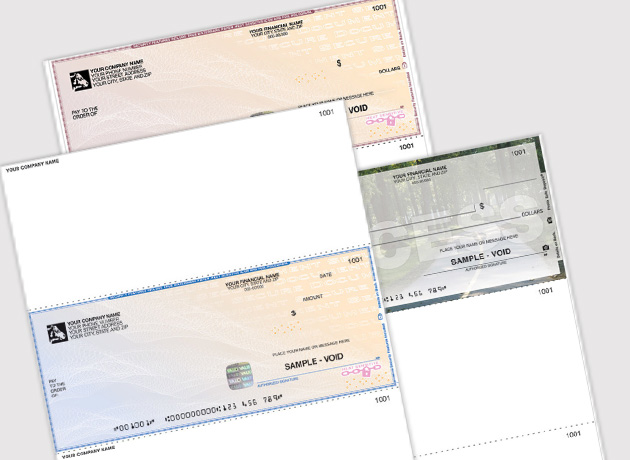
Sage checks are vital for accurate bookkeeping. They connect directly to your Sage software. This keeps your financial records clean. It also prevents costly printing mistakes. Many vendors offer these checks. You can find them at the official Sage store or Deluxe. Check Depot is another good source. Prices can vary. Expect to pay around $20 to $60 for a box of 100 checks. This depends on features like security.
| Product Type | Average Cost (100 ct) | Key Feature |
| Multi-purpose | $25 | General transactions |
| Payroll | $40 | Detailed stubs |
| High-Security | $55 | Fraud prevention |
| Blank Laser | $20 | Customizable printing |
Money Matters.
Sage 50 checks are built for this software. They ensure your payments match your records. This is key for small businesses using Sage 50. Reliable accounting forms prevent errors. These forms work with top, middle, or bottom check layouts. Always check your software’s print setup. This helps you align the checks correctly. Make sure your Sage 50 checks are compatible.
Business Flow.
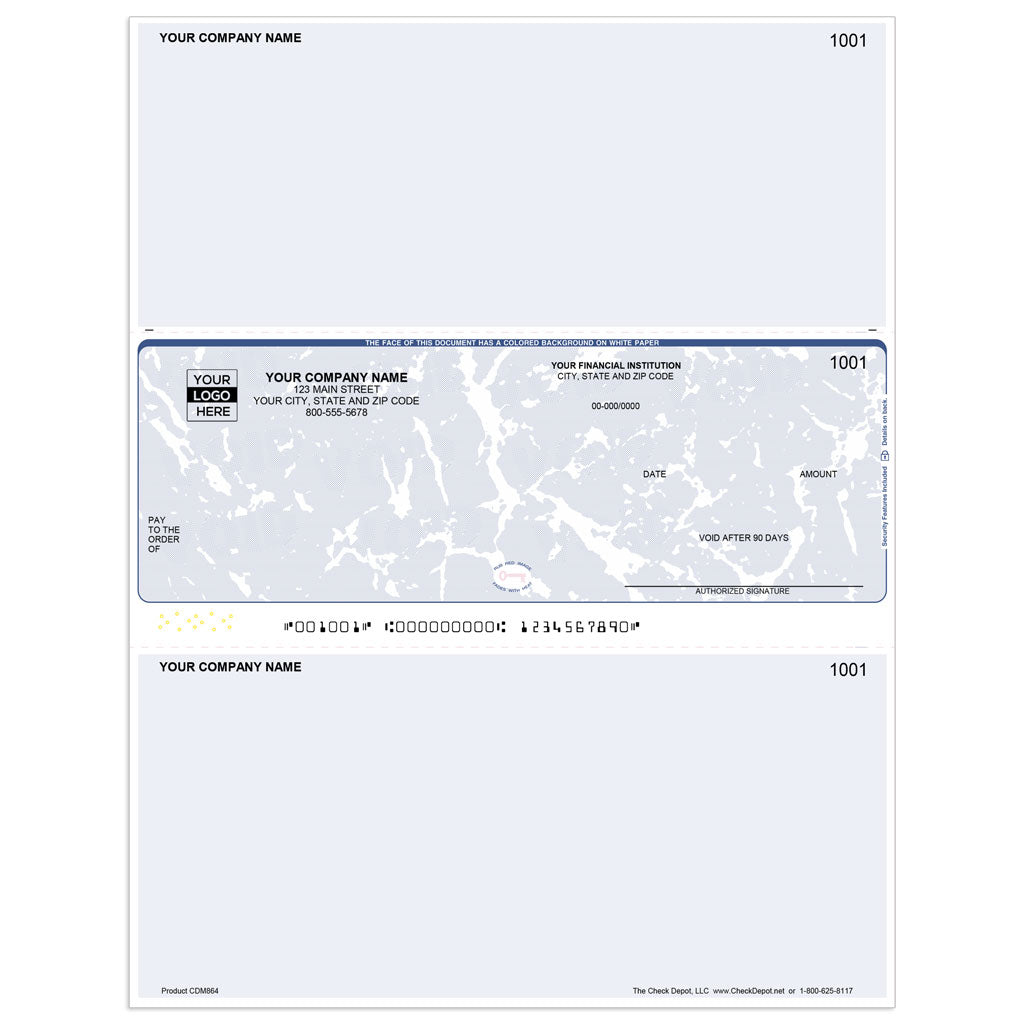
For larger operations, Sage 100 checks are essential. They streamline accounts payable processes. This efficiency saves valuable time. These checks integrate smoothly with Sage 100. This also includes older MAS 90 and MAS 200 systems. Using compatible Sage 100 checks reduces data entry errors. This keeps your vendor payments accurate. Consider these for robust business efficiency.
Read also: Stop Wasting Time: The Best Driving School Booking Software for 2026
Digital Payments.
Sage Intacct checks are optimized for cloud accounting. They work seamlessly with this modern platform. This ensures your payments are processed quickly. These are great for businesses using Sage Intacct. They maintain accurate financial data in the cloud. Look for checks designed for cloud integration. This keeps your digital payments smooth.
Print Precision.
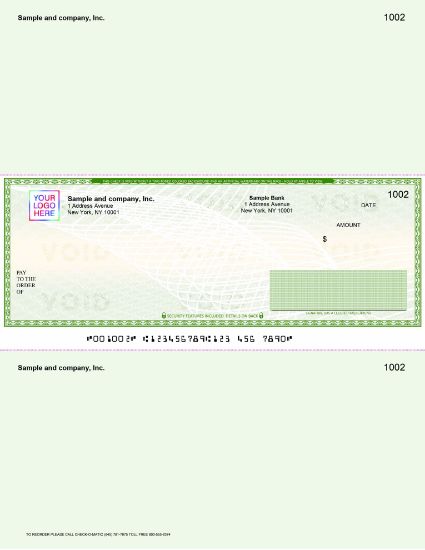
Laser Sage checks offer great flexibility. You can print them yourself using your laser printer. This is perfect for custom needs. Blank laser checks allow for unique designs. Ensure your printer and software are set up correctly. Proper alignment is critical for laser checks. This guarantees a professional look every time. They are a cost-effective choice.
Security First.
High security Sage checks protect your funds. They have features like microprinting and watermarks. These prevent counterfeiting effectively. This is crucial for any business. Advanced fraud prevention is worth the investment. It safeguards your accounts from theft. Choose high security options for peace of mind.
Employee Pay.
Payroll Sage checks ensure accurate employee payments. They include detailed stubs for deductions. This clarity helps your staff understand their pay. These checks are designed for easy processing. They work with most payroll software. Accurate employee payments are a must. Use dedicated payroll checks for this.
Read also: Laser Check Printing: Why Banks Reject Your Home-Printed Checks
Vendor Payments.
Accounts payable Sage checks manage vendor payments. They help track who you pay and when. This improves your vendor relationships. Proper documentation is essential for accounting. These checks ensure all details are recorded. They are vital for good financial management. Use them for all your vendor transactions.
Layout Options.
Top format Sage checks are common. Middle format Sage checks are also available. Bottom format Sage checks offer another choice. Your Sage software determines the best fit. Check your software’s print setup guide. This shows you which format to use. Correct alignment prevents wasted checks. Choose the format that matches your software.
Your 3-Step Action Plan for Perfect Sage Checks
Step 1: Identify Your Check Format
Before ordering, determine if your Sage software uses top, middle, or bottom checks. Check your current check stock or print a test page to see where the data aligns.
Step 2: Choose Security Features
For business accounts, always opt for high-security checks with microprinting and watermarks. This prevents fraud and keeps your finances safe.
Step 3: Run a Test Print
Use the ‘Align’ button in Sage’s Print Setup to print a test on plain paper. Adjust the alignment until everything lines up perfectly, then use your real checks.
Common Mistakes to Avoid
- Ordering the wrong check format (top vs. middle) – verify with your software version first.
- Skipping the test print – this causes misaligned checks and wasted stock.
- Choosing generic checks without security features – they offer no fraud protection.
Frequently Asked Questions
Can I use any check with Sage software?
No, you need checks specifically designed for Sage to ensure proper alignment and data mapping. Generic checks will likely cause printing errors.
What’s the difference between top and middle checks?
Top checks have the payee line at the top of the check, while middle checks place it in the center. Your Sage version determines which format you need.
How often should I update my check stock?
Order new checks when you have about a month’s supply left to avoid running out. Check vendors often have discounts for bulk orders.
Choosing the right Sage checks ensures your financial documents look professional and print correctly every time. With security features and proper alignment, you protect your business from costly errors.
Now, check your software version and order a sample pack from a trusted vendor. Run a test print to confirm compatibility before buying in bulk.
Imagine a future where every check you print aligns perfectly, reflecting your brand’s precision. That’s the peace of mind that comes with the right supplies.
