


Stop struggling with spreadsheets that crash or slow down your entire day. A real Excel spreadsheet expert can transform that mess into a smooth, automated system that works for you. You don’t have to be a tech whiz to get the help you need.
Many people think hiring an Excel consultant is too expensive or only for big companies. The truth is, you can find a skilled spreadsheet specialist for a fair price, and the time you save will more than pay for itself. Let’s clear up the confusion and show you exactly what an expert can do for you.
What an Excel Consultant Actually Does for You in 2026
An Excel consultant is not just someone who knows formulas. They are a professional who builds custom solutions using advanced tools like Power Query to pull in data from databases, and VBA macros to automate repetitive tasks. This means you can stop doing manual data entry and focus on your real work.
They also design interactive dashboards with pivot tables and slicers so you can see your key numbers at a glance. If you have a workbook that takes forever to calculate, a VBA developer can optimize the logic and make it run fast again. Many experts now integrate AI tools like ChatGPT for Excel to write formulas and analyze data even quicker.
You can hire an Excel expert on platforms like Fiverr or Upwork. Rates in 2026 range from about $29 to over $164 per hour depending on the complexity of your project. For simple fixes, a fixed-price gig on Fiverr might be best. For ongoing help or complex automation, Upwork or Geeker.co (which bills per minute) are solid choices. A certified Microsoft Office Specialist: Excel Expert is a good sign you are hiring someone who truly knows their stuff.
Excel Spreadsheet Expert: Your 2026 Data Advantage

In 2026, an Excel spreadsheet expert is vital for handling complex data.
| Service | Average Cost (2026) | Description |
|---|---|---|
| Hourly Expert Rate | $29 – $164+ | Varies by project complexity and experience. |
| On-Demand Troubleshooting | Per-minute billing | Offered by platforms like Geeker.co for quick fixes. |
| Full-Service Consulting | Project-based | For complex automation, modeling, and dashboard creation. |
| Certification | Varies | Microsoft Office Specialist: Excel Expert is a strong credential. |
When to Hire an Excel Consultant
You need an Excel consultant when tasks become overwhelming. They handle advanced data manipulation. This saves you time and prevents errors. A consultant can rebuild slow workbooks. They optimize performance for large datasets. This ensures your spreadsheets run smoothly.
This expertise leads to better decision-making.
Read also: Hire Data Visualization Developers in 48 Hours – Here’s How
Automating Tasks with a VBA Developer
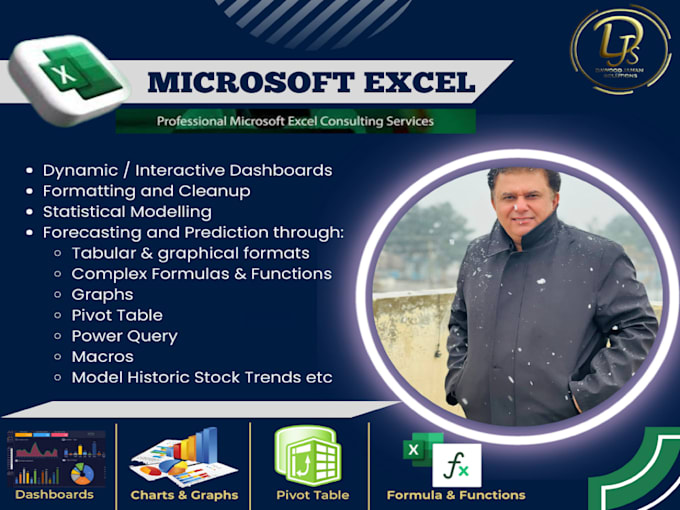
Consider a VBA developer Excel specialist for repetitive jobs. They write scripts to automate tasks. This means less manual work for you. Macros can process data faster than you can. They reduce human error significantly. This frees up your valuable time.
Automated reports are a common request.
Building Robust Forecasts with an Excel Financial Modeler
A dedicated Excel financial modeler creates detailed forecasts. They build complex financial models. This includes amortization schedules. They also create multi-axis charts for clarity. These models help predict future outcomes. They are essential for business planning.
Accurate forecasting drives strategic growth.
Read also: Stop Wasting Hours: Hire an Excel Expert in 2026
Streamlining Data with a Power Query Expert
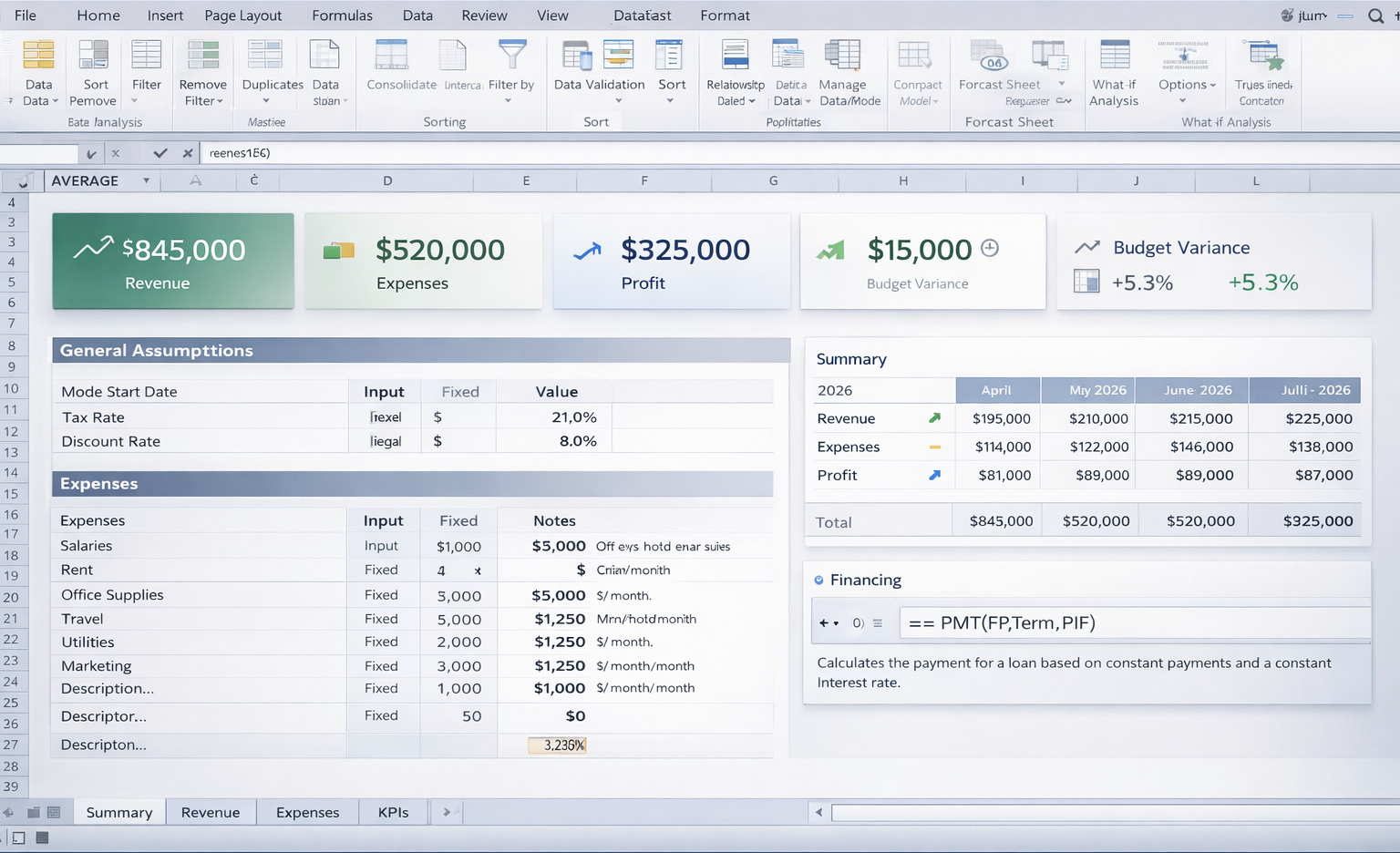
A Power Query expert cleans and transforms data. They connect to various data sources. This includes databases and APIs. They use ETL processes efficiently. This ensures your data is ready for analysis. It saves hours of manual data entry.
Clean data is the foundation of good analysis.
Visualizing Key Metrics with an Excel Dashboard Designer
An Excel dashboard designer makes data easy to understand. They use pivot tables and slicers. Advanced charting brings KPIs to life. Interactive dashboards show real-time performance. This helps you spot trends quickly. It aids in immediate action.
Visuals make complex data accessible.
Finding the Right Specialist to Hire Excel Expert
To hire Excel expert services, use platforms. Fiverr is good for fixed-price tasks. Upwork suits ongoing projects. Geeker.co offers quick troubleshooting. Freelancer.com also lists many specialists. Look for verified certifications. Check their past project reviews carefully.
Choosing the right platform matters.
Saving Hours Weekly with an Excel Automation Specialist
An Excel automation specialist finds efficiencies. They identify repetitive manual processes. Then, they build automated solutions. This can involve VBA or Power Automate. You can save many hours each week. This allows focus on strategic work.
Automation is key to modern efficiency.
Advanced Tips from a Microsoft Excel Guru
A Microsoft Excel guru knows advanced functions. They use `XLOOKUP` and `LAMBDA` effectively. Dynamic arrays simplify complex calculations. They can also integrate AI tools. ChatGPT for Excel can generate insights. This pushes your analysis further.
Mastering advanced functions unlocks potential.
The Future is Integrated and Automated
In 2026, Excel experts are more important than ever. The integration of AI, like ChatGPT for Excel, is transforming analysis. Professionals who can automate and visualize data are in high demand. They help businesses make smarter, faster decisions.
Verdict: Invest in Excel expertise. It pays for itself through efficiency and better insights. For immediate help, consider Geeker.co. For complex projects, explore Upwork’s Excel experts. experts.
Read also: Where to Hire VBA Developers in 2026 Without the Headache
Your 3-Step Action Plan to Excel Mastery
Step 1: Diagnose Your Pain Points
List your three most time-consuming spreadsheet tasks. This could be manual data entry, report generation, or formula errors.
Write down exactly what you want to automate or improve. This clarity will save you money when hiring an expert.
Step 2: Hire the Right Expert
Choose a platform based on your need: Fiverr for fixed-price tasks, Upwork for ongoing projects, or Geeker.co for quick fixes.
Always check for a Microsoft Office Specialist: Excel Expert certification. Ask for a sample of their VBA or Power Query work.
Step 3: Start Small and Scale
Begin with a single automation project, like a monthly sales report. Test the output thoroughly before expanding.
Request reusable templates and documentation. This ensures you can maintain the system without the expert.
Frequently Asked Questions
How much does an Excel expert cost in 2026?
Rates range from $29 to over $164 per hour, depending on complexity and experience. Fixed-price projects on Fiverr start around $50.
For ongoing consulting, Upwork offers flexibility, while Geeker.co charges per minute for on-demand troubleshooting.
What if my workbook is too slow?
An expert can optimize formulas by replacing volatile functions like INDIRECT with efficient alternatives like INDEX-MATCH.
They may also convert large datasets into Power Pivot models for lightning-fast calculations.
Can an expert integrate AI into my spreadsheets?
Yes, tools like ChatGPT for Excel can generate formulas, analyze data, and even write VBA code automatically.
Experts can set up these AI integrations to streamline your workflow and generate insights in seconds.
Hiring an Excel spreadsheet expert is not an expense; it is an investment in your productivity and sanity. With the right professional, you can reclaim hours every week and make data-driven decisions with confidence.
Start by identifying your biggest spreadsheet headache and book a consultation today. The future of your workflow is automated, interactive, and intelligent.
Imagine dashboards that update themselves and reports that write themselves. That future is here, and it is accessible to every business.
